OpenWorker: Andrew Ng’s Open-Source AI Coworker That Delivers Finished Work
It does not chat with you. It hands you the finished document.
OpenWorker: Andrew Ng’s Open-Source AI Coworker That Delivers Finished Work
It does not chat with you. It hands you the finished document.
👨🏾💻 GitHub ⭐️ | 🐦 Twitter | 📹 YouTube | 👔 LinkedIn | ☕️ Ko-fi
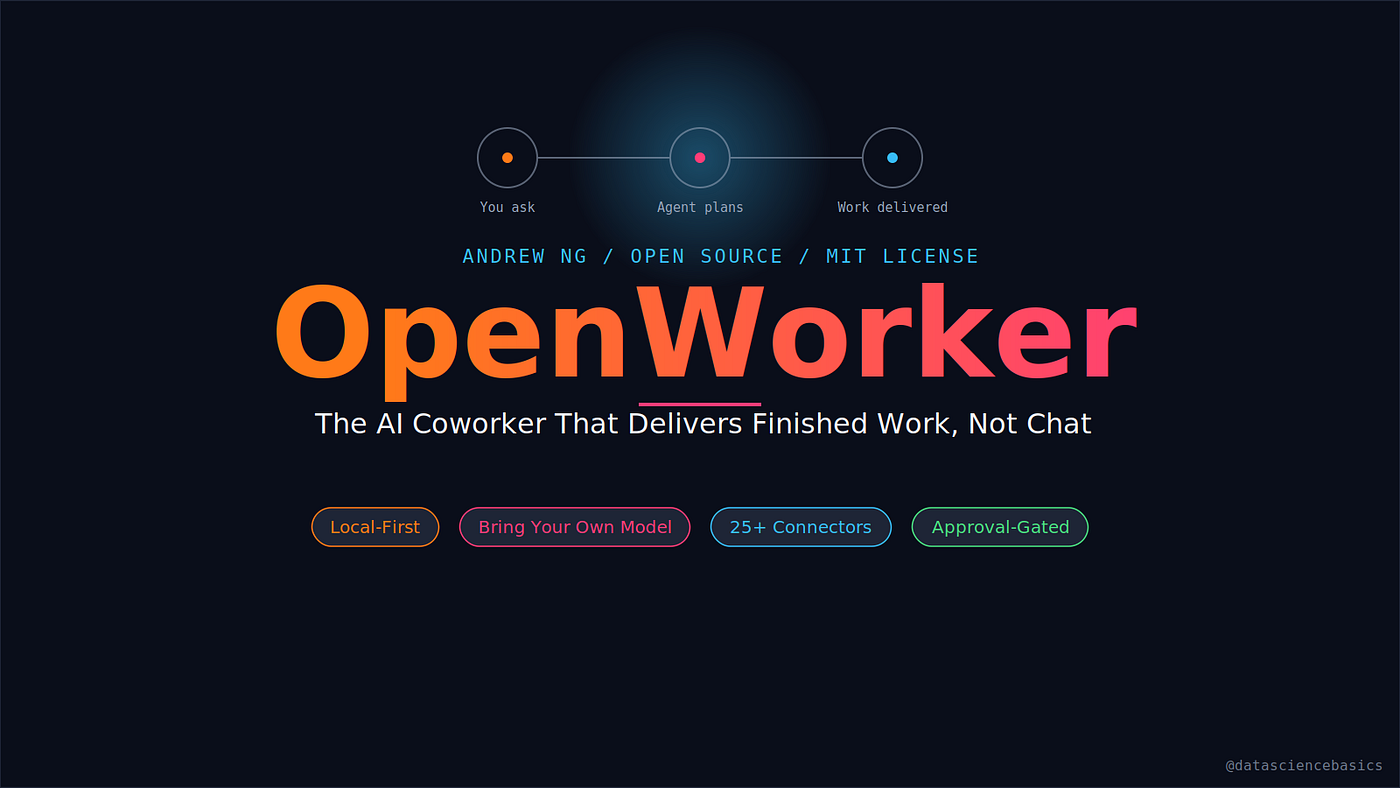
Most AI agents give you a to-do list. You still have to open the file, write the email, or click through the calendar yourself. Andrew Ng just open-sourced something that skips that last step entirely.
It is called OpenWorker, and instead of chatting back at you, it hands you the actual output: a filled spreadsheet, a Slack reply with the real numbers already in it, an updated calendar, a triaged inbox. Here is what it is, how it works, and why the design is worth paying attention to.
I Have Made This Post for All Readers. Not Under the Paid Wall.
I will keep posting content under the free plan, all I need is your support:
- Clap 50 times: each one helps more than you think! 👏
- Follow me here on Medium and subscribe for free to catch my latest posts. 🫶
What Is OpenWorker?
OpenWorker is an open-source, local-first desktop AI coworker built by Andrew Ng, released in July 2026 under an MIT license and currently in open beta. It runs as a native app on your machine (macOS and Windows), and instead of answering a prompt with text, it plans out the steps needed, works across your files, terminal, and connected apps, then hands back a finished deliverable.
You give it an outcome, not a prompt. Something like:
- “Prepare a customer brief”
- “Untangle my calendar”
- “Check where the release stands across Jira and GitHub”
It breaks that down into steps, uses the tools it has access to, checks in with you before anything risky, and returns the finished thing as a file you can open and share.
How It Works: Task In, Deliverable Out

Under the hood there are three layers:
- The desktop app — a Tauri 2 shell wrapping a React UI. This is the window you interact with, and it also supervises the local server underneath it.
- The local agent server — a Python server (FastAPI, running on 127.0.0.1:8765 by default) that plans the task, calls tools, and manages memory. It is built on aisuite, Ng’s own lightweight library for a unified chat-completions API across model providers.
- The connections — your local files and terminal, 25+ built-in connectors (GitHub, Slack, Jira, Notion, Linear, HubSpot, Outlook, monday.com, Gmail, Google Calendar), plus any MCP server you point it at.
Here is the flow animated:

You ask for an outcome, the agent plans the steps, every action gets checked against an approval gate, and you get the finished deliverable back, whether that is a document, a Slack reply, or an updated calendar entry.
The Part That Actually Matters: A Typed Risk Engine
This is the detail that separates OpenWorker from a lot of “let the agent do everything” demos. Every single tool call gets classified into one of four risk tiers before it runs:
- read — no side effects, always allowed
- write_local — changes something on your machine, scoped to a path
- exec — runs a command
- external — has an effect outside your machine (sending a message, posting somewhere)
On top of that sit five permission modes: discuss, plan, interactive (the default), auto, and custom. In interactive mode, anything consequential like sending a message, changing a calendar entry, or running a shell command pauses and asks you first. Run it unattended instead, and those same asks do not get skipped, they get parked in an inbox for you to answer whenever you check back in.
Bring Your Own Model
OpenWorker does not lock you into one provider. You paste in your own API key for OpenAI, Anthropic, Google Gemini, DeepSeek, Qwen, Mistral, Grok, and several others, or you skip the API key entirely and run it fully local through Ollama. A curated list marks which models have actually been verified to work reliably with the tool-calling loop, since not every model handles that well.
Privacy: Local-First by Design
Everything that matters stays on your machine: the agent loop, your conversation history, connector tokens, and your model keys, all sitting in the app’s local secret store. The only thing that touches the cloud is a small service that brokers the OAuth handshake for connectors, and you can skip that too by wiring up connectors with manually created credentials instead.
What It Can Actually Do
- Produce real files — documents, spreadsheets, reports, and web pages land on disk as something you can open and share, not just chat text.
- Work from Slack — mention
@OpenWorkerin a channel, a session spins up on your desktop, and the finished answer comes back as a thread reply. - Run on a schedule — set up a morning brief, a weekly report, or a standing watch over a channel, and it runs automatically with a full transcript saved.
- Use your terminal and local files directly — alongside the 25+ app connectors and any MCP server you add.
Trying It Yourself
OpenWorker ships signed, notarized, auto-updating builds for macOS on Apple Silicon. The Windows build works today but is not yet code-signed, so expect a SmartScreen warning during install. If you would rather build from source, the repo needs Python 3.10+, Node 20+, and the Rust toolchain for the desktop shell, then it is a one-time bootstrap script followed by starting the local server and the UI separately.
The project is genuinely large for a beta release: the backend alone runs to roughly 32,000 lines of Python across the agent engine, connectors, and automation framework, with a full test suite alongside it.
Sources
- OpenWorker GitHub Repository
- OpenWorker Official Site
- MarkTechPost: Andrew Ng Just Released OpenWorker
- Enterprise DNA: Andrew Ng Open-Sourced OpenWorker
- The AI Agent Index: OpenWorker Review
- Moclaw: What Is OpenWorker?
- Data Science in Your Pocket: Andrew Ng’s OpenWorker
- aisuite GitHub Repository
- Andrew Ng’s Announcement on X
- Model Context Protocol
👨🏾💻 GitHub ⭐️ | 🐦 Twitter | 📹 YouTube | 👔 LinkedIn | ☕️ Ko-fi
Thank you for your time in reading this post!
Make sure to leave your feedback and comments. See you in the next blog, stay tuned 📢
메타데이터
- post_id
- 84509e57330c
- slug
- openworker-andrew-ngs-open-source-ai-coworker-that-delivers-finished-work-84509e57330c
- url
- https://medium.com/@sudarshan-koirala/openworker-andrew-ngs-open-source-ai-coworker-that-delivers-finished-work-84509e57330c
- canonical_url
- https://medium.com/@sudarshan-koirala/openworker-andrew-ngs-open-source-ai-coworker-that-delivers-finished-work-84509e57330c
- author_url
- https://medium.com/@sudarshan-koirala
- status
- ok
- fetched_at
- 2026-08-09 22:03:48





