RAG (Retrieval Augmented Generation) — Python & .NET Implementation from Scratch and Benchmarks
I participated in this year’s Devnot Dotnet Conference and gave a presentation on whether it’s possible to develop AI applications without…
RAG (Retrieval Augmented Generation) — Python & .NET Implementation from Scratch and Benchmarks
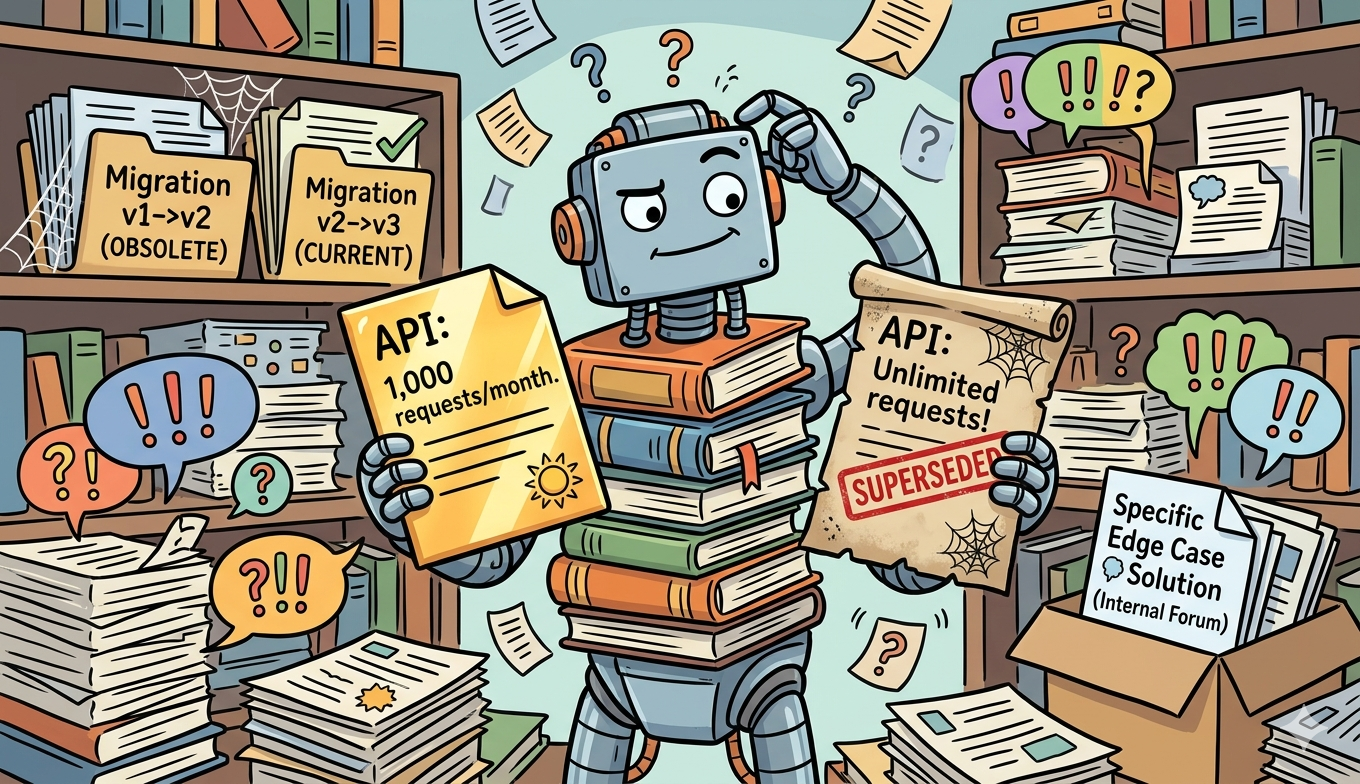
Generated by Gemini 3
I participated in this year’s Devnot Dotnet Conference and gave a presentation on whether it’s possible to develop AI applications without Python. In this article, I wanted to share the details of that presentation in writing.
Python is the first choice when developing AI applications. It is too normal because this language is really popular for studying machine learning and deep learning. There are a lot of libraries to manipulate data or perform complex mathematical calculations.
But now, developing an AI application is on a different level. We know different concepts such as RAG, MCP, agentic AI, etc. With these concepts, we can develop chatbots, agents that can solve a lot of problems. For example, someone who is working on customer solutions can get repeated demands from customers every day. By using RAG, you can embed related documents in a database and give answers to customers according to these embeddings. Or you can send paraphrased emails to the customers by using an agent. We could give many more examples like these. Now, not only Python but also other environments like .NET are releasing AI-focused libraries.
So, I wanted to write a blog series about this comparison. This isn’t actually a definitive comparison; my aim is to share my own experiences and demonstrate how we can develop AI applications using different platforms.
In this blog series, we will benchmark Python vs. .NET in developing AI-based applications. There will be two blogs, as I mentioned below.
- RAG (Retrieval Augmented Generation) — Python & .NET Implementation from Scratch and Benchmarks
- MCP (Model Context Protocol) — Python & .NET Implementation from Scratch and Benchmarks
Let’s start with the first one.
What is Retrieval Augmented Generation?
I’ve actually already discussed RAG in detail in this blog, comparing it to fine-tuning. To briefly define it, RAG is essentially a method where you split a specific document into chunks, embed them in a vector database, convert the user’s question into a vector value, and compare this value with the vector data in the database to arrive at the LLM.
In this project, I used a vector-based database by adding PostgreSQL’s pgvector extension. Here, each vector represents one dimension of a 1536-dimensional vector. This is because the model I’m using (text-embedding-3-small) represents each piece of text as a list of 1536 numbers. Each dimension captures an aspect of meaning; we don’t manually define what each dimension means; the model learns this during training. Think of it like coordinates in a very high-dimensional space where similar meanings are close to each other.
We used the following query to calculate the similarities:

Let’s examine the SQL code line by line:
“embedding <=> CAST(:query AS vector)” — this is the cosine distance between the stored vector and our query vector.
“1 — (distance)” — we reverse this to get similarity instead of distance, so a higher value = more similarity.
Think of it this way — we look at the angle between two vectors:
- Angle = 0° → they point in the same direction → exactly the same meaning
- Angle = 90° → right angle → irrelevant
- Angle = 180° → opposite directions → opposite meaning
Cosine distance is a function of this angle:
- Small angle → distance close to 0
- Angle large → distance close to 1
So distance actually tells us how different they are. We want to know how similar they are — so we set it to 1 — and reverse the scale:
- distance 0 → similarity 1.0 (same)
- distance 0.5 → similarity 0.5 (partially similar)
- distance 1 → similarity 0.0 (irrelevant)
“ORDER BY … LIMIT 3” — we only want the top 3 most relevant parts.
Now let’s look at how I wrote the application separately for Python and .NET.
Python vs. .NET Implementation
Before we begin, let’s place our document in a vector database. I used the same database and data in both applications.
I used data in the following structure. It contains a question, an answer, and a brief context description for each entry.
[embed]
I divided the data into chunks using the following pattern when uploading the document.
[embed]
The output will look like this:
[embed]
Ultimately, the database will contain a vector of size 1536 for each chunk, as follows:
[0.015925936,0.0466492,0.011871302,0.009504356,…]
I completed these embedding steps once and created the vector database; I didn’t apply a separate step in .NET for this.
Step 1: Embedding the Query
Now that our vector database is ready, let’s look at what happens when a user asks a question.
In this demo project, to get embedding, you directly call the Azure OpenAI client — meaning your code is tightly coupled to Azure. If you want to change providers, you need to manually modify the get_embedding function.
[embed]
In .NET, the Semantic Kernel’s ITextEmbeddingGenerationService interface intervenes. You only register Azure OpenAI once in Program.cs; the rest of the code doesn’t know about it.
[embed]
And this is how it’s called in DbService — regardless of which provider is registered, this code never changes:
[embed]
You may want to use two providers at the same time — for A/B testing, fallback (switching to Ollama if Azure goes down), or cost optimization. In .NET, you simply change the registry line in Program.cs; you don't need to touch RagService or DbService at all:
[embed]
For multiple providers simultaneously, Keyed Services handle it with two registrations — no factory class needed:
[embed]
In Python, you need to go into db_service.py and directly replace the client call — the framework doesn't provide an abstraction layer for this:
[embed]
If you want to support multiple providers simultaneously, you need to build this infrastructure yourself using abstractions like the Factory Pattern. In other words, you end up writing what .NET’s ITextEmbeddingGenerationService already provides out of the box.
In Python, what you write from scratch — abstract classes, factories, selection logic — is handled here by a DI container and an attribute.
Step 2: Retrieval (Searching Similar Chunks)
In this section, I’m using the same database and the same query I shared above for both implementations — this is the same pgvector database used in the demo project.
Here, it takes the vector of the user’s query, finds the top_k most similar chunks in pgvector, and returns them along with the similarity score.
Since SQLAlchemy’s core doesn’t include a native Vector type, we convert the embedding to a string and pass it to SQL using CAST(:query_embedding AS vector) — PostgreSQL handles the conversion on its side. We also tested the pgvector-python extension to skip the cast entirely, but the results were similar — .NET was still faster. This suggests the performance gap comes from connection management rather than the cast operation itself.
[embed]
Unlike Python, we first configure the connection with NpgsqlDataSourceBuilder — this is the .NET equivalent of SQLAlchemy's engine. The critical step here is dataSourceBuilder.UseVector() — you cannot use the Vector type without explicitly registering pgvector support. After that, we pass the embedding directly as a new Vector(embedding) parameter — no string conversion, no SQL casting.
[embed]
Step 3: Calling the LLM
In the beginning, the prompt structure is exactly the same in both implementations — we provide the 3 most similar chunks from RAG as context, then add the user’s question. Regardless of the language, the message sent to the LLM is the same.
Below you can see example uses for Python and .NET, respectively.
[embed]
[embed]
As you can see, implementing RAG in .NET isn’t as difficult as it seems. The basic logic is the same — the same SQL query, the same model, the same prompt structure. The differences are mostly at the ecosystem level. One practical advantage worth mentioning: in .NET, type safety is built into the language itself. The compiler catches type errors before the application even runs. In Python, similar checks are possible with tools like Pylance or mypy, but they are optional — the language doesn’t enforce them by default. For larger codebases, this difference becomes more significant.
Benchmark Results
To measure the performance difference, I ran 20 queries against a 100-chunk project management dataset covering topics like Scrum, Kanban, CI/CD, and technical debt — using the same PostgreSQL + pgvector instance for both implementations. LLM latency was excluded from the comparison as it depends on Azure OpenAI network conditions rather than the language or framework.

Benchmarks
Embedding — Why is .NET faster?
In our benchmark, .NET was 2.6× faster in the embedding step. To validate this, we switched the Python side from string casting to native Vector support using pgvector-python — the embedding gap remained unchanged. This confirms that the difference comes from connection management, not the cast operation. openai-python uses httpx under the hood with connection pooling, while Semantic Kernel leverages .NET’s HttpClientFactory infrastructure — a more aggressively optimized connection management layer. AddAzureOpenAITextEmbeddingGeneration() brings both API abstraction and this connection optimization out of the box. That said, this is a small benchmark — 20 questions, single machine, single network. Python’s embedding times varied between 278ms and 3700ms within the same session, which clearly reflects network variability. These results are directional, not definitive.
Retrieval — Why is .NET faster?
Two technical reasons. First, async-first architecture: .NET’s built-in libraries — Npgsql, HttpClient, ASP.NET Core — treat async as the default. ExecuteReaderAsync(), SendAsync(), ReadAsStringAsync() are the standard choices; writing synchronous code actually requires extra effort. In Python, it’s the opposite — psycopg2, requests, and SQLAlchemy’s core are synchronous by default. Async support came later or requires separate packages like asyncpg or aiohttp. Both languages share the same async/await keywords, but the ecosystems are built around different defaults. Second, we confirmed that binary transfer is not the deciding factor — after switching to pgvector-python and removing the cast, retrieval times barely changed (15ms vs 7ms gap remained). The async architecture is what drives the difference.
One final note: these tests were run locally. If this application were deployed to Azure Container Apps or a similar cloud environment, network conditions, resource allocation, and runtime behavior could produce different results. The numbers here reflect a local development setup.
In the next article, we will cover MCP (Model Context Protocol). We will implement it for both platforms, discuss the architectural differences. Happy reading :)
메타데이터
- post_id
- 84d8959631f7
- slug
- rag-retrieval-augmented-generation-python-net-implementation-from-scratch-and-benchmarks-84d8959631f7
- url
- https://medium.com/sabancidx/rag-retrieval-augmented-generation-python-net-implementation-from-scratch-and-benchmarks-84d8959631f7
- canonical_url
- https://medium.com/sabancidx/rag-retrieval-augmented-generation-python-net-implementation-from-scratch-and-benchmarks-84d8959631f7
- author_url
- https://medium.com/@ezgigokdemir
- status
- ok
- fetched_at
- 2026-06-09 15:37:30