Automation Assist, Part 3: Test Data Generation
Automation is a great way to generate test data scenarios that can be used across the entire team.
Automation Assist, Part 3: Test Data Generation
Automation is a great way to generate test data scenarios that can be used across the entire team.
Non-Medium Members: You can read this article for free on AgileWay Substack Newsletter.
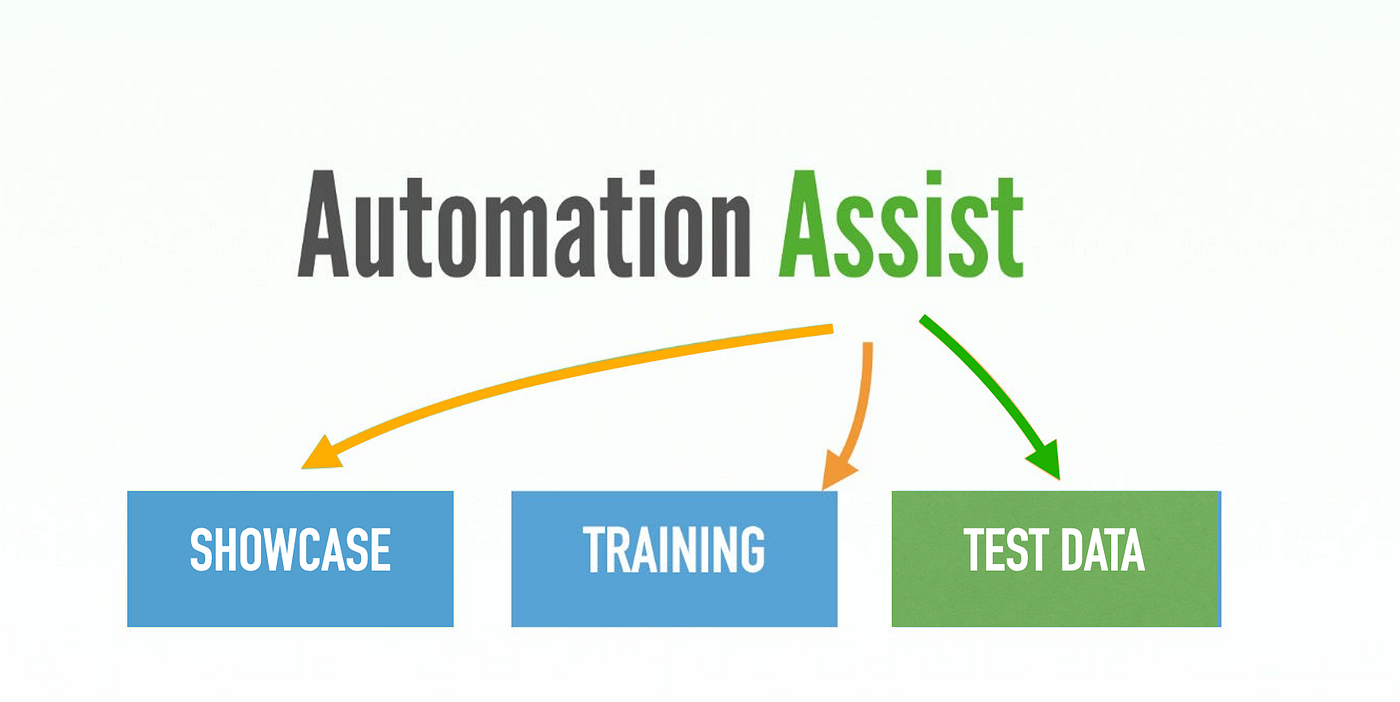
The benefits of UI Test Automation extend beyond verification. In this article series, I will show you how to use automated test scripts to assist:
In software development, coding often receives the spotlight. However, one critical element is frequently underestimated: test data.
In a typical enterprise software team, developers, testers, and business analysts frequently refer to Wiki or Confluence pages for basic test data, such as user accounts. I call this “simple test data” because it is mostly static and reusable.
If you observe closely, you will find that a significant percentage of team time is spent searching for or creating test data scenarios. To simplify the discussion, let’s use an insurance claim system as an example.
Examples of test data requests may include:
- Find a customer who is 21 years old and currently holds a learner licence.
- A newly submitted home contents insurance theft claim for $100K.
The first example is a query-type test data scenario, which is relatively easy to handle. A database query or search tool can usually locate such records quickly.
The real challenge lies in the second scenario because it is dynamic. Typically, team members must manually navigate through the application, spending anywhere from several minutes to even an hour creating a single scenario.
Please note that many such scenarios are required repeatedly across almost all team members.
Common Problems Teams Face with Test Data
Many teams still create test data manually. This approach creates several problems.
1. Time Consumption
Creating complex test scenarios manually can be very time-consuming.
2. Inconsistent Testing
When every tester creates data differently, results become inconsistent.
One tester may create:
- Valid customer data
Another may accidentally create:
- Incomplete or duplicated records
This inconsistency causes flaky automated tests and unreliable defect reproduction.
3. Test Data State Changes
Often, teams post carefully created test data records on a Wiki page. They may work for a while, but the data state can change over time. For example, a “new claim” record might be used and processed by one tester, making the test data no longer valid.
4. Limited Coverage
Manual test data preparation naturally limits test coverage.
Because creating scenarios takes significant time and effort, teams usually focus only on a small number of common cases, while many important scenarios are skipped.
Automation Scripts Can Generate Test Data Efficiently
A much better approach is to use automation scripts to create test data dynamically.
1. Reusable Across the Whole Team
Once scripts are written, everyone can use them:
- developers
- testers
- business analysts
- support engineers
Instead of repeatedly explaining setup steps, the team can simply run a script.
2. Faster Testing Cycles
Automation dramatically reduces preparation time.
Tasks that previously took 30 minutes manually can often be completed in under 5 minutes through automation.
3. Highly Efficient — Almost No Idle Waiting Time
This speed improvement is especially valuable in CI/CD pipelines.
For example, you can create a build project named “BA Test Data” that runs a set of automation scripts to generate different test scenarios on the BuildWise CT server. Whenever a business analyst needs test data, they simply click the “Build” button in BuildWise’s web interface and continue working on other tasks. About half an hour later, they can return to BuildWise and retrieve a list of newly created data records.
With this approach, there is almost no idle waiting time. Furthermore, because generating test data becomes so easy and convenient, team members are less likely to interfere with each other’s data. They can create their own fresh test data whenever needed.
Leverage E2E UI Test Scripts to create automation scripts quickly
Some people might think, “Yes, this sounds great. But who creates and maintains these automation scripts?”
In real Agile projects, teams should already have a comprehensive automated end-to-end regression test suite. Because these tests simulate real user behaviour, it is often quite easy to convert them into test data generation scripts — in many cases, it simply means removing the assertions.
If your automation framework is well designed and follows maintainable test design practices, such as the Page Object Model (POM), much of the maintenance effort is already covered as part of maintaining the automated end-to-end regression suite itself.
메타데이터
- post_id
- 851c3fe80ddd
- slug
- automation-assist-part-3-test-data-generation-851c3fe80ddd
- url
- https://medium.com/@courtneyzhan/automation-assist-part-3-test-data-generation-851c3fe80ddd
- canonical_url
- https://medium.com/@courtneyzhan/automation-assist-part-3-test-data-generation-851c3fe80ddd
- author_url
- https://medium.com/@courtneyzhan
- status
- ok
- fetched_at
- 2026-07-18 07:05:27

