SFMC Data Extension Search:
SFMC Data Extension Search — A Practical Workaround
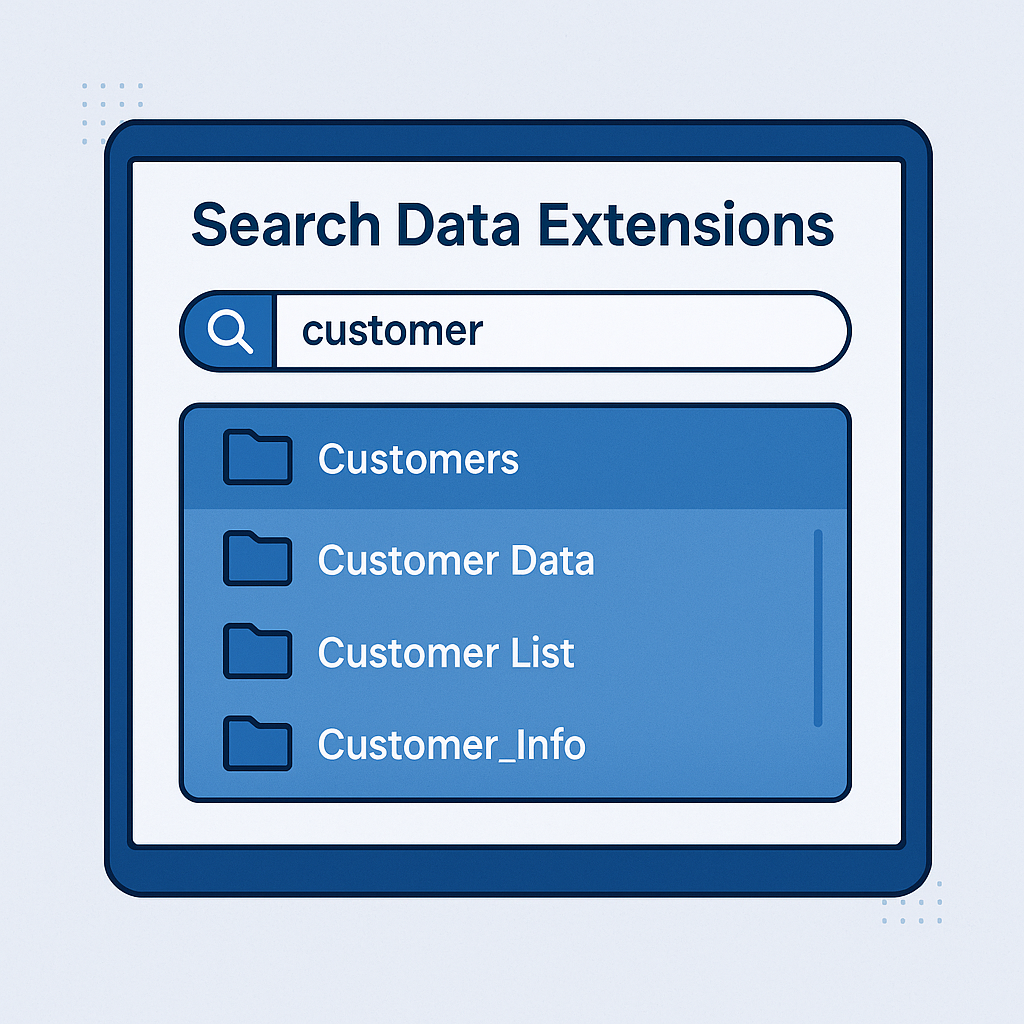
Image Source: Generated by ChatGPT (OpenAI)
SFMC Data Extension Search:
SFMC Data Extension Search — A Practical Workaround
As an active Salesforce Marketing Cloud (#SFMC) user, I’ve come across several usability limitations within the platform — one common challenge being the ability to search for Data Extensions (DEs) across folders.
Problem / Limitation
In SFMC, the built-in search functionality for Data Extensions is limited:
- It only returns results from the folder you’re currently in.
- If your DE is located in a subfolder or nested folder, it will not appear in global search results.
- This makes it time-consuming to locate DEs across complex folder structures.
Workaround Solution
Since SFMC does not provide an out-of-the-box solution for global DE search, we can create a CloudPage tool that allows you to search for Data Extensions by name — regardless of folder location.
Using server-side JavaScript (SSJS), you can dynamically:
Search for all DEs that match a given string in their name (e.g., “test”) Display key metadata including:
- Name
- Created Date
- Modified Date
- Folder Hierarchy
This provides a lightweight and flexible alternative for internal users who need to navigate large DE repositories quickly.
Example Use Case
Search term: “test” Returns all DEs with “test” in the name, along with metadata.
Code Snippite
<!DOCTYPE html>
<html lang="en">

<head>
    <meta charset="UTF-8">
    <meta name="viewport" content="width=device-width, initial-scale=1.0">
    <title>Find Data Extension Folder Path</title>
    <style>
        body {
            font-family: 'MarkPro-Bold', sans-serif;
            max-width: 600px;
            margin: 0 auto;
            padding: 20px;
            background-color: #f9f9f9;

        }

        h1 {
            color: #333;
            font-family: 'MarkPro-Bold';
        }

        form {
            margin-bottom: 20px;
            /* background-color: #2AC4F3;
            background: linear-gradient(to bottom right, #2AC4F3, #1A49BA, #254AB3, #0C2277, #00013A);*/
        }

        input[type="text"] {
            width: calc(100% - 22px);
            padding: 10px;
            border: 1px solid #ccc;
            border-radius: 5px;
            box-sizing: border-box;
            margin-bottom: 10px;
        }

        button {
            padding: 10px 20px;
            background-color: #007BFF;
            color: white;
            border: none;
            border-radius: 5px;
            cursor: pointer;
        }

        button:hover {
            background-color: #0056b3;
        }

        #output {
            background-color: #ffffff;
            padding: 15px;
            border-radius: 5px;
            box-shadow: 0 2px 5px rgba(0, 0, 0, 0.1);
            /*background: linear-gradient(to bottom right, #2AC4F3, #1A49BA, #254AB3, #0C2277, #00013A);*/
        }
    </style>
</head>

<body>

    <h1>Data Extention Finder</h1>
    <form id="deSearchForm" method="post">
        <input type="text" id="dataExtensionName" name="dataExtensionName" placeholder="Enter Data Extension Name"
            required>
        <button type="submit">Locate Folder Path</button>
    </form>
    <div id="output">
        <script runat="server">

            Platform.Load("Core", "1.1.5");

            // get text input
            var dataExtensionName = Request.GetFormField("dataExtensionName");
            var outputMessage = "";

            if (dataExtensionName) {
                try {
                    // Using LIKE operator for partial match
                    var deRecords = DataExtension.Retrieve({
                        Property: "Name",
                        SimpleOperator: "LIKE",
                        Value: "%" + dataExtensionName + "%"
                    });

                    if (deRecords.length > 0) {
                        for (var j = 0; j < deRecords.length; j++) {
                            var currentFolderID = deRecords[j].CategoryID;
                            var folderHierarchy = [deRecords[j].Name];

                            // Build the folder path
                            while (currentFolderID > 0) {
                                var parentFolder = Folder.Retrieve({
                                    Property: "ID",
                                    SimpleOperator: "equals",
                                    Value: currentFolderID
                                });

                                if (parentFolder.length > 0) {
                                    folderHierarchy.unshift(parentFolder[0].Name);
                                    currentFolderID = parentFolder[0].ParentFolder.ID;
                                } else {
                                    currentFolderID = 0;
                                }
                            }

                            // Get additional metadata
                            var createdDate = deRecords[j].CreatedDate;
                            var modifiedDate = deRecords[j].ModifiedDate;

                            // Fetch the row count
                            //var dataExtension = DataExtension.Init(deRecords[j].Name);
                            //var rows = dataExtension.Rows.Retrieve();
                            //var sql = "SELECT COUNT(*) AS RowCount FROM [" + deRecords[j].Name + "]";
                            //var queryResult = Platform.Function.Lookup("RowCount", sql);
                            var totalCount = 0;
                            //if (queryResult && queryResult.length > 0) {
                            //var totalCount = queryResult[0].RowCount; // Return the row count
                            //}

                            outputMessage += "<strong>Name:</strong> " + deRecords[j].Name + "<br>" +
                                "<strong>Created Date:</strong> " + createdDate + "<br>" +
                                "<strong>Last Modified Date:</strong> " + modifiedDate + "<br>" +
                                "<strong>Total Records:</strong> " + totalCount + "<br>" +
                                "<strong>Folder Path:</strong> " + folderHierarchy.join(" > ") + "<br><br>";
                        }
                    } else {
                        outputMessage = "No matching Data Extensions found.";
                    }
                } catch (error) {
                    outputMessage = "Error encountered: " + error.message;
                }

                Write(outputMessage);
            }
        </script>
    </div>
</body>

</html>
Consideration:
- The script must be hosted on a Salesforce Marketing Cloud (SFMC) CloudPage to function properly.
- It currently displays a label for total number of rows, but does not fetch the actual row count.
- The default value shown is 0, as row count retrieval is not implemented in the current version.
메타데이터
- post_id
- 8549c7b10ee6
- slug
- sfmc-data-extension-search-8549c7b10ee6
- url
- https://medium.com/@shaikhshahabaj987/sfmc-data-extension-search-8549c7b10ee6
- canonical_url
- https://medium.com/@shaikhshahabaj987/sfmc-data-extension-search-8549c7b10ee6
- author_url
- https://medium.com/@shaikhshahabaj987
- status
- ok
- fetched_at
- 2026-08-09 23:44:43




