How To Present and Create Presentations That Are Professional and Stand Out
How To Present and Create Presentations That Are Professional and Stand Out
I’ve experienced firsthand how a bad presentation can be detrimental when it comes to pitching a good idea. If the presentation is flawed, then it screws up the rest of the proposal. Here’s a review of the dead list and do list for presenting and creating professional presentations that make you and your idea stand out.
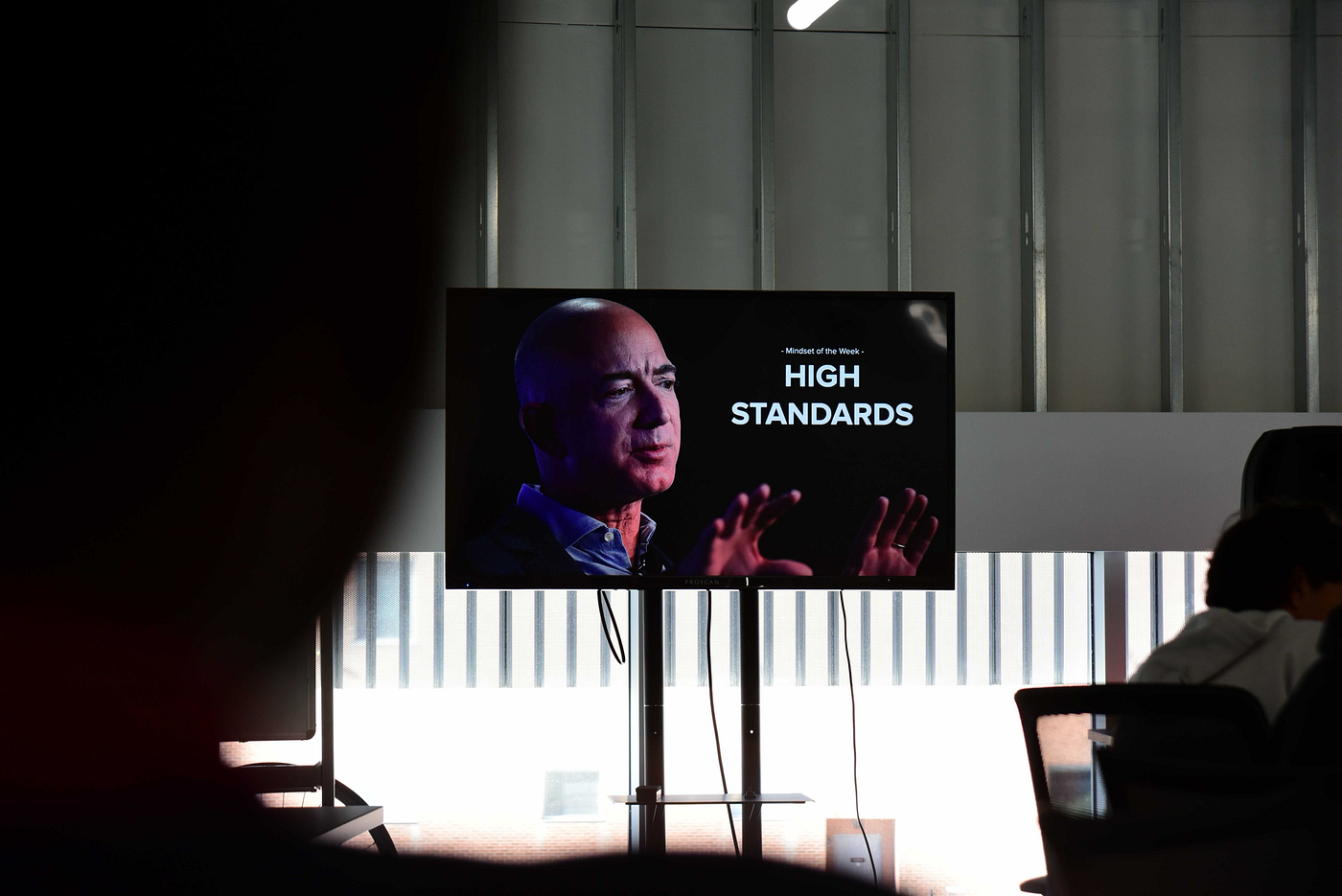
Image Credit: Ben Reamico
The Dead List
No More Than 1 Person in a 3–4mins Presentation: It’s distracting to the audience who’s there to focus on what the presentation is about and why it’s important.
Standardized Templates: Everyone uses standardized or pre-made templates. Do something different to stand out and make an impact with your slides.
Conclusions: Conclusions sum up what you discussed blandly, and they ruin all the good build-up beforehand. Use that last slide or statement to finish with a bang and leave an impact.
Text: Text is heavy on presentations and makes the slides seem clustered. They can be distracting to the audience and they take away from you (the show) and what important things you have to say.
Queue Cards/Notes: You need to be confident in yourself to speak about your topic. If you need queue cards and scripts, then they will be distracting and it can hint at your lack of ability or knowledge on your subject.
Clip Art/Stock Photos: Clip art looks unprofessional and doesn’t visualize any real-world stories or issues. Stock photos may seem like a better option, but in reality do no better either. They are broad and don’t communicate anything specific. The goal is to make an impact with your photos.
Bullet Points: It adds more distractions. There should be minimal amounts of words, highlighting only important things. You can speak about the rest.
Featured Resources Slide: You can keep a record of the resources you used, but it’s not necessary to feature it afterwards. It takes away from the big, impactful ending with a big list of links.
I Statements: Even if you’re the only one presenting, you most likely worked on this project in a team, (unless you didn’t), and your statements should reflect that by using the term we when talking about beliefs, statements, or opinions.
Black and White: Black and white background and text with some images is bland, boring, and not engaging enough for your audience. Avoid the minimalistic black-and-white vibe and use images to tell a story (because using images properly can still be minimal and not crowding as well).
Talking Quietly: This is presenting 101. Speak loudly and clearly, and make your presence known to your audience. Speaking in a confident tone makes your audience more engaged and willing to listen.
Looking Away From Audience/Looking At Slides: Also presenting 101, don’t read off your slides (you shouldn’t be if you didn’t put text) or look down or to the side because you don’t engage with the audience and you’re not making them want to listen to you. Making eye contact with everyone in the room is key to making them feel interested and wanting to hear more.
Generic Titles: Generic titles don’t help you get your ideas across. Remember, your slides are there to aid you and make things clear and impactful for your audience, and your titles (if you have any on slides) need to have an intention and convey your big points. Your beginning slide (title slide) applies to this a lot. Make sure that from that first slide, your audience can get a good idea of what you will be discussing specifically, not the general topic.
Table Of Contents: When it comes to big presentations with many different topics and slides, then having a ToC is useful. But in short presentations focusing on one main idea, a ToC takes away from it and adds no value. In a short presentation, you should only be discussing one thing, leaving no reason for a ToC slide in the first place.
Slides To Introduce Slides: Slides that “move on” to the next topic are just clutter and a waste of time. Instead of going through the whole theatric of introducing a new slide or topic, just save time and keep the engagement by getting straight into it.
Filler Words: Back to presenting 101. We all tend to do this at one point, and you might not even know it. We tend to use words like umm, like, basically, ok, so, (the filler words), when we are at a point where we need a moment to think or lose our train of thought. Be mindful of this when presenting and try to eliminate your usage of these words. It can make you seem unsure of what you’re talking about and the audience won’t listen. When this happens, take a pause, and you can recollect your thoughts and get to the point.
Talking Fast: People tend to talk fast when nervous, or because they feel pressure time-wise and want to get as much out as possible for their audience. But talking fast makes you seem unorganized or in a hurry to finish because you’re nervous. Your audience will also have a hard time following what you say, and all the important information you’re also giving them. Be sure to speak slowly and clearly, and take pauses. Pauses can help emphasize what you’re saying, give your audience some time to soak in information to prevent an information overload, and also give you a moment to collect your thoughts and keep track of what you need to say next.
Going Deep With Allotted Time: Focus on what you need to say and get to the point. Don’t go too deep into information, just like how you shouldn’t get too technical. When you have a short amount of time, you need to get to the important things so your audience can get the full picture of your idea quickly and at an engaging pace.
The Do List
Incorporate Storytelling/Hook: We’ve all heard of the hook, the thing that grabs people’s attention for presentations and makes them interested in where this will go. One mistake is that people make their hooks too long, or their story has nothing to do with the problem they are talking about. Make sure your hook is relevant and quick, and then it will work in your favour.
Get To The Point: This is relevant to the hook, or any part of your presentation that leads up to the why. Don’t take too long to get to your point, because the majority of your presentation should tell the audience the point of what you're presenting.
Finish With A Bang: This relates to no conclusions. There isn’t any need to sum up what you talked about, but instead, leave the audience with something thought-provoking and memorable. That’s how you get your point across.
Energy: If you’re not enthusiastic about your presentation, why should the audience be? If you don’t look like you care, why should the audience care? Share the energy and enthusiasm you have with your audience. Don’t go overboard, but the right amount of excitement brightens up the audience and keeps them engaged and interested.
Know Your Audience: You will be presenting to different groups of people at different times, depending on your topic or proposal. One thing to keep in mind is how technical you get. If you use terms that your audience is most likely unfamiliar with, define them. Make sure your audience knows what you’re talking about so they can stay engaged and keep listening. Make sure to also identify when to put a pin in getting too technical. Get your point across as simple as possible.
Look At Everyone: Make sure to make eye contact with everyone in your audience. Some people say it’s easier to focus on one person, but that doesn't look good on you. Make sure to direct your attention around the room and invite the entire audience in to listen to you.
Slides Complement You: Your slides should do everything you can’t do. You can’t talk about an image for everyone to visualize it, let your presentation be in charge of minimal visuals and images. But you can talk about what your problem is and why it impacts billions, so don’t make your slide feature the same information as well. Slides are meant to keep the presentation engaging and add meaning to important pieces of information. Everything else, you can talk about.
Use Slides: Divide your topics into their own slides. When different pieces of info or ideas share slides, it’s easy for people to get distracted and struggle with where they should focus their attention. If these topics add relevance and meaning to your presentation, then they are worthy of their own slide, with their own specific title (make sure the slide helps communicate what you are covering next). If they aren’t intentional, don’t introduce it at all.
Be Intentional: Make sure that everything both in your presentation and your verbal content is intentional and relevant. Less is more, and this could not be more true. Get to the point quickly, don’t overcomplicate or overload information, and make sure that everything you say doesn’t waste anyone’s time. Everything should build your presentation, not add more to it.
Take Pauses: Pauses may seem like a waste of time because you aren’t talking about anything. But when you don’t take pauses, it can be harmful to yourself and the audience when in a presentation. The audience will get an information overload and not have time to digest what you said. You will also tire yourself out and lose your train of thought which can lead to some of the stuff on the dead list (like filler words or talking extra fast). Taking a pause allows you to compose and remember what you need to say, helps you stay in control of nerves, makes the important points stand out to an audience, and gives them a chance to think about what you said and understand it.
Presentation Structure
Here is the ideal structure for presentations:
- Hook/Intro: This is where your storytelling begins, and this is where you get your audience engaged. Don’t take too long here. This should be quick and captivating. Be sure to introduce your team as well as yourself before you move on to the next part.
- Problem: Get to the point. What is the problem, and why is it relevant? Make sure your problem stands out and everyone knows what you're tackling in your presentation. Be direct and simple, don’t create too much of a story here. If they don’t know the problem, they will be confused and keep asking themselves “What’s the point?” make sure you answer that question for them.
- Issues With Current Method: Why is this a problem? What’s wrong with the way things are done now? Explain to your audience why we need to address this problem. Again, get to the point as quickly as possible.
- Solution: This is the point, this is why you are presenting this issue to us. What is your solution? Make this clear and engaging, because this is where you showcase your brilliant idea.
- How Does It Work: Is this applicable in the real world? How will this solve the problem? Explain to your audience how we can make an impact with your solution. Make sure everything here is relevant to what you just talked about. Don’t bring up anything new in this part. If you are doing a long presentation, then you can introduce a new topic in the next slide.
- What’s Next: What will this solution do for humanity? How would you go about using it? Where do we begin? Answer these big, real-world application questions in this part. End your presentation with a bang. This last part is your ‘conclusion’, so make it memorable.
Takeaways
I learned all of this in a 3-hour TKS session, and it was only our third session. I had to experience having a bad presentation to know how to make it better. Now, I’ll never make these mistakes again. Avoid the pitfalls of the dead list and utilize the tools in the do list to make your presentations the best they can be!
메타데이터
- post_id
- 855581b56ae2
- slug
- how-to-present-and-create-presentations-that-are-professional-and-stand-out-855581b56ae2
- url
- https://medium.com/@IsavellaT/how-to-present-and-create-presentations-that-are-professional-and-stand-out-855581b56ae2
- canonical_url
- https://medium.com/@IsavellaT/how-to-present-and-create-presentations-that-are-professional-and-stand-out-855581b56ae2
- author_url
- https://medium.com/@IsavellaT
- status
- ok
- fetched_at
- 2026-07-22 18:57:33