Opal vs Detach: I Tested Both for 30 Days. Here’s Which One Won.
One costs $99.99 a year. The other is completely free. The winner might surprise you.

Opal vs Detach: I Tested Both for 30 Days. Here’s Which One Won.
One costs $99.99 a year. The other is completely free. The winner might surprise you.
When Opal first landed on my phone, it felt like the answer to everything.
The interface was beautiful. The analytics were detailed. The focus sessions felt intentional. For the first three days, I genuinely believed I had finally found the app blocker that would fix my screen time problem for good.
Then I found the exit.
What Opal Actually Is
Opal is one of the most downloaded screen time apps on iPhone right now. It lets you schedule focus sessions, block selected apps, and track your usage with detailed analytics across iPhone, iPad, and Mac.
The full version costs $99.99 per year or $8.29 per month, with a limited free tier that locks most useful features behind the paywall.
For that price, you get a genuinely polished product. The UI feels premium. The session design is smart. And for mild overuse — the kind where you just need a gentle reminder — Opal works well.
But there is one problem that no amount of polish can fix.
The Bypass Problem
Unless you are using Deep Focus — a feature only available on the paid plan — it is entirely possible to stop a session early, open the app, cancel the timer, or disable Opal inside iPhone’s Screen Time settings, giving you full access to everything again, even while a session is running.
There it is.
The app that costs $99.99 per year can be bypassed by going to your phone's settings. If you are the kind of person who has already failed with Apple’s Screen Time limits — which is most people reading this — you will find that exit within a week. Probably less.
I found mine on day four.
What Detach Does Differently
Detach is not as visually polished as Opal. It does not have a streak counter, detailed analytics, or cross-device Mac syncing.
What it has is a block that actually holds.
Detach blocks apps at the system level — the same layer Apple uses for parental controls — which means there is no settings menu to sneak through. No session to cancel. No back door. When an app is blocked on Detach, it is blocked.
It is completely free. No account required. No email address. No subscription.
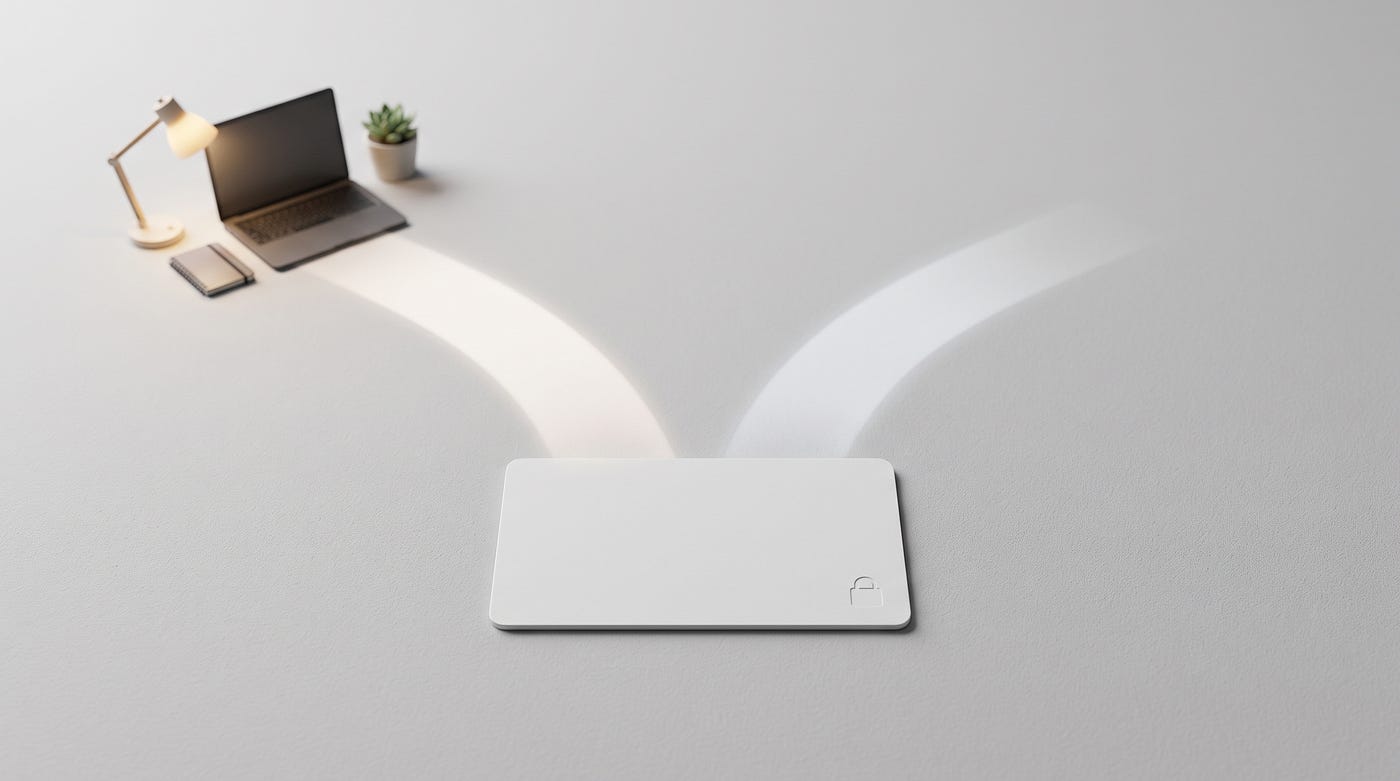
And here is the part that directly competes with Opal’s biggest selling point — the premium experience: Detach comes with a physical NFC card for $9.99. You tap your phone to the card, and your selected apps lock instantly. To unblock them, you walk back to wherever you left the card and tap again. That 30-second walk is the most effective single habit interrupt I have used across every blocker I have tested.
So your total cost with Detach: $0 for the app. $9.99 for the physical card if you want it.
Versus Opal: $99.99 per year — with a bypass route built in.
When Opal Is Still the Better Choice
This is not a takedown of Opal. It is a genuinely good product and there are specific situations where it makes sense.
If you work across iPhone and Mac and need synced blocking across both devices during the same session, Opal is currently the only option that handles that cleanly. If you are someone who responds well to data and wants to see exactly how your habits shift week over week, Opal’s analytics are among the best in the category.
Some users say Opal permanently changed their relationship with their phone within just a few days of using it. For those people, the $99.99 is worth it.
But those people tend to have mild to moderate overuse. For anyone who has already bypassed Screen Time limits on autopilot, the bypass problem is not a minor footnote — it is the whole ballgame.
The Honest Conclusion
Opal is the better app for people who want features, analytics, and a polished daily experience — and who do not have a serious bypass habit. Detach is the better app for people who want a block that actually holds, costs nothing, and does not require trusting their future self to stay disciplined inside a settings menu.
If you have never tried an app blocker before, start with Detach. It is free, it takes five minutes to set up, and the system-level blocking means you are not one tired evening away from undoing everything you set up. If two weeks of Detach are still not enough and you want richer features, then Opal will be there.
But start with the one that does not charge you $99.99 to find out if it works. Detach is Free. No account. No excuses.
I write about digital habits and tools that actually work. Follow me on Medium for honest, no-fluff takes every week.
This story is Published in **The Ink Home**.
A sanctuary for reflections on (Life), (Tech), (Writing), (Productivity), and (Mental Health). ✍️ We are welcoming new voices. Whether you are a beginner or a pro, **Join our Community to share your story. Let’s build a better internet, one story at a time. **=> Website | Linkedin | Facebook | Insta |
메타데이터
- post_id
- 8567111f52e1
- slug
- opal-vs-detach-i-tested-both-for-30-days-heres-which-one-won-8567111f52e1
- url
- https://medium.com/the-ink-home/opal-vs-detach-i-tested-both-for-30-days-heres-which-one-won-8567111f52e1
- canonical_url
- https://medium.com/the-ink-home/opal-vs-detach-i-tested-both-for-30-days-heres-which-one-won-8567111f52e1
- author_url
- https://medium.com/@ericofficial
- status
- ok
- fetched_at
- 2026-06-18 00:10:23