Node Resolution: 9 Path Tricks That Break Deploys
The small module-resolution shortcuts that work on your laptop, pass CI, and still explode the moment your Node deploy goes live.
Node Resolution: 9 Path Tricks That Break Deploys
The small module-resolution shortcuts that work on your laptop, pass CI, and still explode the moment your Node deploy goes live.
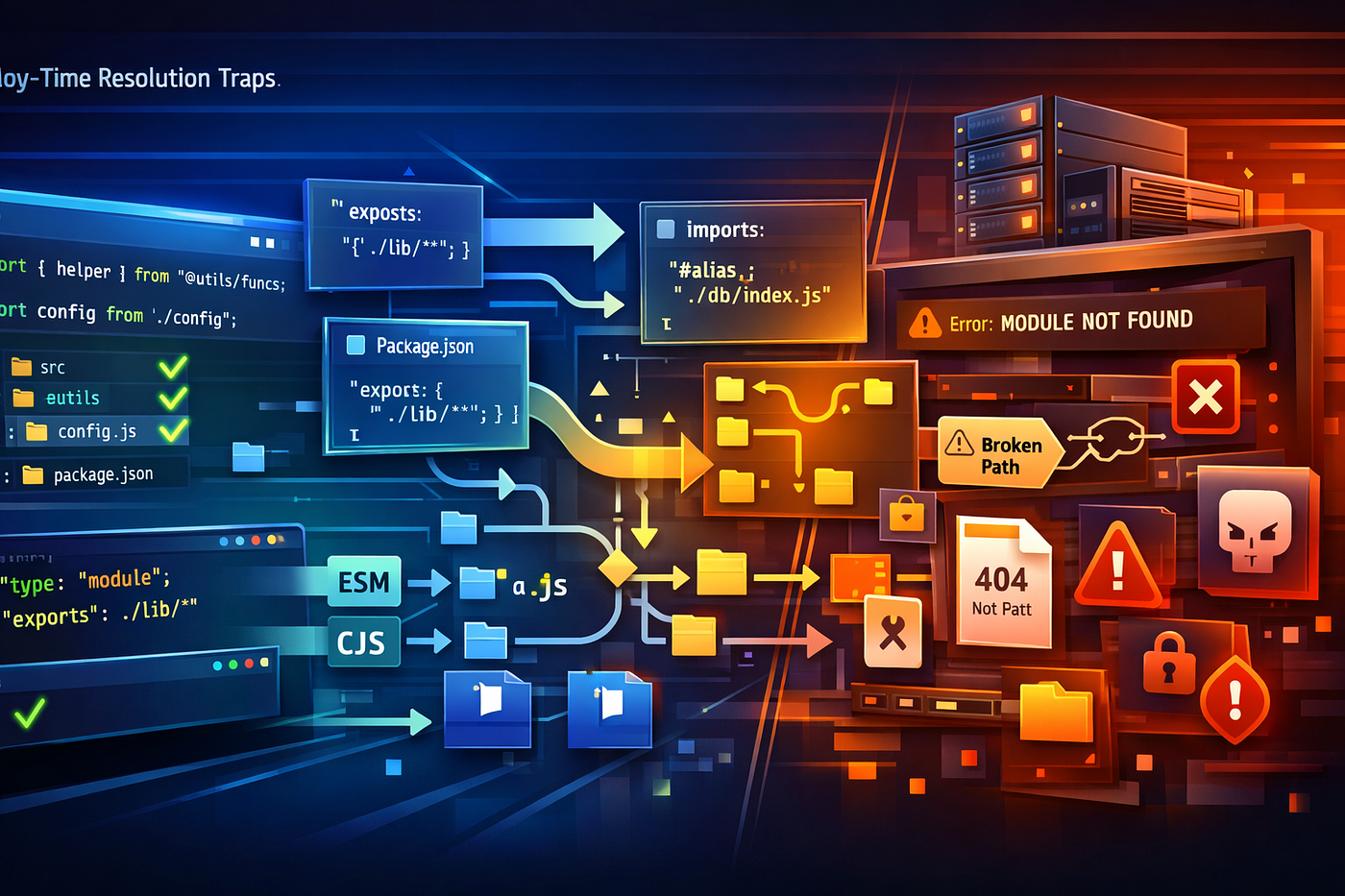
Learn 9 Node module resolution mistakes that break deploys, from exports traps to TypeScript path aliases and ESM file extension surprises.
Node module resolution failures are rude in a very specific way.
They do not usually break when you are calmly reading the code. They break at deploy time, in a container, on a cold server, after bundling, after pruning dev dependencies, after switching to ESM, or right after someone says, “It worked locally.”
That is what makes them expensive. The import path looks innocent. The package builds. The tests pass. Then production boots with a completely different idea of how files should be found. Node still has distinct CommonJS and ECMAScript module systems, and they do not resolve specifiers the same way, especially around file extensions, folder indexes, exports, and package boundaries.
Why module resolution bugs survive until deploy
A lot of teams still think of imports as static strings glued to files.
But Node treats them as a contract between the runtime, the package manifest, the module format, and the filesystem. In modern Node, require() still supports extension searching and folder-as-module behavior, while import does not support folder modules or extension guessing for relative and absolute specifiers. The "type" field in package.json also changes how .js files are interpreted across a package boundary.
That means a path trick can look fine in one environment and fail in another without any code logic changing at all.
The mental model worth keeping
Your import path is not just “a path.” It is a resolution request.
[source file] + [module system] + [package.json rules] + [filesystem shape]
                                  |
                                  +--> what Node actually loads
If one of those layers changes between local dev and deploy, your import can silently become a different request than the one you thought you wrote.
1. Relying on extensionless ESM imports
This is the clean-looking bug everyone writes once.
import { loadConfig } from './config';In CommonJS, require('./config') may still resolve through extension searching. But for import, Node requires a fully specified relative or absolute file URL, and it does not perform extension searching. Directory indexes are not resolved implicitly either.
So your local tooling may tolerate this. Node in production may not.
Safer version
import { loadConfig } from './config.js';Let’s be real: the extra four characters are cheaper than a failed rollout.
2. Importing a folder and expecting index.js
This is the sibling of the first bug.
With CommonJS, require('./startup') can still fall through to a folder-as-module lookup. With ESM import, Node explicitly says directory indexes must be fully specified, such as './startup/index.js'.
That difference becomes brutal during migrations.
Architecture sketch
CommonJS require('./startup')
   -> ./startup.js ? ./startup.json ? ./startup.node ? ./startup/index.js

ESM import './startup'
   -> fails unless exact file is specified
The deploy breaks not because Node is confused, but because you changed module systems and kept the old mental model.
3. Flipping "type": "module" and forgetting what .js now means
Node’s docs are very clear here: authors can mark code as ESM with .mjs or with "type": "module" in package.json, and .cjs or "type": "commonjs" can force CommonJS instead. That "type" field applies not only to the entry point, but also to referenced files within that package scope.
So one tiny manifest change can turn a previously working .js file from CommonJS into ESM.
That is how teams end up with deploy errors that feel personal:
ReferenceError: require is not defined in ES module scope
You did not change the import line. You changed how Node interprets the file that contains it.
4. Adding "exports" and accidentally hiding your own internals
The "exports" field is powerful because it lets a package define its public entry points and conditional branches. It is also ruthless: when present, it limits which submodules can be loaded from outside the package, including self-references by package name. Node documents this explicitly and notes that only relative file URLs beginning with ./ are valid in "exports".
That means this common habit can suddenly fail:
import thing from 'your-package/lib/internal.js';Once "exports" is introduced, that path may no longer exist to consumers, even though the file still sits on disk. The file is real. The contract is not.
5. Using self-references that are not actually exported
Modern Node supports self-referencing a package by its own name, but only when the package has an "exports" field, and even then only for the subpaths that "exports" explicitly allows. Node’s package docs show that imports like a-package/m.mjs fail at runtime if that subpath is not exported.
This catches monorepo codebases all the time.
Inside the package, someone writes:
import { helper } from 'my-package/utils.js';Looks elegant. Ships badly. If ./utils.js is not exported, self-reference becomes a production-only trap.
6. Using TypeScript paths aliases as if Node understands them
This one has wrecked a shocking number of clean-looking deployments.
TypeScript documents that paths does not change emitted import paths, and explicitly warns that it is easy to create aliases that seem to work in TypeScript but crash at runtime in Node. TypeScript recommends package.json "imports" as a standards-based replacement for convenience aliases where appropriate.
Example
{
  "compilerOptions": {
    "module": "nodenext",
    "paths": {
      "@core/*": ["./src/core/*"]
    }
  }
}
import { parse } from '@core/parse';Editor: happy. Type checker: happy. Plain Node runtime: absolutely not.
You might be wondering why this slips through so often. Because bundlers and test runners frequently paper over it, while production Node just reads the emitted string and asks the filesystem a much less forgiving question.
7. Using #aliases without understanding "imports" scope
Node’s "imports" field is useful, but it is private to the current package. The docs say it creates mappings that apply only to import specifiers from within that package, and entries must start with # so they are disambiguated from external packages.
So this can be great:
{
  "imports": {
    "#db": "./src/db/index.js"
  }
}
But the trick breaks the moment another package tries to consume #db. That alias was never public. It was never meant to cross package boundaries.
In other words, # aliases are excellent internal plumbing and terrible public APIs.
8. Trusting symlinks to behave like real folders
Node’s CommonJS docs note that Node resolves the realpath of modules it loads and then looks for their dependencies in node_modules relative to that real path.
This matters more than people expect.
If your local workspace uses symlinks, linked packages, or unusual monorepo layouts, dependency lookup can shift once Node resolves to the real underlying location. That can change which node_modules tree is searched, which version is found, or whether anything is found at all.
Locally it looks like a neat folder trick. In deploys, it becomes a dependency-graph trick, which is much less cute.
9. Keeping old folder-mapping habits in exports
Node has fully deprecated trailing-slash folder mappings in "exports" and "imports", with deprecation guidance saying to use subpath patterns instead. Node also deprecated old ES module main-entry behaviors that relied on implicit index.js lookup or extension searching, requiring explicit "exports" or "main" entries with exact file extensions.
That means configuration that once felt clever now ages into breakage.
A package manifest that worked on an older mental model can become the thing that sabotages a modern deploy after a Node upgrade.
What safer Node resolution looks like
The boring rules are still the strongest ones.
Use exact file paths in ESM
Include the extension. Spell out the index file. Assume nothing.
Treat "exports" as an API boundary
If consumers need a path, export it deliberately. If they do not, do not let them guess it.
Use standards-based aliases
For internal aliases, prefer package "imports" over TypeScript-only fantasies.
Align TypeScript with Node reality
TypeScript’s docs say node16, node18, and nodenext are the correct module options for apps and libraries intended to run in modern Node, because they reflect Node’s interoperability rules in type checking and emit behavior.
Conclusion
Node module resolution bugs are rarely dramatic in source control. They are dramatic in deploys.
That is because the problem is not usually the path string by itself. It is the runtime meaning of that string after package boundaries, module format, symlinks, aliases, and manifest fields all take their turn at interpretation.
So the next time someone says, “It’s just an import path,” pause for a second. In modern Node, there is no such thing as just an import path.
If you have a favorite module-resolution scar from production, drop it in the comments and follow for more engineering breakdowns that focus on the bugs hiding in plain sight.
메타데이터
- post_id
- 85b8a2736eee
- slug
- node-resolution-9-path-tricks-that-break-deploys-85b8a2736eee
- url
- https://medium.com/@Modexa/node-resolution-9-path-tricks-that-break-deploys-85b8a2736eee
- canonical_url
- https://medium.com/@Modexa/node-resolution-9-path-tricks-that-break-deploys-85b8a2736eee
- author_url
- https://medium.com/@Modexa
- status
- ok
- fetched_at
- 2026-06-10 12:26:30