Dammit NaN!
Because nothing says “you messed up math” like a number that’s not a number.
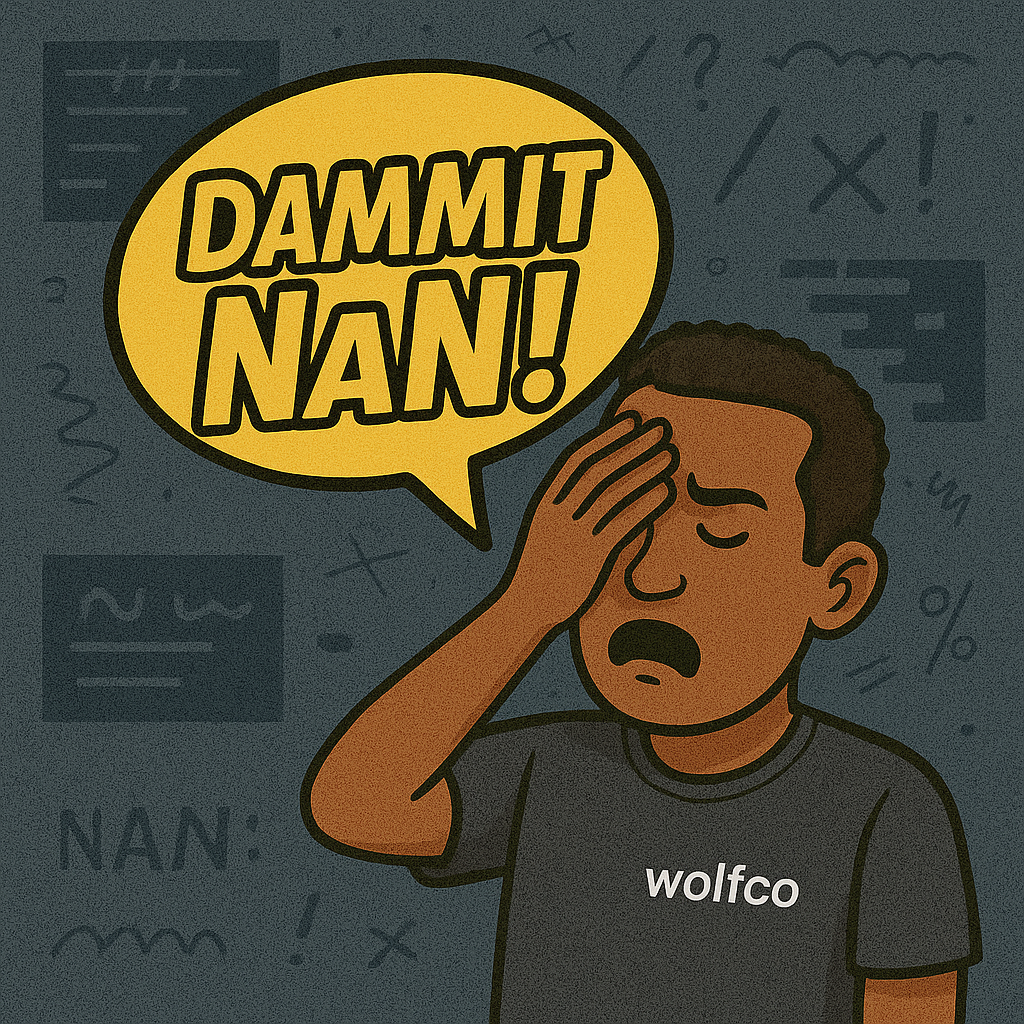
Dammit NaN!
Because nothing says “you messed up math” like a number that’s not a number.
I added two values together, and suddenly the result wasn’t 5, 7, or even an error — it was NaN.
Not-a-Number.
But… it’s literally coming from a math operation. So what is it then? Letters? A poem? A mnemonic for a soon-to-be-announced answer?
❓ So… what’s the problem?
NaN is JavaScript’s twisted little math goblin. It shows up when you do something numerically illegal — but instead of throwing an error or warning, it gives you a value. A value that isn’t even a value.
It’s a number, but also not a number.
It’s a special value of type “number”…
…but it’s the only value in JavaScript that is not equal to itself.
NaN === NaN // false 🐑 whaaaaaaaattttt!So yeah — debug that.
Here’s how NaN sneaks in:
🐑 You try to parse a string that isn’t numeric.
Number("pizza"); // NaN🐑 You divide zero by zero.
0 / 0; // NaN🐑 You pass undefined into a math operation.
Math.sqrt(undefined); // NaN🐑 Your parseInt() was a lie — a vile, odius lie!!!
parseInt("123px"); // 123 ✅
parseInt("px123"); // NaN 🐑
But you won’t always catch it immediately. Why?
Because NaN doesn’t crash anything. It just… contaminates (like pork in a a halal dish or a kosher-less pickle).
It slithers through your calculations, turns everything it touches into more NaN, and by the time your chart is empty or your app freezes, it’s too late.
🛠️ So… fix it, dammit!
Time to break the cycle of NaN, that gaslighting SOB. Here’s how to stop it in its tracks.
🐺 Use Number.isNaN() — not just === NaN
Remember, NaN === NaN is false, which is just bonkers. So you need this:
Number.isNaN(value); // ✅ accurate test🐺 Validate your inputs before doing math
Guard against garbage data.
const price = Number(inputPrice);
if (Number.isNaN(price)) {
  throw new Error("Invalid number input!");
}
🐺 Default bad inputs to safe values
Use nullish coalescing or || 0 patterns (with care):
const total = (Number(items.price) || 0) + (Number(items.tax) || 0);🐺 Handle strings explicitly
parseInt() and parseFloat() are reckless. Use them only when you know your format.
const value = parseInt("123px", 10); // 🐺 OK
const broken = parseInt("px123", 10); // 🐑 NaN
🐺 Be suspicious of undefined, null, and empty strings in math
Don’t be a creep — the more you rely on JS coercion, the more surprises you’ll get.
undefined + 1 // NaN
null + 1 // 1
"" + 1 // "1" (string) 🐑😮💨 …phew!
NaN is one of JavaScript’s sneakiest saboteurs. It’s not loud, it’s not flashy — it just poisons your logic slowly and quietly. A wrong string here, a missing value there, and suddenly your data pipeline is full of ghosts.
The key is awareness. Don’t trust inputs. Don’t assume math “just works.” And for the love of all that renders, don’t test equality with === NaN.
If your app’s math feels haunted?
It probably is.
Sniff out the NaN. Be the wolf ghost hunter.
🔗 Catch the rest of the chaos → The Dammit Series Hub
메타데이터
- post_id
- 85dbe75c3566
- slug
- dammit-nan-85dbe75c3566
- url
- https://medium.com/@dominick.mckoy/dammit-nan-85dbe75c3566
- canonical_url
- https://medium.com/@dominick.mckoy/dammit-nan-85dbe75c3566
- author_url
- https://medium.com/@dominick.mckoy
- status
- ok
- fetched_at
- 2026-06-25 12:15:08