Implement Cypress component testing for Lit framework
If you’re using Lit to build frontend UI and wonder how to write effect UI tests without the hassle of integration with API services, then…
Implement Cypress component testing for Lit framework
If you’re using Lit to build frontend UI and wonder how to write effect UI tests without the hassle of integration with API services, then this article is for you. Let’s see how we can write Cypress component testing for Lit framework.
Photo by Alexander Smagin on Unsplash
To quickly get started, let’s clone existing code from the weather-app repository.
git clone https://github.com/cuongld2/cypress-component-testing-examples.gitRun the following commands to bring up the backend and frontend services.
cd backend
go run main.go
cd frontend/lit
npm run dev
Now when you open the browser and navigate to the http://localhost:5173/ endpoint, the app UI looks like below:
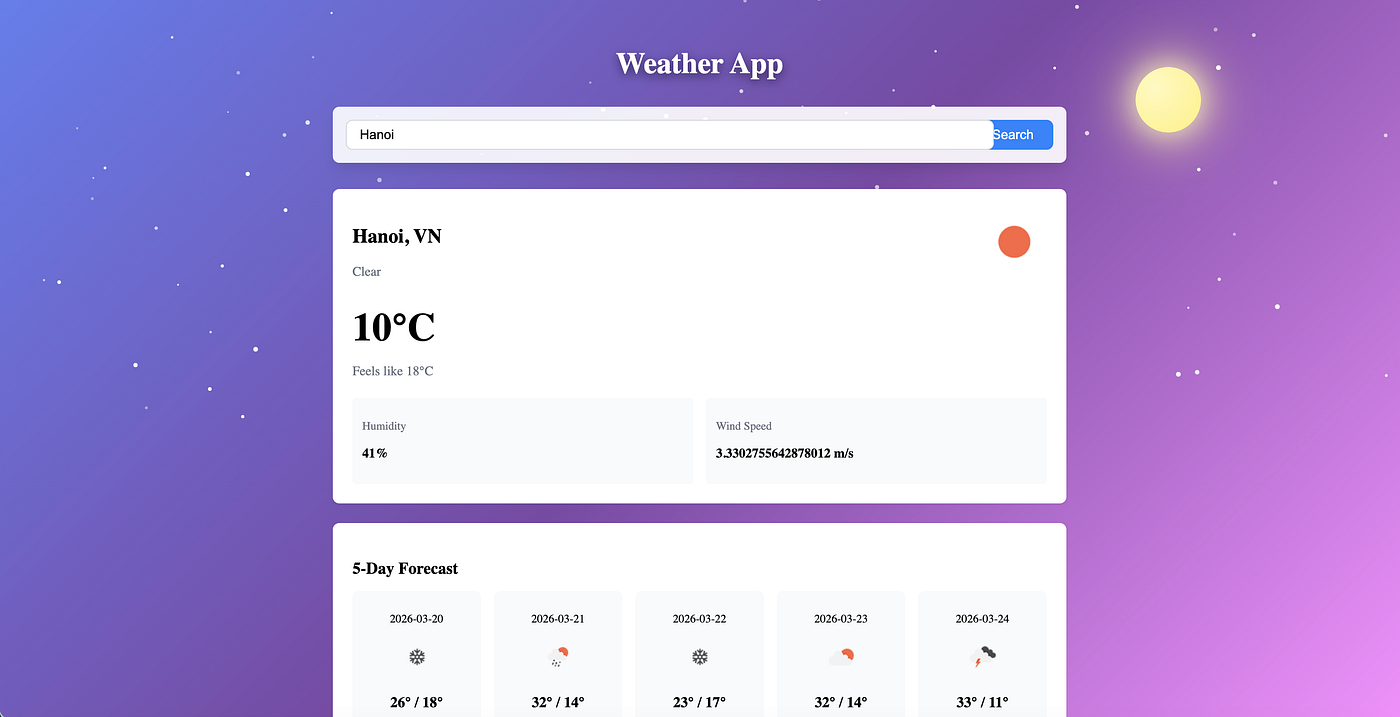
Let’s see how we can write Cypress component tests for Lit.
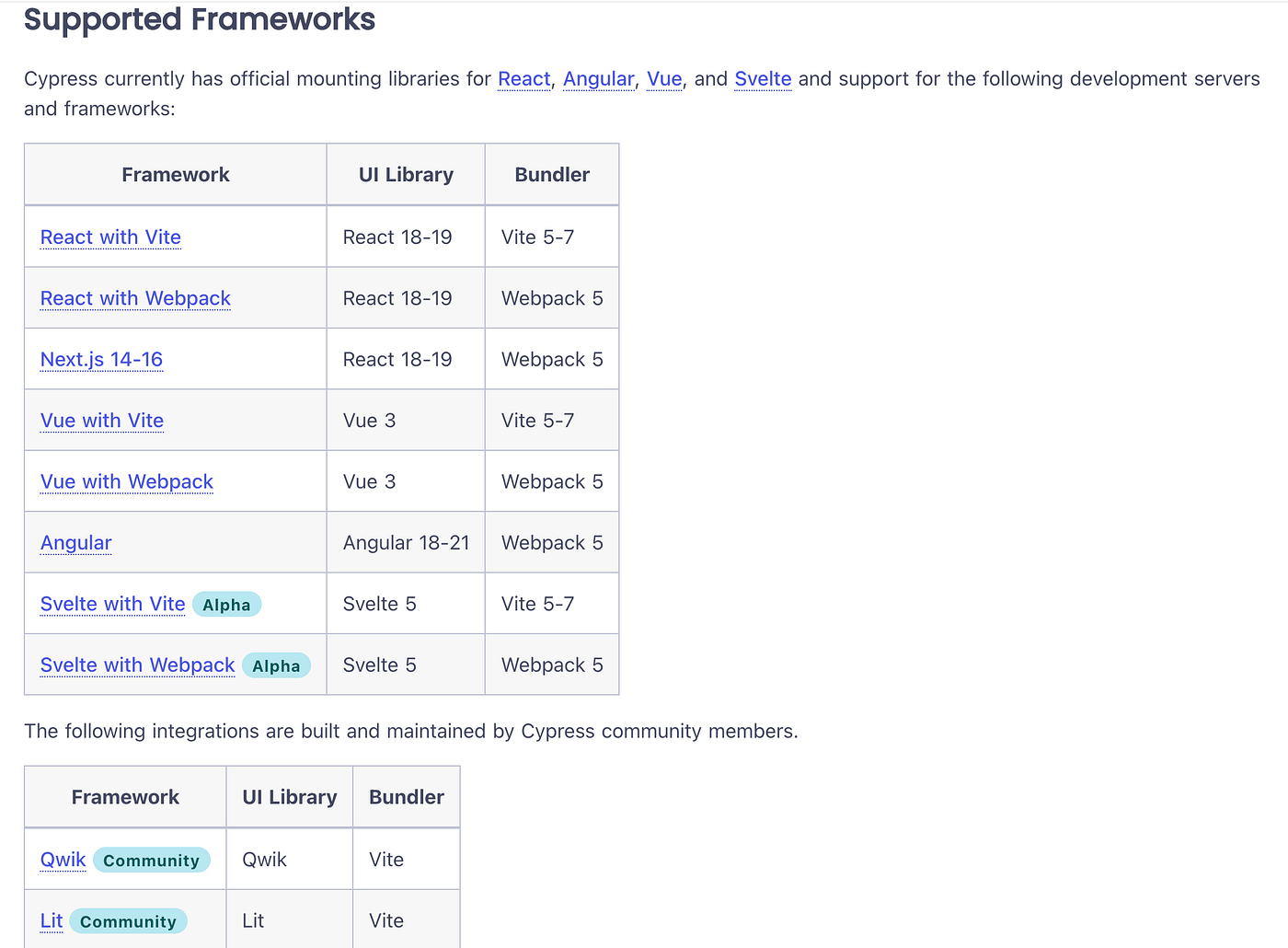
First, we need to create the cypress.config.ts to tell Cypress that we are using Lit as a frontend framework and the location of the html, along with custom mount files.
// cypress.config.ts

import { defineConfig } from 'cypress';

export default defineConfig({
  component: {
    devServer: {
      framework: 'cypress-ct-lit' as any,
      bundler: 'vite',
    },
    supportFile: 'cypress/support/component.ts',
    indexHtmlFile: 'cypress/support/component-index.html',
  },
});
Use html literals to mount components:
// CitySearch.cy.ts

import { html } from 'lit';
import '../../../src/components/city-search';

describe('CitySearch', () => {
  it('renders input and button', () => {
    cy.mount(html`
      <city-search .onSearch=${() => {}} .loading=${false}></city-search>
    `);

    cy.get('city-search').shadow().find('[data-cy="city-input"]').should('be.visible');
    cy.get('city-search').shadow().find('[data-cy="search-button"]').should('be.visible');
  });
});
Use cy.intercept to mock API responses if needed:
// WeatherApp.cy.ts

beforeEach(() => {
  cy.intercept('GET', '**/api/weather/current?city=*', {
    statusCode: 200,
    body: mockCurrentWeather,
  }).as('getCurrentWeather');

  cy.intercept('GET', '**/api/weather/forecast?city=*', {
    statusCode: 200,
    body: mockForecast,
  }).as('getForecast');

  cy.intercept('GET', '**/api/weather/history?city=*', {
    statusCode: 200,
    body: mockHistory,
  }).as('getHistory');

  cy.mount(html`<weather-app></weather-app>`);
});
Run the Cypress component tests with UI using the following command:
npm run cypress:open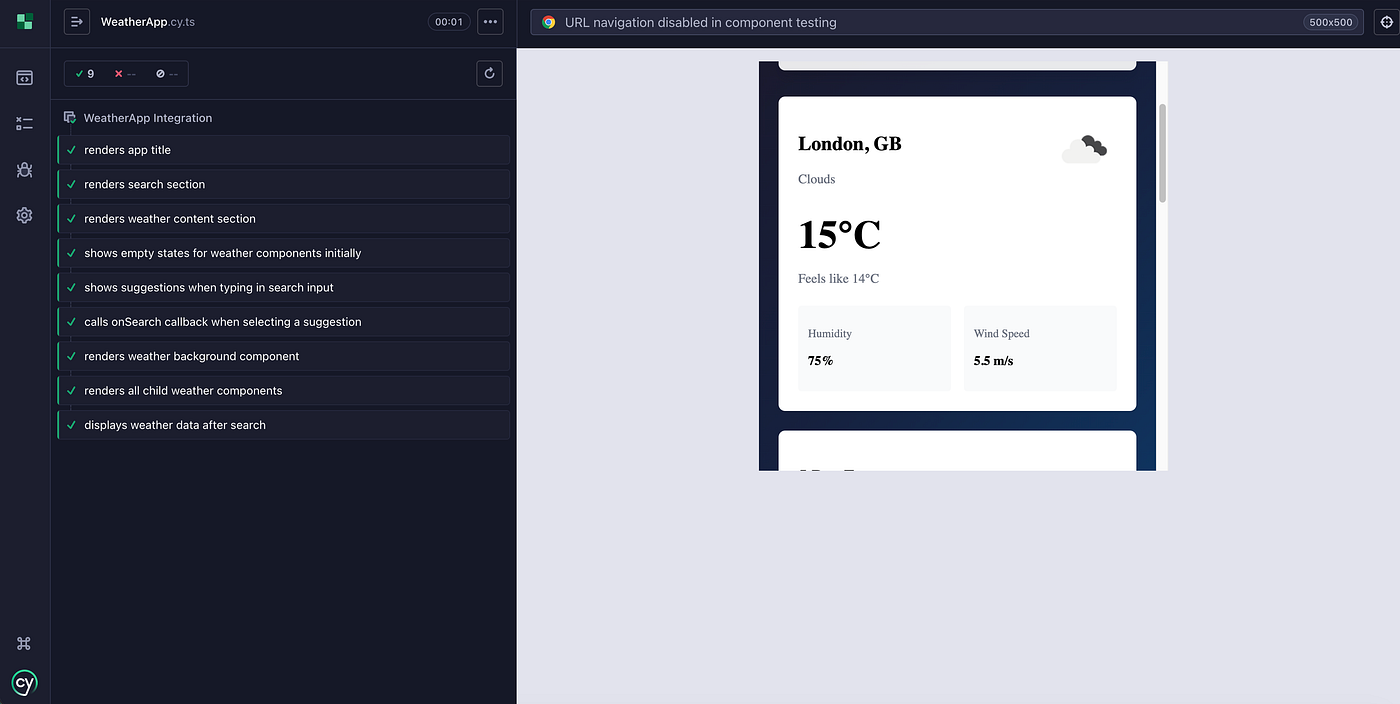
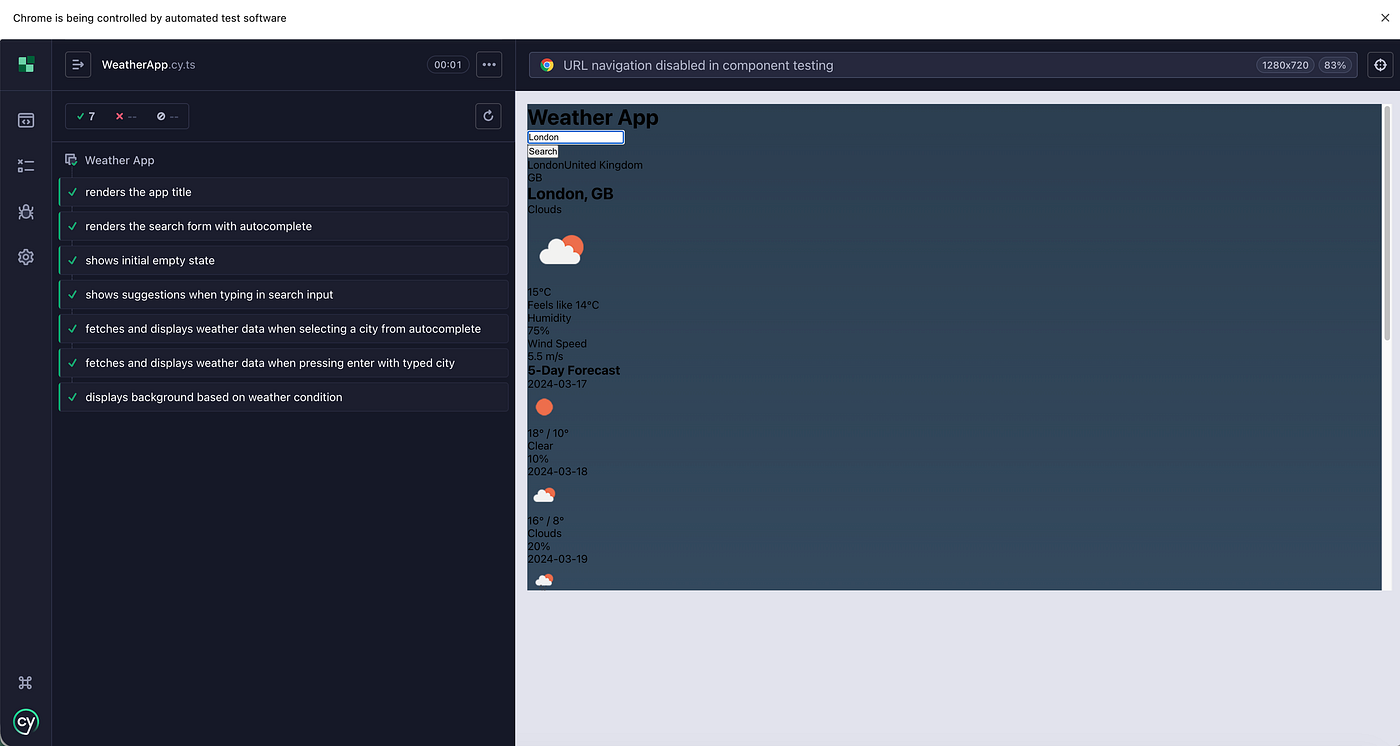
We can see the tests are passed with Lit components are mounted properly allow us to see the real UI of the components.
That’s how we can write component testings with Cypress for Lit. Simple, isn’t it?
Happy testing guys~~
메타데이터
- post_id
- 85ff5dbd09da
- slug
- implement-cypress-component-testing-for-lit-framework-85ff5dbd09da
- url
- https://medium.com/@ledinhcuong99/implement-cypress-component-testing-for-lit-framework-85ff5dbd09da
- canonical_url
- https://medium.com/@ledinhcuong99/implement-cypress-component-testing-for-lit-framework-85ff5dbd09da
- author_url
- https://medium.com/@ledinhcuong99
- status
- ok
- fetched_at
- 2026-06-22 19:40:15