Remote Device Control for Unattended Android Devices: A Complete Guide for Modern IT Teams
Imagine managing hundreds of Android devices spread across retail stores, warehouses, hospitals, schools, or remote offices. Sending an IT…
Remote Device Control for Unattended Android Devices: A Complete Guide for Modern IT Teams
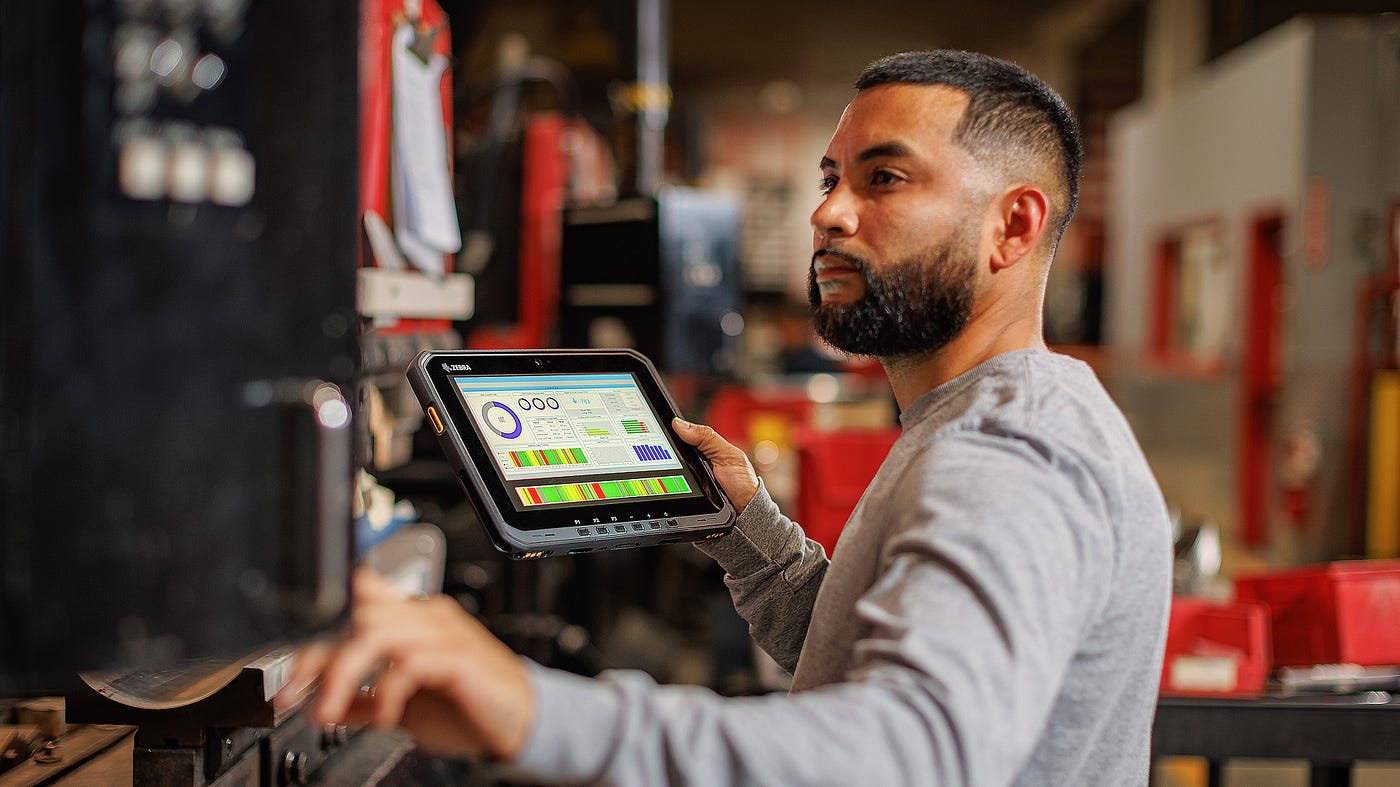
Photo by Amanz on Unsplash
Imagine managing hundreds of Android devices spread across retail stores, warehouses, hospitals, schools, or remote offices. Sending an IT technician every time a device freezes, needs an update, or requires troubleshooting is expensive, time-consuming, and often impractical.
This is why remote device control for unattended Android devices has become an essential capability for modern IT operations. Instead of relying on on-site support, administrators can securely access, troubleshoot, configure, and maintain devices from anywhere.
As organizations continue to expand their fleets of corporate-owned Android devices, **remote device management** is no longer just a convenience — it’s a business necessity.
What Is Unattended Remote Device Control?
Unattended remote device control allows authorized IT administrators to access and manage Android devices without requiring someone to accept the connection on the device.
Unlike traditional remote support sessions, where a user must approve every request, unattended access enables IT teams to connect whenever maintenance or troubleshooting is needed.
This capability is especially valuable for dedicated business devices that operate without a full-time user, such as:
- Digital signage displays
- Self-service kiosks
- Point-of-sale (POS) terminals
- Warehouse handheld scanners
- Rugged field devices
- Healthcare tablets
- Customer check-in systems
- Corporate shared devices
These devices are expected to remain operational throughout the day, making fast remote support critical.
Explore: How to Control Employee Mobile Usage
Why Businesses Need Remote Control for Android Devices
Many organizations still depend on manual maintenance. While this may work for a handful of devices, it quickly becomes inefficient as deployments grow.
Remote control helps organizations:
- Resolve technical issues faster
- Reduce on-site IT visits
- Lower operational costs
- Minimize device downtime
- Improve employee productivity
- Standardize device configurations
- Deliver faster software support
For businesses operating across multiple locations, these advantages can significantly improve operational efficiency.
Common Challenges Without Remote Access
Without unattended remote management, IT teams often face recurring problems:
Long Resolution Times
Simple issues such as frozen applications or incorrect settings may require an employee to explain the problem over the phone or wait for an IT technician.
Higher Support Costs
Travel expenses and field service visits increase operational costs, particularly for organizations with geographically distributed devices.
Inconsistent Device Configuration
When devices are managed manually, different locations often end up running different versions of apps, security policies, or operating systems.
Poor User Experience
Employees lose valuable time waiting for technical support instead of completing their daily tasks.
Key Features to Look For
Not every remote management solution offers the same capabilities. Businesses should look for features such as:
Secure Remote Screen Control
Administrators should be able to view and control the device interface in real time to diagnose and resolve issues efficiently.
Remote File Management
The ability to transfer files, logs, configuration packages, or application updates remotely reduces maintenance time.
Remote App Management
Installing, updating, or removing business applications from a centralized dashboard ensures devices stay secure and compliant.
Device Monitoring
Real-time insights into battery status, storage, connectivity, and application health help IT teams identify issues before they disrupt operations.
Security Controls
Role-based access, encrypted communication, and audit logs are essential to protect sensitive business data during remote sessions.
Industries That Benefit Most
Retail
Retail stores rely on Android-powered **POS systems**, inventory scanners, and self-service kiosks. Remote access helps resolve checkout issues quickly and reduces service interruptions.
Logistics and Warehousing
Warehouse devices often operate around the clock. Remote troubleshooting minimizes downtime and keeps supply chain operations running smoothly.
Healthcare
Hospitals and clinics use Android tablets for patient registration, diagnostics, and internal workflows. Remote management allows IT teams to maintain these devices without disrupting patient care.
Education
Schools deploying Android tablets across classrooms can remotely configure devices, install educational apps, and resolve technical issues without collecting each device individually.
Field Services
Technicians working in remote locations frequently use rugged Android devices. Remote control enables support teams to solve problems without requiring employees to return to the office.
Security Should Never Be an Afterthought
Remote access introduces powerful administrative capabilities, making security essential.
Organizations should adopt best practices such as:
- Multi-factor authentication
- Encrypted remote sessions
- Role-based administrator permissions
- Device authentication
- Comprehensive activity logging
- Regular software updates
- Strong password policies
These measures help protect corporate devices while maintaining operational flexibility.
How Mobile Device Management Enhances Remote Control
Remote control is most effective when combined with a comprehensive **Mobile Device Management solution**.
An MDM platform enables organizations to:
- Enroll devices remotely
- Apply security policies
- Configure Wi-Fi and network settings
- Push software updates
- Deploy applications
- Restrict unauthorized app installations
- Lock or wipe lost devices
- Monitor compliance
Instead of managing devices individually, IT teams gain centralized visibility and control over their entire Android fleet.
Best Practices for Managing Unattended Android Devices
To maximize efficiency and security:
- Standardize device configurations before deployment.
- Enable unattended remote access only for managed corporate devices.
- Regularly update applications and operating systems.
- Monitor device health proactively.
- Restrict administrator permissions based on roles.
- Maintain detailed audit logs.
- Automate routine maintenance wherever possible.
These practices reduce support requests while improving long-term device reliability.
Where EasyControl Fits In
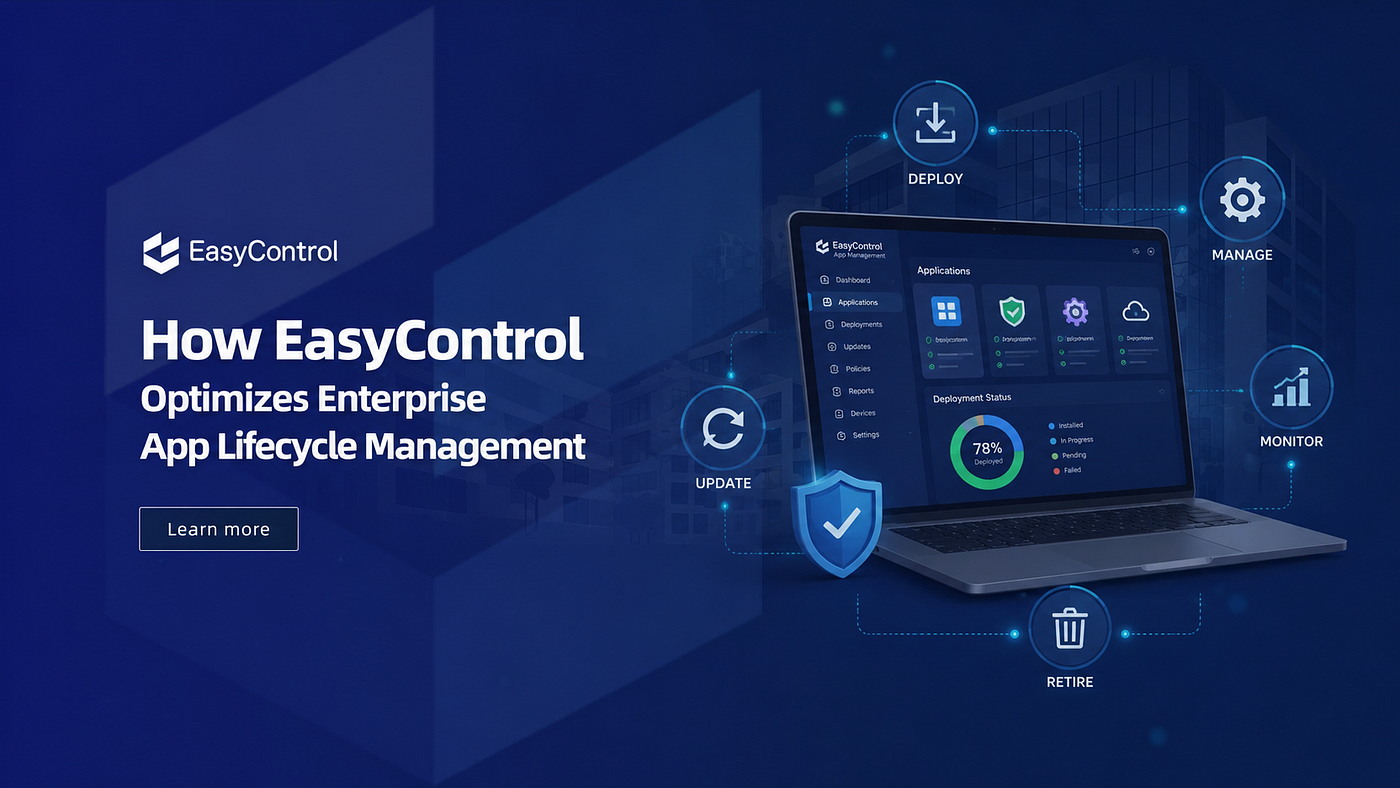
Organizations looking for a unified approach to Android device management can benefit from platforms such as **EasyControl UDM**.
In addition to unattended remote device control, EasyControl provides capabilities including remote device management, enterprise app management, kiosk mode, policy enforcement, device monitoring, application deployment, and centralized management for Android, Windows, macOS, iOS, and Linux devices.
Rather than switching between multiple tools, IT teams can manage security, applications, and remote support from a single platform, making it easier to maintain consistency across distributed device fleets.
Final Thoughts
As businesses continue expanding their use of Android devices, unattended remote device control has become a core requirement rather than an optional feature. Fast troubleshooting, reduced operational costs, improved security, and centralized management all contribute to a more efficient IT environment.
When combined with a robust Mobile Device Management solution, remote access empowers IT teams to support devices wherever they are — without disrupting employees or business operations.
For organizations managing dozens, hundreds, or even thousands of Android devices, investing in secure unattended remote control is one of the most effective ways to improve uptime, reduce support costs, and ensure every device remains productive.
메타데이터
- post_id
- 864778e8a38b
- slug
- remote-device-control-for-unattended-android-devices-a-complete-guide-for-modern-it-teams-864778e8a38b
- url
- https://medium.com/@lishen1301/remote-device-control-for-unattended-android-devices-a-complete-guide-for-modern-it-teams-864778e8a38b
- canonical_url
- https://medium.com/@lishen1301/remote-device-control-for-unattended-android-devices-a-complete-guide-for-modern-it-teams-864778e8a38b
- author_url
- https://medium.com/@lishen1301
- status
- ok
- fetched_at
- 2026-08-19 20:28:06