i3(wm) on Dell XPS 13" with QHD+ and Ubuntu 18.04
Having few spare days over the holidays I decided to switch my Dell XPS 9360 workstation from Gnome Shell to i3wm.
i3 window manager on Dell XPS 13" with QHD+ and Ubuntu 18.04
Having few spare days over the holidays I decided to switch my Dell XPS 9360 workstation from Gnome Shell to i3wm.
I chose i3wm amongst following tiling window managers:
Pretty much all of them seem to be a good choice but i3wm’s documentation is too good to not to try it. Xmonad requires to be familiar with Haskell, qtile is written in Python and awesome uses Lua which I generally dislike.
My requirements
- has to be bleeding fast
- all hardware function keys, suspend on lid close etc have to work like on gnome3
- short time from install to full productivity
- event-based if possible
- easy to set-up
- has to be compatible with my existing stack
My app stack
- spacemacs
- chrome
- telegram + signal + hangouts (yakyak) + slack
- terminal
- screenshot capture
- clipboard manager
The setup
You can find the config here: https://gist.github.com/wzin/61865931953081dd7a346ec9471296da
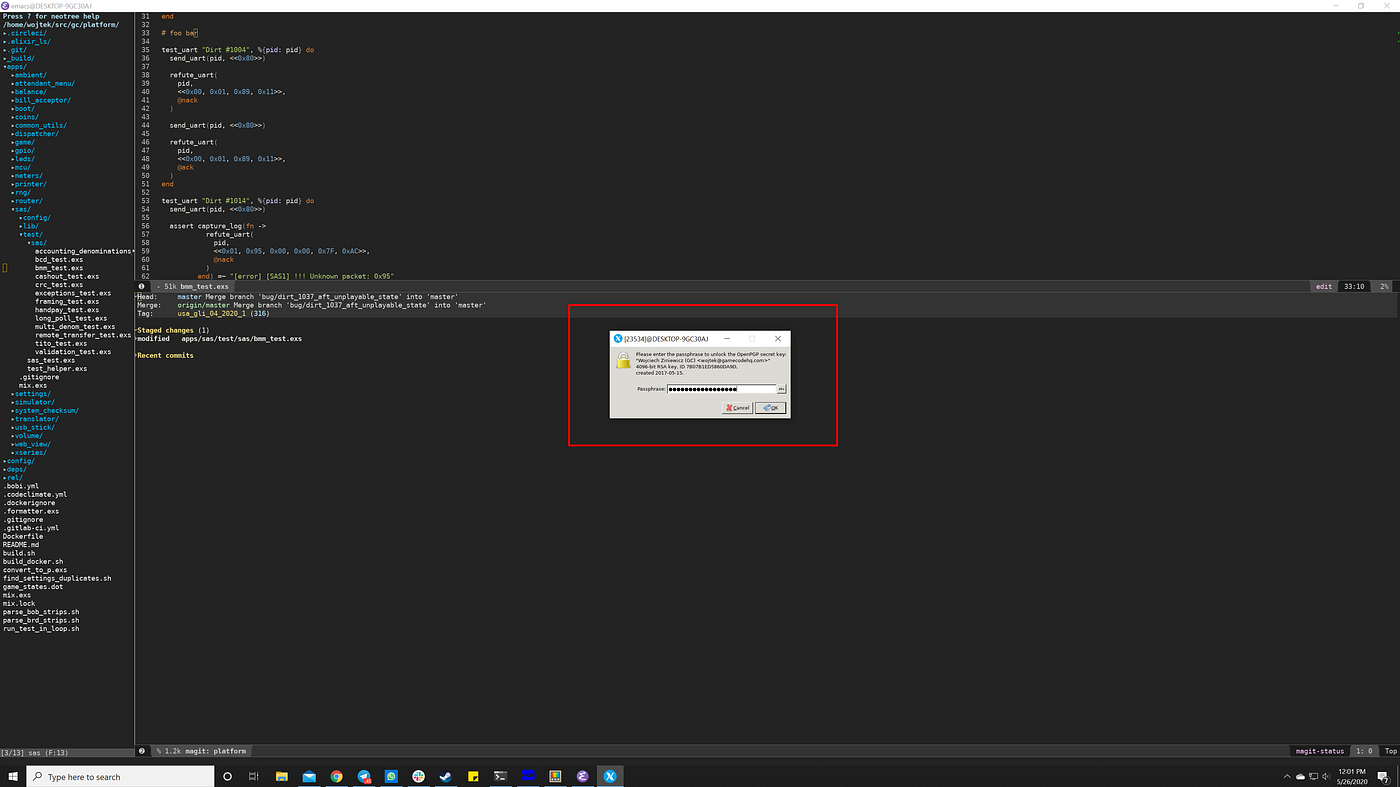
This is how it looks like during editing this post:

The bar on the top is the xfce4-panel which seems to perfectly integrate with i3 workspaces out of the box. I tried:
- polybar — install only from sources and I could not get rid of the problem where it could not find the fonts (despite the great documentation on how to debug all fonts problems)
- yabar — install only from sources
- i3status — really fine but I wanted someting more sophisticated. This will be my default choice if xfce4-panel will not work in the long run
Somehow the assign directive in i3 could not move windows into workspaces so I used for_window rules instead
I use nitrogen as my wallpaper manager. It rotates the wallpapers randomly from a directory.

i3 has great and simple way of launching programs by pressing command (or whatever key you want to bind as Mod1) + D. You just press command + D and a “search-as-you-type” menu appears.

Other minor features:
- I use redshift to manage the color temperature of my screen. The redshift.sh file contains only “killall -q redshift ; redshift” so the procs don’t stack up
- Touchpad indicator makes the natural scrolling possible when you start it up everytime i3 starts
- Power management is done through xfce4-power-manager which handles locking/unlocking of the screen on lid open/close. You can still lock the desktop using cmd + l
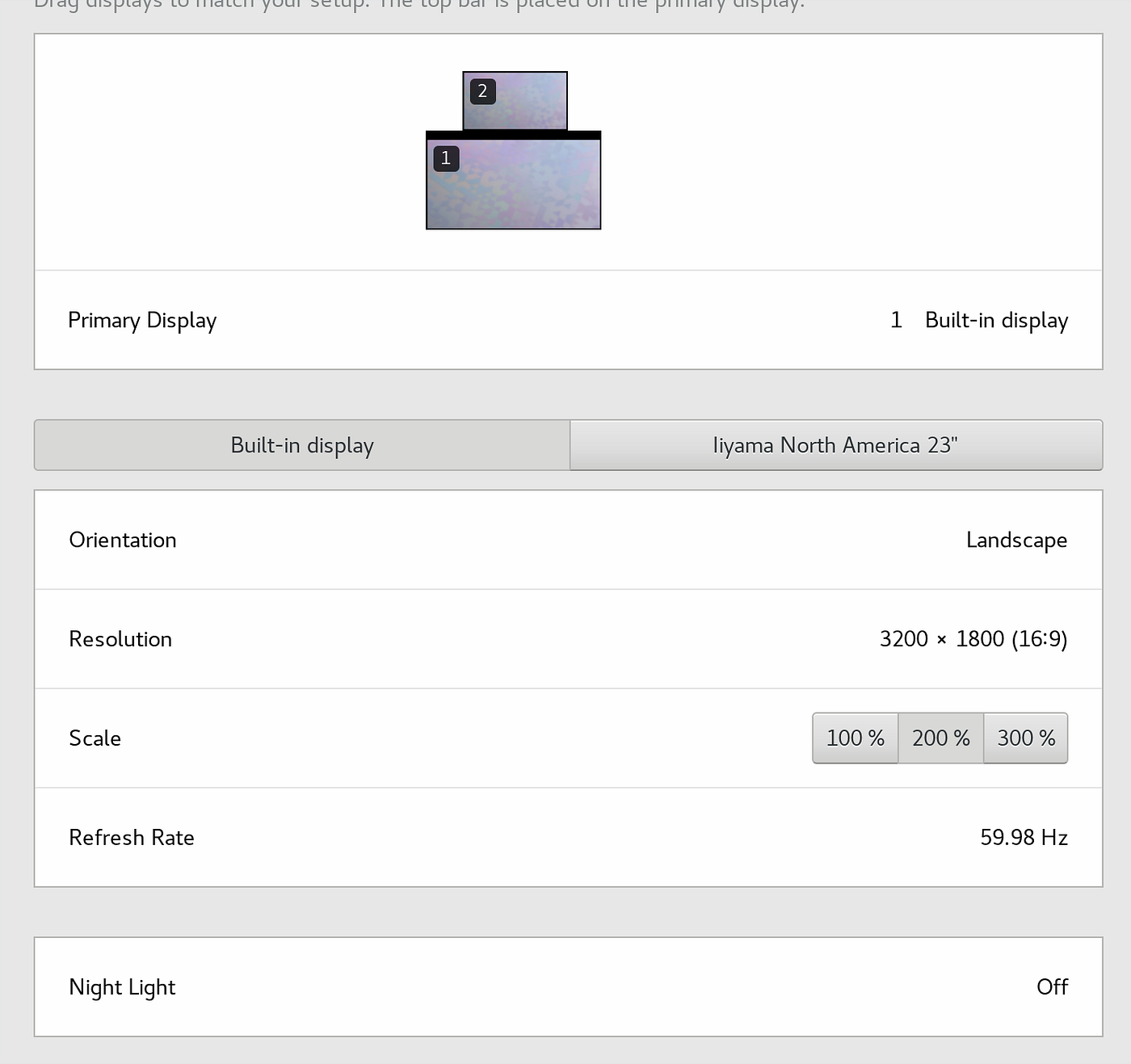
Last but not least — the DPI. Since i3 uses the ~/.Xresources file, you cant put many X rules there. One of them tells i3 what DPI it should use. In my case it’s as following
wojtek@seriousbusiness:~$ cat ~/.Xresources
native 280 dpi
Xft.dpi: 180
메타데이터
- post_id
- 8784010ec38c
- slug
- i3-wm-on-dell-xps-13-with-qhd-and-ubuntu-18-04-8784010ec38c
- url
- https://medium.com/@wojo/i3-wm-on-dell-xps-13-with-qhd-and-ubuntu-18-04-8784010ec38c
- canonical_url
- https://medium.com/@wojo/i3-wm-on-dell-xps-13-with-qhd-and-ubuntu-18-04-8784010ec38c
- author_url
- https://medium.com/@wojo
- status
- ok
- fetched_at
- 2026-07-29 20:50:29