The Honest Guide to Home Backup Power: What to Power, What to Skip, and What to Buy Later
Most people think about home backup power the wrong way.
The Honest Guide to Home Backup Power: What to Power, What to Skip, and What to Buy Later
Most people think about home backup power the wrong way.
They start by asking, “What can power my whole house?” Then they look at big batteries, generators, solar panels, transfer switches, and expensive systems before they even know what they actually need to keep running.
That is how people overspend, undersize their setup, or buy something that looks powerful but does not solve their real outage problem.
A better way to plan home backup power is to split your needs into three groups:
What you need to power first.
What you should skip during an outage.
What you can buy later once you understand your real power needs.
This approach is more practical, especially if you are new to backup power. You do not need to solve everything on day one. You need a setup that protects the essentials first, then gives you room to improve over time.
Start With the Real Goal of Backup Power
The goal of home backup power is not always to keep life completely normal.
That sounds nice, but it can get expensive fast. Running air conditioning, electric cooking, laundry, entertainment systems, water heating, and every room in the house requires a much bigger setup than most beginners expect.
For many households, the real goal is simpler:
Keep food from spoiling.
Keep phones charged.
Keep communication working.
Keep a few lights on.
Keep a fan running if needed.
Support medical devices if required.
Stay safe and functional until the grid comes back.
That is a much more realistic starting point. Once you accept that backup power is about priorities, the whole decision becomes easier.
What to Power First During an Outage
The first category is your essential loads. These are the things that matter most when the power goes out.
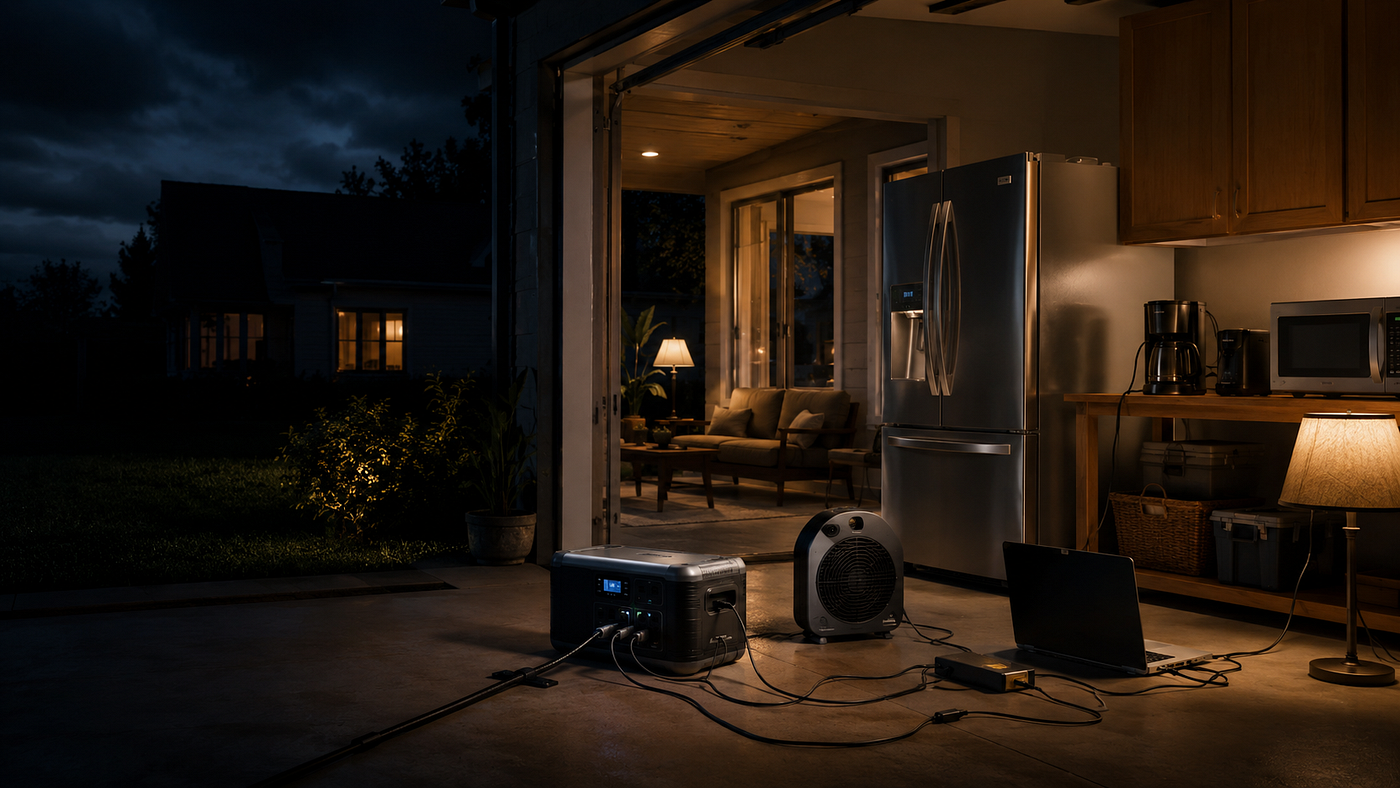
For most households, this usually includes the refrigerator or freezer, phone charging, a Wi-Fi router or communication device, a few LED lights, and possibly a fan.
If someone in the home uses medical equipment, that becomes a top priority. Do not treat medical devices as optional. Check the exact power requirements and make sure the backup system is suitable before relying on it.
A basic priority list may look like this:
- Refrigerator or freezer
- Medical device, if needed
- Phone charging
- Wi-Fi router or mobile hotspot
- LED lights
- Fan
- Laptop for work, updates, or communication
This is where a lot of people should start. Not with the whole house. Not with every outlet. Just the devices that protect food, safety, communication, and basic comfort.
Why the Refrigerator Usually Comes First
Food spoilage is one of the most common reasons people regret not having backup power.
A refrigerator or freezer is not just about convenience. It can protect hundreds of dollars of food and reduce stress during an outage.
But it also needs proper planning. A fridge can have a higher startup demand than its normal running power. It may use more energy in hot weather, especially if the door is opened often.
That means you should not just assume any backup power unit can run it. Check the refrigerator’s wattage, the backup system’s inverter output, and the expected runtime.
If your backup setup can keep the fridge cold, charge phones, and run a few lights, you are already solving a big part of the problem.
Communication Is More Important Than Entertainment
During an outage, people often think about keeping the TV or gaming system on. But communication should come first.
A charged phone, router, or mobile hotspot can help you check updates, contact family, receive emergency alerts, and keep working if needed.
A Wi-Fi router usually does not need as much power as large appliances, so it can be a smart use of backup energy. The same goes for phones, tablets, and laptops.
Entertainment can wait. Communication should not.
If your battery is limited, use it for devices that help you stay informed and reachable.
Lighting: Keep It Simple
Lighting is one of the easiest outage problems to solve.
You do not need to power every ceiling light in the house. A few LED lamps, rechargeable lights, or low-wattage bulbs can make the home safe and usable without draining much energy.
The mistake is trying to light the entire house like normal. During an outage, focus on the kitchen, bathroom, hallway, and one main living space.
Low-power lighting gives you a lot of value for very little energy use.
Fans Can Matter More Than People Think
A fan may not seem essential until the outage happens during hot weather.
Compared with air conditioning, a fan uses much less power and can make a home more tolerable. For many people, especially in warmer areas, running one or two fans is a more realistic backup goal than trying to run full cooling.
This does not mean every fan is low power. You still need to check wattage. But in general, fans are usually easier to support than air conditioning.
If heat is a concern in your area, include at least one efficient fan in your backup plan.
What to Skip During an Outage
The second category is what you should avoid unless you have a much larger backup system.
These are the devices that drain power quickly or create heavy demand. They may be normal everyday appliances, but they are not always smart choices during an outage.
Common things to skip include:
- Central air conditioning
- Electric oven
- Clothes dryer
- Large space heater
- Hair dryer
- Electric kettle
- High-wattage microwave use
- Large power tools
- Multiple TVs and gaming systems
- Decorative lighting
This is not about comfort being bad. It is about energy discipline.
During an outage, high-wattage appliances can burn through stored power fast. If you only have limited backup energy, every unnecessary load reduces the time your essentials can run.
The Big Rule: Avoid Anything That Makes Heat
A simple rule for beginners is this: appliances that create heat usually use a lot of electricity.
That includes electric heaters, kettles, ovens, toasters, hair dryers, hot plates, and many cooking appliances.
These devices are not always impossible to run, but they are expensive in terms of battery use. If you use them often during an outage, your backup system may drain much faster than expected.
If cooking is part of your outage plan, think carefully. A small low-wattage appliance may be manageable with the right setup, but frequent high-heat cooking can overwhelm a small battery system.
For emergency planning, it is better to have non-electric food options as well.
Do Not Try to Power Every Room
Another common mistake is treating backup power like normal household power.
During an outage, you do not need every bedroom, bathroom, hallway, and appliance powered at the same time. That mindset creates unnecessary demand.
Instead, create a backup zone.
Choose one main area where the household can gather. Keep lighting, phone charging, a fan, and basic devices there. This reduces energy waste and makes your setup easier to manage.
A backup zone is not glamorous, but it is practical.
What to Buy First
If you are starting from zero, do not buy everything at once.
Start with the basics that solve the most urgent outage problems.
A practical first-stage setup may include:
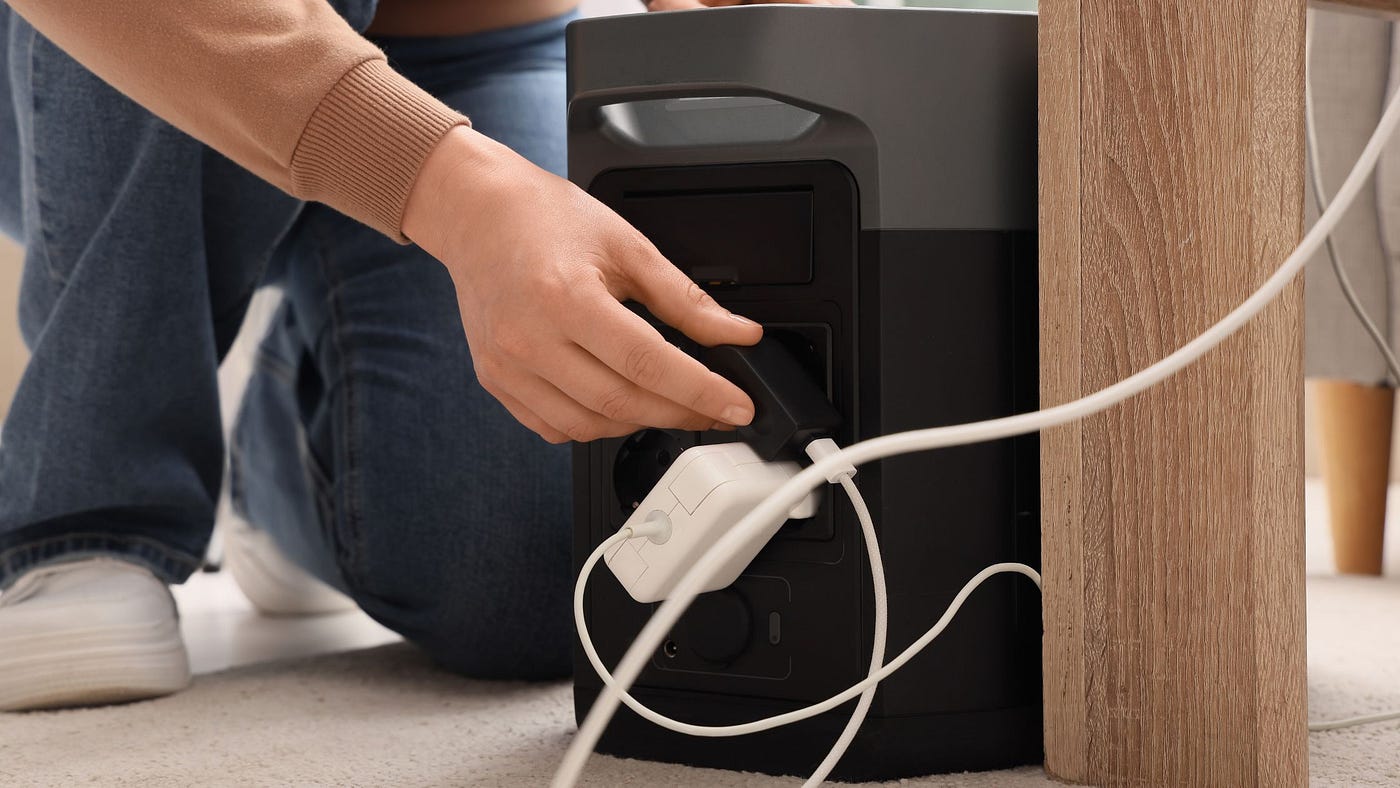
- A backup battery or portable power station
- A way to recharge phones
- LED lights or rechargeable lamps
- Extension cords rated for the intended use
- A fan
- A basic watt meter or energy monitor
- Surge-safe charging accessories
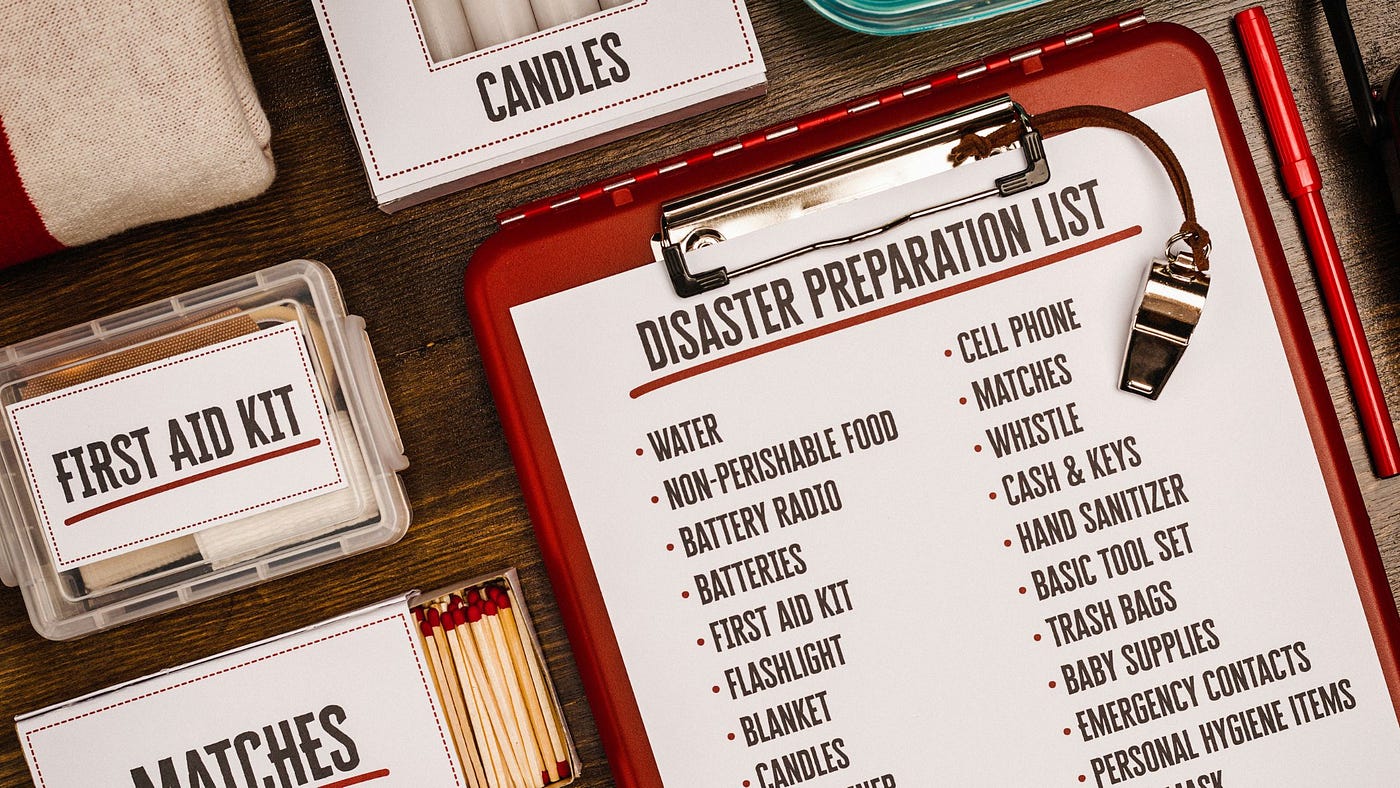
- A printed list of essential devices and their wattage
This is not the most exciting shopping list, but it is useful.
The watt meter is especially helpful because it stops you from guessing. You can measure how much power your key devices actually use instead of relying only on estimates.
What to Buy Later
Once you understand your real outage needs, you can upgrade more intelligently.
Later purchases may include:
- Additional battery capacity
- Compatible solar panels
- Extra charging cables
- A larger inverter system
- A transfer switch or critical loads panel
- A second backup unit
- A gas generator for heavy loads or poor weather backup
- Professional electrical installation for selected circuits
The key is to upgrade based on actual gaps, not fear.
If your first setup handles phones, lights, and the router but struggles with the refrigerator, then your next upgrade should focus on fridge support.
If your battery is enough overnight but does not recharge well during the day, then solar input may be the next step.
If you need to power selected home circuits safely, then you may need a transfer switch or professional help.
Buy based on what failed during testing, not what sounded impressive online.
Why Testing Matters Before Buying More
Testing is the part most people skip.
They buy backup power, put it in storage, and assume they are prepared. Then during a real outage, they discover the battery is too small, the solar panels charge too slowly, the fridge pulls more power than expected, or the cables are not long enough.
A simple test can prevent that.
Pick a normal day and simulate a short outage. Run your fridge, router, lights, fan, and phone charging from your backup setup. Watch how fast the battery drops. Then test how long it takes to recharge.
You will quickly learn what works and what does not.
That real-world test is more useful than reading ten product pages.
The Three-Level Backup Power Plan
A simple way to think about home backup power is to build in levels.
Level 1: Basic Survival Power
This covers phones, lights, small fans, and communication.
This level is affordable and easy to set up. It does not protect everything, but it gives you basic function during short outages.
Level 2: Food and Work Protection
This adds refrigerator or freezer support, router backup, laptop use, and longer runtime.
This is where many households should aim first. It protects food, communication, and work-from-home needs.
Level 3: Extended Home Backup
This may include larger batteries, solar panels, transfer switches, selected circuits, or generator support.
This level is better for people who experience frequent or long outages, have medical equipment, or need more reliable backup for larger loads.
You do not have to jump straight to Level 3. For most people, Level 1 or Level 2 is the smarter starting point.
Portable Power, Solar, or Generator?
Different backup options solve different problems.
A portable power station is simple, quiet, and beginner-friendly. It is good for essentials, renters, apartments, home offices, and short to moderate outages.
Solar panels help recharge a battery during the day, but they depend on sunlight and proper setup.
A gas generator can handle longer outages and heavier loads, but it needs fuel, outdoor operation, maintenance, and safe handling.
A DIY battery system can be flexible and expandable, but it requires more technical knowledge.
For beginners who want a home backup power option without building a system from separate parts, Nature’s Generator is one brand worth considering because it offers ready-made, solar-compatible backup power solutions for outage preparedness.
That said, do not buy based on brand name alone. Check what you actually need to power, the battery capacity, inverter output, solar input, warranty, and whether the setup fits your home, budget, and outage risks.
There is no single perfect option for everyone. The right setup depends on what you need to power, how long outages usually last, where you live, and how much complexity you are willing to manage.
What Not to Buy Too Early
Some purchases sound smart but may be premature for beginners.
Do not rush into a whole-home system if you have not measured your essential loads.
Do not buy extra solar panels without checking your battery’s input limit.
Do not buy a huge battery if you have no realistic way to recharge it.
Do not buy a generator without understanding fuel storage and safety.
Do not pay for panel integration unless you know which circuits actually matter.
The order matters. Planning first, buying second.
A Smarter Way to Build Your Setup Over Time
A good home backup power plan should grow in stages.
Start with essential devices. Measure their power use. Choose a backup system that can support them. Test it. Learn what works. Then upgrade based on what you actually need.
That approach prevents waste.
It also keeps your setup practical. You are not buying for fantasy scenarios. You are building around real outage behaviour.
For example, you may discover that your first priority is not more battery capacity but better lighting. Or you may find that your fridge is manageable, but your solar recharge is too slow. Or you may realise you need a better cable setup more than another panel.
The only way to know is to test.
Where a Beginner Should Start
If you are new to backup power, start with this simple checklist:
List the top five things you need during an outage.
Find or measure the wattage of each one.
Decide how many hours you need them to run.
Choose a backup option that can support those essentials.
Test it before an emergency.
Add solar, extra battery capacity, or generator support only when you know the gap.
This is boring advice, but it is the advice that prevents bad purchases.
Connecting This to Your Long-Term Backup Plan
Once you understand what to power, what to skip, and what to buy later, the next decision is the type of system you want.
Some people prefer a ready-made portable power station because it is simple and beginner-friendly. Others prefer a DIY solar battery setup because it gives more control and expandability.
If you are still choosing between those two paths, it is worth reading a practical guide on portable power stations vs DIY solar battery setups before you spend money on a larger system.
Final Thoughts
The honest guide to home backup power is simple: do not try to power everything first.
Power what protects food, safety, communication, and basic comfort.
Skip the high-wattage appliances that drain your system quickly.
Buy later based on what your first setup cannot handle.
That is how you avoid overspending and still end up with a backup power plan that actually works.
Home backup power is not about buying the biggest system immediately. It is about building the right system in the right order.
메타데이터
- post_id
- 8a3eb2ce5650
- slug
- the-honest-guide-to-home-backup-power-what-to-power-what-to-skip-and-what-to-buy-later-8a3eb2ce5650
- url
- https://medium.com/@iamstephmontana/the-honest-guide-to-home-backup-power-what-to-power-what-to-skip-and-what-to-buy-later-8a3eb2ce5650
- canonical_url
- https://medium.com/@iamstephmontana/the-honest-guide-to-home-backup-power-what-to-power-what-to-skip-and-what-to-buy-later-8a3eb2ce5650
- author_url
- https://medium.com/@iamstephmontana
- status
- ok
- fetched_at
- 2026-07-17 08:37:47