The Index File’s Ontology
Two boundaries, one protocol

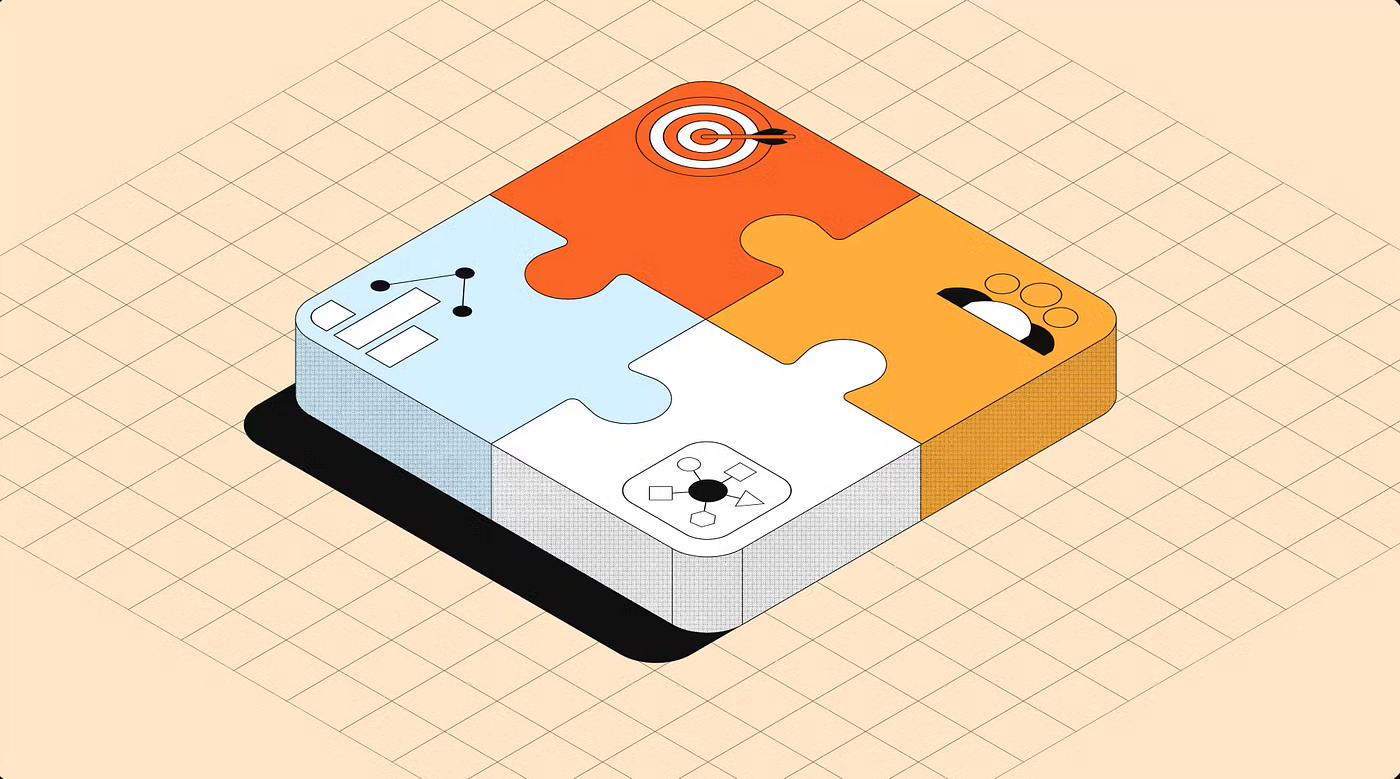
generated by Gemini AI
The Index File’s Ontology
Two boundaries, one protocol
In the posts on AntiGravity and the Coda MCP and Claude and the Coda MCP, we established how global files — GEMINI.md and CLAUDE.md — define the rules of engagement for each agent. Our position is that these global files should not carry operational detail. They reference. Everything else lives in index files and the specific files those indexes point to.
In the previous post we established what an index file is: a map, not a room. One line per skill file. The description together with the name of the file form the handshake that makes selective, intelligent loading possible. If you haven’t read it, that post is the foundation — this one builds on it.
One thing has sharpened since then. The global file — GEMINI.md or CLAUDE.md — has a fixed home on your hard drive. Not by your choice. By the software’s. As we covered in the AntiGravity and Coda MCP post: AntiGravity stores GEMINI.md at the root of your .gemini folder. Claude Code writes CLAUDE.md to its own fixed path. You don't configure these locations — the framework decides them, and that decision is what makes the global layer predictable. Nothing moves it without the software moving it deliberately. The skill files it points to are a different matter. They can live anywhere — a local folder for files you are actively iterating on, Google Drive, Dropbox, GitHub for anything that benefits from version history. The anchor is fixed by design. The library is flexible by design. The distinction is not incidental — it is the architecture.
This post uses CODA_INDEX.md as its anchor example to explain how index files work across any platform — Coda, Superhuman Mail, calendar, writing, finance; etc.. The governing principle is the same everywhere: one file, one task. What changes is the domain. What doesn't change is the protocol.
Before the ecosystem argument, one framing that holds for the entire series. There are two people this architecture touches.
One is the end user — the person who receives the result. In the SH ecosystem, they don’t even have to ask; they are simply served. The agent reads the context on-screen and acts before a thought is even finished. These users never see the index files, the limits, or the routing boundaries; they only see a clean output within the workspace they’ve chosen.
The other is the architect — the person who builds the global files, defines index entries, decides what each skill file covers, and maintains the protocols that ensure the agent behaves correctly. This series is written from that perspective.
Both roles matter, but they operate at different layers.
Coda is the anchor because its role in the current AI ecosystem is worth understanding precisely. Not as a doc tool, not as an Excel replacement, but as the structured data layer that Superhuman Agents depend on. To see why, the argument needs a foundation — and that foundation starts with a naming note.
The framing we work from is Coda as a Superhuman (SH) doc — a document that doesn’t just store data but actively participates in workflows through agents. That said, I’ll admit upfront: I’m not a fan of the terminology. “Superhuman” carries weight in Europe that the product team may not have intended. The concept maps uncomfortably onto how Nazi Germany appropriated Nietzsche’s work — filtered through a biological lens to draw a line between the superhuman and the subhuman. That history doesn’t disappear because a productivity tool co-opts the word. I’ll use SH as shorthand going forward, but I wanted to name that discomfort once.
Back to the SH product philosophy. Shishir Mehrotra has described this new phase not as a single, all-knowing assistant, but as a superhighway of specialized agents working in parallel, with Coda serving as the robust road itself. If you want the full argument for why Coda is positioned this way — and what that means for the ecosystem — Coda’s Future in a Superhuman World covers it.
Coda launched with a “high-ceiling” ambition, positioning itself as a powerhouse for makers who think in tables, relations, and formulas. The underlying wager was that complexity could be a defining feature rather than a barrier to entry. This wasn’t necessarily a losing bet; rather, it was a bet placed on a specific type of user that never became the majority. I traced this trajectory in The Ceiling and the Floor and Chasing the Ghost of Notion, so I’ll be brief: Coda built for the power user, assuming the rest would follow.
The average human maker turned out to have limited appetite for that ceiling. Under adoption pressure, Coda drifted toward the floor — softening edges, simplifying surfaces, chasing a casualness it was never built for. The ecosystem resolved it. Low floor, casual surface, frictionless writing — other tools claimed that territory.
And the irony is sharp: the high ceiling Coda built for humans turns out to be exactly what AI Agents need. An Agent building a project tracker doesn’t find DB prefixes, relation columns, and ForEach() patterns intimidating. It finds them instructive. The complexity that slowed human adoption is precisely the structured surface an Agent can navigate reliably.
That said, the low floor didn’t disappear — it moved. Humans still consume what lives in a Coda doc. They read the dashboard, check the project status, review the budget overview. The interface they see should be clean, readable, and require no training. The complexity belongs in the architecture, not in the experience.
The human hands the task to the Agent. The Agent creates the page, builds the table, writes the formula. The human maker — liberated from the syntax — focuses on the outcome rather than the implementation. Coda’s “promotion to the engine room” is the role the architecture was always suited for. The right user just took a few years to arrive.
That user is Superhuman Go. Its Agents don’t wait to be asked. They read the context on screen — the email open in your browser, the doc you’re editing, the meeting coming up — and act before you finish the thought. The end user never sees the infrastructure. The output simply arrives.
The architecture we’re building here is responsive, not proactive. Both AntiGravity and Claude are capable of reading screen context — but in this setup, they act on behalf of the architect: on instructions given, sequences defined, tasks described. The agent follows. The architect leads. The output logic, though, is the same as in the SH world: structured context flows through a governed layer, and the person receiving the result never needs to understand how it was produced. Different trigger. Same discipline. Two layers — exactly as framed above.
Building versus using
The SH story is a user story. An agent surfaces in your inbox, your doc, your browser, does what you ask, and disappears. You don’t see the highway — you just drive on it.
This series is written from the architect’s side. The low-floor user’s seamless experience only works because someone built high-ceiling infrastructure underneath it. For now: this series is for the architect. And the index file is where that work starts.
The Index Ontology explained
Ralph Miller, whose Aionic Digital recently joined the Superhuman Agent Store, put it precisely: “Context is not understanding. Knowing what is on the screen is not the same as knowing what to do about it.” His team built a Quote Agent on Superhuman Go. The platform handed the agent everything — screen content, email body, user identity, chat history. And then the real work began. Ambient context without operational structure isn’t intelligence. It’s noise with good posture.
What Miller calls a “playbook” — the configuration layer that tells the agent which fields matter, which are required, and when to act versus when to wait — is structurally identical to what we call an index file. Different surface, same problem. And the same labour behind it. Miller’s team spent real time on intent classification, gap detection, and routing logic. That work didn’t come from the platform — it came from the people who understood the domain well enough to encode it. That is the architect’s job. The platform executes. The architect decides what executing means.
The boundaries
A well-written index entry tells the agent two things: when to load a file, and when not to. Those are the routing boundaries — the negative condition that keeps context clean. But there is a second kind of boundary that works differently. Not a routing decision. Not “don’t load this file now.” But “don’t attempt this action ever.” The two are distinct, and they belong in separate places.
The routing boundary — the negative condition
The instinct when writing an index entry is to describe what a file contains. That instinct is mostly right. A capable model reading “this file covers formula patterns” will not load it for a table naming question — it understands what formulas are. Most routing works because positive descriptions are clear.
Where positive descriptions alone break down is at borders — where two files share adjacent scope. A formula file and an actions file will both feel relevant when a button contains a formula. Without an explicit boundary in each, the agent resolves the ambiguity by loading both, or neither. Negative conditions handle those edges. They are not universal discipline — they are targeted fixes for specific overlap.
Compare these two entries for the same skill file:
# Vague
"This file covers Coda formula patterns."

# Precise, with boundary
"Load for: formula and function patterns - ForEach(), WithName(),
 Sort(), Filter(), Contains(), IfBlank(), Format(), Concatenate(),
 preceding values logic, and similar.
 Do not load for actions (buttons and automations) - use coda-actions.md."
The first entry is what you write when describing the file to yourself. The second is what you write when two files share a border and you need the agent to resolve it cleanly. The negative condition earns its place at that boundary — and nowhere else. Writing negative conditions universally creates a different problem: every time you add a file or rename a scope, you potentially need to update the exclusions in every other file. That maintenance cost compounds quietly, and it breaks exactly the kind of stability a governed system is supposed to provide.
The real discipline, then, is precise positive descriptions that handle most routing — and targeted negative conditions at the specific points where file scope genuinely overlaps.
One boundary case deserves its own row in the global index registry: the ambiguous request. Not every user input arrives with a clean domain signal. A vague request — “can you help me with something?” — leaves the agent with no routing match. Without a fallback, it either loads everything or loads nothing. A TRIAGE_INDEX.md as the default row gives the agent a governed path for ambiguous input rather than an ungoverned guess:
# GEMINI.md - Index Registry

| Context Signal                        | Load This File            |
|---------------------------------------|---------------------------|
| Coda doc, table, formula, page, pack  | /skills/CODA_INDEX.md     |
| Email, inbox, triage, follow-up       | /skills/SH_MAIL_INDEX.md  |
| Meeting, calendar, scheduling         | /skills/CALENDAR_INDEX.md |
| Writing, blog, Medium, tone           | /skills/WRITING_INDEX.md  |
| Unclear, general, no domain signal    | /skills/TRIAGE_INDEX.md   |
The final row is not a catch-all. It is a governed response to ambiguity — a file that helps the agent ask the right clarifying question rather than guess the right domain.
The capability boundary — the limits file
The routing boundary determines which file to load. The capability boundary determines what the agent is allowed to attempt in the first place. These are distinct problems; conflating them within a single index entry prevents either from functioning cleanly.
Every platform that exposes an MCP server has a capability ceiling. An MCP server sits on top of the platform’s underlying infrastructure, and platforms rarely achieve full parity between what a human can do in the interface and what an agent can do via MCP. The UI always exposes more. That gap is not a bug — it is what the limits file exists to document.
Without a limits file, the agent has no advance knowledge of where its tools stop working. It attempts operations it cannot complete and hits the wall mid-execution. Ask an agent to merge two Salesforce records without a limits file and it will try — potentially completing step one, stalling on step two where the merge requires conflict-resolution logic defined in the UI, and leaving the user with a partial result to sort out. The agent didn’t fail because it was poorly instructed. It failed because it was never told where the boundary was.
The same pattern holds across every platform. Superhuman Mail’s MCP covers drafting, sending, and searching — but inbox label structures and notification logic are UI-only. HubSpot supports standard contact and company operations — but complex pipeline automations rely on internal logic the platform has not exposed via MCP. Each platform has its version of the same wall: what MCP can reach ends where the UI begins. The limits file maps that wall, and unlike skill files it is not a conditional load — it loads before any write operation, every time.
The skill files cover how to build. The limits file covers what cannot be built.
Because platforms update their MCP capabilities, every limits file carries a Last Verified date — a prompt for the architect to review when the platform updates, and a signal to the agent that the boundaries it is reading have a known age.
For the Coda architect, the limits are concrete — found in real sessions on real client documents. @mentions are UI-only and require manual wiring. Page width Full cannot be set via MCP. Callouts require exact parameters. Leave any of them undocumented and the agent will try anyway. Document them once and the problem disappears.
# coda-mcp-limits.md

## Purpose
Hard constraints on what the Coda MCP cannot do programmatically.
Load before any MCP write operation.
## Last Verified
2026-04-01 - review when Coda releases MCP updates
## Confirmed Limits
- @mentions are UI-only - insert plain text, flag for manual wiring
- Page width Full cannot be set via MCP - flag to user after every page creation
- Callouts require: blockType:"callout", style:"Info", icon:"info", color:"Gray"
It is a record of where the platform stops — and that belongs in the index system as much as any skill file does.
The next post puts this architecture to work. Three real requests, three different routing paths, and the question of why a table of a few words can reliably govern what a language model loads — and what that tells us about the index file as a system rather than a folder.
On a personal note, creating these in-depth posts takes a lot of time and effort. While I love sharing my knowledge, a little support goes a long way. If you found this helpful, consider a small donation. Every bit of encouragement helps fuel the next deep-dives!
My name is Christiaan, and I regularly blog about Coda. If you’d like to take this further with hands-on support for your own Coda setup, I offer professional consultations — feel free to reach out. You can also find my free contributions in the Coda Community and on X. The Coda Community is a fantastic resource for free insights, especially when you share a sample doc.
메타데이터
- post_id
- 8b6a4d471fa8
- slug
- the-index-files-ontology-8b6a4d471fa8
- url
- https://medium.com/@huizer/the-index-files-ontology-8b6a4d471fa8
- canonical_url
- https://medium.com/@huizer/the-index-files-ontology-8b6a4d471fa8
- author_url
- https://medium.com/@huizer
- status
- ok
- fetched_at
- 2026-06-20 20:29:01