The Night I Broke Every Rule I Knew About Programming
I’ve spent three years studying Computer Science and Engineering, learning algorithms, data structures, and the sacred principle that good…
The Night I Broke Every Rule I Knew About Programming
The Night I Broke Every Rule I Knew About Programming
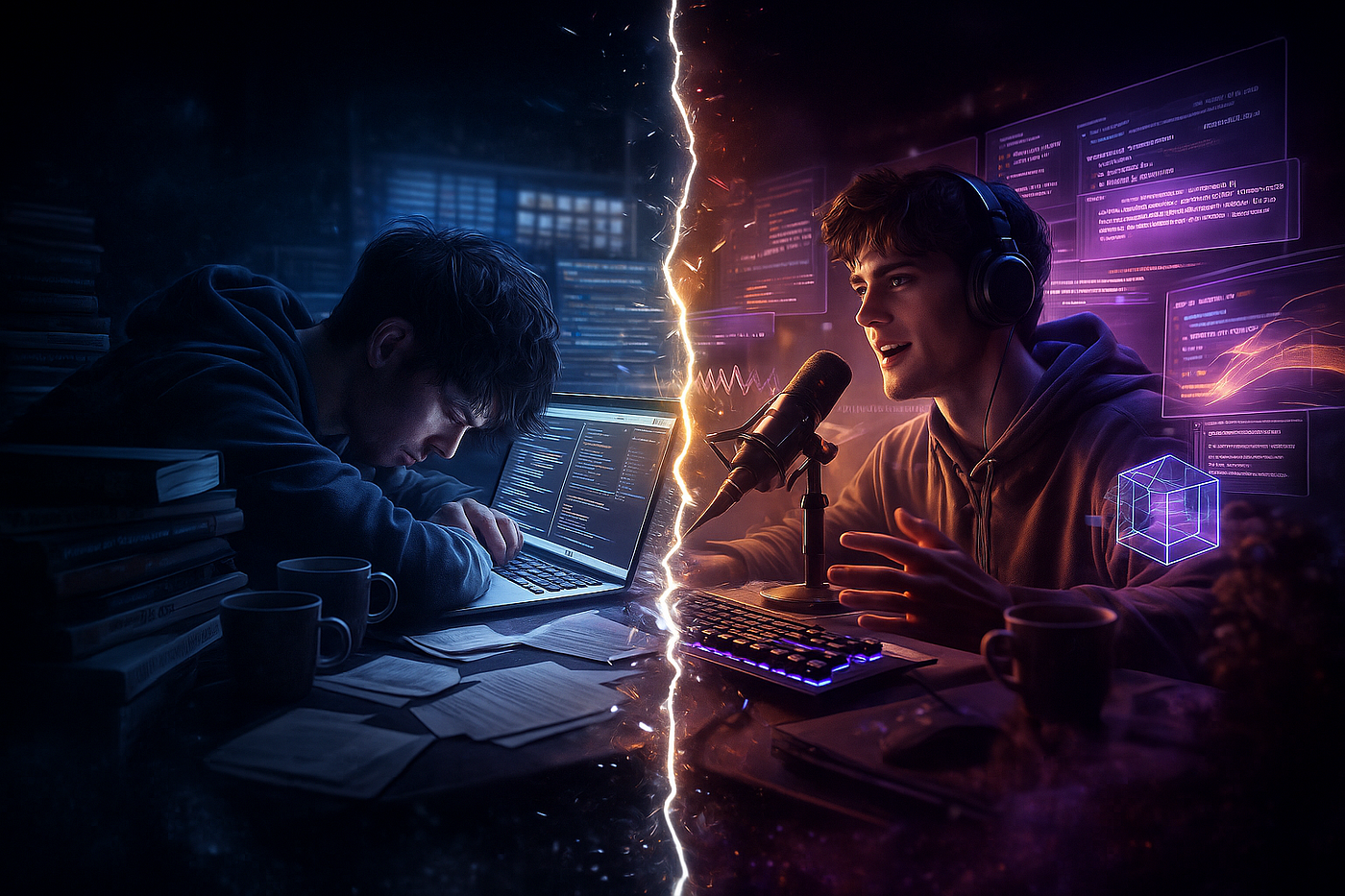
I’ve spent three years studying Computer Science and Engineering, learning algorithms, data structures, and the sacred principle that good code requires skill, time, and countless Stack Overflow searches. That understanding shattered over the course of one exhausting week in November.
It started with a crisis that every CSE student knows too well — a project deadline looming like a storm cloud, twenty browser tabs open, and my brain refusing to process one more line of documentation. I was supposed to implement a complex sorting visualization, write comprehensive documentation, and somehow explain quantum computing concepts for my minor project. The kind of workload that makes you question your life choices at 2 AM.
That’s when I stumbled into something that felt dangerously close to cheating.
The First Crack in Reality
Wispr Flow
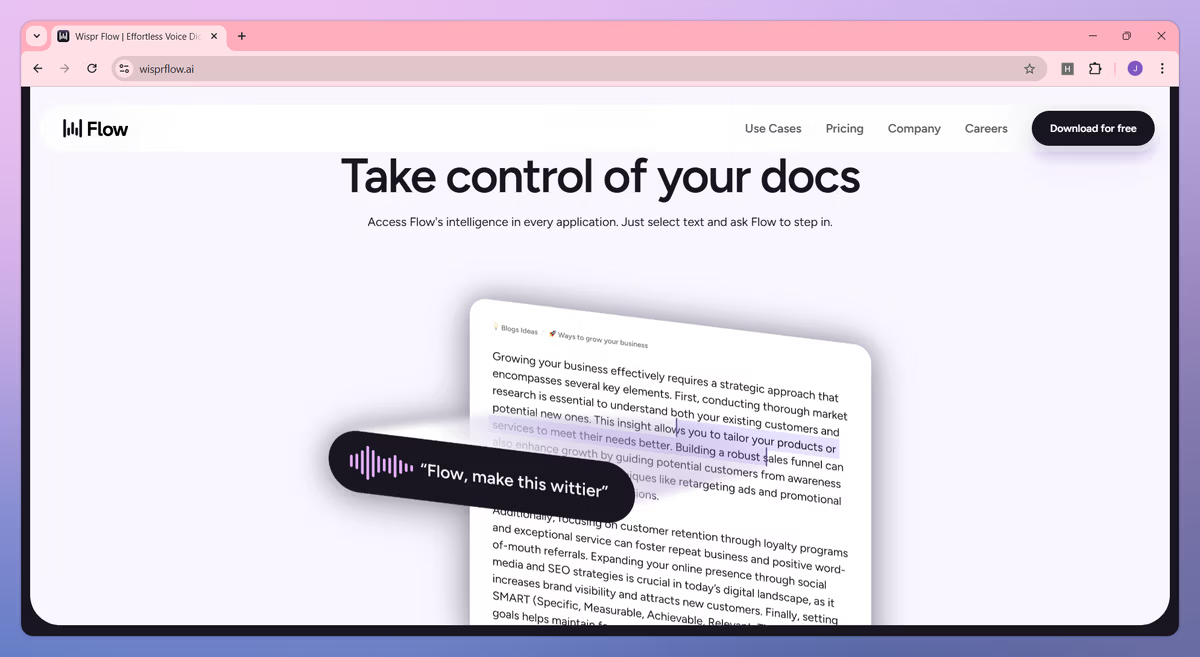
The breakthrough came from desperation, not curiosity. My fingers were cramping from typing debug statements, my wrists aching from the endless ctrl+c, ctrl+v dance that programming sometimes becomes. Someone in our college Discord mentioned **WisprFlow**, dismissing dictation as something only lazy students used.
I tested it anyway, half-expecting garbage output. I rambled about API endpoints, REST protocols, garbage collection issues, and binary search tree balancing. Technical jargon that would make my phone’s voice-to-text have a meltdown.
The transcription was perfect. Not just accurate — perfect. Every technical term spelled correctly. Punctuation that actually made sense. It captured my train of thought at speaking speed, something my tired fingers couldn’t match anymore.
For the first time since freshman year, I felt like I’d discovered a legitimate shortcut that wasn’t actually cheating. The 2,000 free words weekly became my secret weapon during assignment crunches.
When Your Browser Understands Computer Science

Perplexity — Comet
The real transformation happened when I discovered **Comet Browser** while researching for my Operating Systems assignment. I had three research papers open — one on thread synchronization, another on memory management, and a third on process scheduling. Each paper was dense with terminology that required constant cross-referencing.
I asked the browser a question I would normally spend thirty minutes researching: “What are the common concepts across these three papers about OS design?”
The response came within seconds. Concurrency management. Resource allocation strategies. Performance optimization trade-offs. The browser had synthesized three academic papers into coherent themes faster than I could have read a single abstract.
This felt wrong somehow. Three years of learning to struggle through documentation, and now an AI could parse it instantly? But deadlines don’t care about philosophical concerns, and I had a presentation due in six hours.
The PDF That Became My Study Partner

NotebookLM
My Data Structures professor shared a 400-page reference manual on advanced algorithms — the kind of document you’re supposed to read thoroughly but realistically will only skim during exam week. I uploaded it to **NotebookLM** more out of curiosity than expectation.
“Explain the time complexity differences between quicksort and mergesort in worst-case scenarios,” I typed, testing whether it could handle actual computer science theory.
The response included not just the answer but citations pointing to specific pages in the manual. It understood algorithm analysis. It could explain Big O notation. It referenced the exact sections discussing pivot selection strategies and their impact on performance.
Then I discovered the audio overview feature. The AI generated a two-person podcast discussing sorting algorithms like they were analyzing a thriller movie. Two synthetic voices debating the elegance of divide-and-conquer approaches versus the stability of merge operations. It was absurd and brilliant and slightly unsettling.
I listened to that podcast while debugging code at midnight, and somehow the concepts stuck better than they had from lectures.
Creating Without Understanding

Canva Magic Studio
**Canva’s Magic Studio** solved a problem I didn’t know had a solution. Our project team needed a presentation for our Machine Learning mini-project, and none of us had design skills beyond changing font colors in PowerPoint.
I described what we needed: “A technical presentation slide about neural networks with a modern, professional aesthetic. Include space for code snippets and architecture diagrams.”
Thirty seconds later, I had professional-looking templates that would have taken me hours to create manually — hours I didn’t have. The AI understood “technical aesthetic” and “neural networks” well enough to generate something that didn’t look like a freshman’s first PowerPoint.
The Code That Wrote Itself (Almost)

Kling AI
Kling and video generation felt less relevant to CSE work until I needed to create a demonstration video for our Computer Graphics assignment. We were supposed to show a 3D transformation pipeline, and screen recording with voiceover wasn’t cutting it.
I prompted it: “A cinematic shot of 3D geometric shapes transforming — rotating, scaling, translating — against a dark background with subtle lighting effects.”
The result wasn’t perfect, but it was something I could have never created manually without learning an entire 3D animation pipeline. For a concept demonstration, it was eerily effective.
The Voice That Debugs at 3 AM

ElevenLabs
**ElevenLabs** became my secret study tool. I converted my handwritten algorithm notes into audio using realistic AI voices, then listened while commuting or during late-night coding sessions. The free 10,000 characters monthly was enough for summarizing key concepts before exams.
The voice quality was unsettling — pauses and inflections that sounded genuinely human. When exhaustion made reading impossible, audio kept information flowing into my brain.
The Surreal Moment

Marble
**Marble** from World Labs crossed into territory that felt like science fiction. For our Computer Graphics final project, I needed to demonstrate 3D scene understanding. I typed: “A futuristic computer lab. Monitors on desks. Server racks along the walls. Cables running across the floor. Blue ambient lighting.”

Result from marble
Minutes later, I wasn’t looking at a render — I was navigating through it. WASD keys moved me through this generated space. I could peer behind objects that weren’t in my original description. The AI had understood spatial relationships and geometric consistency.
This was the technology we study in theory classes — 3D reconstruction, scene understanding, spatial reasoning — except now it was accessible through a browser, for free, generating results in minutes instead of requiring a graduate thesis.
The Uncomfortable Realization
These tools — **WisprFlow, [Comet Browser](https://www.perplexity.ai/comet), [NotebookLM](https://notebooklm.google/), [Canva’s Magic Studio](https://www.canva.com/en_in/magic/), [Kling AI](https://klingai.com/global/), [ElevenLabs](https://try.elevenlabs.io/b4p0hrks4dsi)**,[**Marble](https://marble.worldlabs.ai/)**— are available to any student right now. Free. Accessible. Powerful enough to compress hours of work into minutes.
What bothers me isn’t that they exist. It’s how quickly they’ve become invisible. Tools that would have been science fiction when I started my degree are now just another Chrome extension. We’ve crossed thresholds without realizing the ground shifted beneath our feet.
I started this semester believing programming was about typing code, debugging errors, and grinding through documentation. I’m ending it understanding that programming might soon become more about knowing what to ask than knowing how to implement.
The barrier between “I can imagine it” and “I can build it” has become dangerously thin.
Some nights, after using these tools to finish assignments that would have taken days, I wonder: are we learning to program, or learning to prompt? Are we becoming engineers, or becoming translators between human intention and machine capability?
The honest answer unsettles me more than any debugging session ever has.
We’re becoming something in between, and I’m not sure anyone knows what that means yet.
>>>>>>>
One email weekly. The tools. The truth. The unsettling part no one mentions.
Some thresholds can’t be uncrossed.
메타데이터
- post_id
- 8bb030792cf1
- slug
- the-night-i-broke-every-rule-i-knew-about-programming-8bb030792cf1
- url
- https://medium.com/illumination/the-night-i-broke-every-rule-i-knew-about-programming-8bb030792cf1
- canonical_url
- https://medium.com/illumination/the-night-i-broke-every-rule-i-knew-about-programming-8bb030792cf1
- author_url
- https://medium.com/@SIDjART
- status
- ok
- fetched_at
- 2026-07-26 05:00:11