I’m Reinstalling Windows
And It’s Only Taking Me Three Days!
I’m Reinstalling Windows
And It’s Only Taking Me Three Days!

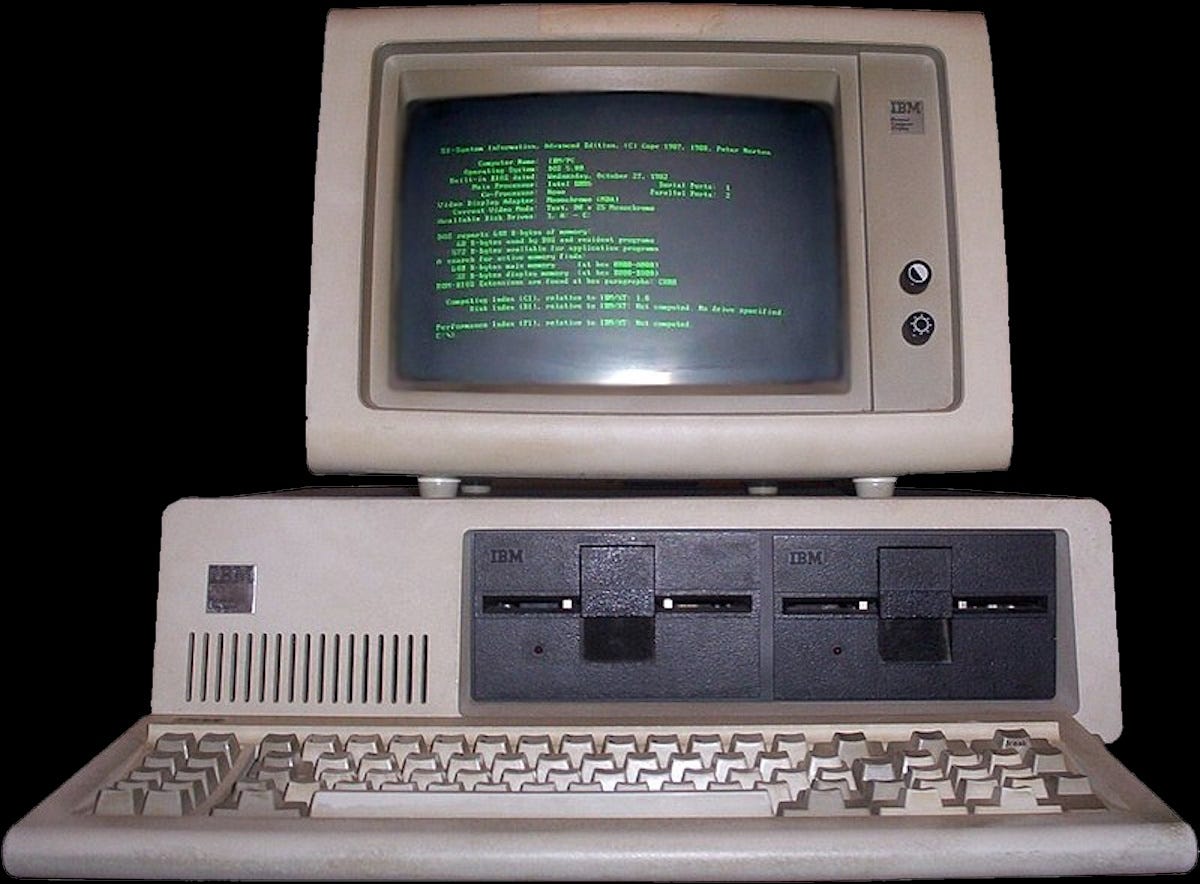
Photo by Paige Cody on Unsplash
Something strange happened Tuesday: two programs disappeared from my Windows desktop taskbar. Rather, their icons did. The spots where they resided where still there, but when I clicked on each one in turn, I got an error message stating that they couldn’t be found.
Based on nearly 30 year’s of experience, I did the first thing I always had my customers do: I rebooted my system.
No luck. But no worries: I’ll just reinstall them. Easy enough, right?
Wrong!
When I went to the Windows Application Store and tried to download load the first one, it told me it was already installed. But a quick look at the installed programs in my control panel showed it wasn’t there.
Next, I did what I never recommend unless you’re an expert: I opened a terminal window and ran regedit, and used it to track down and delete every entry that had anything to do with that particular program.
Then I once again tried install it, only to be told that it was already installed.
Running regedit again showed that all the entries I had previously deleted were back.
Did I mention that the first time I deleted them it took well over an hour? Not willing to go through that again, I downloaded a registry cleaner and ran that, hoping it would solve my problems.
It did indeed find errors, and repaired them.
But trying to reinstall it once more told me, “Sorry, dude…it’s already on your system.”
So I finally said “screw this,” turned off the computer, and went to bed.
Wednesday I could hardly stand to look at the computer. But 2 hours, 3 cups of tea, and a couple of cigarettes later I was ready to go again.
Did you know that you can reset Windows 10? Basically what you do is tell it to reinstall itself and leave your existing data files alone while it does so. This is not something I would recommend lightly, but if you do decide it’s the only way to fix your problems, be sure to follow Robyn’s First Rule of Computing (Be Paranoid and Compulsive) by backing up all of your data files before you begin!
The downside to doing a reset is that while it did indeed leave my data files alone, it also deleted every program I had put on my machine in the 3 years since I bought it.
It wasn’t pretty.
That consumed most of Wednesday, as it took about 4 hours to complete the whole process.
Today (Thursday) I awoke determined to finish reconstructing (reincarnating?) my laptop. I ate a leisurely breakfast, finishing off the last of the breakfast sausage and washing it down with a couple of cups of tea.
Oh, yeah — I almost forgot! Yesterday I made a list of all the programs I had added to my laptop over the years, because my memory isn’t what it once was, and I knew I’d forget some of them if I didn’t write them down.
I started the long process of reinstalling and configuring my software at around 10 this morning. It’s now 10:30 p.m. and I only just finished everything about an hour ago.
I also offered up a silent prayer to the Great Computing Spirits in the Sky that all my software was available to download from the cloud, since all my original copies are on CD or DVD, and those discs are sitting in my daughter’s basement in Seattle.
But that’s a story for another day.
메타데이터
- post_id
- 8bf3ca747218
- slug
- im-reinstalling-windows-8bf3ca747218
- url
- https://medium.com/@robynjane/im-reinstalling-windows-8bf3ca747218
- canonical_url
- https://medium.com/@robynjane/im-reinstalling-windows-8bf3ca747218
- author_url
- https://medium.com/@robynjane
- status
- ok
- fetched_at
- 2026-07-17 01:16:21