Using conky to monitor your system
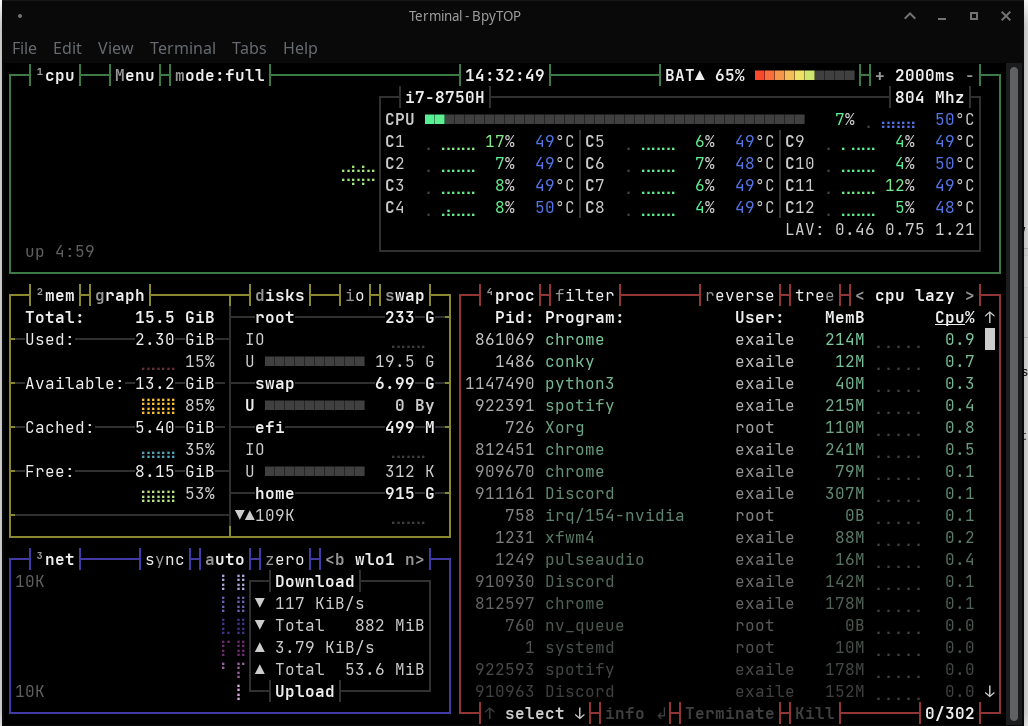
I can’t say how many times I was able to spot a problem with my system, thanks to conky.
Using conky to monitor your system
I can’t say how many times I was able to spot a problem with my system, thanks to conky. I know a lot of people who hate this tool and think it's just bloat. Well, conky can be as minimalist or complex as you want it to be!
One day I was playing a game on Lutris and as always….it turned me the game mode ON (which changes the processor governor to performance mode) after I was done playing…somehow when exiting the game, Lutris wasn’t able to turn off gaming mode. No errors were shown, just simply couldn’t do it that time (it’s rare though!). I was able to spot that malfunction immediately thanks to my conky setup

You can download this configuration from here.
Some might say I’m a mad man, that conky bar fills the entire screen. But I’m addicted to it. As you can see, I always know when something’s up. I check the CPU cores for spikes, some particular process going mad, the temperatures, hell I even know if there are updates from Manjaro repository or AUR, and the number of them! If I have less than 5 updates available, it lights up the number in green. If more than 5…it’s red! (don’t let updates accumulate!)
This is the power of conky, you decide what’s there….what do you need? It’s a matter of imagination.
메타데이터
- post_id
- 8ccf4530a451
- slug
- using-conky-to-monitor-your-system-8ccf4530a451
- url
- https://medium.com/@exaile/using-conky-to-monitor-your-system-8ccf4530a451
- canonical_url
- https://medium.com/@exaile/using-conky-to-monitor-your-system-8ccf4530a451
- author_url
- https://medium.com/@exaile
- status
- ok
- fetched_at
- 2026-07-28 12:19:09