21 Essential Tools for Image and Video Verification
A practical guide for journalists, fact-checkers, and OSINT researchers — from metadata analysis to deepfake detection
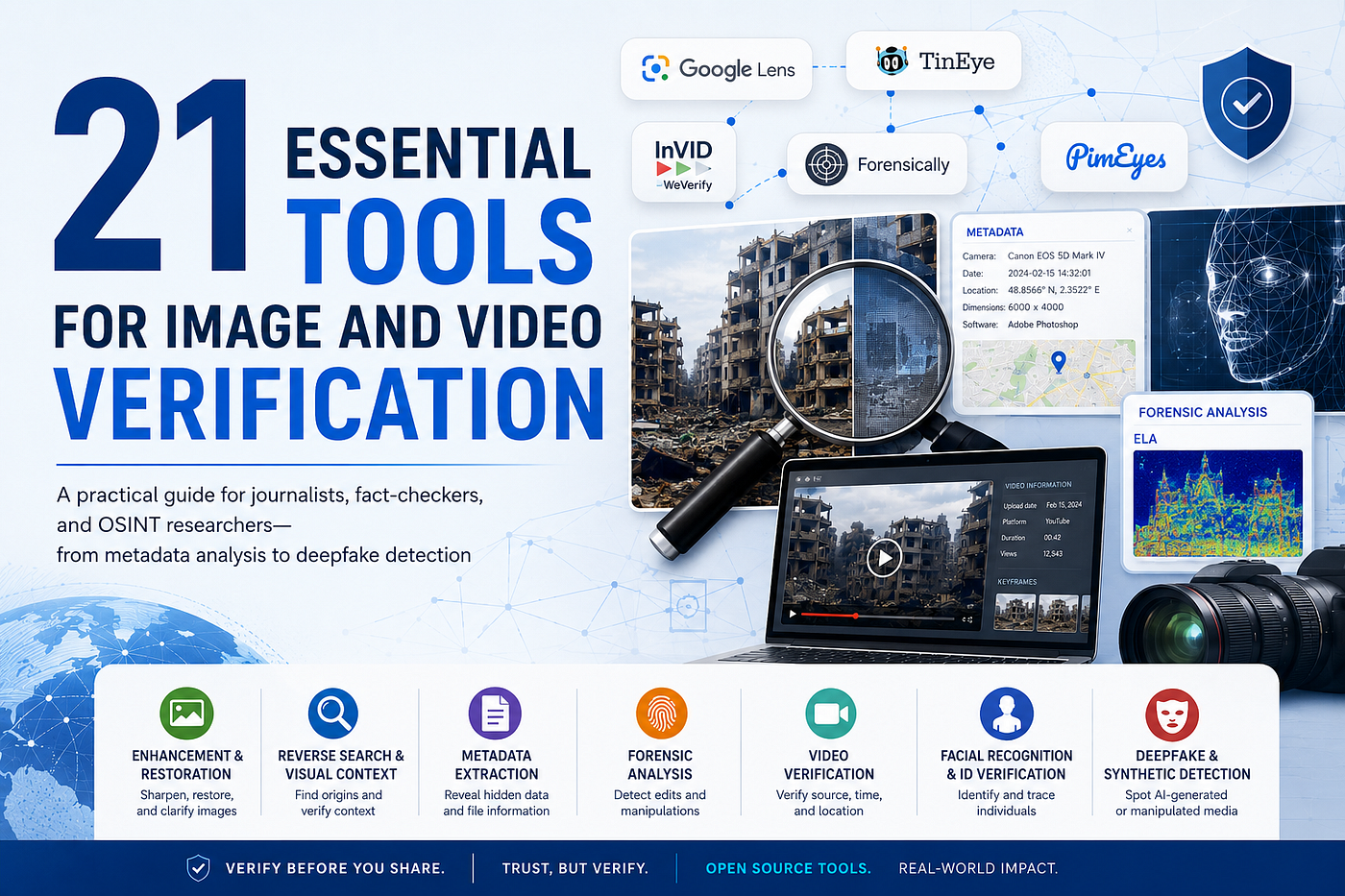
21 Essential Tools for Image and Video Verification
A practical guide for journalists, fact-checkers, and OSINT researchers — from metadata analysis to deepfake detection
For non-Premium Member (**article)👈click here & about author ([services**.](https://www.fiverr.com/s/99VGBKD))👈click here
In an era of synthetic media, coordinated disinformation, and viral misinformation, the ability to verify a photo or video is no longer a niche skill — it’s a fundamental competency. Whether you’re a journalist verifying footage from a conflict zone, a researcher tracking manipulated images, or simply a curious person who refuses to share something without checking it first, this toolkit is for you.Below are 21 tools — free or freemium, browser-based or desktop — organized by use case. Together, they cover the full verification workflow: from image enhancement and metadata extraction to reverse search, forensic analysis, facial recognition, and deepfake detection.
1. Image Enhancement & Restoration
Before you can analyze an image, you sometimes need to see it clearly. These tools help sharpen, restore, or clean up visuals.
Fotor Unblur
Fotor’s AI-powered unblur tool sharpens blurry or low-resolution images in seconds. It’s particularly useful when working with screenshots, compressed social media photos, or footage frames. Drag, drop, and get a cleaner version — no technical knowledge required.
Practical Face Restoration for Old Photos
RestorePhotos.io uses machine learning to restore old, damaged, or degraded facial photographs. For investigators, this can mean recovering usable detail from archival images or reconstructing faces from low-quality source material. It’s surprisingly powerful for photos that seem beyond recovery.
PureRef
PureRef is a lightweight desktop application for organizing and comparing reference images. Investigators use it to arrange multiple images side-by-side on a persistent canvas, making visual comparison across sources far more manageable than juggling browser tabs.
Cleanup.Pictures
This AI-based tool removes unwanted objects, people, or watermarks from images. For verification purposes, it can help isolate specific elements of a photo, or test whether a visual element is original or was digitally inserted.
2. Reverse Image Search & Visual Context
These tools answer the fundamental question: Where did this image come from?
Google Lens
Google Lens performs visual search using image recognition. Beyond identifying objects and landmarks, it can find the original source of an image, surface visually similar results, and help place a photo in its proper geographic or chronological context. Available in Chrome and the Google app.
TinEye
TinEye is the gold standard for reverse image search. It tracks when and where an image first appeared online, making it invaluable for detecting if a photo has been recycled, recontextualized, or falsely attributed. Unlike Google, TinEye is purpose-built for this task and returns detailed match histories.
3. Metadata Extraction & Analysis
Metadata is the hidden layer of every digital file. It can reveal a camera model, GPS coordinates, timestamps, and editing history — or confirm that key data has been stripped.
Metadata2Go
Metadata2Go extracts EXIF, IPTC, and XMP metadata from images and other file types without requiring any software installation. Upload a file, and it returns a full breakdown of embedded technical data. It’s one of the fastest ways to check if a photo’s timestamp or geolocation is consistent with its claimed context.
Compare Images
A companion tool from the Metadata2Go suite, Compare Images allows you to upload two images and compare their metadata side-by-side. Particularly useful for detecting whether two visually similar images share the same origin — or whether one has been altered.
EXIF Purge
EXIF Purge does the opposite: it removes all embedded metadata from images. This is a critical privacy tool for journalists, activists, and sources who need to share images without inadvertently exposing location data, device information, or editing history.
4. Forensic Image Analysis
When an image looks suspicious, these tools dig deeper — analyzing compression artifacts, lighting inconsistencies, and signs of digital manipulation.
Forensically
Forensically is a browser-based toolkit offering multiple forensic analysis techniques: Error Level Analysis (ELA), noise analysis, clone detection, and more. ELA, in particular, reveals areas of an image that have been saved at different compression rates — a strong indicator of localized editing. A go-to tool for any serious image analyst.
Foto Forensics
FotoForensics is another powerful online platform for image forensics, best known for its Error Level Analysis. It also provides metadata reading, JPEG quality analysis, and an educational section explaining what each analysis reveals. Particularly accessible for investigators who are just beginning to learn forensic methods.
Shadow Analysis / SunCalc
SunCalc calculates the exact position of the sun at any location on Earth at any date and time. Investigators use it to verify whether the shadows in a photograph are consistent with the claimed time and location of capture. It’s a deceptively simple but remarkably effective geolocation technique.
5. Video Verification
Video adds a time dimension to the verification challenge. These tools help establish provenance, context, and geolocation for video content.
InVID Verification Plugin
The InVID (now WeVerify) browser plugin is arguably the most comprehensive single tool for video verification. It extracts keyframes for reverse image search, retrieves video metadata, checks publication dates, and performs contextual analysis — all from within your browser. Essential for anyone working with video content from social media.
YouTube DataViewer
Developed by Amnesty International, the YouTube DataViewer extracts the exact upload timestamp of a YouTube video and generates reverse image search links for its keyframes. It’s a fast, reliable way to establish a video’s first appearance online and check whether it has been re-uploaded out of context.
Mattw.io — YouTube Geofind
This tool searches YouTube for geotagged videos near a specific location. By entering coordinates or a place name, you can surface videos filmed in a particular area — useful for corroborating events, finding witness footage, or establishing what was happening in a specific location at a given time.
Image Verification Assistant
Developed as part of the WeVerify project, this browser-based tool provides a structured workflow for verifying images and videos. It guides users through reverse image search, metadata checks, and contextual analysis in an integrated interface — reducing the cognitive load of managing multiple verification tools simultaneously.
6. Facial Recognition & Identity Verification
These tools support identity verification, person tracing, and the detection of fabricated faces.
PimEyes
PimEyes is a facial recognition search engine that scans the internet for images matching a given face. It’s widely used in investigative journalism for identifying individuals, verifying identities, and tracing the online history of a person’s image. Use responsibly and in accordance with applicable privacy laws.
Search4Faces
Search4Faces provides facial recognition search across social network profiles, primarily covering Russian-language platforms (VKontakte, Odnoklassniki). It has been used extensively by investigative journalists covering Eastern Europe and the former Soviet Union to identify individuals from photographs.
Amazon Rekognition
Amazon Rekognition is a cloud-based computer vision service offering facial analysis, object detection, text extraction, and more. Used by media organizations and research institutions for large-scale image analysis, it provides capabilities well beyond what browser-based tools can offer — though it requires an AWS account and API familiarity.
7. Deepfake & Synthetic Media Detection
The rise of AI-generated faces has made it essential to be able to distinguish real humans from machine-generated ones.
ThisPersonDoesNotExist
This site generates a new, photorealistic AI face every time you refresh the page. It’s not a verification tool per se — but it’s an essential reference point. Training yourself to spot the characteristic artifacts of GAN-generated faces (asymmetric ears, blurred backgrounds, strange teeth, inconsistent lighting) is a skill that begins here.
Am I Real? / WhichFaceIsReal
WhichFaceIsReal is an interactive training tool developed by researchers at the University of Washington. Each round shows two faces — one real, one AI-generated — and asks you to identify which is which. It’s both a calibration exercise and a test of your deepfake detection instincts. Researchers recommend it as an onboarding tool for newsrooms.
Closing Thoughts
No single tool tells the whole story. The strength of image and video verification lies in triangulation — using multiple independent tools and methods to converge on a conclusion. A metadata timestamp confirmed by a sun shadow analysis, cross-referenced with a YouTube DataViewer upload date and a TinEye first-seen record, is a far more robust finding than any single data point alone.Build the habit. Use the tools. And always ask: What would it take for this to be false?
This article is intended for journalists, researchers, educators, time of writing.
About the Author
Hi, It’s Nazrul Islam Rana. I’m a professional Cyber Security researcher and OSINT Expert. I have 4+ years of experience with 115+ solved cases all over the world. I specialize in Private Investigator, Background Checks, IP tracking, Fake Identity verification, Dating app verification, Cyber Investigation, Digital Forensic, Social Media Investigation, Criminal and Public Records Investigation, Business Investigation and Reputation check with accuracy and confidently. I always deliver top-notch accurate results with verified proof of concepts.

If you need professional OSINT Services, Digital Tracing, Identity Verification, Scam Investigations, or Online Reputation Checks,Custom Services you can hire me here:
➡️my services.(👈click here)
메타데이터
- post_id
- 8cf21d868242
- slug
- 21-essential-tools-for-image-and-video-verification-8cf21d868242
- url
- https://medium.com/@nazrulrana/21-essential-tools-for-image-and-video-verification-8cf21d868242
- canonical_url
- https://medium.com/@nazrulrana/21-essential-tools-for-image-and-video-verification-8cf21d868242
- author_url
- https://medium.com/@nazrulrana
- status
- ok
- fetched_at
- 2026-06-13 09:11:36