Your Audio, Perfected: A Practical Guide to Choosing and Using AI Audio Tools
Welcome back! In our first conversation, we unlocked the door to the world of AI Audio Enhancement. We explored how this technology is a…
Your Audio, Perfected: A Practical Guide to Choosing and Using AI Audio Tools
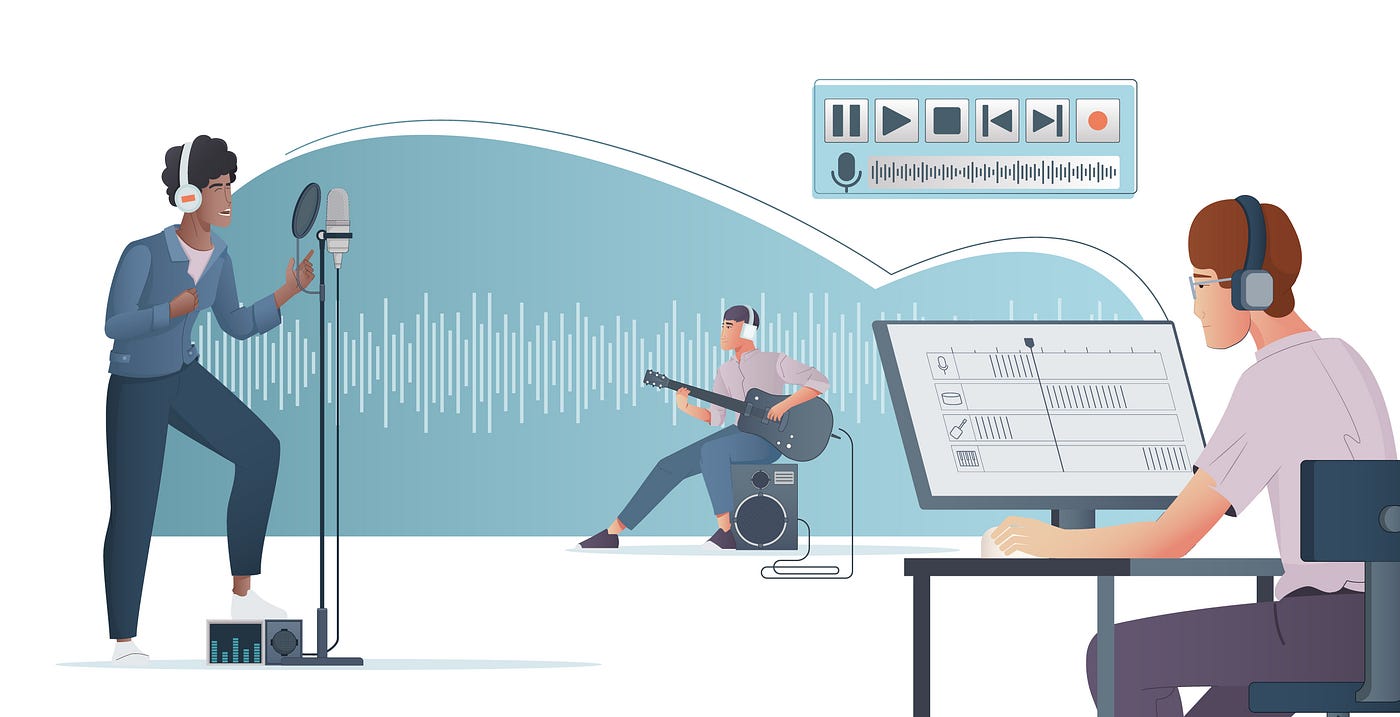
Welcome back! In our first conversation, we unlocked the door to the world of AI Audio Enhancement. We explored how this technology is a genuine revolution, silently working to banish background noise, resurrect old recordings, and bring crystal-clear clarity to our digital conversations.
But knowing what is possible often leads to the next, very human question: “Okay, this is amazing. But how do I actually do it?”
It’s a familiar feeling. You’re standing in front of a tool chest filled with incredible instruments, but you’re not quite sure which one to pick up first or how to use it without hitting your thumb. The gap between understanding a technology and practically applying it is where frustration can creep in.
Today, we bridge that gap. This is your hands-on, practical guide to navigating the landscape of AI audio tools. We’ll move from theory to action, helping you not only choose the right tool for your needs but also integrate it seamlessly into your workflow. Consider this the essential follow-up to our pillar guide — the “how-to” that brings the “what-is” to life.
Engage: The Paradox of Choice — So Many Tools, So Much Confusion
The rapid rise of AI audio enhancement is a blessing. But let’s be honest, it can also feel overwhelming. A quick search reveals dozens of apps, software, and online platforms all promising “studio-quality sound.” How are you supposed to know which one is right for you?
You might be asking:
- “Do I need a subscription, or is a one-time purchase better?”
- “Should I use a desktop app or a web-based tool?”
- “What’s the difference between this free version and the expensive professional suite?”
- “I’m not a tech whiz — will I even be able to figure this out?”
This paralysis is real. It stops many from ever taking the first step. The goal of this guide is to cut through that noise (pun intended) and give you a clear, confident path forward. You don’t need to be an audio engineer; you just need a simple framework to make an informed decision.
Educate: The C.L.E.A.R. Method — Your 5-Step Framework for Choosing the Perfect Tool
Forget wading through endless feature lists. When evaluating any AI audio enhancer, whether it’s a budding startup or an established giant, just follow the C.L.E.A.R. method.
1. C — Content & Use Case
The first and most important question is: What do you primarily need this for? Your answer will immediately narrow the field.
- Podcasts & Voice Recordings: You need powerful noise reduction, de-reverb, and speech enhancement. Look for tools that specifically market to podcasters.
- Music & Creative Projects: You might need more nuanced control, like de-clipping for mastered tracks or music isolation to remove vocals or instruments. The AI needs to be musicality-aware.
- Video Content (YouTube, TikTok): You need a tool that can handle video files directly, saving you the step of separating and re-syncing audio. Dialogue isolation is key here.
- Live Calls & Conferencing: You need real-time enhancement that works as a virtual microphone within apps like Zoom, Teams, or Discord. Speed and low latency are critical.
- Historical Restoration: Your focus is on audio restoration features: hiss reduction, crackle removal, and de-clipping for old, degraded files.
2. L — Learning Curve & Interface
Be honest with yourself about your technical comfort level. Are you looking for a “one-click magic wand” or a tool with advanced sliders and controls?
- Beginner-Friendly: Look for clean interfaces with simple upload/process/download workflows. Tools like GoluAI are being designed with this ethos — powerful technology behind a simple, intuitive facade.
- Pro-Level Control: If you enjoy tweaking, look for tools that give you control over individual noise reduction levels, speech clarity, and other parameters.
3. E — Execution & Output Quality
This is where the rubber meets the road. How good are the results?
- Listen for Artifacts: The hallmark of a poor AI is “artifacting” — where the processed audio sounds robotic, watery, or metallic. Always test with a short sample. A good enhancer removes noise without destroying the natural character of the original voice or music.
- Output Formats: Does the tool output the file format and quality you need (e.g., high-quality WAV for music production, or a compressed MP3 for a podcast)?
4. A — Access & Pricing
How does the tool fit your budget and workflow?
- Freemium/Free Trial: Essential for testing. Does it have a free tier with limitations (e.g., watermarking, or a daily minute limit)?
- Subscription vs. One-Time Purchase: Subscriptions often provide ongoing updates and cloud processing. One-time purchases are better for predictable, long-term costs but may lack new features.
- Cloud vs. Desktop: Cloud-based tools (like many of the emerging AI platforms) are accessible from any computer and use powerful remote servers. Desktop apps process files on your machine, which can be better for privacy and very large files.
5. R — Reviews & Reputation
Don’t just take the marketing copy at face value. What is the community saying?
- Seek Out Case Studies: Look for before-and-after audio samples on the company’s website or YouTube channel.
- Read User Testimonials: Pay attention to reviews from people with a similar use case to yours (e.g., “As a podcaster, this saved me 5 hours a week…”).
Testify: From Cluttered to Crystal Clear — Real-World Workflows
Let’s make this tangible. Here’s how the C.L.E.A.R. method translates into action for different people.
The Aspiring Podcaster, Maya: Maya records in her slightly echoey spare bedroom. Her Content need is clear: speech enhancement. She needs a simple Learning Curve. She uses the free trial of a few web-based tools, including GoluAI, to Execute a test on her noisy recording. She immediately hears that one tool removes the echo but makes her voice sound thin, while another (like GoluAI) cleans the audio while keeping her voice warm and natural. The Access model of a monthly subscription is fine for her, as she publishes weekly. She’s perfected her podcasting workflow in an afternoon.
The Remote Project Manager, David: David is on video calls all day, and his home office has a noisy air vent. His Content need is 100% real-time enhancement. He doesn’t need to process files, so a desktop app that works as a virtual microphone is his go-to. He needs zero Learning Curve — it must work as soon as he joins a call. After reading Reviews, he downloads a tool, sets it as his microphone in Zoom, and immediately notices his colleagues have stopped asking him to repeat himself. The clarity is professional, and the distraction of his background noise is gone.
The Family Historian, Susan: Susan has a box of cassette tapes from the 1980s. Her Content need is audio restoration. She needs a tool that specializes in removing tape hiss and crackle without harming the fragile, vintage audio. She chooses a tool with a simple interface (Learning Curve) and uses its free tier to process a 30-second clip of her grandfather speaking. The Execution is breathtaking — the constant hiss vanishes, and his voice emerges with a clarity she hasn’t heard in decades. The emotional impact justifies the one-time Access purchase for her.
Action: Your Turn to Transform Your Audio
Theory and stories are great, but the real value is in your own experience. The best way to understand the power of this technology is to hear it with your own ears.
We challenge you to take the first, simple step in your audio enhancement journey today.
- Find Your “Problem File”: Dig up that one audio or video file that has always bothered you. The noisy podcast recording, the quiet interview, the muffled home video.
- Put a Tool to the Test: It’s time to see the C.L.E.A.R. method in action. We invite you to experience the difference for yourself. Visit GoluAI.com and try our audio enhancement tool. Upload your problem file and witness the transformation from cluttered to crystal-clear in moments. We’ve built it to be powerful yet simple, because we believe everyone deserves great sound, regardless of their technical skill.
This isn’t just about cleaning up audio; it’s about reclaiming your content, your communications, and your memories. The tools are here, the path is clear, and the results are waiting for you.
The next chapter of your audio story starts now. What will you enhance first?
메타데이터
- post_id
- 8d8562eb6d69
- slug
- your-audio-perfected-a-practical-guide-to-choosing-and-using-ai-audio-tools-8d8562eb6d69
- url
- https://medium.com/@anupamanupam4567/your-audio-perfected-a-practical-guide-to-choosing-and-using-ai-audio-tools-8d8562eb6d69
- canonical_url
- https://medium.com/@anupamanupam4567/your-audio-perfected-a-practical-guide-to-choosing-and-using-ai-audio-tools-8d8562eb6d69
- author_url
- https://medium.com/@anupamanupam4567
- status
- ok
- fetched_at
- 2026-06-24 23:31:39




