When Open Source Becomes a Security Liability: How Cal.com Rewrote the Playbook with Cal.diy
When Open Source Becomes a Security Liability: How Cal.com Rewrote the Playbook with Cal.diy
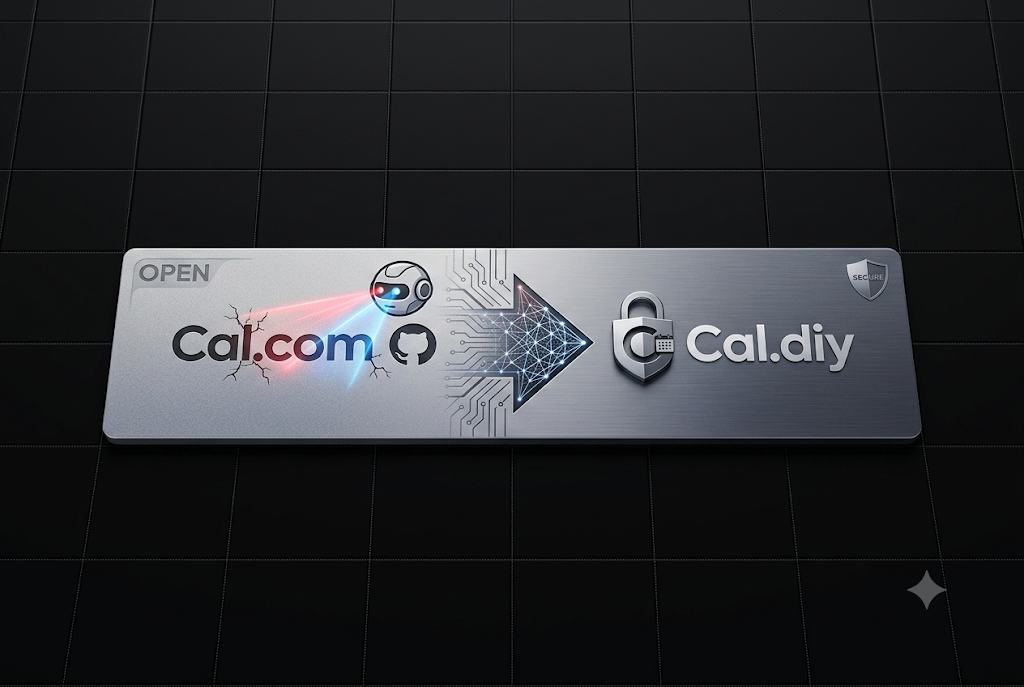
Something significant happened in the software industry that deserves far more attention than it received. Cal.com, one of the most celebrated open source scheduling platforms with tens of thousands of GitHub stars, made the decision to close its production source code. The reasoning offered by its CEO was striking in its candor: an AI system had uncovered a 27-year-old vulnerability buried deep in the BSD kernel and, within hours, generated working exploits capable of weaponizing it.
That statement alone reframes an entire decade of developer culture. For years, the open source model was celebrated not just as a philosophical stance but as a practical security strategy. The argument was simple: more eyes on the code means more people catching bugs. Transparency was treated as a form of armor.
That assumption is now under serious pressure.
When AI systems can scan millions of lines of code, identify obscure vulnerabilities that human reviewers missed for nearly three decades, and immediately produce functional attack tools, the calculus changes entirely. A public repository is no longer just a contribution surface. It is also an attack surface, and one that can be weaponized at a speed no human security team can match.
Cal.com handles sensitive scheduling data, including calendar access, payment integrations, meeting metadata, and user credentials across thousands of deployments. Leaving that architecture fully exposed in a world where AI can generate exploits in hours was no longer a defensible position.
The Fork That Honored the Community
What makes the Cal.com story genuinely interesting is not the decision to close the source, but what came alongside it. Rather than simply locking the doors and walking away from the community that built the platform’s momentum, the team forked the entire codebase, removed all enterprise and commercial features, relicensed everything under the MIT license, and released it publicly as Cal.diy.
The numbers tell the story of how the community responded: over 44,600 GitHub stars and more than 13,700 forks accumulated around a project that was, by design, the stripped-down version.
This was not a consolation prize. It was a deliberate architectural separation. Cal.com retained the hardened, production-grade, commercially supported version. Cal.diy became the fully open, fully free, community-maintained fork for developers, self-hosters, and builders who want complete control over their scheduling infrastructure without any commercial dependencies.
Every line of Cal.diy is MIT licensed. There is no “Open Core” tier. There is no license key requirement. There is no call home to a commercial server. Everything works out of the box on infrastructure the operator owns entirely.
What Cal.diy Actually Offers
Cal.diy is built on a modern and well-understood stack. Next.js powers the frontend and routing layer. tRPC handles the type-safe API communication between client and server. Prisma manages database interactions. Tailwind CSS handles styling. Daily.co provides the video meeting infrastructure.
This combination means that any developer comfortable with the modern JavaScript ecosystem will feel at home in the codebase almost immediately.
Core Prerequisites
Running Cal.diy requires only two infrastructure dependencies:
Node.js version 18 or higher and PostgreSQL version 13 or higher. That is the entire mandatory footprint. Most developers already have both available.
Getting Started in Development
The fastest path to a running local instance uses Docker to handle the database automatically:
git clone https://github.com/calcom/cal.diy.git
cd cal.diy
yarn
yarn dx
The yarn dx command provisions a local PostgreSQL container and seeds it with test users, so the first login is available immediately after the containers start. Default credentials include a free user, a pro user, a trial user, and an admin account, all documented in the console output.
For developers on Windows, the clone command requires an additional flag to handle symlinks correctly:
git clone -c core.symlinks=true https://github.com/calcom/cal.diy.gitEnvironment Configuration
After cloning, the environment file needs two cryptographic secrets before the application will start. Both can be generated from the terminal:
openssl rand -base64 32   # for NEXTAUTH_SECRET
openssl rand -base64 24   # for CALENDSO_ENCRYPTION_KEY
These go into the .env file duplicated from .env.example. The database URL follows a standard PostgreSQL connection string format:
DATABASE_URL='postgresql://<user>:<pass>@<db-host>:<db-port>/<dbname>'For developers who do not want to run a local database, services like Railway, Northflank, and Render all offer managed PostgreSQL instances that can be connected with a single connection string.
Database Migrations
In a development environment, migrations run with:
yarn workspace @calcom/prisma db-migrateIn a production environment, the safer deploy command avoids destructive operations:
yarn workspace @calcom/prisma db-deployDeploying with Docker Compose
For production or staging deployments, Docker Compose is the recommended path. The complete stack includes the web application, a local PostgreSQL database, and Prisma Studio for database inspection.
git clone --recursive https://github.com/calcom/cal.diy.git
cd cal.diy
cp .env.example .env
# Edit .env with generated secrets and configuration
docker compose up -d
The application becomes available at http://localhost:3000 or whatever NEXT_PUBLIC_WEBAPP_URL is configured to. On first run, a setup wizard walks through initial user creation.
For deployments targeting an existing remote database rather than the bundled container:
docker compose up -d calcom studioThis skips the local database container and connects directly to the configured DATABASE_URL.
Push Notification Configuration
If the application logs an error about missing VAPID keys, web push notifications need their own generated credentials:
npx web-push generate-vapid-keysThe output provides both a public and private key that go into the .env file as NEXT_PUBLIC_VAPID_PUBLIC_KEY and VAPID_PRIVATE_KEY.
What Has Been Removed and Why That Matters
The features absent from Cal.diy are not arbitrary omissions. Teams, Organizations, Insights, Workflows, SSO and SAML authentication, and other enterprise capabilities were stripped deliberately. These are the features that require sustained engineering investment to harden, the features most likely to be targeted in production environments, and the features that justified Cal.com maintaining a separate, protected commercial codebase.
For individual developers and small projects, none of those features are the bottleneck anyway. A personal scheduling page, an MVP booking flow embedded in a side project, an internal tool for a small team, or a developer integrating scheduling logic into a custom application does not need organizational hierarchies or enterprise SSO. It needs reliable booking, calendar sync, and payment collection.
Cal.diy covers all of that with over 200 integrations including Google Calendar, Outlook, Zoom, Stripe, Slack, and Apple Calendar. Booking page creation, availability management, recurring events, and video meeting coordination are all present.
The Honest Tradeoffs
Cal.diy is not a drop-in replacement for managed scheduling services in every scenario. Several realities deserve straightforward acknowledgment.
There is no hosted version. Every deployment requires running a server, managing a database, handling updates, and owning the operational burden entirely. This is a feature for developers who want that control and a genuine obstacle for teams that do not.
The confirmation emails, reminder systems, and workflow automations present in the commercial product are minimal in the open fork. Production deployments with real end users will likely require additional engineering effort to polish these surfaces.
The community around Cal.diy, while enthusiastic, is smaller than the ecosystem around the commercial product. Obscure bugs may not have existing GitHub issues. Solutions that would come from a support team in a paid product require digging through code or raising a new issue.
Cal.com officially describes Cal.diy as suited for personal and non-production use. That framing is worth taking seriously for anyone planning a deployment that handles sensitive data at scale.
The appropriate home for Cal.diy is building an MVP to validate a scheduling feature before committing to infrastructure costs, embedding scheduling into a custom application where the developer wants full code ownership, running a personal booking page without paying monthly fees indefinitely, or prototyping internal tools that will eventually migrate to a managed solution.
For a production business handling customer appointments, healthcare bookings, or any scheduling workflow where reliability is non-negotiable, hosted Cal.com or a comparable managed service remains the more defensible choice.
The Larger Pattern Taking Shape
Cal.com did not invent this model, but it executed it with unusual clarity and transparency. The pattern is becoming visible across the software industry: companies that built their reputations on open source are beginning to separate their community-facing developer tools from their production-hardened commercial infrastructure.
The security argument is only going to strengthen as AI-assisted vulnerability research matures. The same tools that allow a small team to audit millions of lines of code for security issues also allow adversarial actors to do the same thing far faster than any human security team can respond. Public repositories, especially those handling user data and authentication, become higher-risk assets in that environment.
The response emerging in the market is a bifurcation. The open fork serves the developer community, drives adoption, generates goodwill, and produces contributions. The closed production branch serves enterprise customers, receives hardened security investment, and generates the revenue that funds both sides of the operation.
For developers and builders, understanding this pattern matters for how open source dependencies get evaluated going forward. The question is no longer simply whether something is open source, but which tier of the codebase is actually public, what that tier is designed for, and whether the production deployment story is genuinely supported or left to the community.
Cal.diy answers those questions honestly. It is free, it is fully open, it is built for builders and self-hosters, and it is maintained by a community rather than a commercial engineering team. That is a valuable and clearly scoped offer.
Conclusion
The Cal.com transition and the release of Cal.diy represents one of the cleaner examples of how the open source model is adapting to a changed threat landscape. Rather than treating open source as an all-or-nothing commitment, the project now operates on two parallel tracks: a hardened commercial product for production deployments and a fully open MIT-licensed fork for the developer community.
Cal.diy delivers a Calendly-quality scheduling platform at zero ongoing cost, on infrastructure the operator controls completely, with a modern and approachable technology stack. For developers building scheduling features into their own products, running personal booking pages, or prototyping ideas without infrastructure overhead, it is one of the most capable free tools available.
The deeper lesson is about the evolving definition of openness in software. Being open source and being production-ready for sensitive data workloads are increasingly separate questions. The projects and teams that navigate that distinction thoughtfully, as Cal.com did, will find that honoring the community and protecting production users are not mutually exclusive goals.
The repository is available at: https://github.com/calcom/cal.diy
메타데이터
- post_id
- 8dc8e4d2b687
- slug
- when-open-source-becomes-a-security-liability-how-cal-com-rewrote-the-playbook-with-cal-diy-8dc8e4d2b687
- url
- https://medium.com/open-intelligence/when-open-source-becomes-a-security-liability-how-cal-com-rewrote-the-playbook-with-cal-diy-8dc8e4d2b687
- canonical_url
- https://medium.com/open-intelligence/when-open-source-becomes-a-security-liability-how-cal-com-rewrote-the-playbook-with-cal-diy-8dc8e4d2b687
- author_url
- https://medium.com/@eng.fadishaar
- status
- ok
- fetched_at
- 2026-06-21 07:44:09