How to Use Virtual Visa Card in Store with Apple Pay & Google Pay
For a long time, Virtual Visa Cards were mostly for online shopping — think Netflix subscriptions, gaming, or international payments…
How to Use Virtual Visa Card in Store with Apple Pay & Google Pay
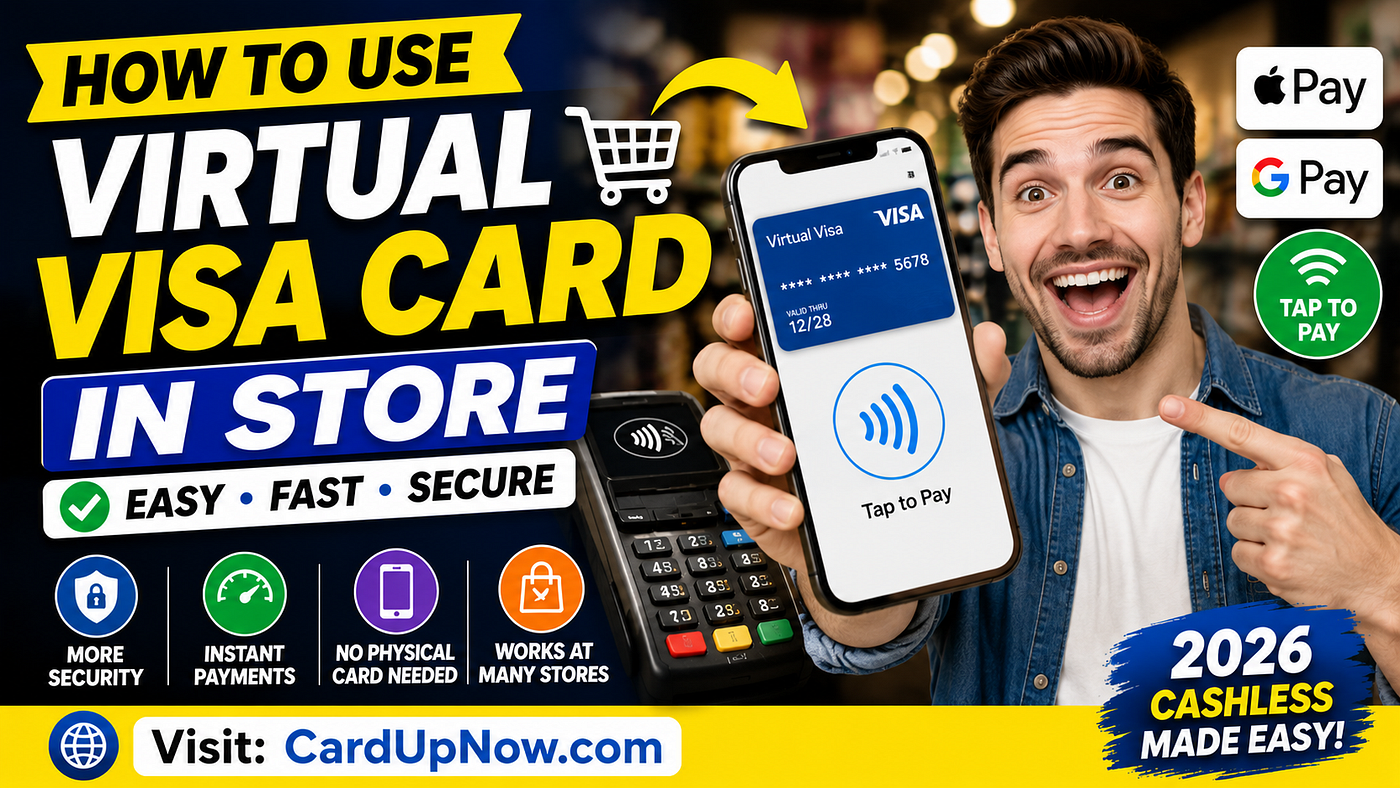
How to Use Virtual Visa Card in Store
For a long time, Virtual Visa Cards were mostly for online shopping — think Netflix subscriptions, gaming, or international payments. That’s changed. A lot.
In 2026, you won’t need a plastic card to pay in stores anymore. Thanks to mobile wallets and contactless tech, your phone or smartwatch can handle payments with your Virtual Visa Card.
Basically, we’re moving toward a cashless, mobile-first world. Millions now pay by tapping their:
- Smartphones
- Smartwatches
- Digital wallets
- Contactless terminals
Instead of fumbling for your wallet, you just tap your device and go.
Wondering how it works? Here’s what you’ll find in this guide:
- How Virtual Visa Cards work in stores
- Setting them up with Apple Pay and Google Pay
- How tap-to-pay technology works
- Where can you use contactless payments
- Common payment hiccups and fixes
- Security perks
- Real-life examples
- What to watch out for before using virtual cards offline
What Is a Virtual Visa Card?
Think of a Virtual Visa Card as a regular card — with a card number, expiry date, and CVV — but all digital. No plastic involved.
Usually, these cards are made instantly and are great for:
- Online shopping
- Subscriptions
- SaaS tools
- International payments
- Gaming purchases
Now, many let you add them to mobile wallets, so you can pay in physical stores too.
Can You Use a Virtual Visa Card in Physical Stores?
Yes, but only if the card works with mobile wallets like:
- Apple Pay
- Google Pay
- Samsung Pay
Once linked, your phone or watch acts like a contactless card. Just tap and pay.
How Contactless Payments Work
At the checkout, you’ll see terminals with NFC (Near Field Communication). This lets your device talk to the terminal wirelessly — when you tap, it sends payment info securely. The whole thing takes just seconds.
Common terms you might hear:
- Tap-to-pay
- Contactless payment
- Mobile wallet payment
What You Need to Pay In-Store with a Virtual Visa Card
- A virtual card that supports mobile wallets. Not all do, so check first.
- A smartphone or smartwatch with NFC. This tech needs to be turned on in your settings.
- A store with a contactless payment terminal. Most places have these now, but not all.
How to Add a Virtual Visa Card to Apple Pay
- Open the Wallet app on your iPhone.
- Tap “Add Card” and choose to add a new payment method.
- Enter your virtual card details: number, expiry, CVV.
- Verify your card — sometimes via SMS, email, or app confirmation.
- Once approved, you’re ready to tap and pay.
How to Add a Virtual Visa Card to Google Pay
- Open Google Wallet on your Android device.
- Tap “Add a card” and enter your card info.
- Complete any verification steps.
- Use tap-to-pay at checkout.

Where Can You Use Virtual Visa Cards In-Store?
Contactless payments are everywhere now, including:
- Supermarkets
- Cafes and restaurants
- Retail stores
- Gas stations
- Convenience stores
- Public transportation in some cities
Why Use Virtual Visa Cards In-Store?
People love them because they’re:
- Convenient — no need to carry plastic cards
- Fast checkout is quicker with tap payments
- Private — your actual card number stays hidden
- Secure — thanks to tokenization
- Instant — no waiting for a physical card to arrive
What’s Tokenization?
Instead of sending your real card number, your device sends a temporary, encrypted code (a token). If someone intercepts it, your real info stays safe. It’s like sending a secret code instead of your password.
Are Virtual Visa Cards Safer?
Yes. They keep your card info hidden from merchants. Plus, phones require authentication like Face ID, fingerprint, or PIN before paying. You can also freeze or remove cards instantly if something’s wrong.
Common Issues and Fixes
- NFC disabled: Make sure NFC is turned on.
- Card provider doesn’t support mobile wallets: Check before you add.
- Old store terminals: They might not accept contactless payments.
- Insufficient funds: Especially with prepaid virtual cards.
- Verification problems: Try removing and re-adding the card.
Are All Virtual Cards the Same?
Nope. Some are online-only and won’t work in stores. Others are made to connect with Apple Pay, Google Pay, or Samsung Pay so you can tap to pay anywhere these wallets are accepted.
Can You Use Virtual Visa Cards Everywhere?
Not quite. Some places still don’t accept contactless payments. Some prefer chip cards or cash. It depends on the country and the merchant’s tech.
Why Travelers and Remote Workers Like Virtual Cards
For travelers, it means fewer cards to carry and safer spending abroad. For freelancers and remote workers, it’s easier to manage expenses, subscriptions, and international payments — all from their phone.
The Rise of Cashless Payments
More and more, people are leaving cash behind. Stores want faster checkouts. Banks push mobile banking. Virtual Visa Cards fit perfectly into this shift.
Looking Ahead
Expect even more stores with NFC terminals, faster payment verifications, and smarter fraud protection. Maybe soon, you’ll pay with your ring or glasses!
Tips for Safe Use
- Always lock your phone with a PIN, Face ID, or fingerprint.
- Keep an eye on your transactions.
- Use official wallet apps only.
- Keep your device updated.
- Consider separate cards for different spending types.
[embed]
Final Thoughts
Using Virtual Visa Cards in stores isn’t just a tech trend — it’s part of everyday life now. Pair your virtual card with Apple Pay or Google Pay, and you’re set for quick, secure payments without the clutter of plastic.
Just remember:
- Not all virtual cards work with mobile wallets
- Some stores still don’t accept contactless payments
- Provider and merchant compatibility can vary
For travelers, freelancers, gamers, or anyone who prefers digital-first payments, virtual cards offer an easy way to pay with less hassle.
Want to dive deeper? Check out more info at CardUpNow.
메타데이터
- post_id
- 8ead6fd44eef
- slug
- how-to-use-virtual-visa-card-in-store-with-apple-pay-google-pay-8ead6fd44eef
- url
- https://medium.com/@cardupnow/how-to-use-virtual-visa-card-in-store-with-apple-pay-google-pay-8ead6fd44eef
- canonical_url
- https://medium.com/@cardupnow/how-to-use-virtual-visa-card-in-store-with-apple-pay-google-pay-8ead6fd44eef
- author_url
- https://medium.com/@cardupnow
- status
- ok
- fetched_at
- 2026-06-25 07:00:49





