I Built an Automated Video Factory That Runs Entirely on My Phone
The Problem Nobody Talks About
I Built an Automated Video Factory That Runs Entirely on My Phone
The Problem Nobody Talks About
I make short-form product review and travel videos for TikTok. Every single day.
The workflow used to look like this: shoot B-roll clips → write a script → record voiceover → open a video editor → drag clips to timeline → trim, zoom, align audio → export → repeat for the next product.
For one 45-second video, I’d spend 30–40 minutes editing. Multiply that by 5–10 videos a day, and you’re looking at a part-time job that’s 90% repetitive mechanical work.
I work from my phone. And I refused to believe that a phone couldn’t handle this.
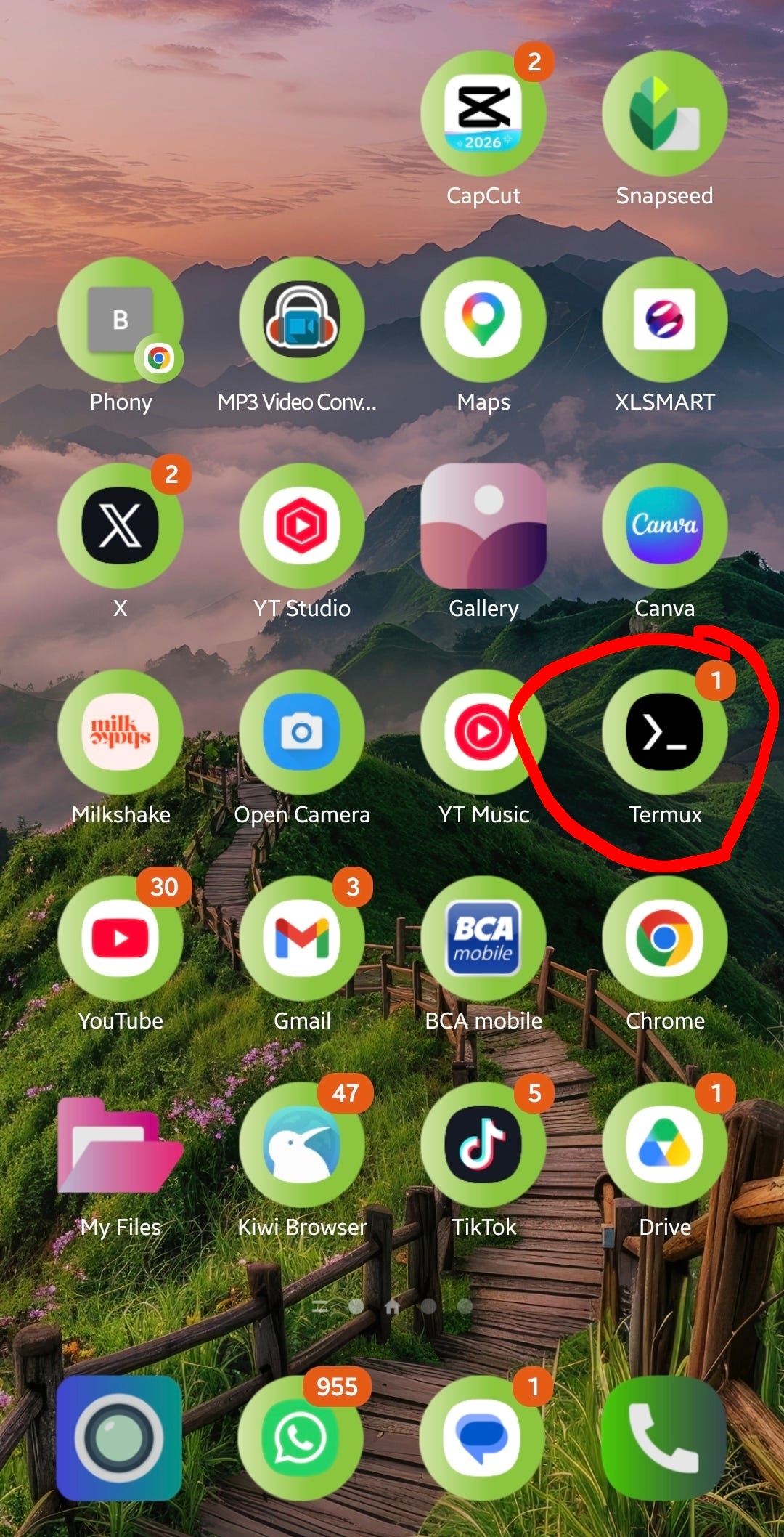
Screenshot of my phone home screen Termux terminal running the server
The Idea: What If Editing Was Just… Data?
I realized something. Every video I make follows the same structure:
- Hook (grab attention)
- Problem (relate to viewer)
- Solution (introduce product/place)
- Features/highlights
- Price or value proposition
- Call to action
The only things that change between videos are which clips go where and what the voiceover says. That’s it. The zoom effects, the timing, the transitions — all mechanical.
So I asked myself: What if I could describe a video as a JSON file and have my phone assemble it automatically?
The Solution: A Video Generation Pipeline on Android
Here’s what I built — a lightweight system that runs entirely on an Android phone using Termux (a terminal emulator):
The stack:
- Node.js server with a simple web UI
- FFmpeg for video processing
- AI-generated scripts (ChatGPT/Gemini)
- AI-generated voiceover (TTS)
The workflow now:
- I feed my clip metadata to an AI and ask it to write a script
- The AI returns a structured JSON — which clips to use, in what order
- I generate voiceover audio from the script using TTS
- I paste the JSON into my phone’s web UI and hit “Generate”
- The system validates all files, assembles the video with zoom effects and overlapping audio, and drops the final MP4 straight into my gallery
Total hands-on time: under 5 minutes per video.
![Screenshot of the VidGen web UI on mobile browser showing the paste + generate interface]](https://miro.medium.com/v2/resize:fit:1080/1*c44ysYm1oFxesdtnfeEZmw.jpeg)

Screenshot of the VidGen web UI on mobile browser showing the paste + generate interface]
How It Actually Works
The Metadata Layer
Every B-roll clip I’ve ever shot is cataloged with a title and visual description. This metadata lives as simple JSON files — one per product or location.
{
  "file": "20260214_101438.mp4",
  "title": "Adapter AMINO Type-C Full View",
  "comments": "Hand holding adapter vertically, aluminum alloy connectors..."
}
This is what the AI reads to understand what footage I have available.
The AI Scriptwriter
I give the AI my clip catalog and a prompt. It identifies whether this is a product review or a travel video, then generates a structured breakdown:
{
  "topic": "amino",
  "breakdown": [
    { "text": "Your phone dropped the headphone jack?", "files": ["clip1.mp4"] },
    { "text": "This adapter fixes that. 25k only!", "files": ["clip2.mp4", "clip3.mp4"] }
  ]
}
The AI picks the most relevant clips for each narration line. No manual timeline work.
The Assembly Engine
The Node.js worker takes this JSON and:
- Matches each section to its corresponding TTS audio file
- Calculates exact clip durations based on audio length
- Splits multi-clip sections evenly
- Applies a slow zoom-in effect (the “Ken Burns” look)
- Picks a random start point in longer clips for variety
- Overlaps audio between sections (configurable, default 300ms) to eliminate dead air
- Concatenates everything into a final MP4
- Triggers Android’s media scanner so it appears in your gallery instantly

Side-by-side comparison — raw clips on left, final assembled video on right
Built-in Validation
Before any processing starts, the system checks:
- Are all referenced video files actually present?
- Are all audio files generated and in place?
If the AI hallucinated a filename that doesn’t exist, you’ll know immediately — before wasting processing time.

Screenshot showing validation errors in the web UI
The Results

The videos aren’t “template-y” either. Random start positions, varied zoom speeds, and AI-written scripts that adapt to each product’s unique selling points keep things fresh.

Grid of 4–6 thumbnail screenshots from different generated videos
Why Android Matters
This isn’t a “cool demo that only works on a MacBook Pro.” This runs on a mid-range Android phone. The entire pipeline — server, video processing, file management — happens locally in Termux.
Why does this matter?
- No cloud costs. Zero. Everything is local.
- No export/upload/download cycle. Files go straight to your gallery.
- Shoot and publish from the same device. The phone that records the B-roll is the same phone that assembles the final video.
- Works offline (except for the AI script generation step).

Photo of my actual phone running Termux with the server active
Use Cases Beyond My Own
This approach works for anyone producing repetitive short-form content:
- E-commerce sellers — Generate product videos from existing product photos/clips. Sample video https://vt.tiktok.com/ZSxsm6ox3/
- Travel creators — Turn hotel/restaurant footage into review shorts. Sample video https://vt.tiktok.com/ZSxsmwn3A/
- Affiliate marketers — Batch-produce review videos at scale
- Social media managers — Maintain consistent posting without an editing team
What I Learned
- Video editing is mostly data transformation. Once you see it that way, automation becomes obvious.
- AI is better at picking clips than I am. It reads descriptions objectively. I get lazy and reuse favorites.
- The phone is underestimated. FFmpeg on Android handles 1080x1920 encoding surprisingly well.
- Overlap > concatenation. That 300ms audio overlap between sections makes the difference between “robotic” and “natural.”
Want to Build Something Similar?
If you’re producing short-form content at scale and spending too much time in editors, this approach might save you hours every day.
The core concept is simple: structured metadata + AI scripting + automated assembly = video factory.
You don’t need my exact setup. But if you want help building something like this for your workflow — whether it’s product reviews, travel content, educational shorts, or anything with a repeatable structure — feel free to reach out.
I help creators and small teams automate their content production workflows. DM me or drop a comment if you want to chat about your use case.

Hello
메타데이터
- post_id
- 8f21737db4e4
- slug
- i-built-an-automated-video-factory-that-runs-entirely-on-my-phone-8f21737db4e4
- url
- https://medium.com/@baabullah/i-built-an-automated-video-factory-that-runs-entirely-on-my-phone-8f21737db4e4
- canonical_url
- https://medium.com/@baabullah/i-built-an-automated-video-factory-that-runs-entirely-on-my-phone-8f21737db4e4
- author_url
- https://medium.com/@baabullah
- status
- ok
- fetched_at
- 2026-06-09 15:37:30