SNMP : The Map of the Network
The Simple Network Management Protocol (SNMP) is an Application Layer protocol used to manage and monitor network devices. It allows a…
SNMP : The Map of the Network
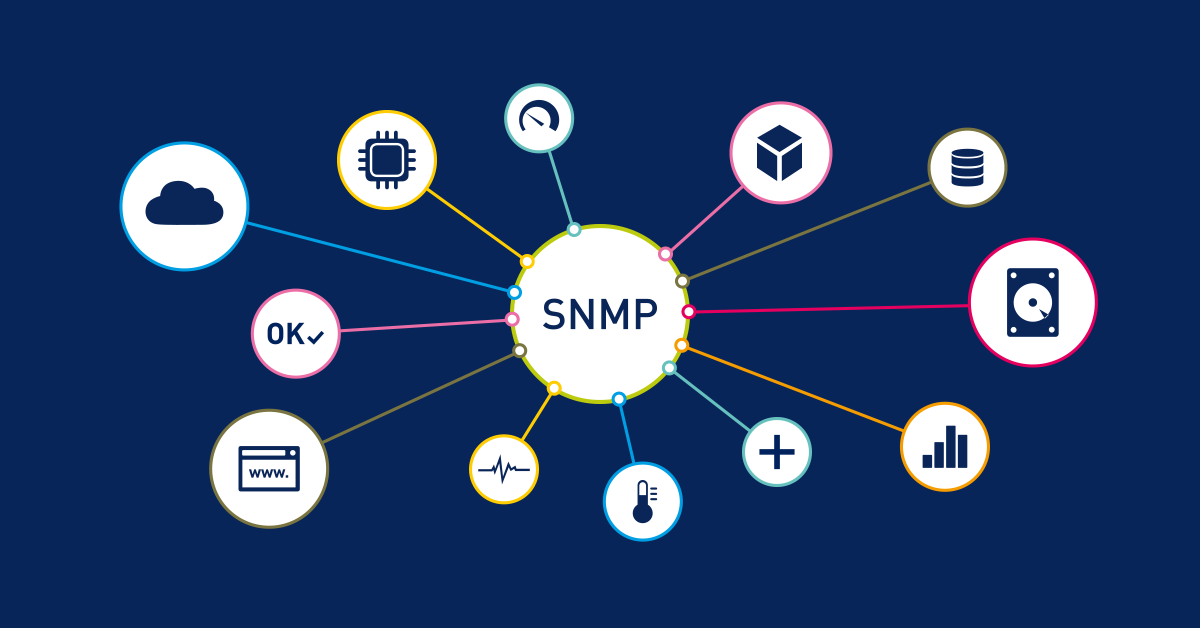
The Simple Network Management Protocol (SNMP) is an Application Layer protocol used to manage and monitor network devices. It allows a central “Manager” to talk to “Agents” (software on routers, servers, etc.) to see how they are performing or to change their settings.
1. How it Works: The Manager, the Agent, and the MIB
SNMP is a stateless protocol that uses UDP Ports 161 (for queries) and 162 (for Traps/Alerts).
- The Manager: The central computer used by the admin.
- The Agent: A small piece of software running on every network device.
- The MIB (Management Information Base): A hierarchical database on the agent. This is the “treasure chest.” It contains:
- System uptime and OS version.
- Active user accounts.
- Installed software and open ports.
- Network interfaces and traffic stats.
2. The Vulnerability: Community Strings
In SNMP versions 1 and 2c, “Community Strings” act as passwords. They are sent in cleartext, meaning anyone sniffing the network can see them.
- Public String: (Default:
public) Allows a user to read the MIB data. - Private String: (Default:
private) Allows a user to write/change device configurations.
Red Team Reminder: Even if an admin changes the strings, they are unencrypted. A few minutes with Wireshark can reveal the “password” as it travels through the air or wire.
3. SNMP Versions: A Security Timeline
VersionSecurity LevelFeaturesv1Extremely LowCleartext passwords (community strings). Wide usage despite flaws.v2cLowBetter performance, but still uses cleartext community strings.v3HighAdds Encryption, Message Integrity, and actual User Authentication.
4. Practical Recon: Harvesting the MIB
Once you have the community string (even just public), you can strip a target of its secrets using tools in Kali Linux.
A. Using snmpcheck
This tool queries the MIB and presents the data in a readable format.
- Command:
snmpcheck -t [Target_IP] -c [Community_String] - What you get: You’ll see the exact OS version, the time since the last reboot (helping you guess if it’s unpatched), every user on the system, and every piece of software installed. This is the blueprint for your next exploit.
B. Cracking Strings with onesixtyone
If the admin changed the strings, we use onesixtyone to brute-force them using a dictionary.
- Command:
onesixtyone [Target_IP] -c /usr/share/doc/onesixtyone/dict.txt - Easter Cookie: Most admins use variations of the company name (e.g.,
Cisco-public). Adding these to your wordlist significantly increases your success rate.
5. High-Level Exploitation: Beyond Recon
SNMP isn’t just for looking; it’s for touching.
- NSA’s ExtraBacon: This infamous exploit (leaked from the NSA) allowed attackers to bypass authentication on Cisco Adaptive Security Appliances (ASA) via SNMP. It could effectively disable the firewall or unmask encrypted VPN traffic.
- Network Sabotage: With a “Private” string, a Red Teamer can change the routing tables on a switch, redirecting all sensitive traffic to their own machine (a “Man-in-the-Middle” attack on a massive scale).
Summary
SNMP is the “Simple” protocol that offers complex rewards. For a defender, it must be upgraded to v3 or disabled. For a Red Teamer, it is often the easiest way to perform deep reconnaissance without ever sending a single “noisy” port scan.
Exercises
- MIB Exploration: Use
snmpcheckon a lab machine and find the "Storage Information" section. Can you see how much free space is on the hard drive? - Password Cracking: Use
onesixtyoneagainst a device where you have set a custom community string. Does your wordlist find it? - Wireshark Analysis: Capture traffic while running
snmpcheck. Find the "Community String" field in the UDP packet.
Red Team Pro-Tip: When checking for SNMP, don’t just scan for Port 161. Many older printers and IoT devices have SNMP enabled by default with the string public. These can often be used as a "foothold" to scan the rest of the internal network!
메타데이터
- post_id
- 8fb9bb0e8bb7
- slug
- snmp-the-map-of-the-network-8fb9bb0e8bb7
- url
- https://medium.com/@mug1sh4/snmp-the-map-of-the-network-8fb9bb0e8bb7
- canonical_url
- https://medium.com/@mug1sh4/snmp-the-map-of-the-network-8fb9bb0e8bb7
- author_url
- https://medium.com/@mug1sh4
- status
- ok
- fetched_at
- 2026-06-15 20:49:13