A Simple but Compelling Use Case for Conda
UV is great, and I use it most of the time, but sometimes Conda is more convenient
VIRTUAL ENVIRONMENTS
A Simple but Compelling Use Case for Conda
UV is great, and I use it most of the time, but sometimes Conda is more convenient
Pick the right tool for the job. Photo by Katie Rodriguez on Unsplash
I used to use Miniconda to create virtual environments and manage Python packages for just about all of my projects. But when I came across UV, I almost instantly dropped Conda.
UV is a great tool, and I wouldn’t normally go back to Conda, but…
I still have Miniconda installed on my laptop, and I found there is one case where I prefer it to UV.
Streamlit and data visualisation
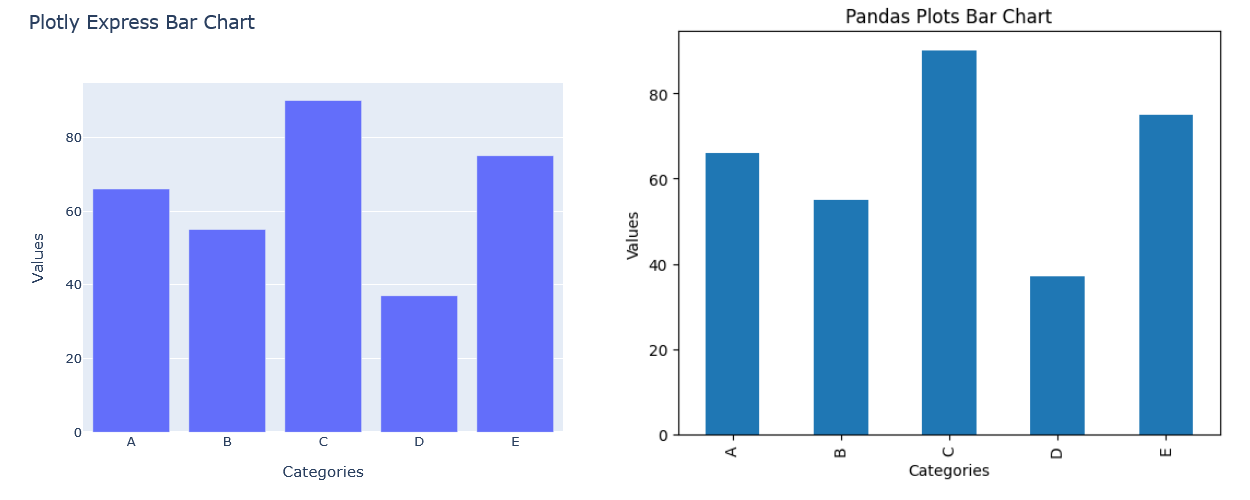
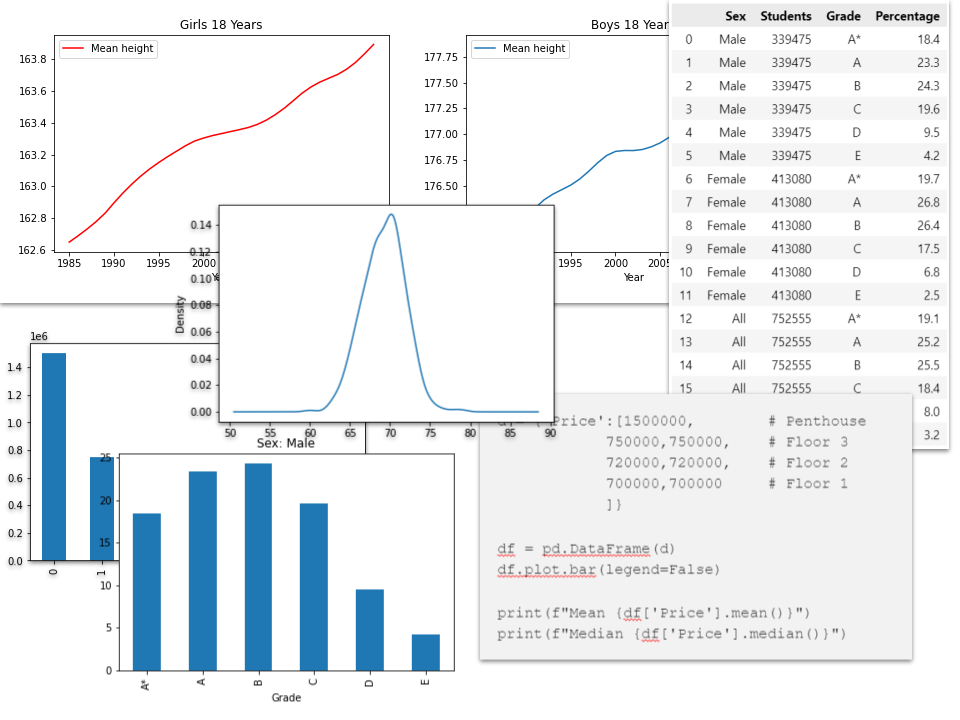
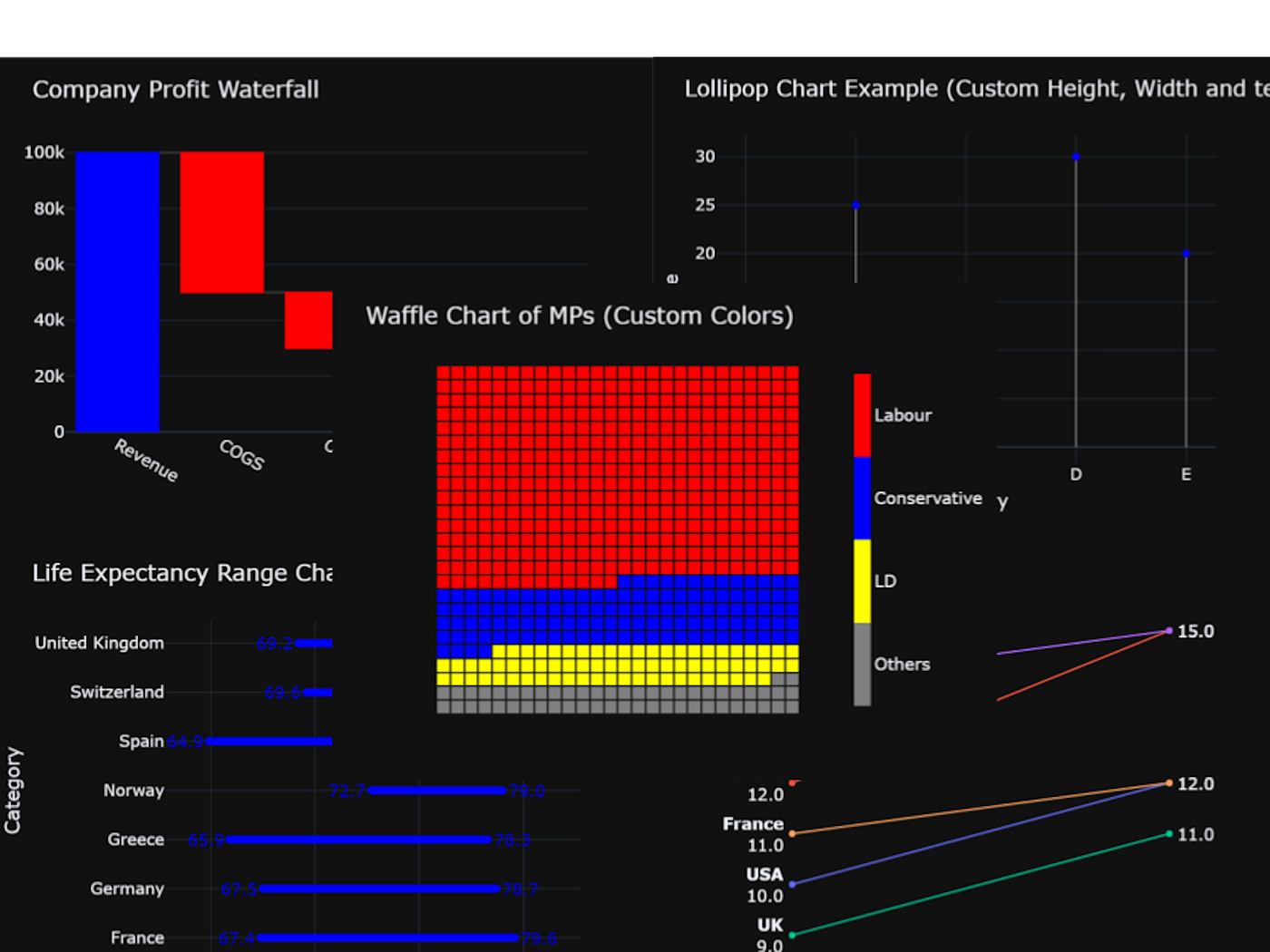
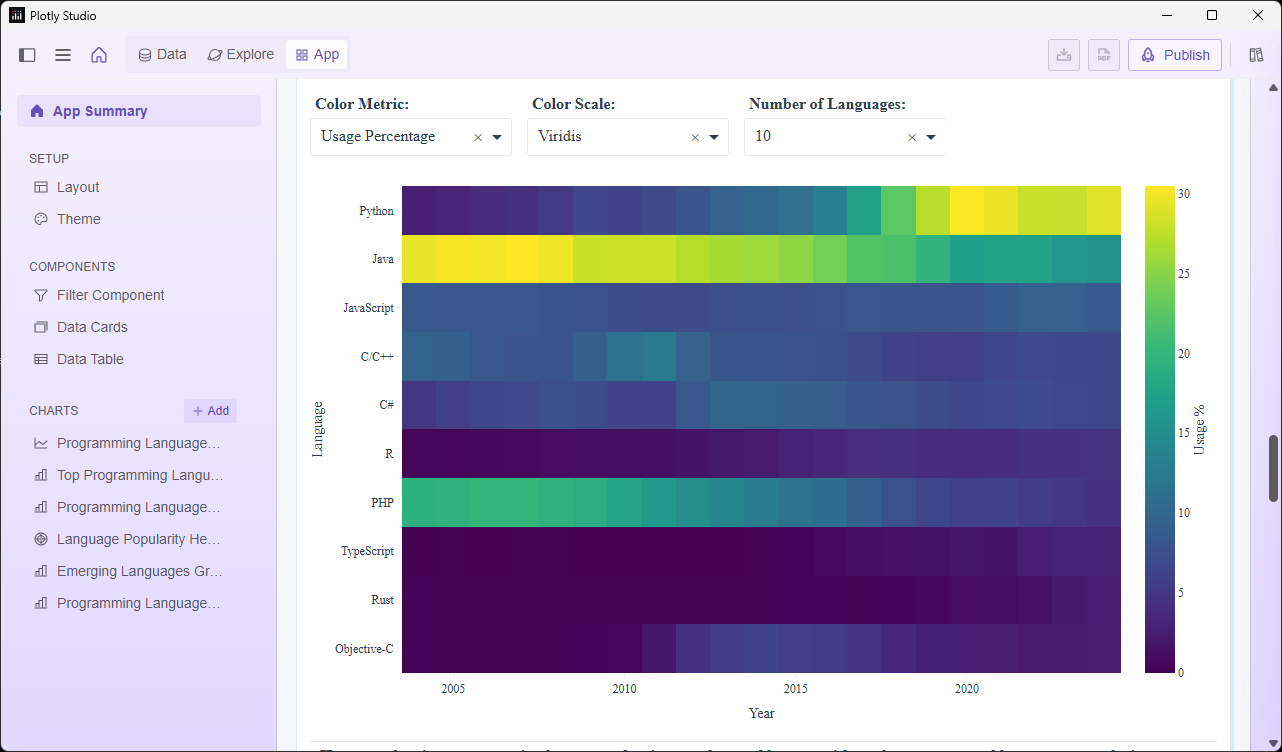
I use Streamlit quite a lot and often create dashboards with it. For this type of project, I pretty much use the same packages: Streamlit (of course), Pandas, NumPy, Plotly, Statsmodels (for Plotly trendlines), and maybe a couple of others.
If I use UV, I go through the same initialisation for every project, create a directory, initialise it with UV and add the packages I need. Not difficult, and being UV, it is very quick.
However, with Conda, I create a virtual environment once with the packages I need (I called it ‘streamlit’), and when I start a new project, I create a directory and activate it. I don’t have to remember which packages I need because I've already installed them (it also saves me a bit of typing).
UV process:
mkdir myproject
uv init myproject
cd myproject
uv add streamlit pandas plotly numpy
Conda process:
mkdir myproject
cd myproject
conda activate streamlit
The Conda method is a little less error-prone because, as you might have noticed, I’ve forgotten to add statsmodels (again!) in the UV version, but it is already in the Conda environment (so I can’t forget it if I use that).
Of course, you have to set up the Conda environment first, so the Conda method only works better if you use the same environment many times.
Jupyter, too
I often use Jupyter for prototyping, and again, I use pretty much the same packages, so I have a Conda environment set up for this, too: it’s almost the same as the Streamlit one but without Streamlit and with Jupyter added instead.
Which conda?
As I said, I was already using Miniconda so for me, that was the obvious choice. But you get the same functionality using Miniforge or Anaconda.
The difference between Miniconda and Anaconda are that Anaconda comes with a whole load of packages built in. If you use this, you may not need to create any new virtual environments. Anaconda also has a graphical UI, Anaconda Navigator:
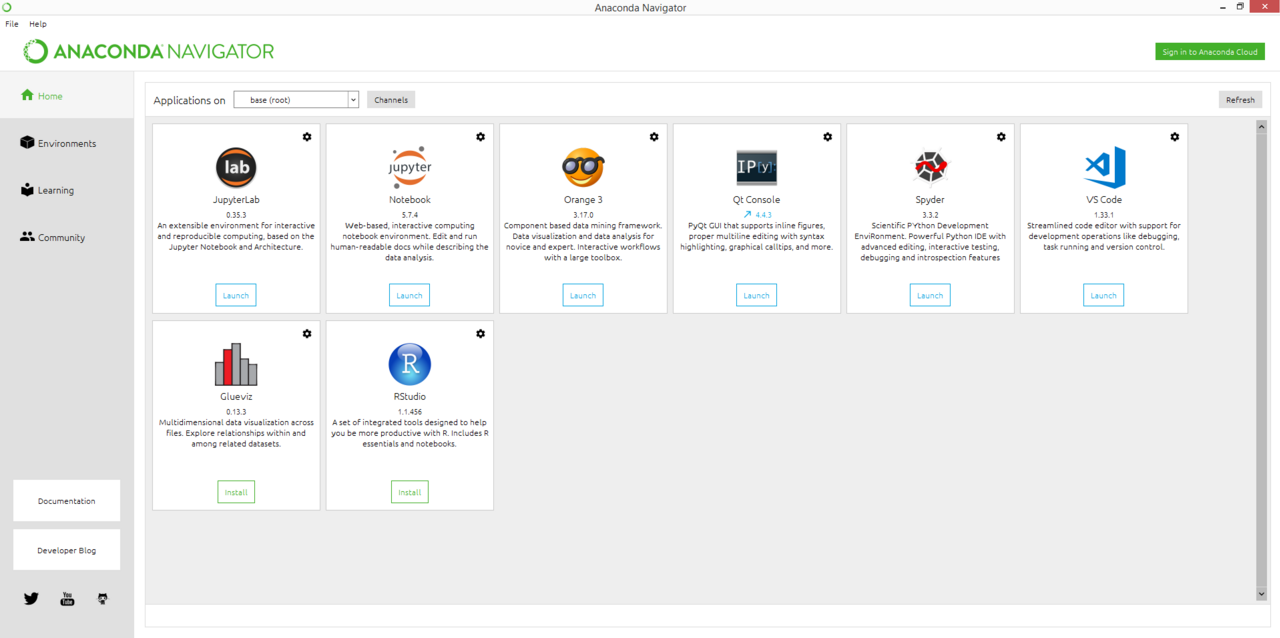
Gephi ConsortiumAnaconda, Inc, CC BY-SA 4.0, via Wikimedia Commons
Navigator gives you easy access to additional tools and lets you inspect existing environments as well as create new ones.
So, Miniconda is a stripped-back version of Anaconda with only the bare minimum functionality.
Anaconda products may require a licence for company use whereas Miniforge is completely open-source and the equivalent of Miniconda.
As I said, I already had Miniconda installed, so I use that. If I were installing something new, I’d probably give Miniforge a whirl.
When to use UV
For nearly everything. I find Conda useful for this narrow use case but UV is my tool of choice for everything else.
If I didn’t have Miniconda already installed, I probably would not use it at all. Instead, I’d automate the UV setup with a simple script; as I did here:
This is almost as convenient as using Conda.
Thanks for reading. It’s not an Earth-shattering finding but I hope this has been useful. You can see more of my articles by following me here on Medium, or subscribing to my occasional newsletter.
메타데이터
- post_id
- 9151da9689f7
- slug
- a-compelling-use-case-for-conda-9151da9689f7
- url
- https://medium.com/codefile/a-compelling-use-case-for-conda-9151da9689f7
- canonical_url
- https://medium.com/codefile/a-compelling-use-case-for-conda-9151da9689f7
- author_url
- https://medium.com/@alan-jones
- status
- ok
- fetched_at
- 2026-07-09 09:01:30