Your Chrome Has a Secret 4GB AI Model You Never Agreed To — Here’s How I Found Mine (and Killed It)
Chrome’s been silently writing Gemini Nano to your disk in the background. The folder’s called OptGuideOnDeviceModel. The file is 4GB. And…
Your Chrome Has a Secret 4GB AI Model You Never Agreed To — Here’s How I Found Mine (and Killed It)
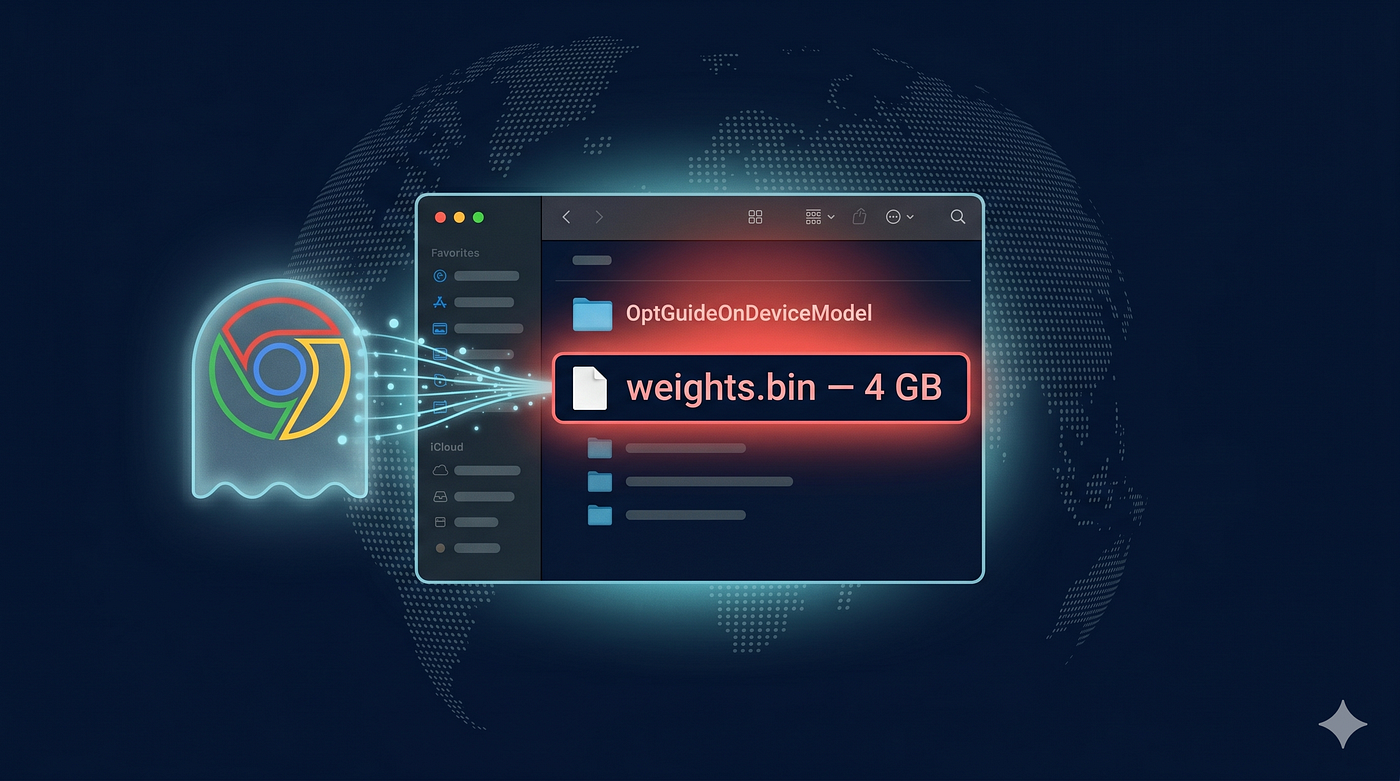
Chrome’s been silently writing Gemini Nano to your disk in the background. The folder’s called OptGuideOnDeviceModel. The file is 4GB. And the AI Mode pill in your address bar doesn’t even use it.
If you’ve opened Chrome any time in the last few weeks on a moderately-specced Mac, Windows, or Linux machine, there’s a very good chance you have a 4GB Gemini Nano model on your disk right now.
You didn’t agree to it. You weren’t asked. You probably weren’t notified. And if you go delete the file, Chrome will put it back.
Here’s where it lives:
- macOS:
~/Library/Application Support/Google/Chrome/OptGuideOnDeviceModel/ - Windows:
%LOCALAPPDATA%\Google\Chrome\User Data\OptGuideOnDeviceModel\ - Linux:
~/.config/google-chrome/OptGuideOnDeviceModel/
Open it. Look at the file weights.bin. That's a Gemini Nano LLM, sitting on hardware you bought, taking storage you paid for, downloaded by software you trusted to load web pages.
Privacy researcher and lawyer Alexander Hanff broke the story in detail on May 4, 2026, with forensic kernel-level evidence of the install behavior. The mainstream tech press picked it up over the next 48 hours: 9to5Google, Engadget, Malwarebytes, and Digital Trends.
Google has now responded — sort of. More on that later. First, the receipt.
The 14-minute, 28-second silent install
Hanff did something specific to verify the behavior on macOS — not just “I noticed my disk filling up,” but a kernel-level reconstruction. He created a fresh Chrome user-data profile on April 23, 2026, plugged it into an automated audit driver that uses Chrome DevTools Protocol, and never typed a single character into the browser. The profile loaded pages, dwelled for five minutes per site, and closed.
By April 29, that profile contained 4GB of Gemini Nano weights.
He pulled the timestamps from .fseventsd, macOS's kernel-level filesystem event log:
- April 24, 16:38:54 CEST — Chrome creates
OptGuideOnDeviceModel/ - April 24, 16:47:22 CEST — Three subprocesses spawn; one writes
weights.bin,manifest.json, and the model execution config - April 24, 16:53:22 CEST —
weights.binmoves to its final path:OptGuideOnDeviceModel/2025.8.8.1141/weights.bin. Four additional small text-safety models register in Chrome's optimization-guide store at the same time.
Total install time: 14 minutes, 28 seconds. Total human input on the profile: zero.
The unpacker process names start with com.google.Chrome.chrome_chrome_Unpacker_* — meaning the writer wasn't Google's separate update service. It was Chrome itself, the program you trust to render web pages, deciding to write a 4GB ML binary to your disk while your foreground tab was on a five-minute idle timer.
What the model is supposed to power (and what it isn’t)
The 4GB powers a specific list of Chrome features, per Google’s developer docs:
- Help me write — the AI rewrite tool in
<textarea>elements - On-device scam detection — phishing site classification
- Tab group AI suggestions — the smart-group right-click option
- Summarizer API — a JavaScript API any website can call to summarize content
- Smart paste and other small text features
If you’ve used any of these, you’ve used the local model. If you haven’t, it’s still sitting there, waiting.
Here’s the part that makes this story actually weird: the “AI Mode” pill that ships in Chrome 147’s address bar — the most prominent AI surface in the browser — does not use the on-device model at all. It’s a cloud-backed Search Generative Experience surface; every query goes to Google’s servers. Hanff puts it bluntly: the user pays the storage and bandwidth cost of the silent install, while the visible AI feature continues to send queries to the cloud anyway. The local model is a “future-options resource” Google has positioned on your device — not a privacy upgrade for you.
How to find yours right now
Open a terminal and run one of these:
macOS / Linux:
du -sh ~/Library/Application\ Support/Google/Chrome/OptGuideOnDeviceModelWindows (PowerShell):
Get-ChildItem -Recurse "$env:LOCALAPPDATA\Google\Chrome\User Data\OptGuideOnDeviceModel" | Measure-Object -Property Length -SumIf you see something around 4GB, congratulations — you got the silent push.
Or visit chrome://components in the address bar and look for Optimization Guide On Device Model. That's it.
How to kill it (and why it’ll come back if you don’t do this right)
If you just delete the folder, Chrome will re-download it the next time the rollout flag says you’re eligible. To make the deletion stick, you have to disable the underlying feature first.
- Go to
chrome://settings/ai(introduced in Chrome's February 2026 update). - Toggle off “Show on-device AI settings” and “On-device AI”.
- Quit Chrome fully —
cmd+Qon Mac, full exit on Windows. Closing the window is not enough. - Delete
OptGuideOnDeviceModel/from your profile directory. - Relaunch Chrome.
Heads-up: in Hanff’s testing, the chrome://settings/ai toggle was not yet visible on Chrome 147 for macOS. If you don't see it, you may need to flip it via chrome://flags — search for OnDeviceModelBackgroundDownload and disable it. Enterprise users have a Group Policy option as well.
Google’s official response, and what’s still missing
A Google spokesperson confirmed the behavior to the press via Digital Trends and Android Headlines:
“We’ve offered Gemini Nano for Chrome since 2024 as a lightweight, on-device model. It powers important security capabilities like scam detection and developer APIs without sending your data to the cloud.”
Google added that in February 2026 it rolled out a setting to disable and remove the model.
What the statement does not address:
- Consent before the install. The setting Google points to is a way to uninstall after the fact, not a prompt before the bytes get written.
- The discovery problem. The “Show on-device AI settings” toggle is itself gated by the same rollout flag that triggers the install. By Chrome’s own architecture, the model arrives before the user has any UI to refuse it.
- The misleading omnibox surface. AI Mode in the address bar is cloud-backed, despite the on-device model sitting right there.
The legal and environmental story
Hanff’s piece argues — and it’s hard to disagree on the plain reading — that the silent install runs straight into Article 5(3) of the ePrivacy Directive, which prohibits storing information on a user’s device without prior, freely-given, specific, informed, and unambiguous consent. There’s a strict-necessity carve-out, but Chrome works fine without the model. The carve-out doesn’t apply.
He also runs the numbers on the environmental cost — math no major tech outlet has bothered to publish:
- 100 million devices (low band): 400 PB shipped, ~6,000 tonnes CO2-equivalent
- 500 million devices (mid band): 2 EB shipped, ~30,000 tonnes CO2-equivalent
- 1 billion devices (high band): 4 EB shipped, ~60,000 tonnes CO2-equivalent
Mid-band is roughly the annual emissions of 6,500 cars — for a one-time delivery of a single model version. Not counting re-downloads when users delete the file. Not counting the embodied carbon of the SSD storage burden. Not counting future model updates.
The bottom line
Google ships software to roughly two billion people. When a default-on Chrome update silently writes a 4GB AI model to user-owned hardware without asking, the cost is paid by the user — in storage, in bandwidth, and at planetary scale, in atmospheric CO2 — for a benefit (on-device privacy) that the most prominent AI surface in the browser doesn’t even deliver.
If you want the model, fine. Ask first. Show the user a pop-up. List it in chrome://settings. Respect the deletion when it happens. None of those are exotic engineering asks; they're the basic consent UI that web standards have required from every website cookie banner since 2009.
If Google’s next Chrome update silently removes the unconsented installs and replaces the behavior with an explicit opt-in, we’ll know the company can read the room.
If it doesn’t, well — Chrome 148 is going to be an interesting release.
Have you checked your OptGuideOnDeviceModel folder yet? Did you find your 4GB? Did the disable-then-delete actually stick? Drop your platform, your Chrome version, and your before/after disk usage in the comments — I want to see how this is rolling out across hardware in the wild.
메타데이터
- post_id
- 9520fa84c2f9
- slug
- chrome-secret-4gb-ai-model-gemini-nano-9520fa84c2f9
- url
- https://levelup.gitconnected.com/chrome-secret-4gb-ai-model-gemini-nano-9520fa84c2f9
- canonical_url
- https://levelup.gitconnected.com/chrome-secret-4gb-ai-model-gemini-nano-9520fa84c2f9
- author_url
- https://medium.com/@noob-programmer
- status
- ok
- fetched_at
- 2026-06-09 15:37:30