Decisions Under Uncertainty: When Every Option Has a Cost, Structure Becomes Courage
When every option has a cost, structure becomes courage.
Decisions Under Uncertainty: When Every Option Has a Cost, Structure Becomes Courage

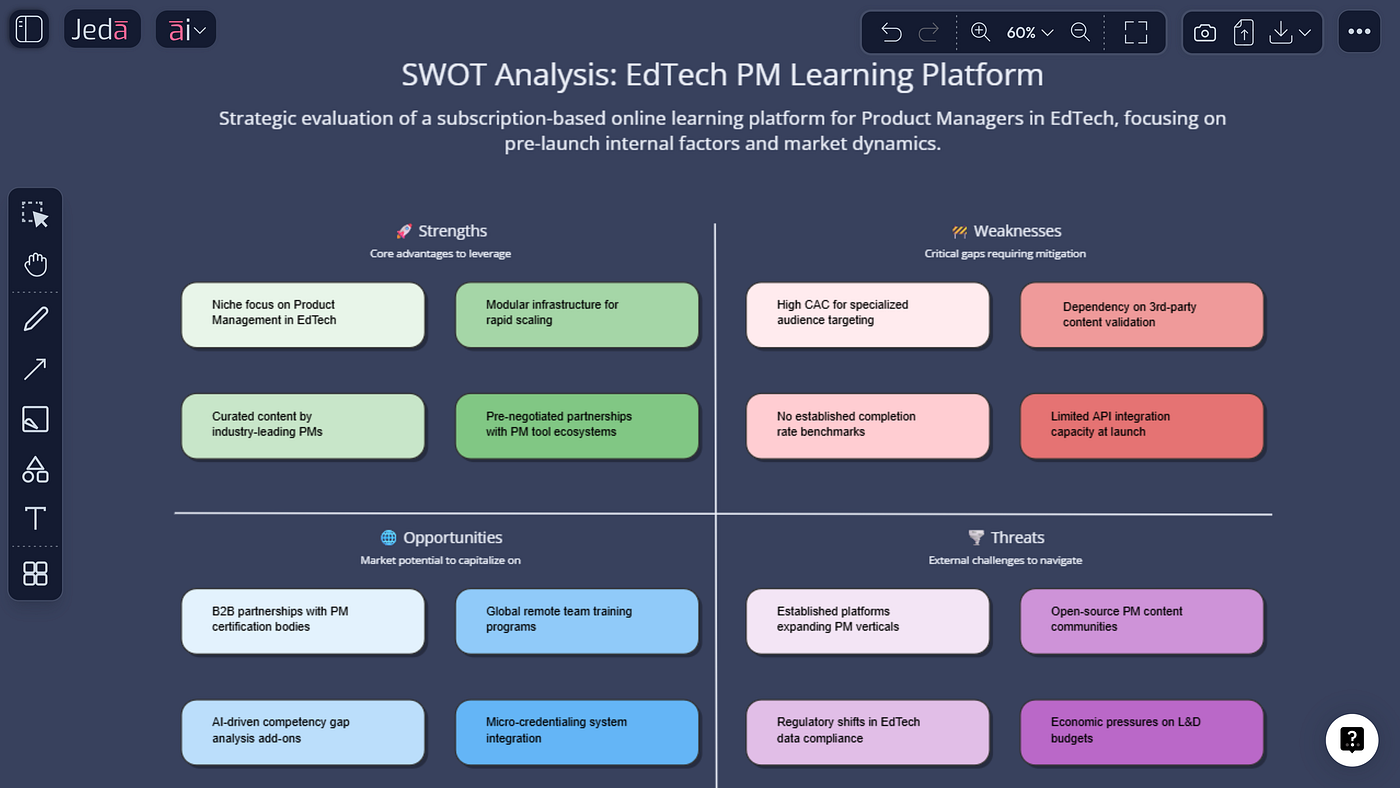
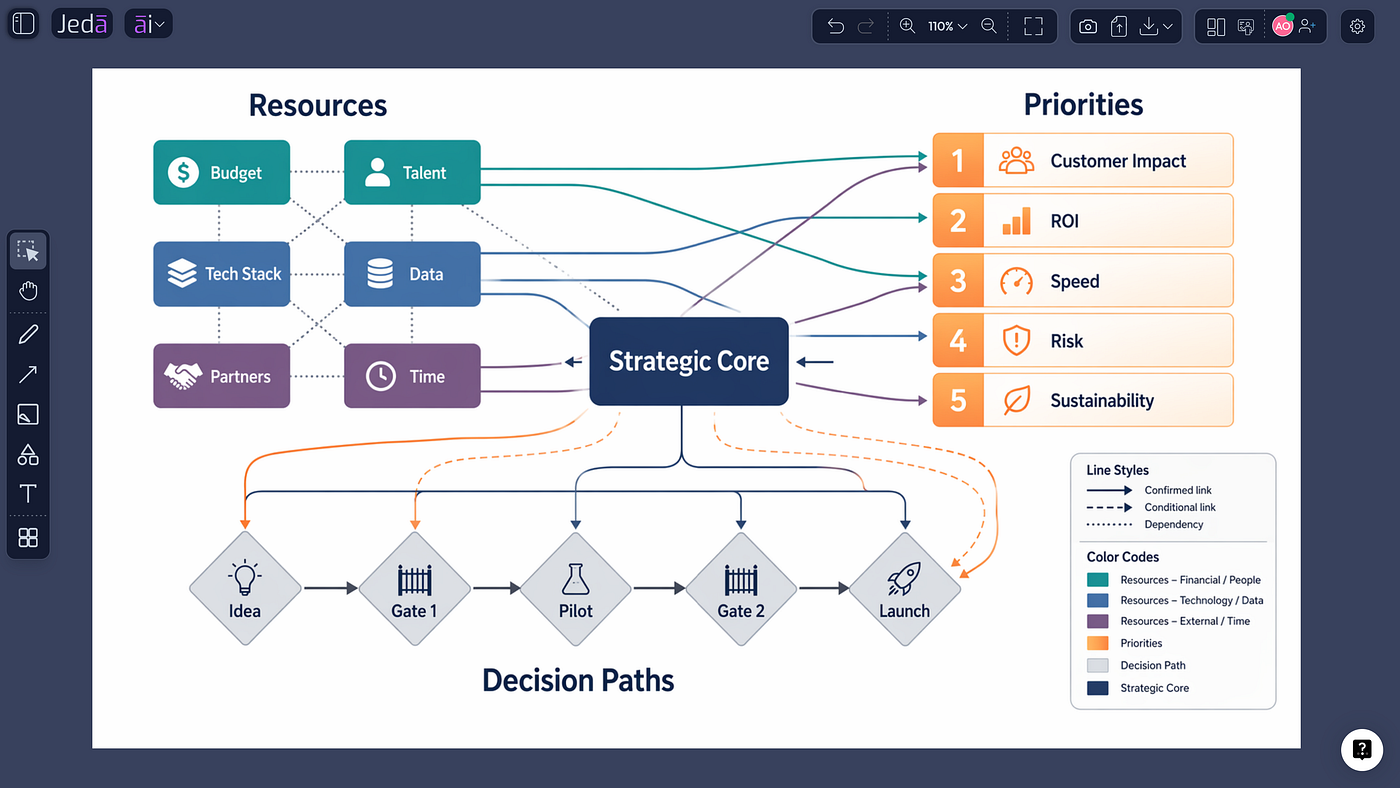
A structured decision view turns uncertainty into scenarios, exposures, signals, and contingency options.
When every option has a cost, structure becomes courage.
That is the uncomfortable reality behind many client decisions. There is no clean choice, no forecast everyone trusts, and no option that arrives without a downside. Yet the steering committee still needs a recommendation by Thursday — and “we need more data” has stopped being useful.
For management consultants, decisions under uncertainty are not solved by sounding more confident. They are improved by making the uncertain parts visible: the assumptions, the plausible futures, the exposure in each path, the signals that would change the recommendation, and the contingencies that keep the client from getting trapped.
A scenario matrix paired with risk analysis gives that conversation a shape. It does not make uncertainty disappear. It makes uncertainty discussable.
Why a Risk-Free Option Is Usually the Wrong Standard
Client teams often delay because they are waiting for one option to become obviously safe. But strategic choices rarely work that way. A new service model can improve reach while increasing delivery complexity. A narrower offer can sharpen positioning while reducing optionality. A faster rollout can create learning sooner while raising execution exposure.
The absence of a risk-free path does not remove the need to decide. It changes the standard of a good recommendation. Instead of asking, “Which option has no risk?” ask:
· Which option remains viable across more than one plausible future?
· Where is the downside concentrated, and can it be contained?
· Which assumptions are carrying most of the recommendation?
· What can be reversed cheaply, and what creates commitment?
· What signals would tell us the situation has changed?
That shift matters. It moves the discussion from prediction to preparedness.
Forecasts Are Useful. Scenarios Do a Different Job.
A single forecast tells a team what may happen if one chain of assumptions holds. A scenario matrix asks what the decision looks like across several coherent futures. Risk analysis then asks what could affect the objective inside those futures, how serious the exposure may be, and what response is available.
These tools are related, but they are not interchangeable.

A useful scenario is not a mood with a catchy name. It is a plausible future built from a small number of material uncertainties, with internally consistent implications. And a useful risk analysis is not a red-yellow-green decoration. It connects exposure to a decision, a response, and a signal.
Uncertainty, Risk, Exposure, and Reversibility
These four terms are often blended together in workshops, which creates avoidable confusion.
Uncertainty: is the gap in what is known about events, conditions, relationships, or outcomes that matter to the decision.
Risk: is the effect that uncertainty may have on the client’s objectives. The effect can be negative, positive, or mixed.
Exposure: is the practical significance of that risk for the chosen option — considering impact, likelihood where defensible, duration, concentration, and the ability to respond.
Reversibility: is how easily the client can change course after committing. A reversible pilot and a hard-to-unwind operating choice should not be discussed as though they carry the same kind of exposure.
The distinction between risk and uncertainty is especially useful. Uncertainty describes incomplete knowledge. Risk describes how that uncertainty affects an objective. The consultant’s job is not to force false precision onto the first. It is to clarify the second well enough for action.
For 250 years, consequential ideas have depended on people who could structure complexity, challenge assumptions and make the path forward visible.
That discipline still matters. The medium has changed; the professional responsibility has not.
A Better Consulting Model: Scenario Matrix Plus Risk Analysis
The strongest workflow links three layers that client teams often separate:
· Scenarios describe the futures that matter.
· Strategic options show what the client can do in each future.
· Risk analysis shows what can derail, weaken, or reshape those options — and what response is available.
Put those layers on one visual canvas and the executive discussion changes. People can point to the assumption they disagree with. They can compare downside across scenarios instead of debating one forecast. They can see whether a mitigation reduces exposure or merely adds comforting text. And they can preserve the residual uncertainty beside the final recommendation rather than hiding it in an appendix.
Jeda.ai supports this as an editable visual workflow. Use the AI Matrix Generator to structure scenario and probability-impact views, then refine the work collaboratively on the visual AI Whiteboard. The point is not to outsource judgment. It is to give judgment a clearer surface to work on.

A Jeda.ai scenario matrix paired with a probability-impact risk analysis for an uncertain client decision
How-To 1: Build the Scenario and Risk View with AI Recipes
Use this method when you want a guided structure and a repeatable workshop flow. The Matrix recipe category includes Risk Analysis and other structured analytical frameworks.
1. Define the decision and horizon. Write one decision statement that names the choice, the decision owner, and the period over which the choice must remain viable. Avoid vague prompts such as “analyze our strategy.”
2. Name the material uncertainties. List the few uncertainties that could genuinely change the recommendation. Separate uncertainties from issues the client can directly control.
3. Generate the scenario matrix. Open the AI Menu, choose Matrix recipes, and select the most relevant scenario-planning or strategic matrix workflow available. Enter the decision, horizon, uncertainties, constraints, and desired scenario fields.
4. Make each scenario distinct. Ensure each scenario has a coherent combination of drivers — not simply optimistic, expected, and pessimistic versions of the same forecast.
5. Map implications and options. For each scenario, add business implications, early signals, no-regret moves, scenario-specific options, and decisions that should be delayed.
6. Create the risk analysis. Open the Risk Analysis recipe and create a probability-impact matrix or risk register tied to the recommendation. Add mitigations, triggers, owners, contingencies, and residual exposure.
7. Compare the recommendation across scenarios. Test whether the recommendation remains acceptable, requires adaptation, or fails under each scenario. Do not average away a severe downside.
8. Edit with the client team. Challenge assumptions, revise labels, move items, add evidence, and preserve unresolved disagreement directly on the visual canvas.
9. Preserve residual uncertainty. Add a visible section that states what remains unknown, why it matters, and what monitoring will reduce the uncertainty over time.
AI+ can extend and deepen a selected part of the generated visual. Use it when a risk, scenario implication, or mitigation needs more depth; the consultant still decides what to keep, validate, or remove.

The guided Risk Analysis recipe creates an editable starting structure for consultant validation.
How-To 2: Build a Custom Version from the Prompt Bar
Use the Prompt Bar when your engagement needs a custom structure, unusual terminology, or a tighter link to client evidence.
1. Open a new or existing workspace. Keep the relevant notes, evidence, and working assumptions on the same board where possible.
2. Select the Matrix command. Choose Matrix from the Prompt Bar and select the layout that best fits the discussion.
3. Enter a structured prompt. State the decision, horizon, uncertainties, scenarios, comparison fields, and the rule that unsupported probabilities must not be invented.
4. Generate and inspect. Treat the first output as a structured draft. Check scenario distinctness, missing assumptions, duplicated risks, and generic mitigations.
5. Create the risk view. Run a second Matrix prompt for a probability-impact risk matrix or risk register tied to the same decision and scenarios.
6. Join the two views. Place the scenario matrix and risk analysis side by side. Add connectors or labels showing which risks become material in which scenarios.
7. Collaborate and export. Invite contributors to edit the canvas, preserve the reasoning, and export the finished visual in an appropriate supported format.

The Prompt Bar gives consultants direct control over the scenario fields, assumptions, and output structure.
Example Prompt for a Management Consulting Engagement
Here is a fictional, sector-neutral example you can adapt. It avoids unsupported precision and keeps the decision — not the tool — at the center.
Prompt
Create a scenario matrix for a management consulting client deciding whether to expand a professional service offering over the next 18 months. Build three distinct, internally consistent scenarios from these uncertainties: demand concentration, delivery capacity, client adoption speed, and partner readiness. For each scenario, include: defining conditions, business implications, early signals, strategic options, no-regret moves, decisions to delay, and residual uncertainty. Then create a linked risk register with risk description, affected objective, scenario relevance, qualitative probability, qualitative impact, current controls, mitigation, trigger, owner, contingency, and residual exposure. Do not invent numerical probabilities or unsupported facts. Clearly label assumptions that require consultant or client validation.

A fictional service-expansion decision tested across scenarios, risks, triggers, and contingencies.
A Worked Example: The Recommendation That Changes Shape
Suppose a client is considering expanding a professional service offering. The initial discussion sounds simple: demand appears promising, the offer fits existing capabilities, and leadership wants momentum.
A baseline forecast may produce a neat answer: expand now. The scenario matrix makes the recommendation work harder.
Scenario A: Concentrated demand, limited delivery capacity. The opportunity is real, but a broad launch creates quality exposure. The stronger option may be a controlled rollout with strict client selection and explicit capacity triggers.
Scenario B: Broad interest, slower adoption. The offer has reach but requires more education and proof. A staged approach with reusable assets and a longer learning window may outperform a heavy upfront commitment.
Scenario C: Faster adoption, uneven partner readiness. Demand moves quickly, but delivery consistency becomes the constraint. The recommendation may shift toward readiness gates, standardization, and contingency capacity before wider expansion.
The point is not to pick the “correct” scenario. It is to see whether the recommended path is robust, adaptable, or dangerously dependent on one story about the future.
Now add risk analysis. Delivery inconsistency may be moderate in one scenario and severe in another. A mitigation that looks adequate in the baseline may fail if adoption accelerates. A contingency that seemed optional may become a condition for proceeding.
That is where the combined visual earns its place in the room: it connects strategic choice to changing exposure.
Signals That Should Trigger Reconsideration
A recommendation under uncertainty should come with conditions for reconsideration. Otherwise, the client receives a decision but no learning system.
Good signals are observable, decision-relevant, and linked to action. They are not vague statements such as “monitor the market.” For a service-expansion decision, signals might include:
· Demand becoming more concentrated in one client segment than assumed.
· Delivery lead times moving outside the acceptable range.
· A rise in rework, escalation, or inconsistency across engagements.
· Partner readiness lagging behind the launch sequence.
· Adoption occurring faster than the mitigation capacity can scale.
· Evidence that a supposedly reversible choice is becoming operationally sticky.
Each signal should be paired with a threshold or judgment rule, an owner, a review cadence, and a pre-agreed response. The precision should match the evidence. When a numerical threshold is not defensible, use a clearly worded qualitative trigger rather than fake accuracy.
What Consultants Still Have to Validate
Visual structure improves the conversation, but it does not certify the inputs. Before presenting the recommendation, validate:
· Drivers: Are the uncertainties genuinely material, or simply easy to discuss?
· Scenario logic: Are the combinations coherent and meaningfully different?
· Probabilities: Is there enough evidence to use them at all? If not, stay qualitative.
· Impacts: Which objectives are affected, over what period, and for whom?
· Mitigations: Do they reduce exposure, transfer it, delay it, or merely rename it?
· Ownership: Can the named owner actually act when the trigger appears?
· Residual risk: What remains after the mitigation, and is the client consciously accepting it?
· Reversibility: What would it cost — in time, attention, reputation, and operational disruption — to change course?
This is where management consulting expertise stays central. Jeda.ai can help structure, compare, extend, and preserve the work. The consultant remains responsible for the reasoning, evidence, challenge, and recommendation.
From Client Documents to a Decision-Ready Visual
Scenario planning is stronger when it starts from evidence rather than workshop memory. Jeda.ai Document Insight can convert uploaded reports and working documents into editable matrices, diagrams, mind maps, and other visual structures. Data Insight can bring structured data into the same analytical workflow.
For a practical evidence-to-visual workflow, see how visual document analysis turns reports into editable decision structures. The useful sequence is straightforward: extract evidence, structure scenarios, test risk, challenge assumptions, collaborate, and preserve the final reasoning.
The Deliverable Is Not Certainty. It Is a Defensible Path Forward.
A consultant cannot promise that the future will cooperate. A consultant can make the recommendation more resilient, the downside more visible, the assumptions more honest, and the conditions for changing course more explicit.
That is a better standard than confidence theater.
The strongest decisions under uncertainty do not hide what is unknown. They show how the client will act despite it — and how the client will know when the answer needs to change.
메타데이터
- post_id
- 955caec72b86
- slug
- decisions-under-uncertainty-when-every-option-has-a-cost-structure-becomes-courage-955caec72b86
- url
- https://medium.com/@ProductiveAiTools/decisions-under-uncertainty-when-every-option-has-a-cost-structure-becomes-courage-955caec72b86
- canonical_url
- https://medium.com/@ProductiveAiTools/decisions-under-uncertainty-when-every-option-has-a-cost-structure-becomes-courage-955caec72b86
- author_url
- https://medium.com/@ProductiveAiTools
- status
- ok
- fetched_at
- 2026-07-10 13:01:02