Why Multimodal LLMs Will Redefine UX (and How to Build One Locally)
How AI Models That Understand Text, Images, and Audio Are Transforming User Interfaces — And How You Can Build One Yourself
Why Multimodal LLMs Will Redefine UX (and How to Build One Locally)
How AI Models That Understand Text, Images, and Audio Are Transforming User Interfaces — And How You Can Build One Yourself
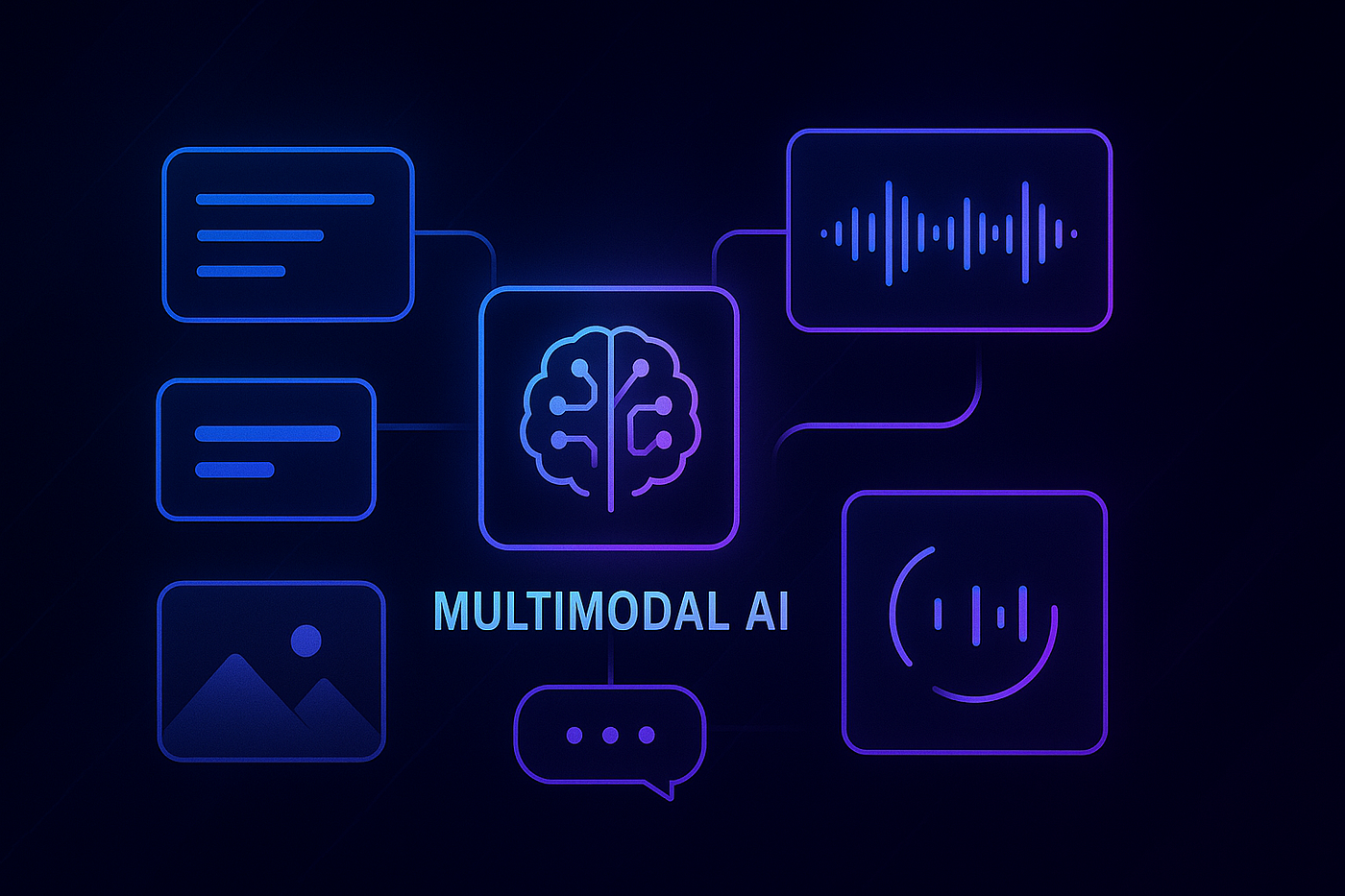
The future of user experience (UX) isn’t about buttons and menus anymore — it’s about systems that understand how we communicate. Multimodal Large Language Models (LLMs) can process multiple types of inputs — text, images, audio, even video — opening up a new era of intuitive, intelligent UX.
In this article, I’ll show you why multimodal LLMs are poised to reshape digital experiences — and how you can build your own multimodal pipeline locally using open-source models.
🔍 What Are Multimodal LLMs?
Multimodal LLMs go beyond traditional text-based AI by processing and integrating multiple data types, or “modalities”:
- 📝 Text
- 🖼️ Images
- 🔊 Audio
- 🎥 Video
Unlike typical LLMs, multimodal models simulate human perception more closely by combining visual, auditory, and textual data streams.
🎯 Why They Will Redefine UX
1. Context-Aware Intelligence
Users can upload a chart and ask natural-language questions about it. Multimodal models understand both the chart and the query.
2. Unified Interactions
No more switching between chatbots, image tools, and voice apps — users interact with one intelligent interface.
3. Adaptive UI Behavior
Imagine forms that auto-populate based on an uploaded document or resume image. That’s now possible.
4. Better Accessibility
Voice input and visual response make experiences more inclusive for users with impairments.
🛠️ Building a Local Multimodal Pipeline
You don’t need a massive GPU cluster to experiment. With an RTX 3060 (or even a Mac M1), you can build a working prototype using open-source models.
🧰 Recommended Stack
Here’s a Medium-friendly overview of a typical multimodal toolchain:
+-------------+------------------------+----------------------------------+
| Modality    | Tool/Model             | Purpose                          |
+-------------+------------------------+----------------------------------+
| Text        | Mistral, LLaMA         | Text understanding and response  |
|             |                        | generation                       |
+-------------+------------------------+----------------------------------+
| Image       | BLIP-2, OpenCLIP       | Visual captioning and embedding  |
+-------------+------------------------+----------------------------------+
| Audio       | Whisper, Bark          | Speech-to-text or TTS            |
+-------------+------------------------+----------------------------------+
| Controller  | LangChain, Transformers| Orchestration + prompt routing   |
+-------------+------------------------+----------------------------------+
🧩 Architecture Flow
[User Input: Text + Image + Audio]
                 ↓
     [Preprocessor: CLIP / Whisper]
                 ↓
    [Text Prompt + Embedded Inputs]
                 ↓
           [LLM Inference Engine]
                 ↓
      [Multimodal Output Generator]
                 ↓
            [Response to User]
🧪 Code Snippet Example
Here’s how a basic image-to-text pipeline might look:
from transformers import BlipProcessor, BlipForConditionalGeneration
from PIL import Image
import torch

image = Image.open("sample.jpg").convert("RGB")
processor = BlipProcessor.from_pretrained("Salesforce/blip-image-captioning-base")
model = BlipForConditionalGeneration.from_pretrained("Salesforce/blip-image-captioning-base")

inputs = processor(images=image, return_tensors="pt")
output = model.generate(**inputs)
caption = processor.decode(output[0], skip_special_tokens=True)
print(caption)
🧱 Local Setup Guide
✅ Minimum Requirements:
- 16 GB RAM
- 8 GB+ VRAM (or Apple M1 chip)
✅ Installation Steps:
pip install torch torchvision torchaudio
pip install transformers accelerate bitsandbytes
pip install open_clip_torch langchain
✅ Optional Models:
- BLIP-2 — for image captioning
- Whisper — for audio input
- Mistral or LLaMA — for core LLM tasks
🎨 UX Design Tips for Multimodal AI
- Design for hybrid input: Assume users will tap, speak, or upload.
- Support rich feedback: Show images, read responses aloud, highlight important context.
- Think situational: Let input modes adapt to context — text in quiet rooms, voice in hands-free mode.
🔮 What’s Coming Next?
Multimodal UX will become the new normal. Interfaces that understand documents, photos, and voice are no longer futuristic — they’re expected.
And by building locally, you gain full control over latency, privacy, and innovation — no API rate limits, no vendor lock-in.
메타데이터
- post_id
- 958dfe02a86f
- slug
- why-multimodal-llms-will-redefine-ux-and-how-to-build-one-locally-958dfe02a86f
- url
- https://medium.com/@connect.hashblock/why-multimodal-llms-will-redefine-ux-and-how-to-build-one-locally-958dfe02a86f
- canonical_url
- https://medium.com/@connect.hashblock/why-multimodal-llms-will-redefine-ux-and-how-to-build-one-locally-958dfe02a86f
- author_url
- https://medium.com/@connect.hashblock
- status
- ok
- fetched_at
- 2026-07-19 00:05:24