How I Built an Amazon BuyBox Monitoring System That Alerts Me in Under 3 Minutes — Using No Code
I found out about a hijacker from my weekly revenue report. By then, they’d been on my listing for 4 days. That won’t happen again — here’s…
How I Built an Amazon BuyBox Monitoring System That Alerts Me in Under 3 Minutes — Using No Code
I found out about a hijacker from my weekly revenue report. By then, they’d been on my listing for 4 days. That won’t happen again — here’s the system I built to make sure of it.

The $3,000 Mistake That Changed Everything
Q4 last year. My best-performing ASIN. Sales trending down for a week, and I spent the first three days convinced it was a PPC problem. I adjusted bids, refreshed creatives, rebuilt the campaign structure. Nothing moved.
On day four, I finally looked at the Offers page directly. There it was: a seller with “Amazon Resale” in the name, offering my product at a price just below mine, with Prime fulfillment. They’d been there since day one of the revenue dip. Four days of my advertising budget driving traffic to a listing where a significant portion of BuyBox impressions were going to someone else. My estimates put the direct revenue miss somewhere between $2,500 and $3,500.
That’s when I decided to actually build an Amazon BuyBox monitoring system instead of relying on daily reports and luck.
Why My Previous Tools Kept Failing Me
I wasn’t flying blind before this incident. I had a monitoring tool. It just had three problems that I’d chosen not to think too hard about:
The refresh rate was daily. That meant every hijacker had a guaranteed 12–24 hour head start before I’d ever see an alert. In a marketplace where sales velocity is everything, half a day is an eternity.
The alerts went to email. I get hundreds of emails a day. A monitoring alert buried in my inbox at 3am is not a monitoring alert — it’s a log entry that I might notice two days later while cleaning out unread messages.
The data was thin. Knowing that “2 sellers now appear on your listing” doesn’t tell me whether one of them is an Amazon authorized reseller (completely different threat level), what their price is relative to mine, or whether they’re FBA (which means they can compete for BuyBox much more aggressively than merchant-fulfilled sellers).
Real Amazon BuyBox monitoring has to solve all three of these problems to be worth running.
What I Built: AMZ Data Tracker + Lark + AI
The system I settled on uses three integrated components, and the entire thing took me an afternoon to configure. No engineers, no custom code, no server infrastructure to maintain.
The Data Layer: Hourly ASIN Snapshots
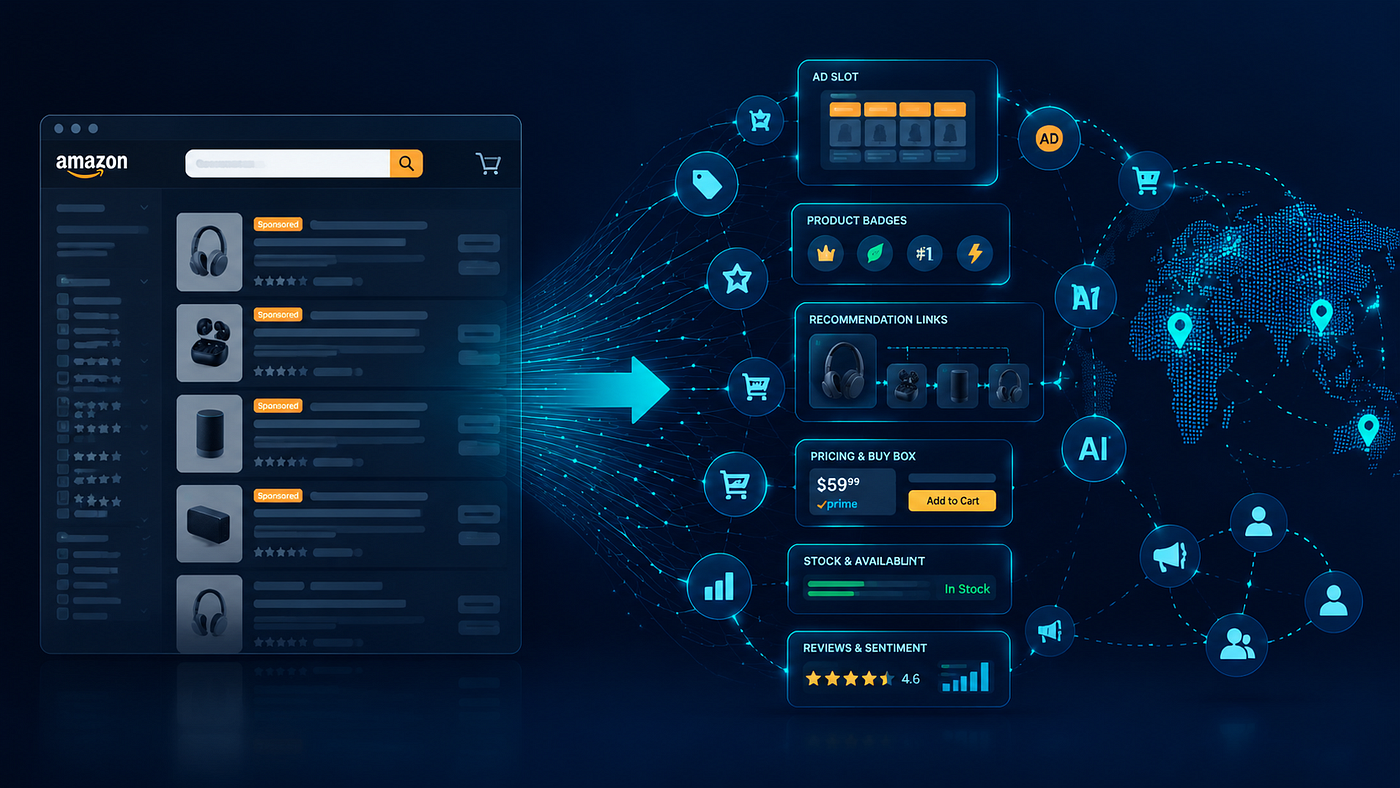
The foundation is AMZ Data Tracker, which uses Pangolinfo’s underlying Scrape API to pull a complete ASIN Offer snapshot every hour. Each snapshot includes the full seller offer list — not just counts, but seller IDs, pricing, fulfillment method, seller ratings, inventory status, and estimated delivery windows. All of this gets written automatically into a multi-dimensional table organized by timestamp.
The table view does one clever thing that saves me significant cognitive load: any row where competing seller count is above zero gets automatically highlighted in pink. I can look at a week’s worth of hourly data and immediately see which time windows had issues, without having to read through numbers. An “Amazon Resale” seller appearing in the offers list gets flagged explicitly because the BuyBox implications are different from a generic third-party — that’s a detail most monitoring tools gloss over.
The Alert Layer: Lark Bot in My Ops Channel
Data in a table is only useful if I’m looking at it. The Lark bot integration solves the notification problem decisively. I configured two alert triggers:
The first fires when competing seller count goes from zero to any positive number. The second fires when BuyBox ownership flips away from my seller account. Either event sends a formatted Lark message card to my operations team channel within about 3 minutes of the hourly data collection completing.
The message card contains: the triggered ASIN, the current competing seller count, the monitoring group it’s categorized under, and a direct link into the detailed data view. My whole team sees it simultaneously. We can discuss the response right in the thread. No email chains, no “did you see the alert?”, no discovering the problem during a weekly review meeting.
The Intelligence Layer: Pattern Recognition Over Time
After about six weeks of hourly data accumulation, I passed the historical dataset to an AI analysis workflow and asked a simple question: are there patterns in when hijackers appear on my ASINs?
The answer was surprisingly clear. One ASIN was being hit almost exclusively on Friday evenings. Another showed hijacker activity clustered around the first two weeks of each month. A third had a single recurrent seller appearing every time my inventory showed low stock signals. None of this was visible from daily reports. It only became apparent when hourly data gave enough resolution to see the texture of the competitive behavior.
With these patterns identified, I shifted from purely reactive BuyBox monitoring to partially predictive. Friday afternoons, I now pre-adjust pricing on high-risk ASINs. When inventory drops below a threshold, I reinforce BuyBox protections before a hijacker decides it’s worth the attempt. The system doesn’t just tell me what happened — it increasingly tells me what’s about to happen.
Setting It Up: What You Actually Need to Do
The technical setup is straightforward enough that I’ll give you the concrete steps rather than a high-level overview.
First, create a Lark bot in your operations group (Group Settings → Bots → Custom Bot) and copy the Webhook URL. Second, log into the Pangolinfo Console, navigate to AMZ Data Tracker, and create a new monitoring task with your ASIN list. Set collection frequency (I use hourly for top performers, every 3 hours for mid-tier), define your alert conditions (competitor count ≥ 1 is the baseline; add BuyBox owner change as a high-priority trigger), and paste in your Lark Webhook URL.
That’s the configuration complete. The system will run its first collection cycle within the hour, and from that point it operates without manual input.
The less-obvious step that matters as much as the technical setup: write a response SOP before the first alert arrives. Decide in advance who handles alerts during business hours versus evenings. Define the first three actions for each alert type. Specify what constitutes an Amazon-authorized reseller situation (different response than a generic third-party hijacker). If you wait until a 2am alert to figure out your protocol, you’ll figure it out slowly.
Key Takeaways
- Daily monitoring = guaranteed hijacker head start. If your refresh rate is daily, every hijacker gets a free window. Hourly is the minimum viable frequency for BuyBox protection.
- Alert delivery channel is as important as alert logic. Email is not a real-time notification channel. Your alerts need to reach the channel where your team actually works.
- Context makes alerts actionable. Knowing a competitor appeared is the start. Knowing their fulfillment type, price differential, and whether they’re Amazon-authorized determines your response.
- Historical data enables prediction. The real value of continuous Amazon BuyBox monitoring accumulates over time — patterns emerge that let you defend proactively rather than respond reactively.
- No-code tools have closed the gap. The system I described took an afternoon to configure. The barrier to enterprise-grade BuyBox monitoring is no longer technical.
About Pangolin: Pangolinfo provides Amazon sellers with real-time data infrastructure including the Scrape API for ASIN data collection and AMZ Data Tracker for no-code monitoring automation. Learn more at pangolinfo.com.
메타데이터
- post_id
- 96a8a9a9e14d
- slug
- how-i-built-an-amazon-buybox-monitoring-system-that-alerts-me-in-under-3-minutes-using-no-code-96a8a9a9e14d
- url
- https://medium.com/@pangolinfo/how-i-built-an-amazon-buybox-monitoring-system-that-alerts-me-in-under-3-minutes-using-no-code-96a8a9a9e14d
- canonical_url
- https://medium.com/@pangolinfo/how-i-built-an-amazon-buybox-monitoring-system-that-alerts-me-in-under-3-minutes-using-no-code-96a8a9a9e14d
- author_url
- https://medium.com/@pangolinfo
- status
- ok
- fetched_at
- 2026-06-20 20:29:01