Novastar VX1000 Comprehensive Guide and Data Download
The Novastar VX1000 is the latest LED controller designed to meet the demands of modern display technologies. Renowned for its reliability…
Novastar VX1000 Comprehensive Guide and Data Download
The **Novastar VX1000** is the latest LED controller designed to meet the demands of modern display technologies. Renowned for its reliability and advanced features, the VX1000 is an essential tool for professionals in the LED display industry.
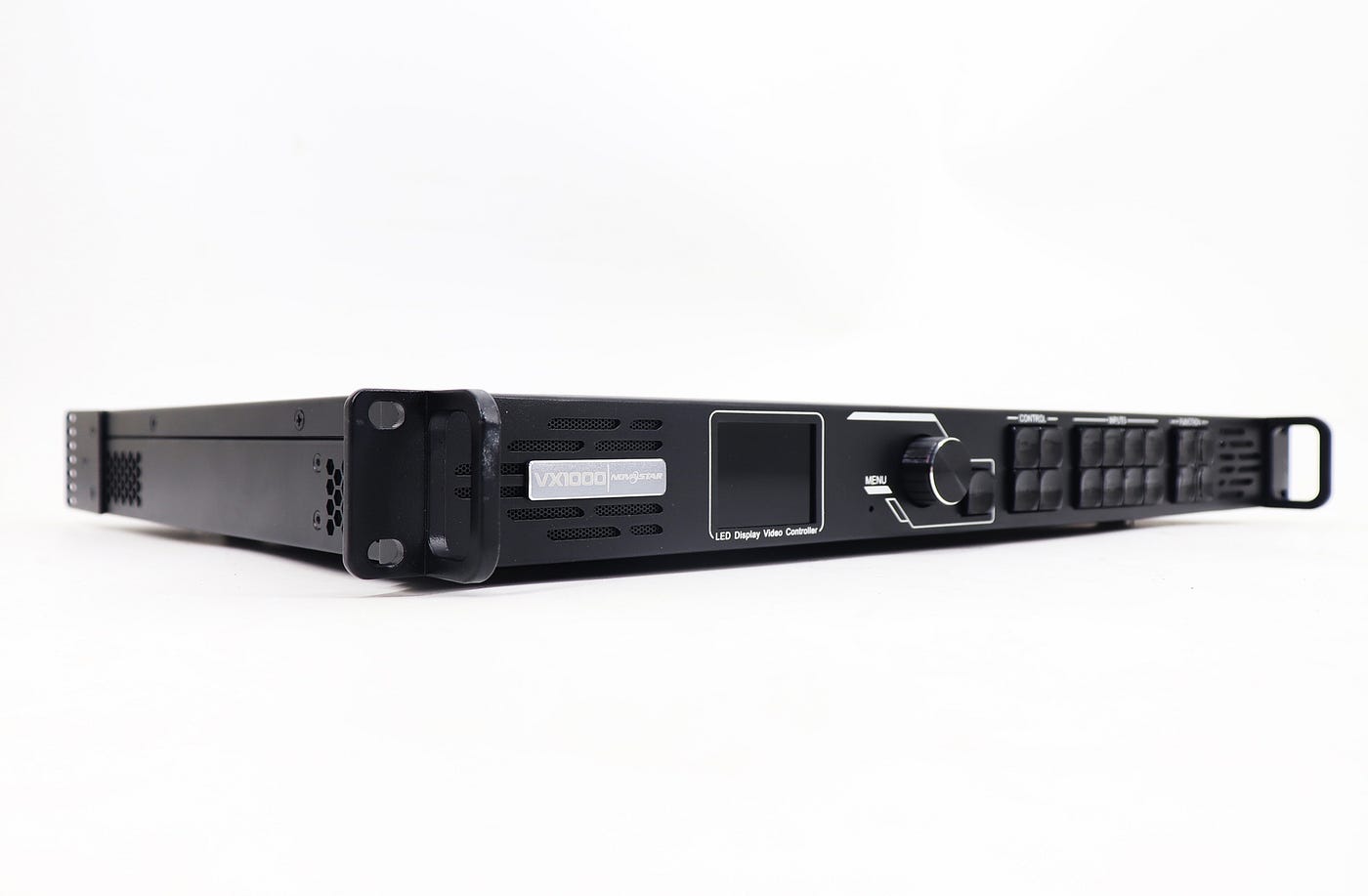
Novastar VX1000
In this article, we will provide you with an overview of its functionalities, specifications, and how to access essential data downloads for optimal performance.
Key Features
The VX1000 boasts an array of impressive features, making it suitable for various applications, from concerts to corporate events. One of its standout capabilities is the support for multiple input sources, including:
· HDMI
· DVI
· SDI
This versatility allows users to smoothly integrate different media types, enhancing the overall visual experience.
Another significant feature is the built-in image processing capabilities. The VX1000 offers advanced scaling, color calibration, and gamma adjustment, ensuring that the displayed content maintains its quality regardless of the source. With a resolution support of up to 4K, it delivers crisp and vibrant visuals that attract an audience.
The Power of VX1000
· Processing: It processes a wide range of video signals, including high-resolution 4Kx1K@60 Hz content.
· Massive loading capacity: With 10 Ethernet output ports, the VX1000 can handle a staggering 6.5 million pixels, ideal for driving expansive LED displays.
· Superior Image Quality: Experience exceptional picture clarity with support for 3 freely scalable layers, each capable of delivering stunning 4K quality.
· Advanced Image Control: Fine-tune your display with features like infinite zoom, pixel-level brightness adjustment, and chroma calibration.
Connecting and Configuring Your VX1000
Setting up the VX1000 is a straightforward process:
1. Physical connections: connect the VX1000 to your PC via USB and HDMI cables, and power it on. Then, link the LED display’s network cables to the VX1000 ports.
2. Software configuration: Open Novastar’s NovaLCT software on your PC. Log in and navigate to “Screen Configuration” to define your LED display’s parameters.
The **Novastar VX1000 is a powerful LED controller that combines advanced technology with ease of use. Its extensive features make it suitable for various applications, while its user-friendly interface simplifies the setup process. For further information and to download essential resources, visit LED Controller Card. Utilize the potential of your LED displays with the Novastar VX1000**, and enhance your visual presentations to new heights.
메타데이터
- post_id
- 96cccddadf10
- slug
- novastar-vx1000-comprehensive-guide-and-data-download-96cccddadf10
- url
- https://medium.com/@ledcontrollerc/novastar-vx1000-comprehensive-guide-and-data-download-96cccddadf10
- canonical_url
- https://medium.com/@ledcontrollerc/novastar-vx1000-comprehensive-guide-and-data-download-96cccddadf10
- author_url
- https://medium.com/@ledcontrollerc
- status
- ok
- fetched_at
- 2026-08-03 02:39:07