LLM Wiki vs. AI Second Brain: The Best No-Code Alternatives in 2026
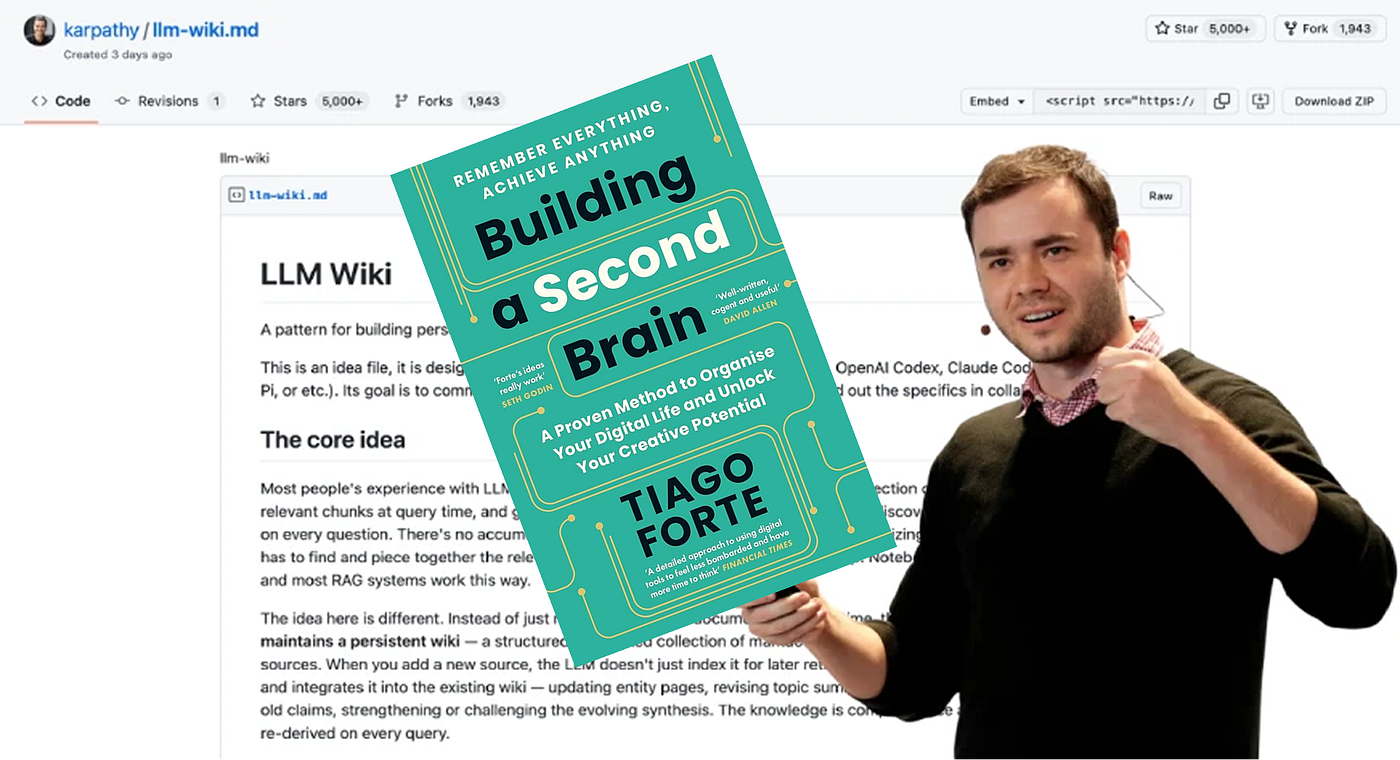
It’s been two months since the famous Andrej Karpathy X post on LLM Wiki went viral, and it’s about time I shared my learnings…
LLM Wiki vs. AI Second Brain: The Best No-Code Alternatives in 2026
It’s been two months since the famous Andrej Karpathy X post on LLM Wiki went viral, and it’s about time I shared my learnings, realizations, and where I have landed now.
I think I was one of the first people to read that Andrej Karpathy tweet and feel it click. It was more about being able to bring my knowledge into the center of the conversation and having a methodology where I wasn’t just hoarding content, but actually using it.
Dump your sources into a folder, let an AI read all of them and build a wiki on top, then ask the wiki questions instead of digging through the original docs. He called his own version “a hacky collection of scripts” and said there was room for a real product here.
So I spent the next month actually building it. Here’s what I learned, in the order I learned it, and why somewhere around week three I realized I was reinventing an idea that’s been sitting in a 2017 book the whole time.
What are the best no-code alternatives to an LLM Wiki?
An LLM Wiki is a linked layer of AI-written summaries and concept pages built on top of your raw sources, popularized by Andrej Karpathy. It’s effectively a do-it-yourself AI second brain. The catch: a hand-built LLM Wiki works at around 50 sources but breaks down at scale, because summaries go stale when sources change, adding new material forces a full rebuild, and it can’t handle multi-modal input like videos, podcasts, and PDFs with figures. The best no-code alternatives (Recall, Mem, NotebookLM, and Obsidian + Smart Connections) solve the same problem with automatic indexing, live links, and ongoing maintenance, so your knowledge base stays fresh as it grows.
TL;DR:
LLM Wiki = raw sources in a folder plus a one-time AI compile pass into a linked wiki.
It’s not new. This is the CODE workflow (Capture, Organize, Distill, Express) from Tiago Forte’s Building a Second Brain (2017), with an LLM doing the Distill step.
Where it breaks: scalability, maintenance, and multi-modal capture.
What to use instead: Recall (closest to a life-long knowledge base you can chat with), Mem (a thinking partner), NotebookLM (source-grounded Q&A), Obsidian + Smart Connections (local-first DIY).
Week 1: Setup is the easy part
A weekend was enough to get a basic version running with a Claude and Obsidian combo. I fed it about 80 articles, PDFs and forgotten MD notes. By Sunday night I had a working wiki that summarized everything and linked related ideas together. It genuinely felt like magic. I told two friends Karpathy had cracked something fundamental.
This is the part everyone’s tweeting about. It’s also the part that matters least.

Week 2: The first cracks
Getting clean text out of messy sources is a nightmare. Scanned PDFs come out as gibberish. Some websites won’t load properly when a program tries to read them. I couldn’t, for the life of me, figure out how to properly pass any Spotify podcasts!?!? While some YouTube videos worked, not all of them did. If it didn’t have a transcript, I literally just couldn’t save it.
Every new type of source was a new evening of frustration.
Week 3: The actual problem shows up
I added 50 new articles in one batch and realized the wiki had no idea they existed. To fold them in, the AI had to re-read and re-organize everything from scratch, which took 40 minutes and cost real money. Then I noticed three of my older summaries were quoting an article that had been updated weeks earlier. The wiki was confidently telling me things from a version of the source that no longer existed.
That’s when it hit me. Karpathy’s method assumes your sources sit still. Real research doesn’t work that way. Articles get updated. Posts get deleted. You add new things in batches. A wiki built on a snapshot starts going stale the moment you finish building it. That’s fine, because I haven’t necessarily found another tool that fixes it. This is actually a specific point that’s been made about where I need to take my time to keep my knowledge base updated. This is on me, but it was a realization that actually took some time to hit.
The maintenance problems I kept hitting:
- Stale summaries. A source gets updated and your summary is silently wrong. Nothing tells you.
- No way to know what changed. Even when I knew a source had been edited, I couldn’t tell if the edit mattered enough to re-summarize.
- Adding new stuff means redoing everything. No clean way to slot in new sources without rebuilding the whole wiki.
- Deleting is worse than updating. Remove a source and the wiki still references it like a ghost.
- The same site parses differently after a redesign. You don’t notice until a summary comes out broken.
(And by week three I still can’t figure out how to pass many sources, meaning I only have a half-baked knowledge base going.) It’s all about keeping the underlying pile of sources fresh and clean, and that’s the part nobody talks about.
I would generally like to keep in contact if you have figured out how to solve this problem, as I wanted to pull my hair out.
The uncomfortable realization. The LLM wiki isn’t new. It is Tiago Forte’s second brain.
Here’s the thing that has been bugging me, which no one seems to be talking about. The discourse is treating “dump raw sources in, get a linked knowledge layer out” like a revelation. It isn’t.
This is essentially the CODE workflow from Tiago Forte’s Building a Second Brain, the framework from 2017, the book in 2022: Capture, Organize, Distill, Express. Forte’s entire point was that the distillation and linking layer is where most people fail, and that software should carry that weight. Karpathy’s contribution is real but incremental: let an LLM do the Distill step. That’s a nice upgrade. It is not a new paradigm.
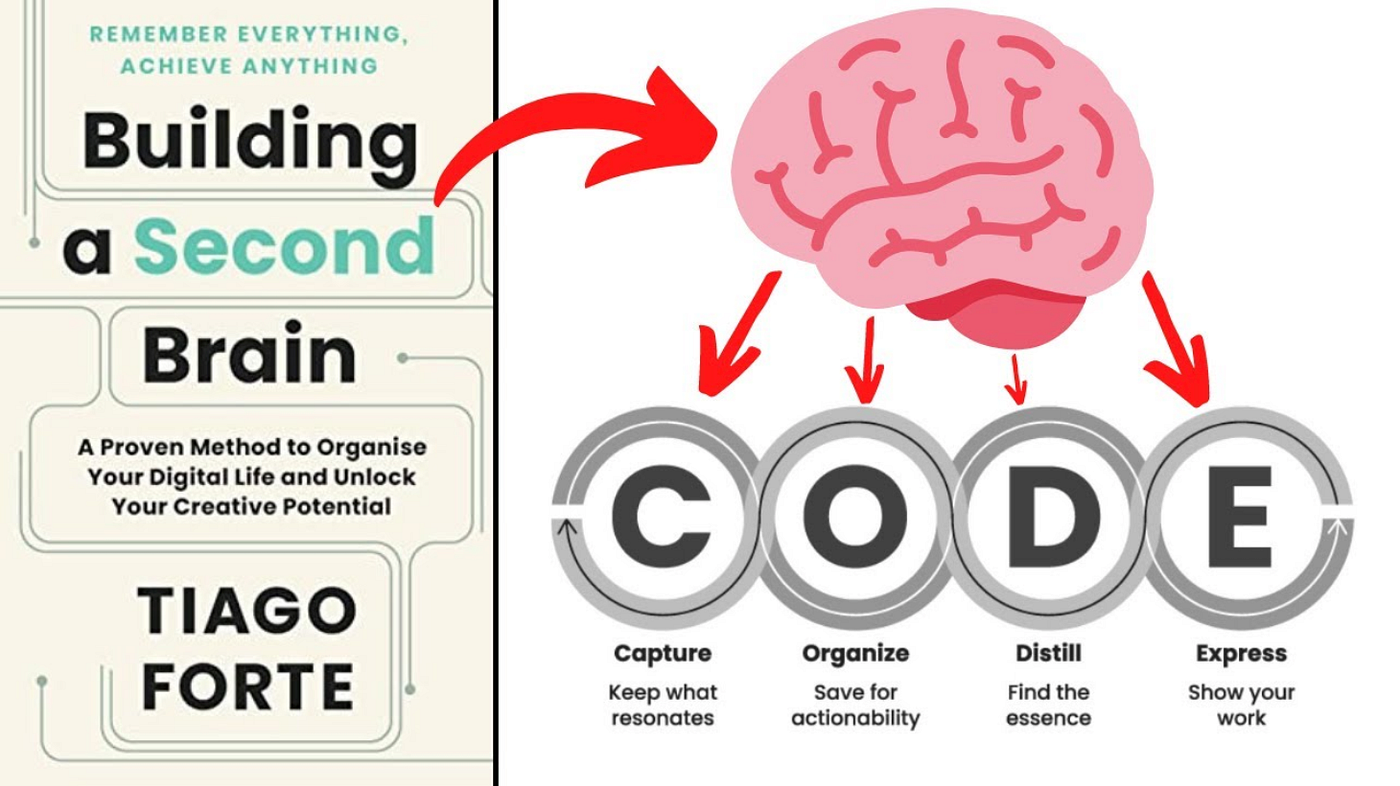
And the three things that broke my month-long experiment map almost perfectly onto problems the “AI second brain” category has been chewing on for years:
- Scalability. A flat folder plus a single LLM compile pass is fine at 50 sources. At 5,000 it falls over. The bottleneck isn’t context window, it’s retrieval quality. Purpose-built tools index, embed, and re-rank. A markdown wiki doesn’t.
- Maintenance. When sources change or vanish, a compiled wiki silently drifts out of sync because there’s no diff layer. PKM tools have leaned on bidirectional links and live backlinks to fight this for half a decade.
- Multi-modal capture. Karpathy’s method assumes text in a folder. Real research includes YouTube transcripts, tweets, PDFs with figures, podcast clips, screenshots. The “raw dir” approach has no answer for any of it.
The line in his tweet that really got me was the bit about “room for a real product here instead of a hacky collection of scripts.” Andrej, there are a hundred products doing exactly this. Where has everyone been? And in fact, where have I been, and why did this feel like a brand new concept when I first read about it?
LLM Wiki Alternatives: The AI second brain tools that already solve this
If the outcome you actually want is raw input goes in, structured knowledge comes out, and you can actually chat with your knowledge and find exact moments of content you’re looking for, the category already exists. None of these are perfect, but they all handle the three problems above better than a hand-rolled wiki. Here’s how I’d think about them.
Recall: AI second brain for life long learning, closest to the “dump and compile” shape
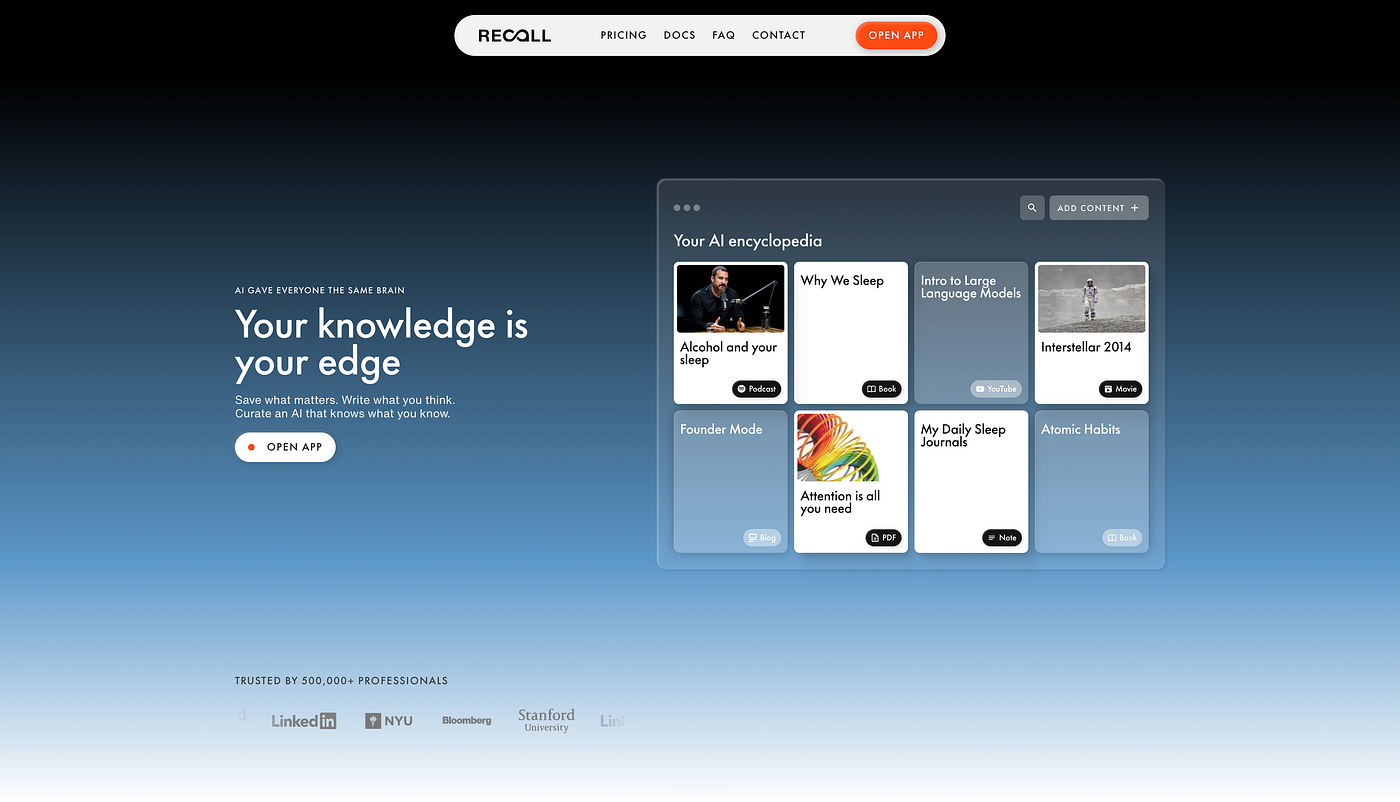
This is the one that maps most directly onto what Karpathy described. You add basically any online content, articles, YouTube videos, podcasts (yes it works on podcasts!!), PDFs, and your own notes. It automatically reads, summarizes, tags, and connects everything into a knowledge graph with key mentions and backlinks. Compile is automatic (under a minute per source versus roughly 10 minutes hand-rolling it), and monthly upkeep is a light tag tidy or graph review rather than re-prompting an entire vault by hand. You can browse it with a Connections tab, graph view, and focus mode (the Obsidian equivalents) and chat across the whole base with the model of your choice: Claude, GPT, Gemini, Grok, DeepSeek. The catch is it’s cloud-based, though you can run it free via the Recall MCP with your own model.
Mem: Your “thinking-partner”
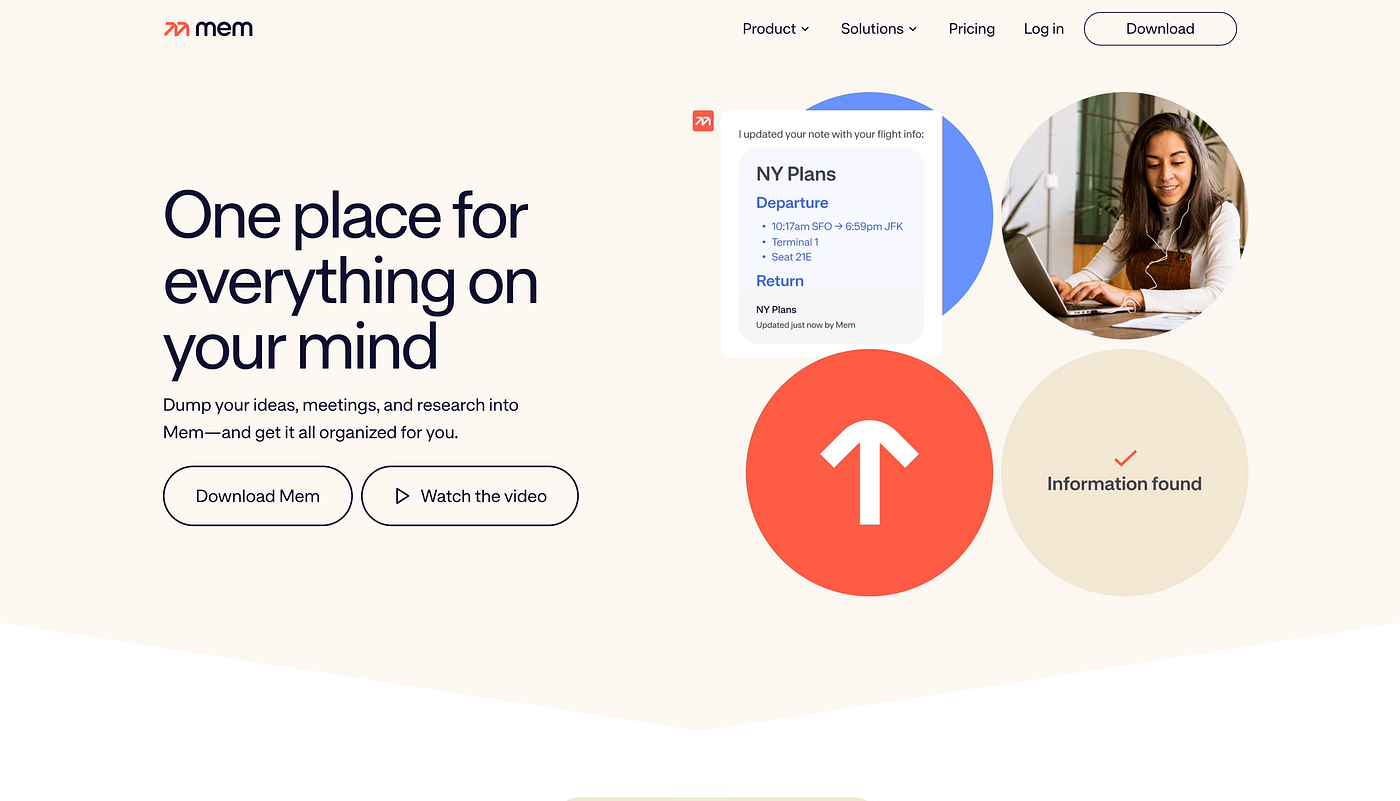
One of the earliest movers on auto-tagging and auto-linking, and openly Forte-influenced, its own guides walk you through building a second brain on Tiago’s principles. When you write or review a note, it surfaces related notes based on content, title, and tags, and its chat layer acts as an AI knowledge assistant over everything you’ve thrown in. If your workflow is more write and capture than ingest external media, this is the natural home.
Honestly surprised it’s barely in the Karpathy conversation, because this is where the AI second brain started.
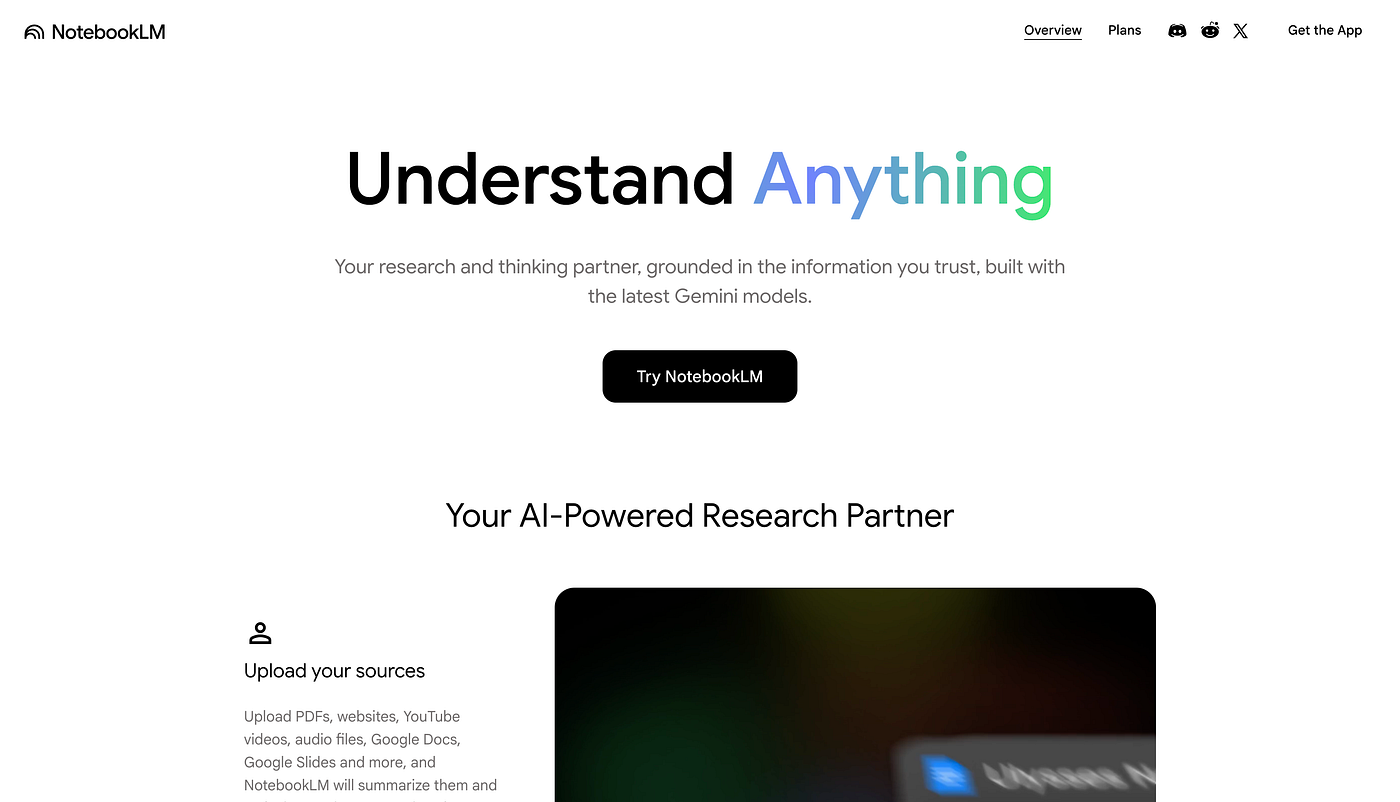
NotebookLM: strongest at source-grounded Q&A
Google’s entry, built on Gemini as a “research assistant” over a closed corpus you choose. Its superpower is cited, source-grounded answers, where every response links back to the exact passage, so it basically can’t wander off your sources. It also generates summaries, study guides, mind maps, and the well-known audio and video overviews. It’s weakest at persistent graph structure (it’s notebook-and-citation shaped, not knowledge-graph shaped), but for “interrogate these 20 documents and trust the answer,” nothing beats it.
While I realize this isn’t a lifelong knowledge base, but is more for bounded research, the concept is still here. You save your content, you chat with it, and answers are grounded in content you actually trust.
Obsidian + Smart Connections: for the local-first DIY crowd
If you do indeed insist on local-first and owning your files, this is the closest to Karpathy’s actual setup. Smart Connections is a free, fully local plugin that runs a local embeddings model so your data never leaves your machine, adding semantic search and a “Smart Chat” RAG layer over your vault. I personally failed and struggled at this one. That said, I can’t rule it out, as it simply came from my own experience, and I see many others preaching about success.
So where does that leave the LLM wiki?
Karpathy named a real ache: learning the same topic for weeks shouldn’t require re-uploading everything every time. He’s right. But the hard part was never the setup, it’s the maintenance, the thing my month-long experiment kept face-planting on, and the thing this whole category has quietly been working on since before the tweet.
The questions I’m still chewing on, please do comment below.
- Has anyone built a DIY version that genuinely doesn’t go stale? I couldn’t crack it and I’d love to be wrong.
- Has anyone figured out how to successfully parse Spotify podcasts?
- For people running Karpathy’s setup at real scale, how are you handling summaries that rot when sources get edited?
- Is there a tool I missed that treats keeping sources fresh as the main job rather than an afterthought?
I truly think the concept of bringing your knowledge into the center of the conversation and having a feedback loop where the things you love and care about make their way into your everyday chats is critical. Just because I personally couldn’t quite land at the DIY version doesn’t mean that everyone else can’t. Pick the tool that fits how you actually capture, and let it carry the Distill step Forte was pointing at all along.
Frequently Asked Questions
What is an LLM Wiki?
An LLM Wiki is a linked layer of AI-written summaries and concept pages built on top of your raw sources, popularized by Andrej Karpathy. Instead of querying the original documents directly, you ingest your sources, let an LLM compile summaries and cross-linked concept pages, and then ask questions against that layer. It’s effectively a do-it-yourself AI second brain.
Is an LLM Wiki the same as an AI second brain?
Yes, an LLM Wiki is essentially a hand-built AI second brain. It follows the same CODE workflow (Capture, Organize, Distill, Express) from Tiago Forte’s Building a Second Brain (2017), with an LLM handling the Distill step. The difference is that purpose-built AI second brain tools automate the indexing, linking, and maintenance that you’d otherwise script yourself.
Why does a DIY LLM Wiki break at scale?
A hand-built LLM Wiki breaks at scale because there’s no diff layer to track changes. It works fine at around 50 sources, but past that, summaries go stale when sources are edited, adding new material forces a full rebuild, and deleted sources still get referenced like ghosts. The bottleneck isn’t the AI model or the context window, it’s keeping the underlying sources fresh.
What are the best no-code alternatives to an LLM Wiki?
The best no-code LLM Wiki alternatives are Recall, Mem, NotebookLM, and Obsidian + Smart Connections. Each delivers the same “dump sources in, get a linked knowledge layer out” outcome without scripts or API setup: Recall is closest to a life-long knowledge base you can chat with, Mem works as a thinking partner, NotebookLM is best for source-grounded Q&A, and Obsidian + Smart Connections is the local-first DIY option.
Can you build an LLM Wiki without code?
Yes. Tools like Recall, Mem, and NotebookLM produce the same linked-knowledge outcome with no scripts, no API keys, and no manual re-compiling. They automatically read, summarize, tag, and connect your sources, and they handle ongoing maintenance so the knowledge base stays current as you add to it.
Which LLM Wiki alternative handles videos, podcasts, and PDFs?
Recall is the strongest option for multi-modal sources, automatically reading and summarizing articles, YouTube videos, podcasts, and PDFs into a connected knowledge graph. A hand-built LLM Wiki assumes plain text in a folder and struggles with scanned PDFs, tables, and audio or video content.
What’s the best local-first LLM Wiki alternative?
Obsidian + Smart Connections is the best local-first alternative. It runs a local embeddings model so your data never leaves your machine, adds semantic search and a chat layer over your vault, and uses an auto-updating index to keep context fresh. The tradeoff is that it’s the most hands-on to set up.
Did Andrej Karpathy invent the AI second brain?
No. Karpathy popularized the LLM Wiki pattern, but the underlying idea predates it. The Capture-Organize-Distill-Express framework comes from Tiago Forte’s Building a Second Brain (2017), and AI second brain tools like Mem were already automating auto-tagging and auto-linking before the LLM Wiki tweet. Karpathy’s contribution was applying an LLM to the Distill step.
메타데이터
- post_id
- 96e39e1fbbab
- slug
- llm-wiki-vs-ai-second-brain-the-best-no-code-alternatives-in-2026-96e39e1fbbab
- url
- https://medium.com/@nikkihowzit/llm-wiki-vs-ai-second-brain-the-best-no-code-alternatives-in-2026-96e39e1fbbab
- canonical_url
- https://medium.com/@nikkihowzit/llm-wiki-vs-ai-second-brain-the-best-no-code-alternatives-in-2026-96e39e1fbbab
- author_url
- https://medium.com/@nikkihowzit
- status
- ok
- fetched_at
- 2026-06-17 14:34:23



