10 VS Code Extensions Every Python Developer Needs in 2026
A practical Python setup without turning VS Code into an extension nsion lists are bloated.
10 VS Code Extensions Every Python Developer Needs in 2026
A practical Python setup without turning VS Code into an extension nsion lists are bloated.
They recommend three formatters, two test explorers, several snippet packs and an extension that changes the colour of your brackets. Then people wonder why their editor feels messy.
Python development in VS Code is simpler in 2026. The official extensions now handle more of the boring setup work, which also means some older recommendations are becoming redundant.
Here are the ten extensions I think are still worth knowing about. You probably don’t need all ten. The title is slightly aggressive.
Created in Canva
1. Python
Start with the official Python extension from Microsoft. This is not really optional.
It connects VS Code with your Python interpreters and provides the main integration points for testing, debugging, linting, formatting, refactoring and environment management. Without it, you are mostly fighting the editor. lance
Pylance handles the language intelligence side of the setup.
Autocomplete, import suggestions, type information, navigation and static type checking all become much better. It is powered by Pyright and works alongside the official Python extension. ccasionally complain about perfectly valid code, especially inside complicated libraries. That is still better than having almost no useful feedback.

3. Python Debugger
Printing variables everywhere is not a debugging strategy. It is sometimes useful, but let’s not pretend.
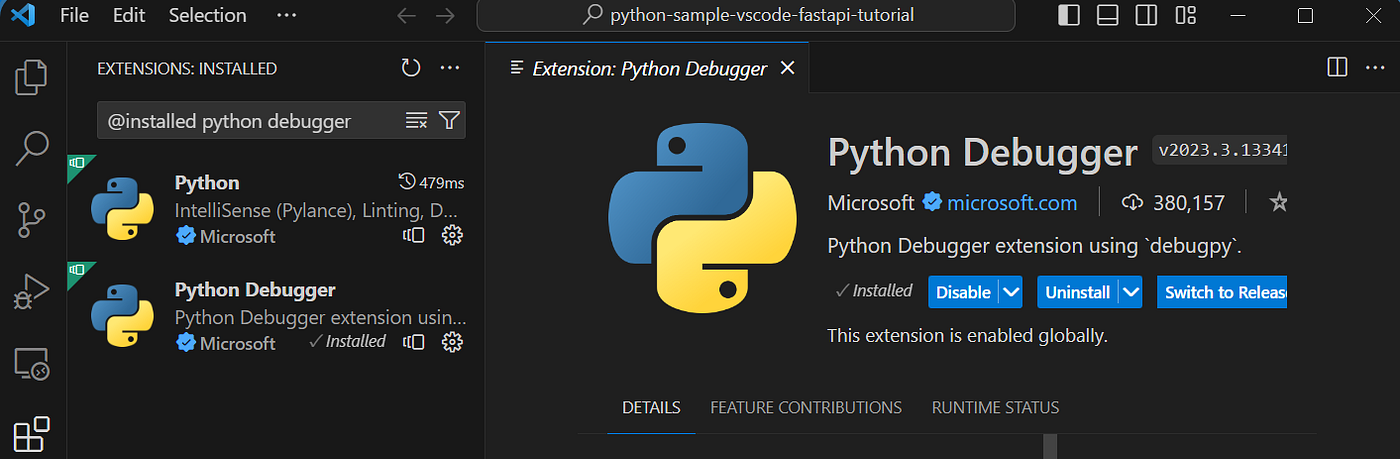
The official Python Debugger lets you add breakpoints, step through code and inspect variables while the program is running. It supports regular scripts, web applications, remote processes and multithreaded programs. e debugger before installing another productivity extension.
4. Python Environments
Python environments have always been more confusing than they should be.
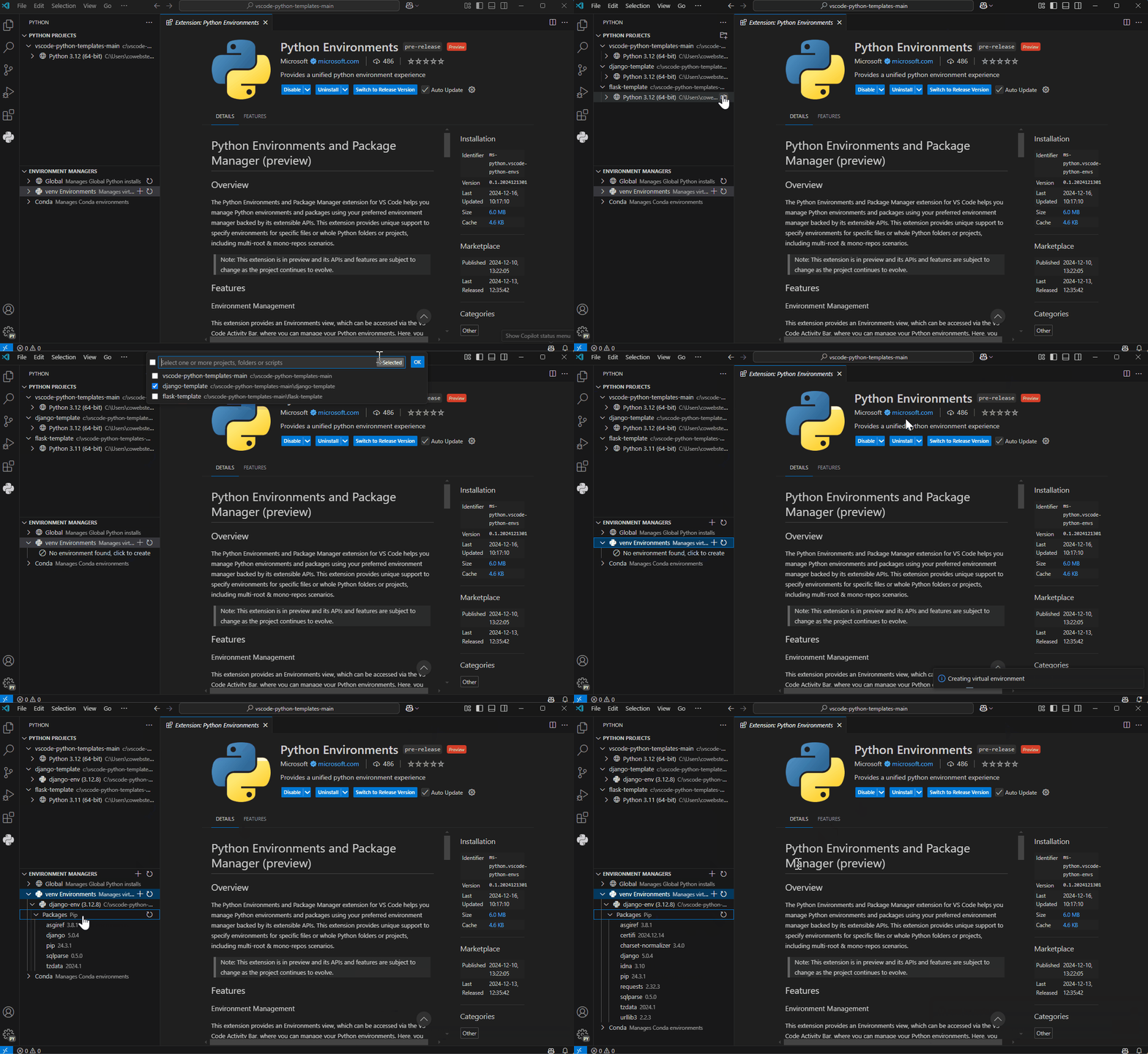
The official Python Environments extension gives you a clearer way to create environments, select interpreters and manage packages. It works with tools such as venv, Conda, Poetry, Pipenv and pyenv. Microsoft moved it into general availability in February 2026. the replacement I would use instead of older third-party environment-manager extensions.
5. Jupyter
Install Jupyter when you actually use notebooks.
It lets you open and run .ipynb files inside VS Code and use your Python environments as notebook kernels. That is useful for data analysis, machine learning and quick experiments. al backend development, you might barely touch it. That is fine. Not every Python project needs a notebook hiding inside it.

6. Ruff
Ruff is probably the biggest change from older Python extension lists.
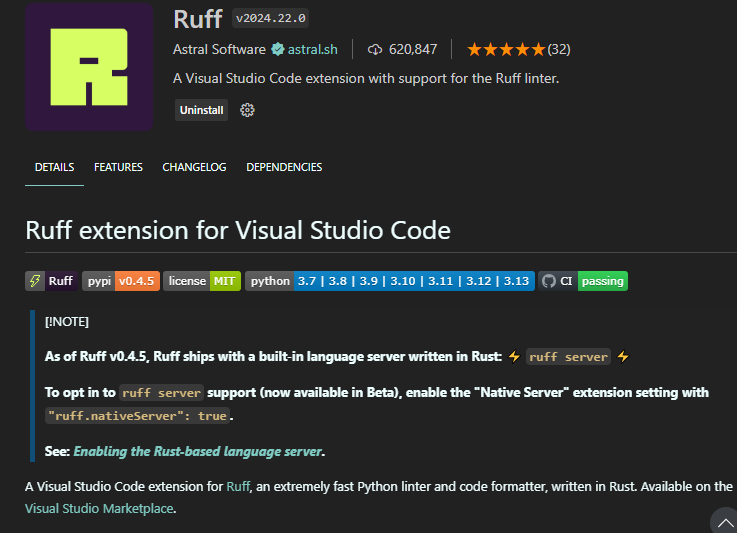
It handles linting and formatting, and it can replace combinations involving Flake8, Black, isort and several smaller tools. It is also fast enough that running it constantly does not feel like punishment. nstall five overlapping linting extensions unless you enjoy debugging your editor configuration instead of your code.
7. autoDocstring
Type three quotation marks and autoDocstring generates a structured docstring based on the function.
It supports several docstring formats and can infer information from type hints, default values and parameter names. Yes.
An excuse to generate vague descriptions for every obvious function? No. A bad generated docstring is still a bad docstring.

8. Code Spell Checker
Spelling mistakes in comments are annoying. Spelling mistakes in variable names spread through an entire project.
Code Spell Checker checks source code and documentation while trying to keep false positives reasonably low. t Python-specific, but it has saved enough embarrassing names like responce_data to earn its place.

9. Error Lens
VS Code normally shows errors with small squiggly lines. Those are easy to ignore.
Error Lens displays diagnostics directly beside the affected code and makes warnings much harder to miss. side is noise. On a messy project, your editor can suddenly look like it is shouting at you. I still prefer that over discovering twenty ignored warnings later.

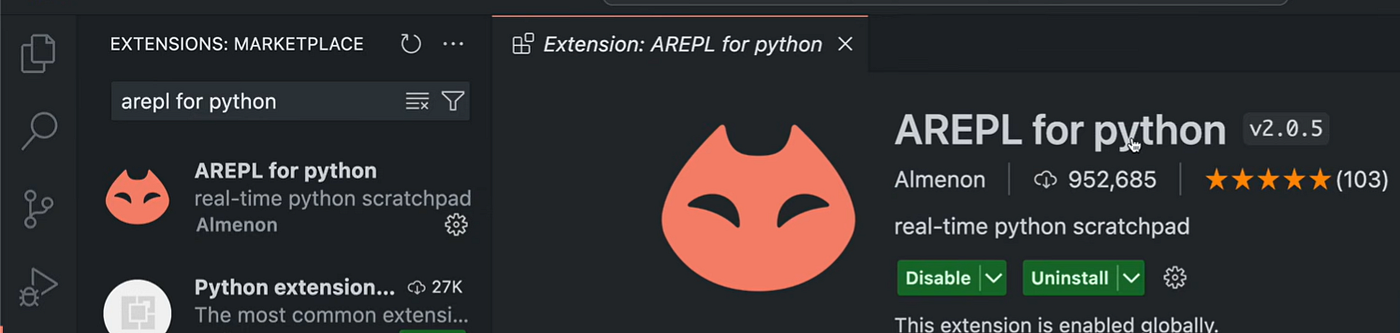
10. AREPL for Python
AREPL is a real-time Python scratchpad. It evaluates code while you type and displays the results beside it. eful for testing small calculations, transformations and unfamiliar APIs without constantly rerunning a file.
Just remember that automatic execution and code with side effects are not always a great combination. Use some common sense.
What I would leave out now
I would no longer install a separate Python Test Explorer by default. The official Python extension already integrates with VS Code’s testing interface.
I would also skip most general Python snippet packs. They can be useful for beginners, but autocomplete already handles much of the basic boilerplate.
Code Runner is still convenient for quickly running selected code, but the official run and debug tools are enough for most Python projects. Adding another way to execute the same file can create more confusion than speed.
That is the real problem with extension lists. Installing an extension is easy. Knowing when it duplicates something you already have is the harder part.
My base setup would be Python, Pylance, Python Debugger, Python Environments and Ruff. The rest depends on the project.
Ten extensions sound impressive. Five extensions that you understand are probably better.
메타데이터
- post_id
- 96f9758b6857
- slug
- 10-vs-code-extensions-every-python-developer-needs-in-2026-96f9758b6857
- url
- https://medium.com/pythonic-af/10-vs-code-extensions-every-python-developer-needs-in-2026-96f9758b6857
- canonical_url
- https://medium.com/pythonic-af/10-vs-code-extensions-every-python-developer-needs-in-2026-96f9758b6857
- author_url
- https://medium.com/@dmarcus12
- status
- ok
- fetched_at
- 2026-07-15 14:03:45