Creating a More Reliable AI Operating Environment: Addressing State Loss, Repeated Updates, and…
What I learnt whilst making a Telegram-based information system more secure following the search process
Creating a More Reliable AI Operating Environment: Addressing State Loss, Repeated Updates, and Navigation Errors
What I learnt whilst making a Telegram-based information system more secure following the search process
**[If you cannot access the full article, please click here]**

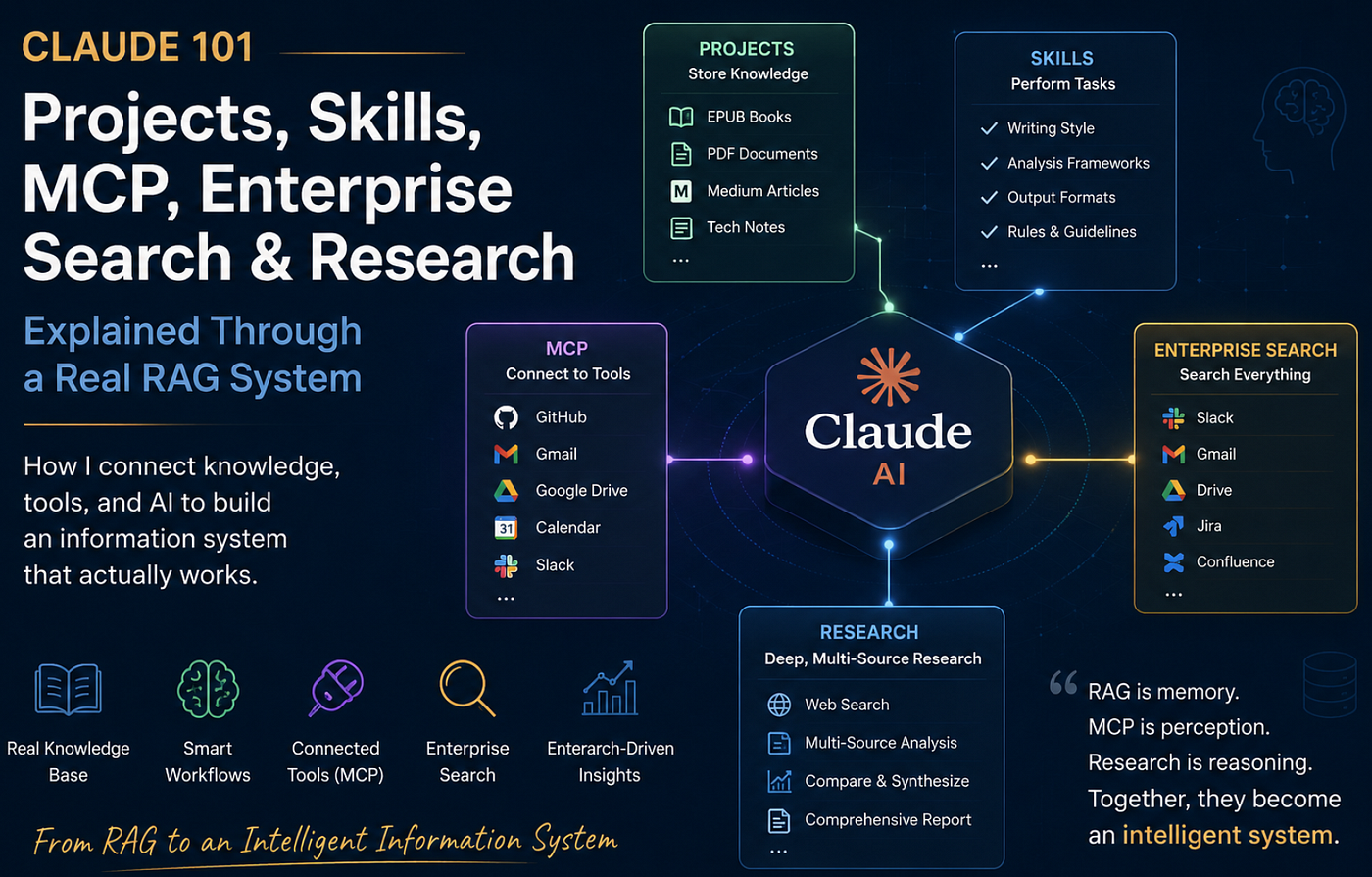
Image generated using AI (ChatGPT) by the author.
Hello,
For the past few months, I’ve been developing a local AI information system that combines the following:
Hundreds of EPUB books
Hundreds of Medium articles
PDF documents
Telegram access
Local retrieval
I recently added a feature for navigating by section and subsection.
The workflow was as follows:
/ara kubernetes
/detay 2
/chapters
/chapter 6
/sections 6
/section 6 2
/sectionsor 6 2 Service DNS neden cluster IP kullanır?
And it worked.
At least until I restarted the bot.
Main Issue
The navigation flow was working properly.
/ara kubernetes
/detay 2
/sections 6

Output:

Chapter 6

1. What Is Service Discovery?
2. Service DNS
3. Readiness Checks
4. Looking Beyond the Cluster
5. Load Balancer Integration
Then I restarted the timer.
sudo systemctl restart asuli-bot.service

After the restart:

/sections 6

Result:

Chapter bulunamadı.
The restore layer was running. The inventory was running. Navigation commands were up and running. However, the system could not resume from where it left off.
Step 1 — Reproducing the Problem
Instead of making assumptions, I reproduced the problem.
First:

/ara kubernetes

Then:

/detay 2

The selected book became:

kubernetes-up-and-running-3rd-edition

Navigation worked perfectly.

After a restart:

sudo systemctl restart asuli-bot.service
The navigation function stopped working. The malfunction was now clearly evident.
Step 2 — Checking the Circulation Status
I checked how the selected book was checked out.
grep -n "LAST_ENTITY_STATE" inventory_engine.py

Output:

705:UNIFIED_SEARCH_STATE = {}
710:LAST_ENTITY_STATE = {}

The selected knowledge object was stored entirely in memory.

LAST_ENTITY_STATE = {}

That explained everything.

When the process restarts:

Memory is cleared.
Selected book disappears.
Chapter context disappears.
Navigation fails.
The error wasn’t in data retrieval. The error was in error handling.
Step 3 — Making the Selected Object Permanent
I added the permanence property to the selected object.
Instead of just saving this:
LAST_ENTITY_STATE[user_id]

the runtime now also writes a state file.

Example:

ls -lh state/*.selected_entity.json

Output:

-rw-r--r-- 1 ali ali 431 Jun 16 01:07 state/8631013380.selected_entity.json

Content:

{
  "index": 2,
  "type": "EPUB",
  "title": "kubernetes-up-and-running-3rd-edition",
  "path": "chunks/kubernetes-up-and-running-3rd-edition_epub_chunks_v2.jsonl",
  "collection_name": "epub-kubernetes-up-and-running-3rd-edition-v2"
}
The working state was now permanent.
Step 4 — Verifying the Restart Recovery Process
After making the state permanent:
ara kubernetes
/detay 2

Then:

sudo systemctl restart asuli-bot.service

After restart:

/sections 6

Output:

Chapter 6

1. What Is Service Discovery?
2. Service DNS
3. Readiness Checks
4. Looking Beyond the Cluster
5. Load Balancer Integratio
No re-election was held. No recovery commands were used. No manual intervention was performed. The process resumed exactly where it left off.
Bonus Fix — Recurring Update Protection
While investigating navigation issues, I also identified recurring update behavior.
I added a recurring update preventer to protect important commands.
Protected commands:
/ara
/pdfara
/mediumara
/sections
/section
/sectionsor

The goal was simple:

Same Telegram update
→ Process once
→ Ignore duplicates
This reduced the number of unexpected re-executions of commands and made runtime behavior more predictable.
Validation
The final validation sequence was as follows:
/ara kubernetes
/detay 2
sudo systemctl restart asuli-bot.service
/sections 6

Expected result:

Chapter 6

1. What Is Service Discovery?
2. Service DNS
3. Readiness Checks
4. Looking Beyond the Cluster
5. Load Balancer Integration

Actual result:

Chapter 6

1. What Is Service Discovery?
2. Service DNS
3. Readiness Checks
4. Looking Beyond the Cluster
5. Load Balancer Integration

The fix worked.

Git outputs:
git log --oneline -5

Output:

95a8f1c docs: record selected entity persistence
b4ca32e fix: persist selected entity across restarts
a786843 docs: record medium navigation article ingestion
8b79f60 fix: dedupe pdf runtime search results
What Has Changed?
At first glance, this looks like a minor adjustment.
It isn’t.
The difference is this:
Search
→ Select
→ Restart
→ Lose Context

versus

Search
→ Select
→ Restart
→ Continue Working
Search quality, embedded models, and segmentation are important.
Ultimately, I think every AI system reaches a point where reliability becomes more important than search quality.
I believe this post simply reflects that experience. The solution was a better runtime environment.
**You can read my other articles on Medium.**
I hope you enjoy reading this, and I’d really appreciate it if you could share any relevant experiences you have in the comments.
메타데이터
- post_id
- 970d7bcb3309
- slug
- creating-a-more-reliable-ai-operating-environment-addressing-state-loss-repeated-updates-and-970d7bcb3309
- url
- https://medium.com/becoming-for-better/creating-a-more-reliable-ai-operating-environment-addressing-state-loss-repeated-updates-and-970d7bcb3309
- canonical_url
- https://medium.com/becoming-for-better/creating-a-more-reliable-ai-operating-environment-addressing-state-loss-repeated-updates-and-970d7bcb3309
- author_url
- https://medium.com/@alielmali
- status
- ok
- fetched_at
- 2026-06-21 09:28:28