Mastering Video Calls: Your Ultimate Guide to Using FaceTime on Android
How to FaceTime on Android: A Step-by-Step Tutorial
FACETIME VIDEO CHAT ON ANDROID
Mastering Video Calls: Your Ultimate Guide to Using FaceTime on Android
How to FaceTime on Android: A Step-by-Step Tutorial

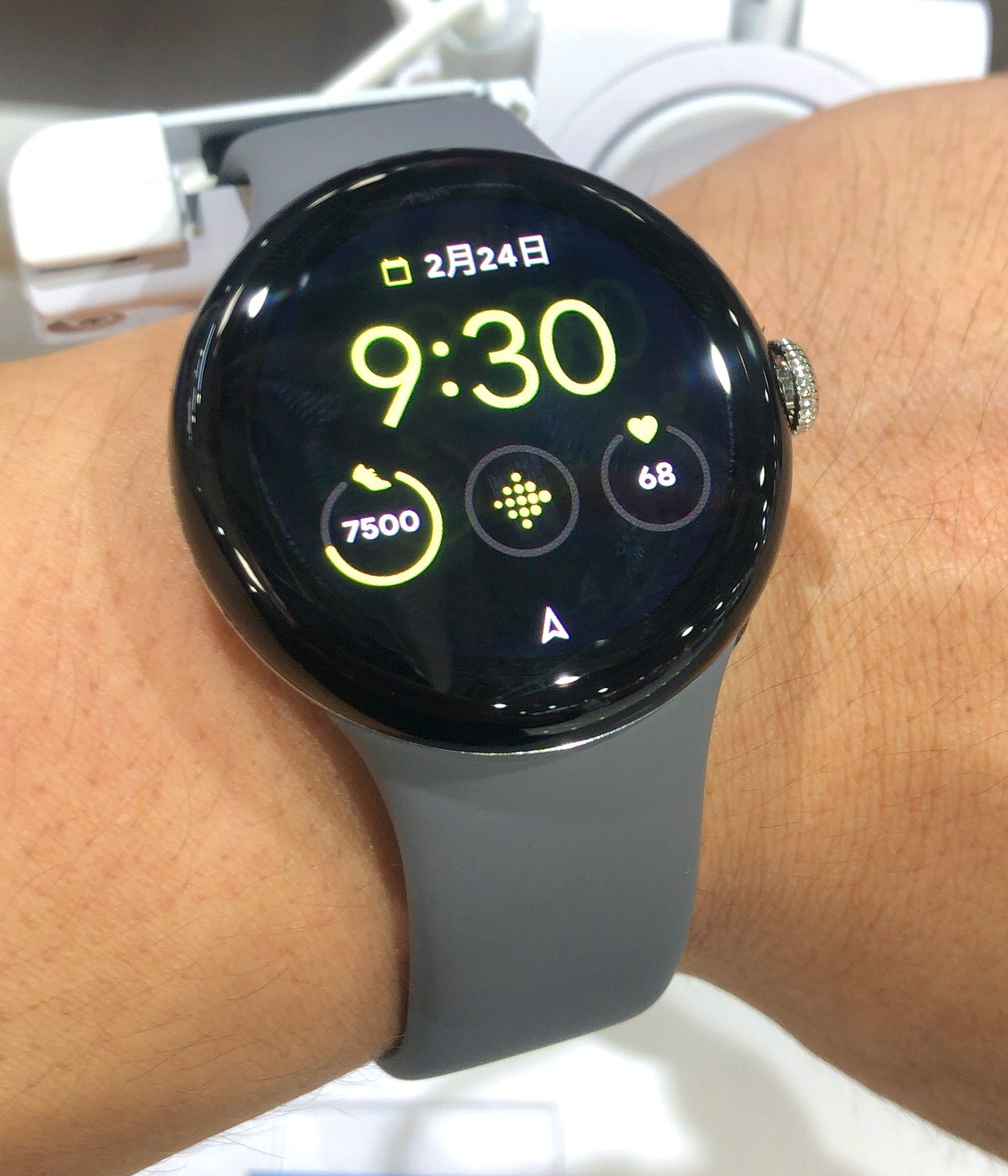
Number 10, CC BY 2.0 https://creativecommons.org/licenses/by/2.0, via Wikimedia Commons
Have you ever wondered how to FaceTime with your loved ones using your Android device? Having been previously associated only with Apple devices, many Android users might feel left in the dark about this. But fret not! Whether it’s catching up with family across the miles, or connecting with friends who march to the beat of an Apple drum, our guide will shed light on all you need to know about embracing “FaceTime” on Android. It’s easier than you might think!
“Technology is nothing. What’s important is that you have a faith in people, that they’re basically good and smart, and if you give them tools, they’ll do wonderful things with them.” — Steve Jobs
So, ready to leverage the power of technology and strike up those important virtual conversations? Dive in and let’s decode the myth of ‘FaceTime on Android’ together.
First, let’s manage expectations. Is there an official FaceTime app for Android? Sadly, the answer is no. Despite our wishes, Apple is unlikely to release one owing to its exclusivity with iOS products. However, don’t let that dampen your spirit! Android still has a wealth of impressive alternatives in its quiver.
Facebook Messenger
Facebook Messenger is one of the first-named alternatives when you’re looking for FaceTime-like services on Android. Reliable, user-friendly, and packed with features, it conveniently fits the bill. You get to video chat one-on-one or in groups, and it offers emojis, stickers, and GIFs to bring a light-hearted flavor to your conversations. How to do FaceTime on an Android Device — Check this out!!!
- Make sure the iPhone user has installed the latest software version
The FaceTime call must be initiated by an Apple user first.
Here are the minimum requirements for the supported devices:
iPhone: iOS 15 or later
iPad: iPadOS 15 or later
Mac: MacOS 12 Monterey or later
- Sending and receiving a FaceTime link
As the sender/host: Go to the FaceTime app on your iPhone, iPad, or Mac and select the “Create Link” option in the top left corner. You’ll then be given a unique link to distribute to a contact — no matter their device brand. You can also attach a name to the link for a more formal or personal touch. People who join the call using the FaceTime link from an Android or Windows device won’t have to log in to join a FaceTime call.
As the receiver: Once the Apple user has sent you a FaceTime invitation, click the link from your messages app, and your internet browser will open a new window. Then, allow your browser access to your camera and microphone if you haven’t already. Once the link has loaded, you’ll be prompted to enter your name before joining FaceTime calls. Tap “Continue” when you’re set.
Photo Credit: https://www.zdnet.com/article/how-to-facetime-on-android/
Google Duo and Google Hangouts
Two powerful beasts from Google’s family, and both solid video chat apps, Google Duo and Google Hangouts are a natural choice for Android users. Google Duo is likened to FaceTime, with its straightforward, no-fuss video calling service. Hangouts, on the other hand, is a great tool for keeping large group conversations together, with the ability to conduct web-based video meetings and more.
Google Meet
Google Meet is like the older, more sophisticated sibling of Duo and Hangouts. It’s wildly popular for work meetings and conferences, mainly due to its simplicity and robust Google support. Capable of hosting up to 32 people, Google Meet offers encrypted communication and is available both on Android and iOS. If seamless connectivity and intuitive experience are paramount, Google Meet stands as a prime contender.
Skype
Don’t forget about Skype! The pioneering video call service, Skype is legendary for its resiliency. Its free version lets you voice and video call your contacts online, and the premium version provides you with a real phone number, enabling calls to landlines and mobiles.
A household name in the communication world, WhatsApp provides more than just text chats. Users can equally enjoy voice calls and video chats, individually or as a group. Its interface is smooth, making it perfect for personal connections with family and friends. WhatsApp’s international reach sets it apart, making it ideal for users wanting to stay in touch with people across the globe.
To conclude, while Android does lack a default video chatting feature akin to Apple’s FaceTime, it is far from handicapped. With the plethora of rich and diverse apps available, staying connected and communicating visually is a breeze.
메타데이터
- post_id
- 9985fe608ffa
- slug
- mastering-video-calls-your-ultimate-guide-to-using-facetime-on-android-9985fe608ffa
- url
- https://medium.com/the-quantified-world/mastering-video-calls-your-ultimate-guide-to-using-facetime-on-android-9985fe608ffa
- canonical_url
- https://medium.com/the-quantified-world/mastering-video-calls-your-ultimate-guide-to-using-facetime-on-android-9985fe608ffa
- author_url
- https://medium.com/@novelistthe9
- status
- ok
- fetched_at
- 2026-06-14 16:15:44