OpenCode — A Local Coding Agent That Phones Home? WTF?
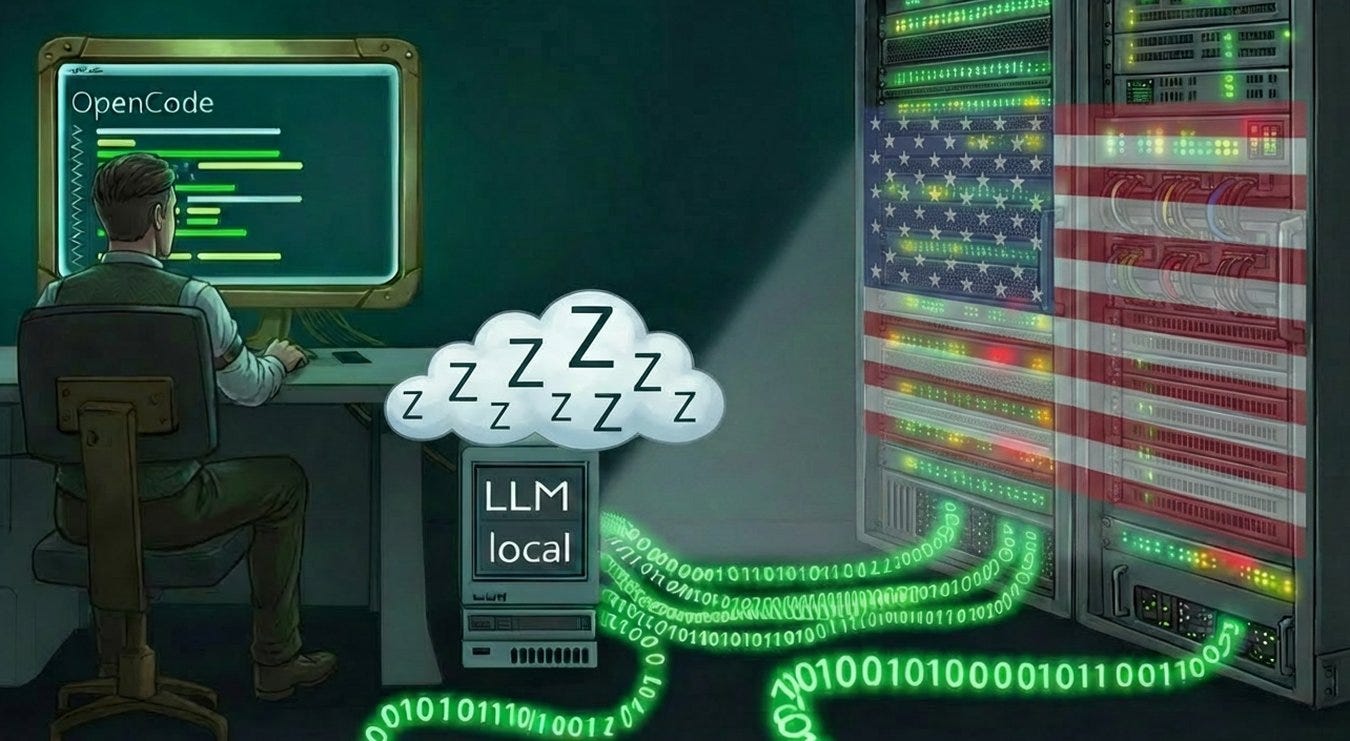
If the local LLM connection fails, OpenCode silently switches to a cloud model — without any warning. Read about how to fix that!
OpenCode — A Local Coding Agent That Phones Home? WTF?
If the local LLM connection fails, OpenCode silently switches to a cloud model — without any warning. Read about how to fix that!
A quick heads-up on context
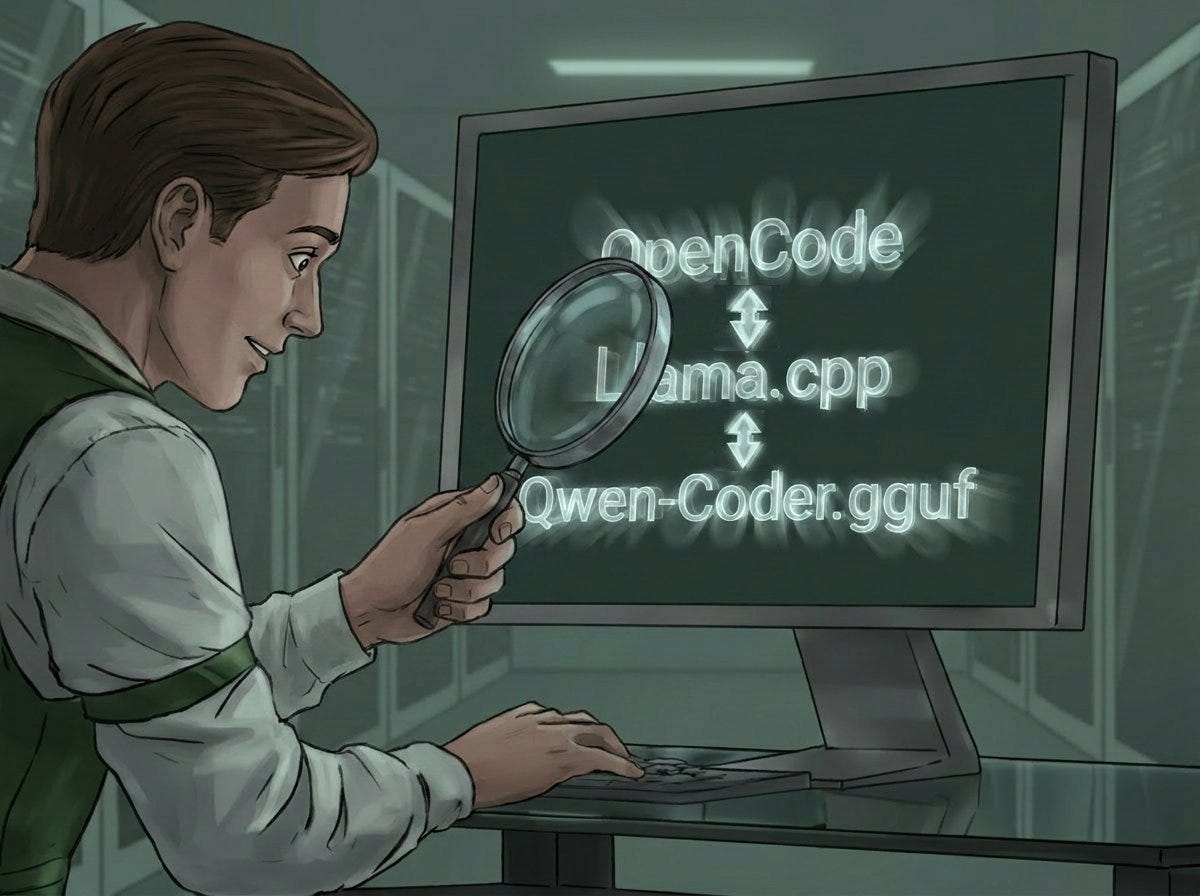
I’ve been working on getting OpenCode running locally under Docker for a while now. The whole thing hooks into a local llama.cpp installation.
The llama.cpp frontend has been delivering a ChatGPT-style interface for quite some time — one that lets me run even larger weights completely autonomously, fully self-contained.
Local setup: independence, sovereignty — and security!
Including for a coding agent that should do roughly what Claude Code does (which I’ve been using for months) — but, well… locally! With all the advantages that come with it.
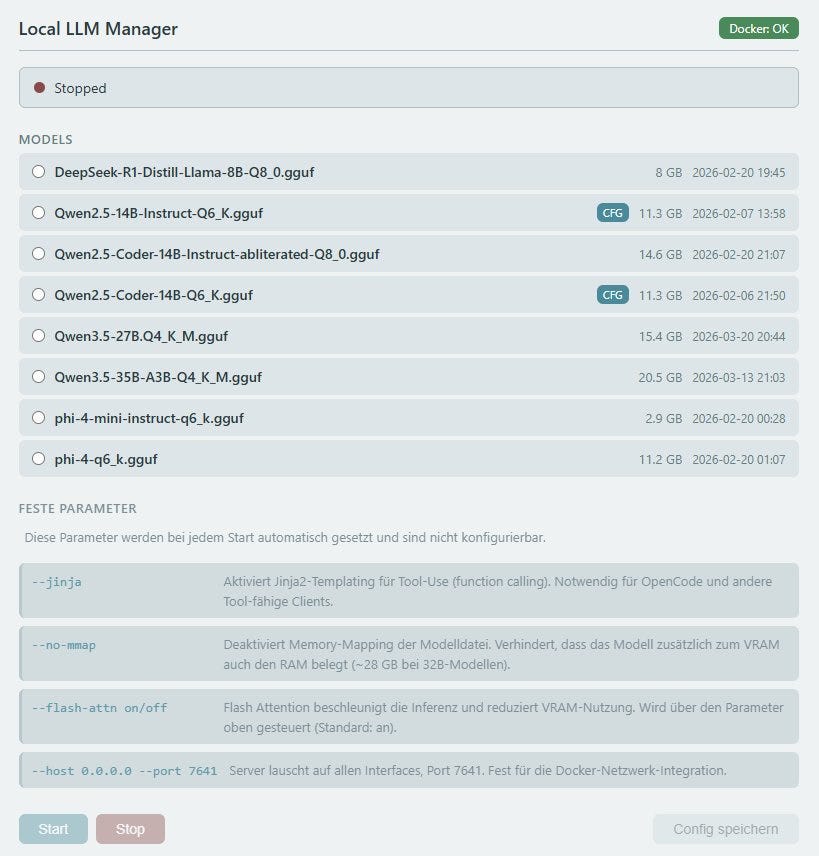
As a rule, I try to go as deep as possible into any topic I tackle. Just slapping an Ollama setup on the drive, maybe even running directly on the host — I’ll happily leave that to others. Not everyone is as curious and completely hooked on generative AI as I am. To each their own.
OpenCode
…was the tool of choice.
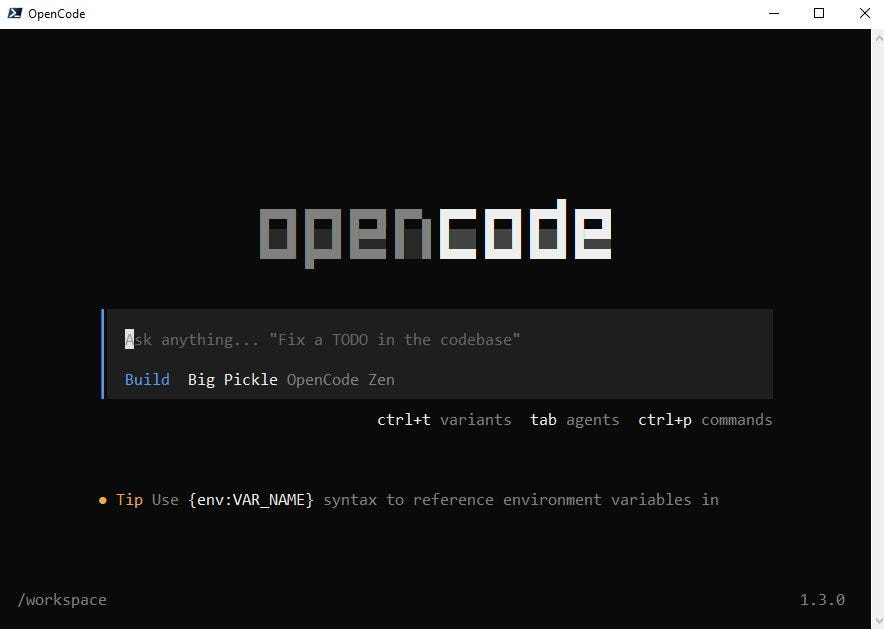
Screener of th start-screen of the OpcenCode Shell
Pretty tricky, a lot to watch out for — even more to learn. Long story — and this intro isn’t supposed to turn into an epic.
Current problem: creating an AGENTS.md that — just like opencode.json — gets pulled in automatically for every project, serving as a MASTER-AGENTS.md.
That’s working now too — a separate post on that is coming.
The Burner Moment
So there I am, fiddling with the compose.yml, brainstorming the setup (with and without Claude’s help)…
And then it hits me:
II, idiot, in all the work in progress hadn’t started the llama.cpp backend AT ALL…
And OpenCode is happily executing my instructions…
WHAT? Say again?? Excuse me?? How is that even possible?
A serious trap — especially for newcomers
Consider this scenario:
- Someone is getting into OpenCode and a local LLM setup
- The opencode.json gets filled with the connection details
- OpenCode starts as expected
But the opencode.json flat out doesn’t work.
Result: you’re not working locally at all — and there is ZERO indication of that. None whatsoever.
My edge — and the reason for this post
The local LLM-setup works. I just hadn’t started it…
But two things had been nagging at me the whole time:
a) The GPU wasn’t making a peep. It doesn’t always — but it usually does at some point. b) There’s no indicator in the OpenCode frontend showing which weight is currently loaded and being worked on.
Two things — hovering somewhere in the back of my mind — that led to that **WHAT THE F* — moment.
That’s exactly why this post exists: whoever’s setup never really worked from the start will never know they’re not working locally at all.
As I said: there is no indication. None.
(Only after creating the post and restarting OpenCode did I realize: the notice is right there on the buttom of the opening screen! And of course you dismiss that immediately with your very first prompt.)
And who would even think that OpenCode has a fallback built in for exactly this case? One that goes online — without any paid API whatsoever? Regular users who just want to use the software without reading every FAQ in the OpenCode universe? Definitely not.
What that looks like under the hood, I had Claude put together. (I want to go deeper, not write post after post.)
So what’s actually going on?
The question was obvious: which model is running here anyway? Asked OC directly:
opencode/big-pickle
Big Pickle — ID opencode/big-pickle — is a model from the OpenCode Zen ecosystem. Cloud service, servers in the US, run by the OpenCode team themselves. Currently free, because they're collecting feedback. And during this free phase: interaction data may be used to improve the model.
This isn’t a bug. It’s documented. OpenCode falls back to Big Pickle when no other provider is available — by design. It just lives in the docs, not as a warning on first launch.
Consequences
“Local first” means: no external servers, no third-party logging, your data stays your data. Not paranoia — a deliberate choice.
And that’s exactly where a silent cloud fallback stops being harmless. Every question, every piece of code, every convention in your AGENTS.md — lands on US servers. No notice. No prompt.
Anyone who’s fine with that — Big Pickle is free, capable, solid for coding — go for it. Just go in with open eyes.
For example in times of just developing stuff for fun and/or training, well. There’s nothing against it. You can even see it as a service: No costs for any API — and no costs for token, probably? (no idea)
This case truely isn’t the only one where peeps are paying with (training)data for the personal comfort — if the product doesn’t cost anything => you’re the product!
Anyone who isn’t: disabled_providers in opencode.json — then it'll throw an error rather than quietly phoning home.
Conclusio
…is the tip of the day:
Either keep your eyes open when launching OpenCode — if this
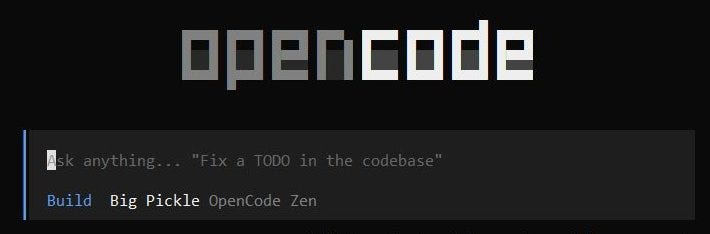
Screener of th start-screen of the OpcenCode Shell
appears in the shell window, the local model is being ignored.
Or — just as described in the text — simply ask with a prompt:
“Which model are you currently using?”
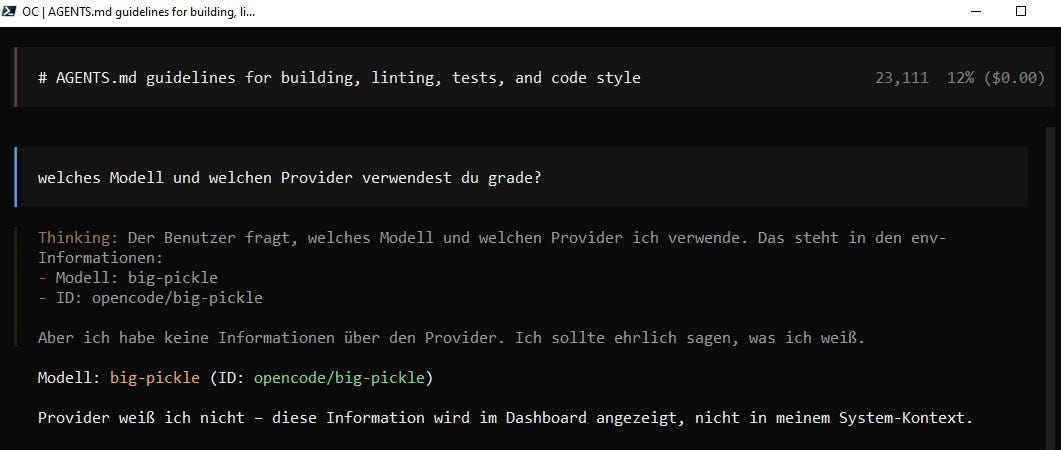
Screener of the original German prompt to find out the actual used Model
Tech Stack
Windows host, Intel Core i5 CPU, 32 GB RAM, Nvidia GPU with 16 GB VRAM
Getting started locally with OpenCode and llama.cpp on Docker
Here’s the link to the article about setting up OpenCode locally with a llama.cpp backend:
If you want to set up llama.cpp locally, you’ll find what you need here:
Interested in more on topics like this?
SStay in touch: I regularly share insights on OpenCode, AI tools & GenAI workflows — no Medium membership needed (*)
→ http://www.linkedin.com/in/christoph-schweres
*() But I really advise you to become a member here on Medium — it’s totally free! And you can add articles and authors to your timeline.**
Disclaimer
The introduction to this text was written entirely by hand. No .md template or any other adjustments were made there.
The second part is a 1:1 from the summerization Claude made outa the the current deep dive into the mentioned strange probs with some additions I made myself in the part “concerning about bigPickle”.
The final translation from the German original text was completly done by Claude.
메타데이터
- post_id
- 9b1ec0d91318
- slug
- opencode-a-local-coding-agent-that-phones-home-wtf-9b1ec0d91318
- url
- https://medium.com/rigel-computer-com/opencode-a-local-coding-agent-that-phones-home-wtf-9b1ec0d91318
- canonical_url
- https://medium.com/rigel-computer-com/opencode-a-local-coding-agent-that-phones-home-wtf-9b1ec0d91318
- author_url
- https://medium.com/@rigel-computer
- status
- ok
- fetched_at
- 2026-06-14 11:28:49