OPi5 Pro DualDrive Ubuntu Server
Decent performance Ubuntu Server build that boots from a microSD A2 card while harnessing fast eMMC storage for the database.
OrangePi5 Pro DualDrive Ubuntu Server
Before diving into containers, Kubernetes or clouds, there’s one lesson that keeps coming back: learn Linux first. This little Orange Pi project was my way of doing exactly that — starting from bare metal, storage, and bootloaders.
Don’t worry free/non medium Member I got you with a free access to this click here
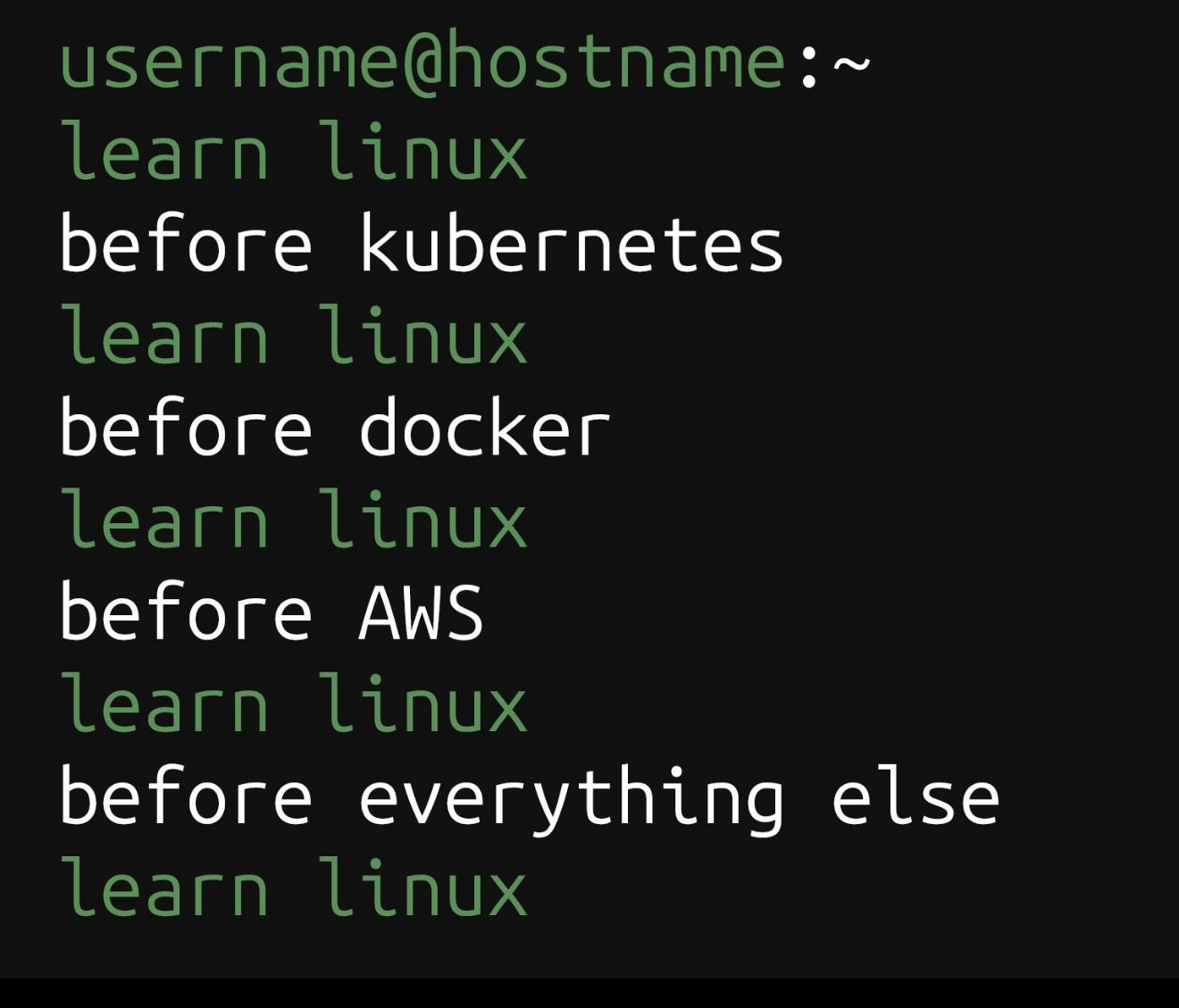
Figure 1 — The classic reminder: Linux first, everything else later.
1. Goal and Hardware Layout
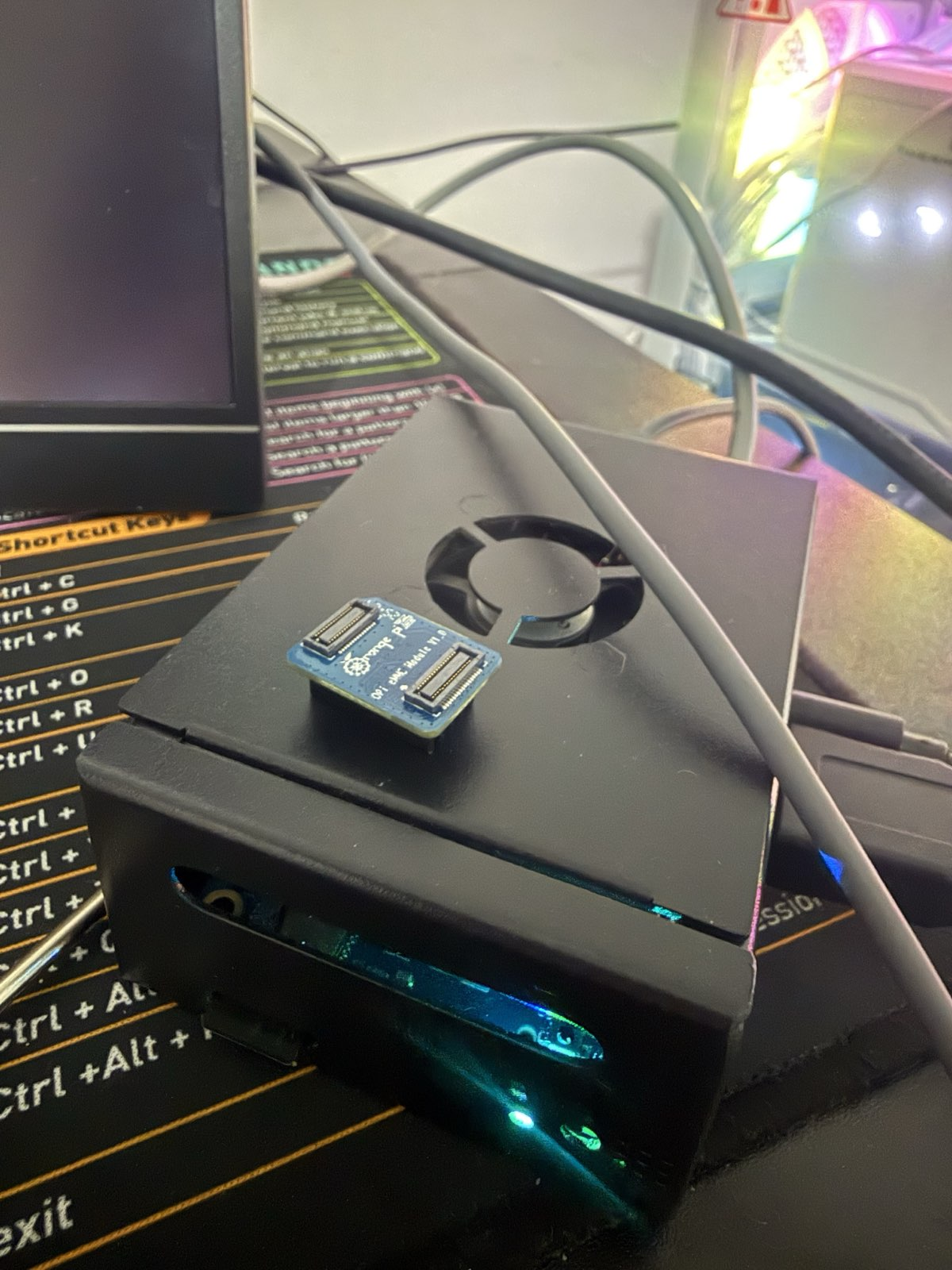
The idea was simple: run Ubuntu Server on a fast microSD A2 card and keep the eMMC reserved for the database and other persistent data. This way I could reflash or swap operating systems just by changing the SD, while the data stayed safe on the eMMC.

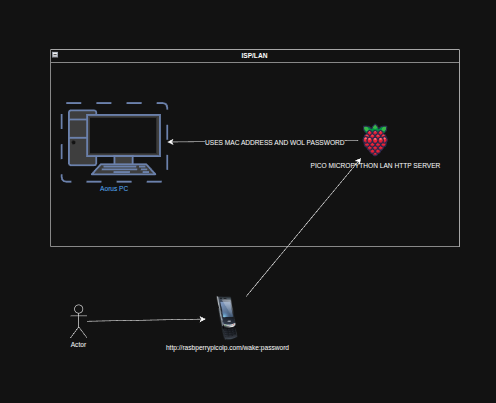
Figure 2: architecture of the installation on the orange py ,to run a simple strealit web app
The Orange Pi 5 Pro makes this easy because it has three interesting pieces of storage-related hardware:
- A microSD slot for the operating system images.
- An eMMC interface for a soldered or plug-in module.
- An M.2 NVMe slot for future upgrades.

Figure 3 — Bottom view of the Orange Pi 5 Pro: microSD slot, eMMC interface, and NVMe slot. Taken from http://www.orangepi.org/html/hardWare/computerAndMicrocontrollers/details/Orange-Pi-5-Pro.html
2. Flashing Ubuntu Server to the microSD A2 Card
I downloaded the official Orange Pi 5 Pro Ubuntu Server image (Jammy with kernel 6.1.43) from the orange py website and first tried to flash it with Balena Etcher. Etcher completed, but the board refused to boot from the card. To make things worse, one cheap microSD even died during the experiments since they tend to go out when sudden energy spikes happen.

Figure 4 — Casualties of learning: one cheap microSD hand a broken USBC adapter.
On my Ubuntu desktop I plugged in the A2 microSD card, opened the Disks utility, selected the correct drive, and used “Restore Disk Image…” with the extracted Orange Pi image.

Figure 5— Restoring the Orange Pi image to the microSD/usbstick using GNOME Disks.
After the restore finished, the microSD showed a small FAT boot partition and an ext4 root partition, with free space left at the end of the card.
3. First Boot from microSD
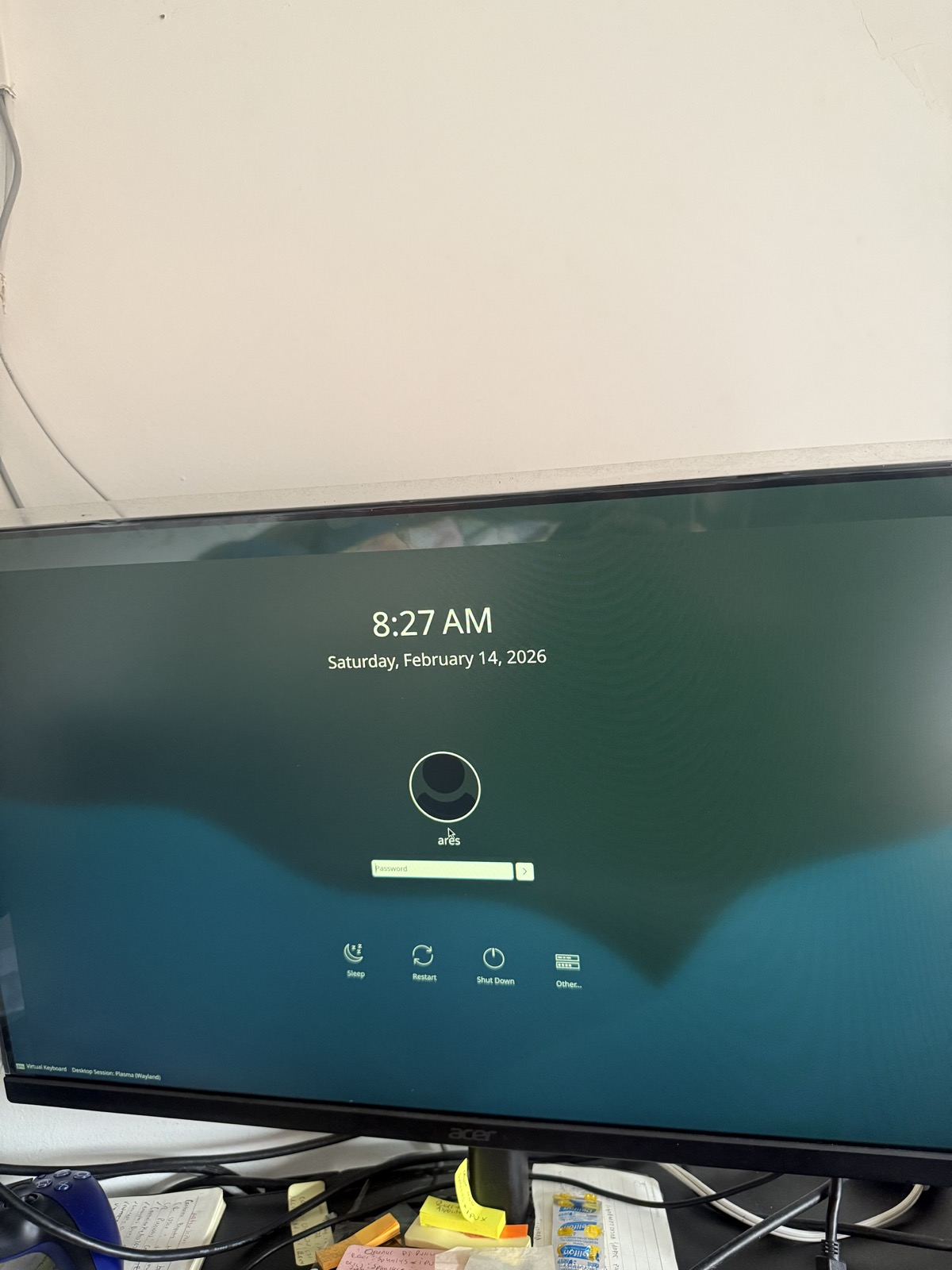
With the freshly flashed A2 microSD inserted into the Orange Pi 5 Pro, the board finally booted cleanly into Ubuntu Server. Seeing the login prompt confirmed that the image and the card were both healthy this time.

Figure 6 — Minimal Ubuntu Server welcome screen on the Orange Pi 5 Pro.
4. Forcing the Board to Boot from microSD (Wiping eMMC Bootloader)
On RK3588 boards like this one, the boot ROM usually tries eMMC before microSD. If the eMMC still has a bootloader, the board may ignore the SD card. To make the boot order predictable, I decided to erase the bootloader and partition table from the eMMC so that the system must boot from microSD.
First I identified which device was the eMMC and which was the microSD. On my board, the eMMC appeared as /dev/mmcblk0 and the microSD as /dev/mmcblk1:
lsblk -o NAME,SIZE,TYPE,MOUNTPOINTOnce I confirmed that /dev/mmcblk0 was the eMMC, I made sure nothing from it was mounted and then overwrote the first 32 MiB:
# Check nothing from eMMC is mounted
 mount | grep mmcblk0 || echo "nothing mounted"

 # Destroy bootloader and partition table on eMMC
 sudo dd if=/dev/zero of=/dev/mmcblk0 bs=1M count=32

 # Inform the kernel that the partition table changed
 sudo partprobe /dev/mmcblk0
After this, a quick fdisk check showed that the eMMC no longer had a valid partition table:
sudo fdisk -l /dev/mmcblk0As a behavioral test, booting the board without the microSD no longer produced a working system, while inserting the SD brought Ubuntu back immediately. That’s a clear sign that the eMMC is no longer bootable and the board is really using the SD as its main OS drive.
5. Turning eMMC into a Single ext4 /data Partition
With the bootloader gone, the eMMC became perfect as a pure data disk for the database. I chose to keep things simple: one big ext4 partition, mounted at /data.
Creating the partition table and a single ext4 partition:
sudo parted /dev/mmcblk0 --script mklabel gpt
sudo parted /dev/mmcblk0 --script mkpart primary ext4 1MiB 100%

# Create the filesystem
sudo mkfs.ext4 /dev/mmcblk0p1 -L emmcdata
Mounting it at /data and testing a simple write:
sudo mkdir -p /data
sudo mount /dev/mmcblk0p1 /data

echo "hello from eMMC" | sudo tee /data/test.txt
cat /data/test.txt
To make the mount permanent, I fetched the UUID with blkid and added an entry to /etc/fstab so the partition is mounted automatically on every boot.
6. Final Setup: Fast App on SD, Reliable Data on eMMC
The final layout feels great in daily use. The A2 microSD runs Ubuntu Server, Python and my Streamlit web app. The eMMC holds the SQLite or PostgreSQL data under /data, benefiting from better endurance and random I/O performance.

Figure 7 — The tiny lab: keyboard, monitor, Orange Pi 5 Pro, and a lot of keyboards. And the lighter for when I get stressed.
An unexpected bonus of this setup is how easy it becomes to experiment: I can clone or re-flash the microSD to test a different Ubuntu build or a new stack, while the eMMC keeps the data untouched. It’s a small, inexpensive board, but the storage layout behaves like a much bigger server.
onclusion — A Tiny Board That Replaces Cloud Bills
Setting up the Orange Pi 5 Pro this way — Ubuntu Server on a microSD A2 and the entire database layer living on the eMMC — ended up being much more than a hobby project. It gave me a dependable little server that runs my Streamlit app 24/7, without needing to rely on Azure Container Apps, AWS Lambda, or any other hosted compute service.
Instead of paying monthly for cloud execution time, this board gives me:
- a stable daily runner for my app,
- near-zero cost beyond electricity,
- full root access and complete control,
- predictable performance without throttling,
- the freedom to break things, rebuild, and experiment as much as I want.
With this architecture, the Orange Pi behaves like a miniature production server: fast boot from the microSD, robust persistent storage on the eMMC, and a clean separation between OS and data that lets me test new environments without risking the app’s state.
In the end, choosing this setup enabled me to skip the cloud entirely, host my own always-on service, and deepen my Linux knowledge in a way that no managed platform could match. For a small, lightweight application, this little board is not just enough — it’s perfect.
🌐 Connect with me
Thanks for reading! I share insights on Azure, multi-cloud architecture, linux and Python automation for data & ai/ml systems.
💼 Upwork: Tomas Suarez](https://www.upwork.com/freelancers/~01) 🌐 Freelancer: datatomas 💻 [GitHub: datatomas](datatomas (Tomas Suarez)) 🧠 Substack: datatomas 🔗 [LinkedIn: Tomas Suarez] (Link) 📰 [Medium: @datatomas] (Link)
메타데이터
- post_id
- 9b349cd3dda4
- slug
- opi5-pro-dualdrive-ubuntu-server-9b349cd3dda4
- url
- https://medium.com/@datatomas/opi5-pro-dualdrive-ubuntu-server-9b349cd3dda4
- canonical_url
- https://medium.com/@datatomas/opi5-pro-dualdrive-ubuntu-server-9b349cd3dda4
- author_url
- https://medium.com/@datatomas
- status
- ok
- fetched_at
- 2026-06-20 20:29:01