DMARC p=reject policy: how to avoid deliverability issues
Move to enforcement with sender inventory, aligned DKIM or SPF, staged policy gates, and rollback rules before legitimate mail starts…
DMARC p=reject policy: how to avoid deliverability issues
Move to enforcement with sender inventory, aligned DKIM or SPF, staged policy gates, and rollback rules before legitimate mail starts bouncing.
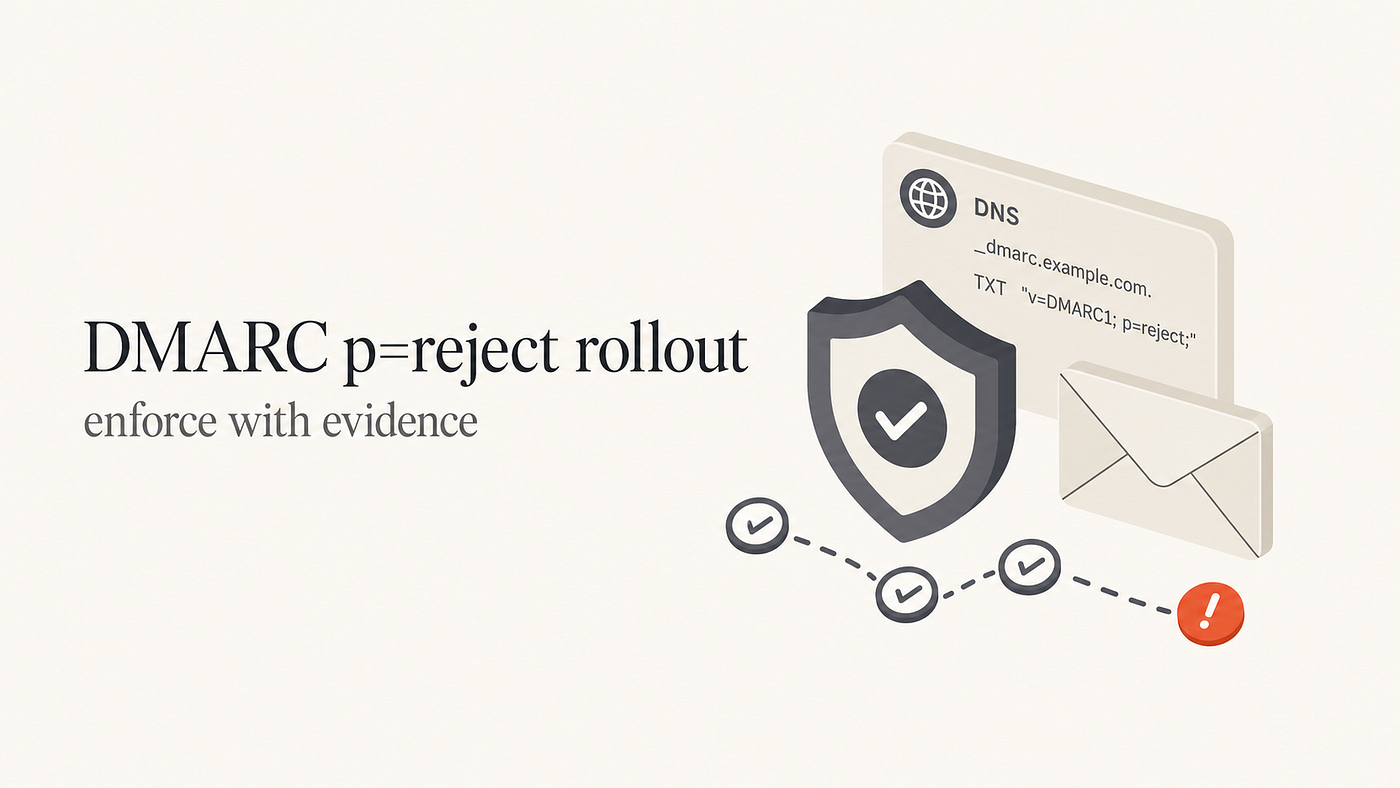
DMARC p=reject is safest when treated as a production rollout, not a single DNS edit. The practical goal is simple: prove every legitimate sender can pass DMARC through matching-domain DKIM or SPF, then move from monitoring to enforcement in stages. That protects the domain from spoofing while avoiding surprise failures in password resets, billing emails, support tools, cron alerts, sales platforms, and forwarded mail.
The risk is rarely the DMARC record itself. The risk is hidden mail. A root domain may have years of legacy senders attached to it: old SaaS tools, one-off event systems, monitoring servers, shared mailboxes, and vendors that only one team remembers. A reject policy makes those forgotten systems visible by turning authentication gaps into real delivery failures.
That staging detail matters now. As of the Suped source update on June 11, 2026, RFC 9989 makes pct, rf, and ri historic. Teams should use current test mode or hosted rollout controls instead of relying on pct as the modern enforcement lever.
What p=reject changes
DMARC passes when either SPF or DKIM passes and the passing domain aligns with the visible From domain. SPF alignment checks the envelope sender domain. DKIM alignment checks the signing domain. If one of those aligned authentication paths succeeds, the message can pass DMARC.
p=none asks receivers to report what happened. p=quarantine asks receivers to treat failing mail as suspicious. p=reject asks receivers to reject mail that fails DMARC. Receivers can still apply local policy, especially for trusted forwarding paths, but that exception is not a rollout strategy.
Before reject, legitimate failures usually still reach a mailbox, and attackers can still send unauthenticated mail that abuses your domain. After reject, mailbox providers receive a clear instruction to block failures, and any forgotten legitimate sender becomes an operational incident.
How a staged rollout works
A safe rollout has gates. Each stage should run long enough to include normal weekday traffic, weekend traffic, billing cycles, alerts, transactional mail, campaign sends, and support workflows. High-volume domains may expose problems quickly. Low-volume domains need more patience because one quiet day does not prove every system is covered.
- Observe: publish
p=noneand collect reports until real senders and fake senders are separated. - Fix: make each approved source pass DMARC through aligned DKIM or aligned SPF.
- Stage: move through quarantine and reject with test mode or hosted rollout controls.
- Gate: promote only when reports, logs, and support channels show no legitimate breakage.
Host: _dmarc.example.com
Type: TXT
Value: v=DMARC1; p=none; rua=mailto:dmarc@example.com
Value: v=DMARC1; p=quarantine; t=y; rua=mailto:dmarc@example.com
Value: v=DMARC1; p=quarantine; t=n; rua=mailto:dmarc@example.comValue: v=DMARC1; p=reject; t=y; rua=mailto:dmarc@example.com
Value: v=DMARC1; p=reject; t=n; rua=mailto:dmarc@example.com
Build sender inventory from reports
Start with observed mail, not a spreadsheet. A spreadsheet tells you what teams remember. DMARC monitoring tells you what receivers saw: sending source, envelope sender, DKIM domain, SPF result, DKIM result, From-domain alignment, and receiver disposition. The gap between those views is where reject rollouts break.
Group sources by business purpose. Transactional systems send password resets, receipts, invoices, and product notifications. Operational systems send cron alerts, monitoring messages, and legacy server mail. Commercial platforms send campaigns, sales outreach, event mail, and partner messages. Corporate systems include employee mail, shared mailboxes, help desk aliases, and executive communication.
Before tightening policy, run a domain health check and confirm that visible DNS records match the senders in reports. A point-in-time check cannot replace DMARC aggregate reports, but it can catch missing records, syntax issues, and obvious SPF or DKIM gaps before policy changes.
Fix authentication alignment first
The best foundation for reject is matching-domain DKIM on every real sender. SPF alignment is useful, but it is fragile when mail is forwarded because the forwarding server is usually not authorized in your SPF record. DKIM survives forwarding when the signed headers and body are not changed, so it is the stronger path for long-term enforcement.
Use a DMARC checker before every policy change, and use a record generator when you need a clean staged record. Syntax errors during an enforcement change create noise at exactly the wrong time.
Sender-level checklist
- Identify the owner and business purpose for each source.
- Confirm the visible From domain used by that source.
- Confirm DKIM pass and DKIM domain alignment.
- Confirm SPF pass and SPF domain alignment where possible.
- Send a live message and inspect authentication results.
- Watch DMARC reports after the next scheduled send.

Handle forwarding without freezing rollout
Forwarding is the caveat that makes teams nervous, and the concern is valid. When a user forwards mail from one provider to another, SPF usually fails. DKIM survives only if the forwarder leaves the signed content intact. Some large mailbox providers use local evidence to recognize trusted forwarding paths, but your domain still needs aligned DKIM and gradual enforcement.
Forwarding is not a reason to avoid reject forever. It is a reason to test carefully. If important transactional mail relies only on SPF alignment, fix DKIM before reject. If a forwarded path fails after reject, inspect the original authentication result, the forwarder behavior, and the receiver response before rolling back the whole domain.
Set promotion and rollback gates
A rollout plan should say what moves the policy forward, what holds it, and what triggers rollback. For many active domains, a useful promotion target is that known sources are passing and support volume is normal. A hold condition is a legitimate sender that is failing but has a clear owner and fix path. A rollback condition is blocked customer mail, employee mail, security alerts, billing mail, or a major unknown source.
Document every policy change with timestamp, owner, reason, and observed result. A written policy transition plan also makes approval clearer: who can move from quarantine to reject, who owns each sender fix, and how fast DNS can be changed during an incident.
Where Suped helps
Reject rollout is easier when reporting, diagnostics, and policy changes live in one operating view. Suped groups DMARC sources, separates verified senders from sources that need investigation, shows authentication health, and connects issues to fix steps. That matters because enforcement is only safe when the unknown list is small and explainable.
Hosted DMARC also reduces DNS friction. Instead of requesting a manual DNS edit at every stage, teams can manage policy movement through hosted controls while continuing to watch DMARC, SPF, DKIM, hosted SPF, hosted MTA-STS, blocklist monitoring, and deliverability signals.
Move to reject with evidence
A safe p=reject rollout is evidence-based. Collect reports, identify every source, fix domain matching, test forwarding risk, and increase enforcement only when the data supports the next step. The safest reject policy is not the fastest one. It is the one where every blocked message is expected.
For a non-sending domain or a tightly controlled subdomain, reject can be straightforward. For a root domain with years of mail history, treat reject like a production change. Keep monitoring after enforcement because new vendors, product workflows, and internal tools appear over time.
Reference: Read the detailed Suped article.
메타데이터
- post_id
- 9bbb0c79f183
- slug
- dmarc-p-reject-policy-how-to-avoid-deliverability-issues-9bbb0c79f183
- url
- https://medium.com/@suped/dmarc-p-reject-policy-how-to-avoid-deliverability-issues-9bbb0c79f183
- canonical_url
- https://medium.com/@suped/dmarc-p-reject-policy-how-to-avoid-deliverability-issues-9bbb0c79f183
- author_url
- https://medium.com/@suped
- status
- ok
- fetched_at
- 2026-06-23 06:34:20