Gmail Thinks Your Important Email Looks Suspicious And That’s the Real Problem
A password reset link arrives ten minutes late because it spent those ten minutes sitting in Gmail’s spam folder. A client reply disappears…
Gmail Thinks Your Important Email Looks Suspicious And That’s the Real Problem
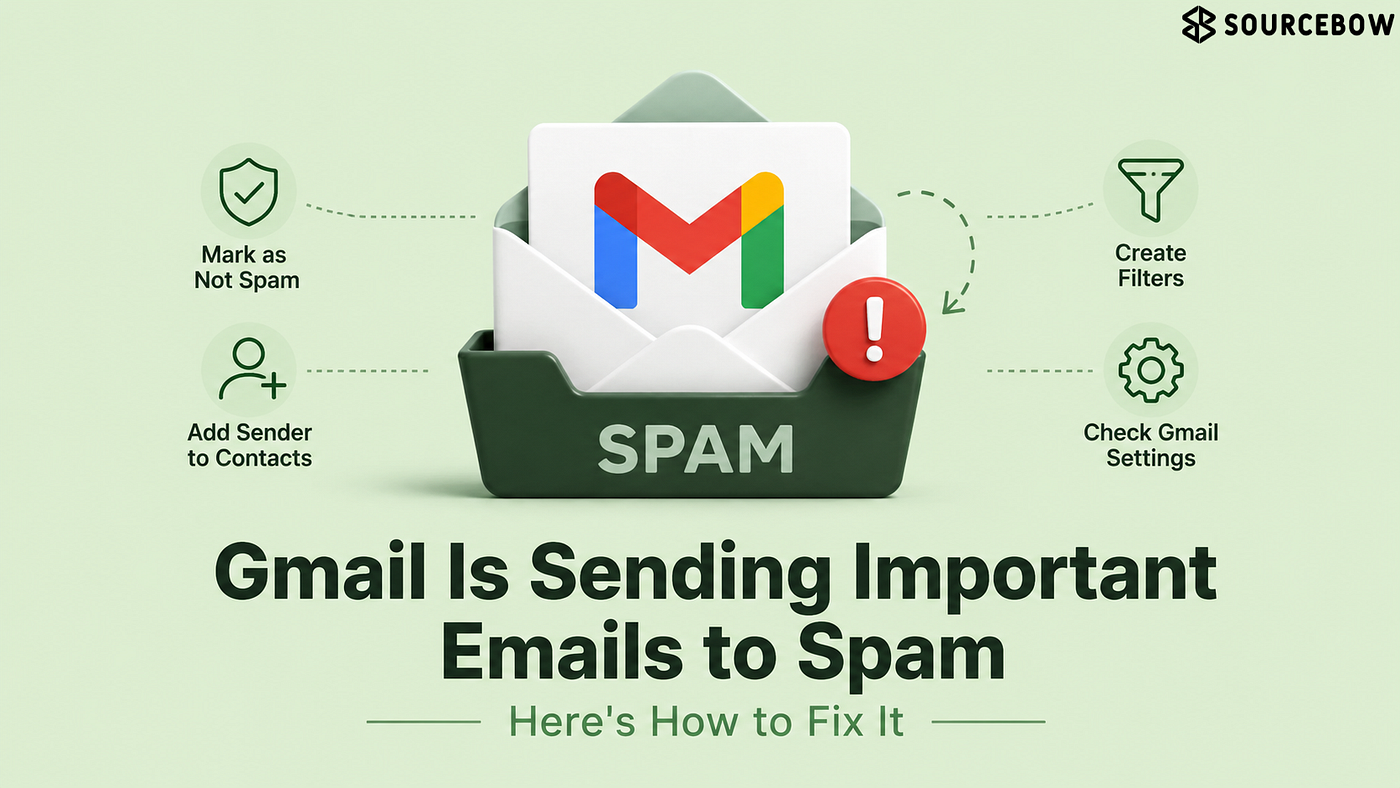
A password reset link arrives ten minutes late because it spent those ten minutes sitting in Gmail’s spam folder. A client reply disappears on the day a deadline matters. A school notice quietly misses its audience. The email itself was legitimate. Gmail just wasn’t convinced.
That uncertainty sits at the center of most spam-folder mistakes. The message isn’t necessarily broken, dangerous, or fraudulent. It simply triggers enough caution signals for Gmail to treat it like something that deserves extra scrutiny.
Gmail Doesn’t Care How Important the Email Is
An overdue invoice, a job offer, and a phishing attempt can all share one thing: they arrive from somewhere outside the normal flow of communication. Gmail evaluates patterns before it evaluates importance, which creates a gap between what users need and what the system sees.
The frustration comes from treating email importance as a human concept. Gmail has no way to know that a particular message carries consequences. Instead, it looks at sender reputation, sending behavior, account history, domain trust, and dozens of other indicators operating quietly in the background.
A company with a recognizable name can still trigger suspicion. So can a school district, a healthcare provider, or a software service sending an authentication email.
That caution isn’t accidental.
Email remains one of the most common delivery methods for scams, credential theft, and fraudulent links. Gmail’s filtering system would rather make occasional mistakes than create a path for malicious messages to reach the inbox unchecked. The cost of that approach is paid by legitimate senders who occasionally get caught in the same net.
Which means the real battle isn’t getting Gmail to understand importance. It’s getting Gmail to recognize familiarity.
“If you want to read more about the gmail in spam then check here:”
The Small Button That Changes Future Deliveries
Buried inside the spam folder is a surprisingly influential action: “Not Spam.”
Clicking it feels almost trivial. Yet it provides one of the clearest signals a user can send back to Gmail. The system made a judgment call. The user is correcting it.
That correction matters because spam filtering is partly a learning process. When messages repeatedly move out of spam and back into the inbox, Gmail gathers evidence that its original assessment may have been too aggressive.
The effect becomes more noticeable when the same sender is involved.
A rescued email today can improve delivery tomorrow.
Many people treat spam-folder checks as cleanup work. They retrieve the missing message and move on. A closer look often reveals a pattern: multiple emails from the same sender sitting in spam, sometimes stretching back weeks. Pulling those conversations into the inbox gives Gmail a stronger understanding of how that sender fits into normal communication.
The complication is that not every sender gets enough opportunities to build that history. Some important emails arrive only once, which is where another trust signal enters the picture.
Gmail Trusts Familiar Names More Than Most People Realize
Saving an email address to contacts feels old-fashioned in an era of smart filters and machine learning. Yet the practice remains surprisingly useful.
Contact lists create context.
A sender stored inside Google Contacts carries a different weight than a completely unknown address appearing without warning. The difference isn’t dramatic enough to guarantee inbox placement every time, but it often nudges future decisions in the sender’s favor.
Think about how communication patterns actually work. Most people interact repeatedly with a relatively small group of organizations and individuals: employers, clients, schools, banks, service providers, and family members. Adding those recurring contacts creates a map of expected relationships.
Gmail pays attention to those relationships.
The benefit tends to appear gradually rather than immediately. A saved sender becomes part of a broader pattern that tells Gmail this communication isn’t random. For freelancers waiting on client approvals, parents tracking school updates, or anyone managing recurring business correspondence, those signals accumulate over time.
Still, familiarity has limits. Some senders continue landing in spam despite repeated interaction, which is where Gmail’s automated judgment starts competing with explicit instructions.
When Gmail Keeps Guessing Wrong, Stop Letting It Guess
Repeated spam filtering usually points to a recurring conflict between Gmail’s assessment and the user’s preferences. At that stage, waiting for the algorithm to improve becomes less efficient than creating a rule.
Filters exist for exactly this reason.
Instead of hoping Gmail eventually understands a sender, a filter removes the ambiguity. Messages matching specific conditions can bypass spam handling and move directly into the inbox according to user-defined instructions.
For business communication, project updates, educational institutions, or subscription emails that genuinely matter, filters remove uncertainty from the process.
There is a practical distinction here.
Marking a message as safe teaches Gmail. Creating a filter tells Gmail.
One relies on future learning. The other establishes an immediate rule.
Mobile users encounter a small inconvenience because filter creation remains easier on desktop Gmail than on the smartphone app. Messages can still be rescued from spam, and contacts can still be saved from a phone. The more permanent solution usually requires a quick visit to Gmail’s desktop settings.
That split between convenience and control reveals something interesting about modern email: despite advances in automation, the most reliable fixes still depend on direct user input.
Everyday Impact
Missing an important email rarely feels like a technical problem in the moment. It feels like someone forgot to respond. A payment reminder goes unseen. A meeting link arrives after the meeting has started. An account recovery email appears only after multiple failed login attempts.
The inconvenience compounds because email operates as infrastructure. Most people don’t think about it until something breaks. Modern online services assume inbox access is immediate and dependable, whether the message involves two-factor authentication, shipping updates, medical appointments, or employment paperwork.
A single misplaced email may be harmless. Several misplaced emails begin changing behavior. People refresh inboxes repeatedly, request duplicate messages, or switch communication channels altogether because trust in delivery starts to erode.
Final Thoughts
Spam filtering succeeds so often that its mistakes feel personal. An important message disappears and the assumption is that Gmail failed to recognize something obvious.
From Gmail’s perspective, the situation looks very different. Every email arrives stripped of context, carrying only the signals it can measure. Importance isn’t one of them.
That creates a strange reality inside modern communication systems. The messages people care about most are sometimes judged by the same patterns used to identify scams, and the difference between the two can be smaller than it appears at first glance.
메타데이터
- post_id
- 9bf8f536276e
- slug
- gmail-thinks-your-important-email-looks-suspicious-and-thats-the-real-problem-9bf8f536276e
- url
- https://medium.com/@sourcebowresource/gmail-thinks-your-important-email-looks-suspicious-and-thats-the-real-problem-9bf8f536276e
- canonical_url
- https://medium.com/@sourcebowresource/gmail-thinks-your-important-email-looks-suspicious-and-thats-the-real-problem-9bf8f536276e
- author_url
- https://medium.com/@sourcebowresource
- status
- ok
- fetched_at
- 2026-07-18 11:23:00