Obsessed: How to Turn Your Camera Roll into Emoji Art (in Seconds!)
OMG, you guys. 💖 I have to share this little gem I found because my group chat has been blowing up about it all morning.
Obsessed: How to Turn Your Camera Roll into Emoji Art (in Seconds!)
OMG, you guys. 💖 I have to share this little gem I found because my group chat has been blowing up about it all morning.
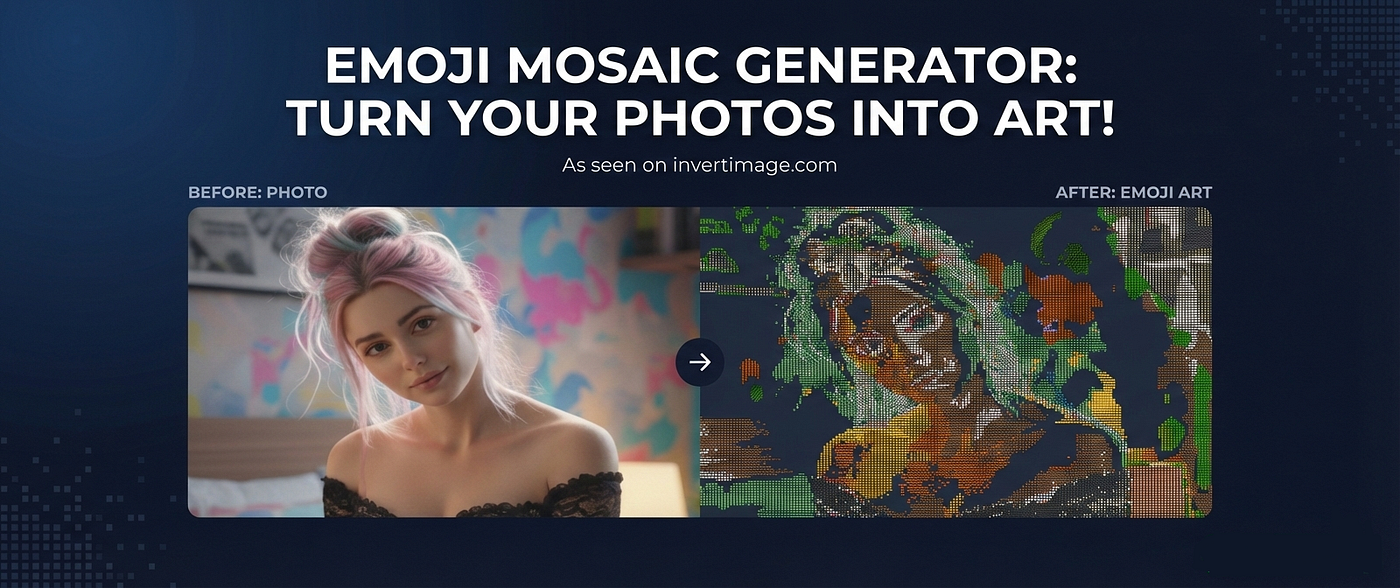
You know how sometimes you’re scrolling through your photos and you have that one cute selfie or a pic of your dog that’s adorable, but you just want to do something… extra with it? I was looking for a way to spice up my feed without doing the same old VSCO filters we’ve been using since 2016, and I stumbled upon this tool called the **Emoji Mosaic Generator**.
It literally turns your photos into emojis. Like, the entire image is made of tiny avocados, hearts, and smiley faces. It’s giving major creative tech energy, but you don’t need to be a graphic designer to use it.
I tried it with a photo of my iced latte (basic, I know 🙈), and the result was so cool. I’m thinking of printing one out as a poster for my room.
If you want to try it, here is exactly how I did it. It’s super easy, promise!
How to Turn Your Photo into Emojis
Okay, so the process takes like two seconds. Here’s the breakdown:
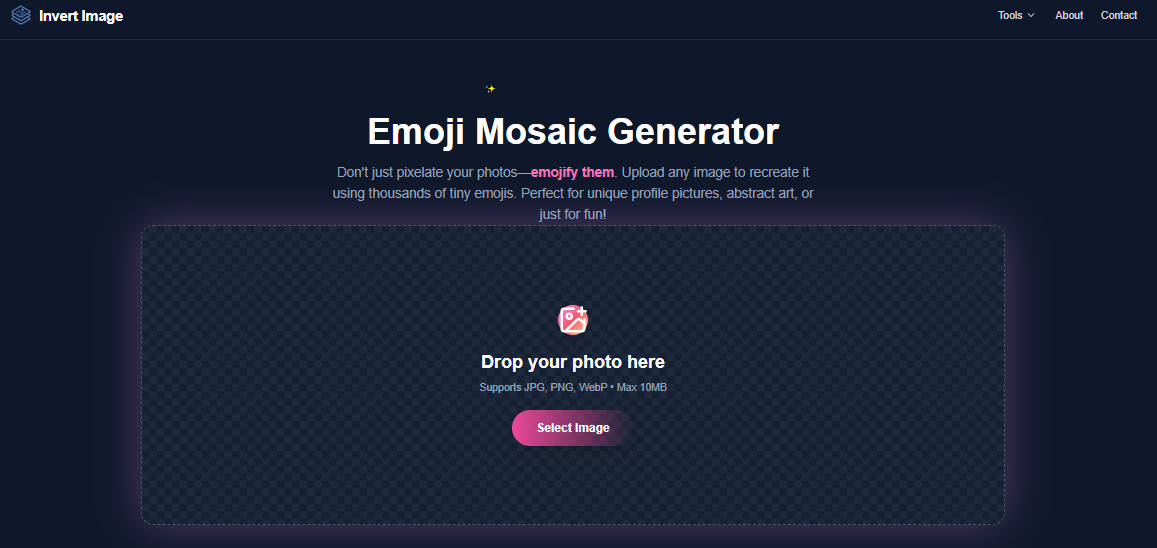
- Select Your Image 📸 First, head over to the **Emoji Mosaic Generator**. You just click the upload area or drag and drop whatever photo you want. I love that it supports JPG, PNG, and WebP, so you don’t have to stress about file formats.
2. Adjust the Detail ✨ This is the fun part. There are sliders that let you customize the look.
- Want it super detailed? Slide it one way to use smaller emojis. It looks almost like a real photo until you zoom in!
- Want that abstract art vibe? Go for larger emojis. It looks super cool and blocky — perfect for a header image or something artsy.
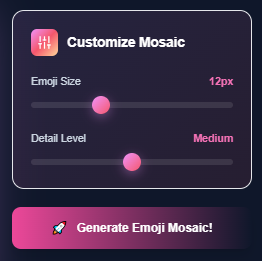
3. Generate Your Mosaic 🎨 Hit the generate button and watch the magic happen. It works in real-time, which is so satisfying to watch. The algorithm (shoutout to smart tech!) processes thousands of colors instantly to match your photo with the perfect emojis.
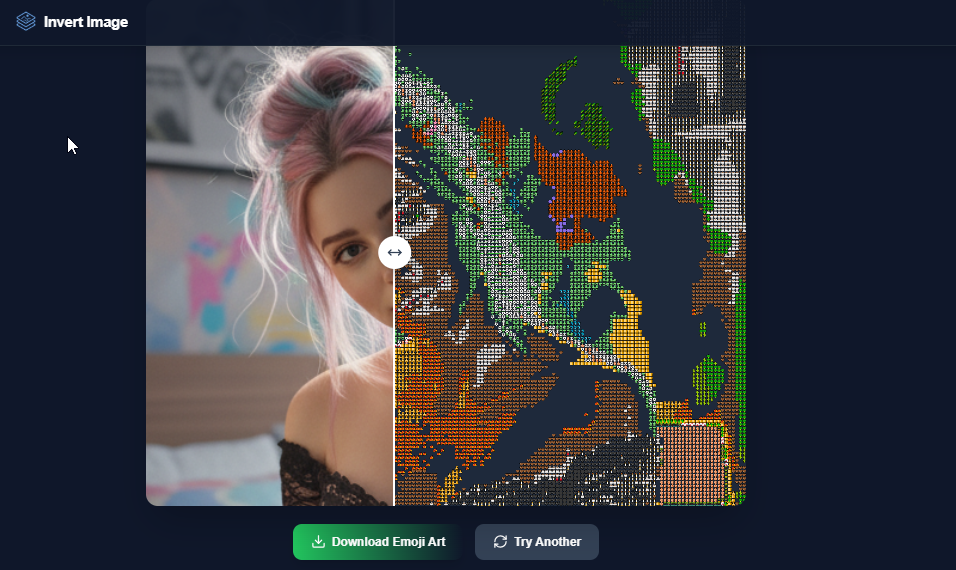
4. Compare and Download 💾 Before you commit, you can use this little interactive slider to see the “before and after.” It’s honestly so satisfying. Once you’re obsessed with it, just download the high-res version.
Why I Love It
I feel like this is such a fun way to repurpose old content. Plus, it’s free and you don’t have to download any sketchy apps to your phone.
Let me know if you guys try it! I want to see your emoji masterpieces. Tag me if you post them!
메타데이터
- post_id
- 9c04776e4e1e
- slug
- obsessed-how-to-turn-your-camera-roll-into-emoji-art-in-seconds-9c04776e4e1e
- url
- https://medium.com/@nexiaimagera/obsessed-how-to-turn-your-camera-roll-into-emoji-art-in-seconds-9c04776e4e1e
- canonical_url
- https://medium.com/@nexiaimagera/obsessed-how-to-turn-your-camera-roll-into-emoji-art-in-seconds-9c04776e4e1e
- author_url
- https://medium.com/@nexiaimagera
- status
- ok
- fetched_at
- 2026-06-24 11:06:28