ActivityIndicator in React Native Mobile App
ActivityIndicator is a built-in component in React Native that provides a loading spinner for indicating that content is being fetched or…
ActivityIndicator in React Native Mobile App
ActivityIndicator is a built-in component in React Native that provides a loading spinner for indicating that content is being fetched or processed. It’s a simple but powerful component that can enhance the user experience of your app. In this article, I’ll cover the various ways to use ActivityIndicator in React Native.
Displaying a Loading Spinner
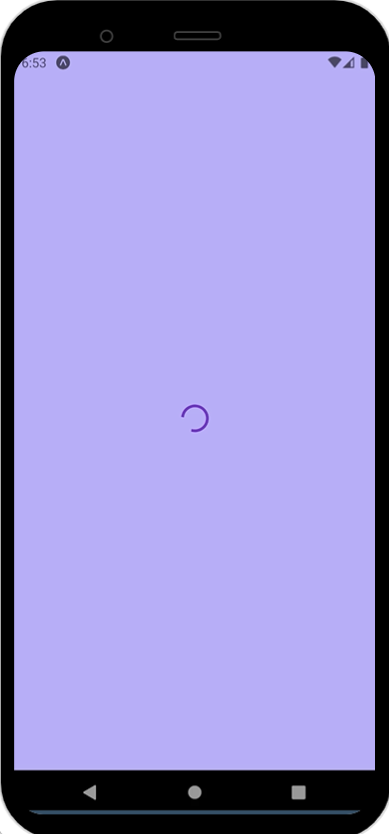
The most common use case for ActivityIndicator is to display a loading spinner while content is being fetched or processed. This is done by setting the animating prop to true and rendering the component in your app's render method.
Customizing the Spinner
The ActivityIndicator component can be customized to fit the design of your app. You can set the size prop to adjust the size of the spinner and the color prop to adjust the color.
Toggling Visibility
In some cases, you may want to toggle the visibility of the spinner based on app state. This can be done by wrapping the ActivityIndicator component in a conditional statement that checks the app state.
Starting and Stopping Animation
By default, the ActivityIndicator component starts animating as soon as it’s rendered. However, you can control the animation by setting the animating prop to true or false.
Hiding the Spinner
You can use the hidesWhenStopped prop to hide the spinner when it's not animating.
Customizing the Style
You can apply custom styles to the ActivityIndicator component using the style prop.
Adding Test IDs and Accessibility Labels
Finally, you can add test IDs and accessibility labels to the ActivityIndicator component for automated testing and accessibility purposes, respectively.
Conclusion
ActivityIndicator is a simple but powerful component in React Native that can enhance the user experience of your app. By using the various props available, you can customize the spinner to fit the design of your app and control its behavior based on app state.
I have covered examples with code for each of the above mentioned ways of using ActivityIndicator in React Native in another article.
Please follow me on Medium for more such articles !
Happy coding !
메타데이터
- post_id
- 9c8eb4ac8b3f
- slug
- activityindicator-in-react-native-mobile-app-9c8eb4ac8b3f
- url
- https://medium.com/@Srushti62/activityindicator-in-react-native-mobile-app-9c8eb4ac8b3f
- canonical_url
- https://medium.com/@Srushti62/activityindicator-in-react-native-mobile-app-9c8eb4ac8b3f
- author_url
- https://medium.com/@Srushti62
- status
- ok
- fetched_at
- 2026-08-04 14:06:59




