Contribution — Attribution analysis with GA4 data: Unveiling the True Impact of Your Efforts
Contribution — Attribution analysis with GA4 data: Unveiling the True Impact of Your Efforts
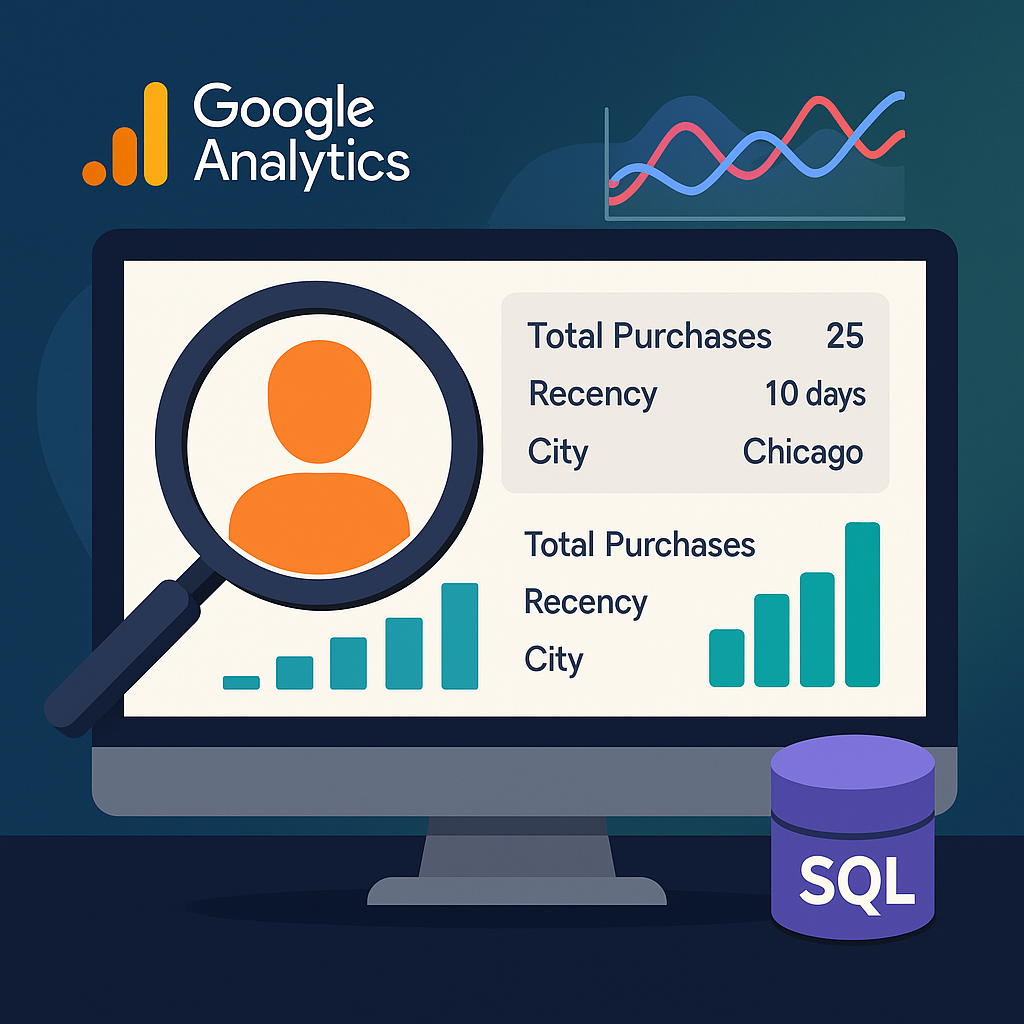
How to know which marketing campaign is the most performanced one?How to attract more clients while spending less on marketing?How to understand the effectiveness of various touchpoints along customer journey?
These are the questions asked frequently in any of business today. And we can easily answer them by deeping down to the data with Attribution Model.
Introduction GA4
Google Analytics 4 (GA4) is the latest version of Google’s analytics platform, designed to help businesses and website owners gain insights into user behavior, website performance, and digital marketing effectiveness. It builds upon the foundation of its predecessor, Universal Analytics (UA), but introduces several new features and a fundamentally different approach to data tracking and analysis.
GA4 is characterized by its event-driven data model, which shifts the focus from tracking pageviews to capturing various user interactions, or events, such as clicks, video views, downloads, and more. This event-driven approach provides a more granular and customizable way to track user engagement and behavior across websites, mobile apps, and other digital platforms.
What is Marketing Attribution Model ?
A Marketing Attribution Model is a framework that helps businesses understand and analyze how different marketing channels and touchpoints contribute to customer conversions and business goals. In essence, it’s a method for assigning credit to the various interactions a customer has with a brand before making a purchase or taking a desired action. Attribution models provide insights into which marketing efforts are most effective in driving conversions and help businesses optimize their marketing strategies.
In this article, we use the Marketing Attribution Model framework from DP6.
https://github.com/DP6/Marketing-Attribution-Models
Data preparation for MAM model
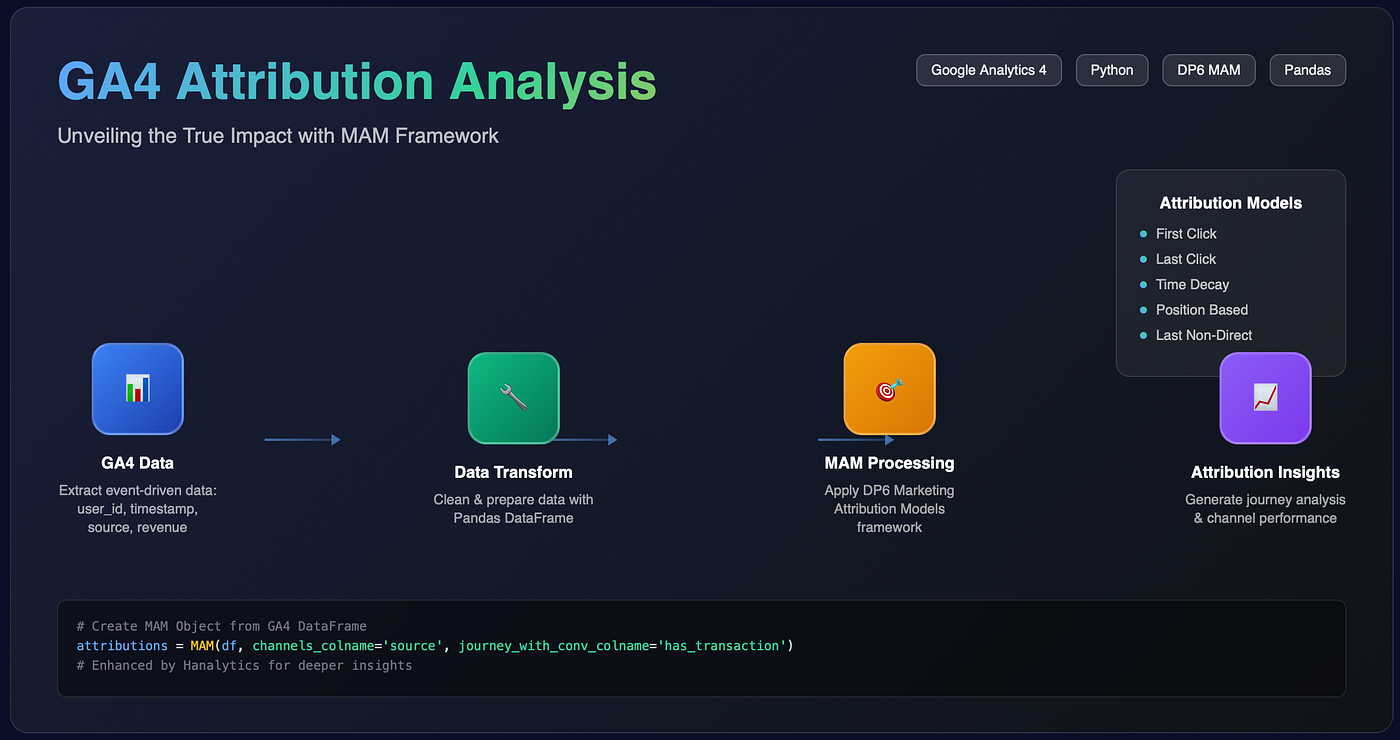
First, we need to get the data from GA4, which is very large and not all the columns are useful. We need to take only the columns which can provide the details about:
- User identification (user_id)
- Timestamp of each user’s session (event_timestamp)
- Source of the session (source)
- Revenue of the session (the value is > 0 for the purchase event only)
select
    user_pseudo_id as user_id,
    traffic_source.source as source,
    PARSE_DATE('%Y%m%d', event_date) AS event_date,
    timestamp_micros(event_timestamp) as event_timestamp,
    ecommerce.purchase_revenue as revenue,
    ecommerce.purchase_revenue > 0 as has_transaction,
from
    GA4_EVENT_TABLE
Then we need to retrieve the table from Data warehouse and transform it into Pandas dataframe.
Now we have a dataframe with all the necessary columns and it is ready to put into MAM model.
Use MAM model to generate journey of user and summary the overview performance for each campaign
First we need to install marketing_attribution_models with pip
pip install marketing_attribution_modelsThen we create a MAM Object from the dataframe of GA4 events
attributions = MAM(df,
    group_channels=True,
    channels_colname = 'source',
    journey_with_conv_colname= 'has_transaction',
    group_channels_by_id_list=['user_id'],
    group_timestamp_colname = 'event_timestamp',
    create_journey_id_based_on_conversion = True)
Explaine the parameter in the MAM Object:
- channels_colname: The name of the column containing the channels in the original DataFrame
- journey_with_conv_colname: The name of the boolean column that determines wether there is a conversion or not
- group_channels_by_id_list: The list containing the names of the columns used to compose the journey id. Although the list could be longer, we’re creating this id based on conversions (create_journey_id_based_on_conversion), so the user_id alone is enough.
- group_timestamp_colname: The start time of each session
- create_journey_id_based_on_conversion: To generate journey based on the conversion. A conversion is the end of a journey.
After creating the MAM Object, we can check our dataframe with the journey_id created. Each row is a journey of conversion with the details concerning time till conversion at each touchpoint, list of marketing source at each step along the journey.
There are many other method allowing us to analyse the contribution of each source depending on our measurement. For exemple:
- attribution_last_click: The source at the last step takes all the credit
- attribution_first_click: The first source takes all the credit
- attribution_last_click_non: The last source (excluding some sources) takes all the credit
- attribution_position_based: The contribution ratio is distributed along the journey with a custom distribution.
- attribution_time_decay: the contribution rate increases when approach the conversion.
Extend the package with Hanalytics
At Hanalytics, we spend time to study and improve the model. The new one allow us to deepen more into the analyse and retrieve many interesting details of each journey. Moreover, we were able to configure the attribution model depending on the demand of business, which allow us to extend the limit and answer correctly the business challenge.
Our final objective is to have a clear vision on conversion attribution with dashboard, allowing end-user to analyse different campaigns, users on different period to have a deeper view on their performance and their customers.
메타데이터
- post_id
- 9cbc4c27ad8f
- slug
- contribution-attribution-analysis-with-ga4-data-unveiling-the-true-impact-of-your-efforts-9cbc4c27ad8f
- url
- https://medium.com/data-hanalytics/contribution-attribution-analysis-with-ga4-data-unveiling-the-true-impact-of-your-efforts-9cbc4c27ad8f
- canonical_url
- https://medium.com/data-hanalytics/contribution-attribution-analysis-with-ga4-data-unveiling-the-true-impact-of-your-efforts-9cbc4c27ad8f
- author_url
- https://medium.com/@data-service
- status
- ok
- fetched_at
- 2026-06-12 22:02:08