🔄 Async/Await Deep Dive in C#: What Every .NET Developer Should Know
If you’re using async and await just to "make that compiler warning go away," it's time to stop and really understand what’s going on…
🔄 Async/Await Deep Dive in C#: What Every .NET Developer Should Know
If you’re using
asyncandawaitjust to "make that compiler warning go away," it's time to stop and really understand what’s going on under the hood.
Asynchronous programming in C# is one of its most powerful features — and one of the most misunderstood. While async/await make it easier to write non-blocking code, using them improperly can lead to memory leaks, deadlocks, thread pool starvation, or worse: slow apps that look fast on the surface.
This guide takes you deeper than just syntax. It explains how async/await works, when to use it, and real-world mistakes to avoid.
🔍 What Is Asynchronous Programming?
In simple terms:
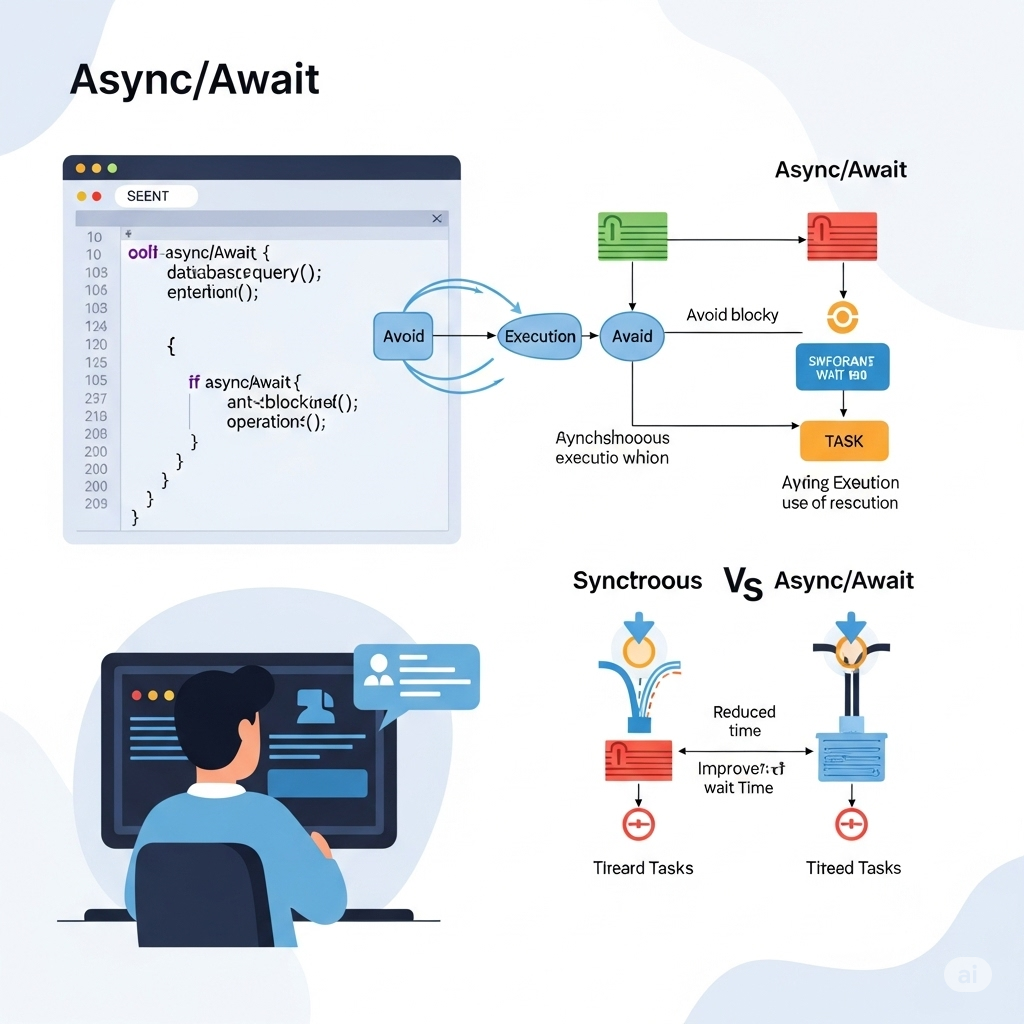
Asynchronous programming allows your app to do more than one thing at a time, without blocking the main thread.
Unlike multi-threading, async is often single-threaded but non-blocking — meaning the OS can do other work (like handle UI, process events, etc.) while waiting for a task to complete (like a file download or API call).
🧠 The Basics: async and await
A Simple Example:
public async Task<string> GetDataAsync()
{
    HttpClient client = new HttpClient();
    string result = await client.GetStringAsync("https://example.com");
    return result;
}asynctells the compiler this method can be paused and resumed.awaittells it to pause this method untilGetStringAsync()finishes — without blocking a thread.
⚠️ The code after
awaitruns after the awaited task completes, possibly on a different thread (more on that below).
🧵 Async != New Thread
This is a common myth.
async/awaitdoes not create new threads.- It uses the current thread efficiently by suspending it while waiting for I/O.
- The .NET ThreadPool can schedule continuations (the “what comes next”) when the task completes.
Why Use Async?
- Keeps UI apps responsive by avoiding main thread blocking.
- Frees up threads in web apps, improving scalability.
- Improves performance in I/O-heavy scenarios.
🧪 Understanding the SynchronizationContext
By default, after an await, the continuation tries to resume on the original context (like the UI thread or ASP.NET request context).
That’s why in UI apps like WPF or WinForms:
await SomeAsyncOperation();
UpdateUILabel(); // runs on UI thread
But you can opt out using .ConfigureAwait(false):
await SomeAsyncOperation().ConfigureAwait(false);This tells the runtime: “I don’t care what thread I resume on.”
✅ Use it in libraries and background code to improve performance and avoid deadlocks.
🛑 Common Mistakes to Avoid
❌ Blocking async with .Result or .Wait()
var result = GetDataAsync().Result; // BADThis can cause deadlocks, especially in UI and ASP.NET apps, because it blocks the thread waiting for itself.
✅ Always use await instead.
❌ Forgetting ConfigureAwait(false) in library code
In class libraries, resuming on the original context isn’t needed — it just slows things down.
await File.ReadAllTextAsync("file.txt").ConfigureAwait(false);❌ Fire-and-forget async methods:
public async void DoWorkAsync() { ... } // BADThis is dangerous because:
- Exceptions aren’t catchable
- You can’t await it
✅ Use Task return type unless it’s an event handler.
When to Use Async vs Threads
Use async/await for:
- HTTP requests
- File and disk operations
- Database access
Use Task.Run (a thread pool thread) for:
- CPU-bound operations like image processing or complex calculations
var result = await Task.Run(() => ComputeSomething());Async All the Way
Once you start using async, let it propagate:
public async Task ProcessAsync()
{
    await LoadDataAsync();
}
Avoid calling .Result on async methods from sync code.
🧠 Bonus: ValueTask vs Task
ValueTask is a newer, more efficient alternative to Task, especially when:
- The result is often available synchronously (cached)
- You want to reduce memory allocations
Use Task for most cases, but ValueTask is great for high-performance scenarios like in libraries or frameworks.
✅Summary
- Async/await enables non-blocking, readable asynchronous code.
- Avoid
.Resultand.Wait()to prevent deadlocks. - Use
ConfigureAwait(false)for background or library code. - Use
Task.Runfor CPU-bound operations, not async/await. - Use
async Taskinstead ofasync voidunless you're writing an event handler.
🏁 Final Thoughts
Understanding async and await in C# is not just about cleaner code — it’s about writing fast, scalable, and safe applications.
✅ Write async-aware code ✅ Avoid thread blocking ✅ Use the right patterns in the right places
👏 If this helped clear the async fog for you, give it some claps and share it with a teammate who’s still writing .Result!
메타데이터
- post_id
- 9eca2b7cdf5c
- slug
- async-await-deep-dive-in-c-what-every-net-developer-should-know-9eca2b7cdf5c
- url
- https://medium.com/c-sharp-programming/async-await-deep-dive-in-c-what-every-net-developer-should-know-9eca2b7cdf5c
- canonical_url
- https://medium.com/c-sharp-programming/async-await-deep-dive-in-c-what-every-net-developer-should-know-9eca2b7cdf5c
- author_url
- https://medium.com/@joshiabhi777
- status
- ok
- fetched_at
- 2026-06-22 17:31:34