Building Android Apps The Flutter Way Vs Turning Your Web App Into An APK
If you’re evaluating Flutter mobile app development for Android, you’ll quickly hit a fork in the road. Should you ship a web app inside an…
Building Android Apps The Flutter Way Vs Turning Your Web App Into An APK
If you’re evaluating Flutter mobile app development for Android, you’ll quickly hit a fork in the road. Should you ship a web app inside an Android wrapper (PWA, Custom Tab, WebView, or TWA)? Or should you build a compiled Flutter app with Dart? Both paths can reach the Play Store, but they differ in architecture, performance, access to device features, and long-term cost.
This guide breaks down the practical differences, shares current adoption data, and gives you a clear playbook for choosing the right approach for your product roadmap.
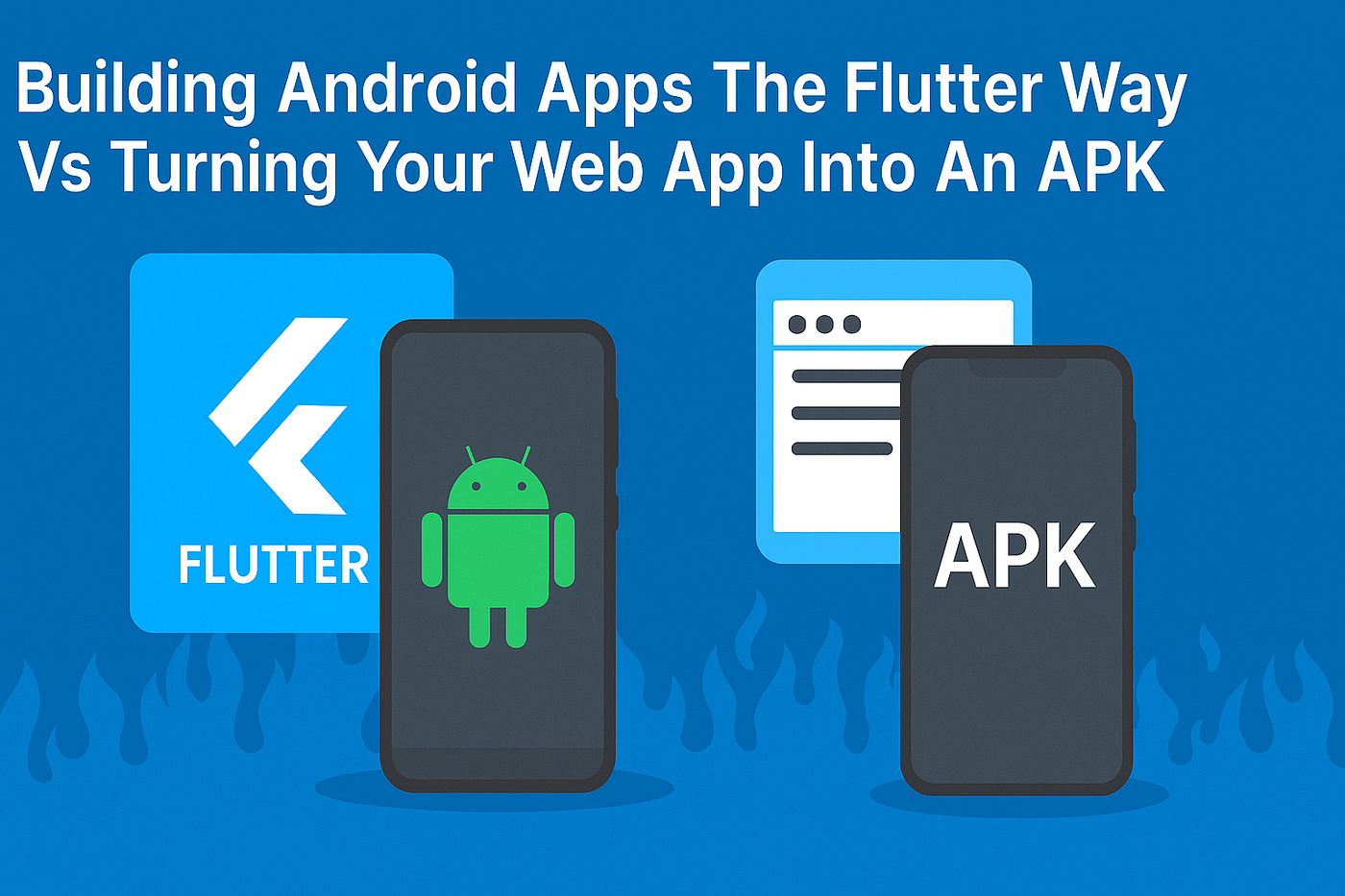
Two Approaches, Two Stacks: What You’re Actually Building
When you “turn a web app into an Android app,” you are still shipping web technology. You either:
- Load your site in a Custom Tab or WebView
- Wrap a PWA using Trusted Web Activity (TWA) for full-screen, Chrome-powered rendering
In every case the UI is HTML/CSS/JS and runs in the browser engine. TWAs and Custom Tabs are officially supported by Android and can be published to Play.
By contrast, a Flutter app compiles Dart code to native machine code for Android, draws every pixel using the Flutter engine (Skia/Impeller), and ships a complete UI runtime. You get one codebase that also targets iOS, web, desktop, and embedded.
So while both options can live on an Android device, they are fundamentally different stacks.
Rendering And Performance: Browser Vs Engine
Web-based Android shells depend on the browser. A TWA uses Chrome; a Custom Tab opens a browser UI inside your app; a WebView embeds a browser view. Performance characteristics match the web, which is great for content and forms, but heavy graphics and complex animations will push the limits.
Flutter renders through its own engine. On modern Android devices, Impeller is now the default renderer, designed to reduce shader compilation jank and deliver more predictable frame times. This moves performance-sensitive rendering out of the browser and into Flutter’s GPU-optimized pipeline.
For web targets, Flutter offers two renderers (CanvasKit/SKWASM). It’s an explicit acknowledgement that browser graphics tradeoffs differ from mobile GPUs. If your strategy includes both Flutter mobile and Flutter web, you can tune renderers per platform rather than accept a one-size-fits-all browser path.
Access To Android Capabilities And Edge Cases
Because TWAs and Custom Tabs ride on Chrome, they inherit the web’s capabilities and limitations. PWAs can work offline, send push (where supported), and be installed to the launcher, but access to certain sensors, Bluetooth profiles, or background services can be constrained by the browser security model and Web APIs available on Android.
Flutter apps call platform channels to reach native Android APIs. That opens the door to deeper device integration like advanced background services, richer offline storage, low-level BLE, or media pipelines that aren’t yet standardized on the web. You’re not limited to what the browser exposes.
In short, if your product relies on capabilities that are still “web-platform-in-progress,” Flutter’s native bridge usually gets you there sooner.
Developer Experience: Dart, Hot Reload, And Web Skills Reuse
If your team is primarily web-savvy, a PWA + TWA path lets you reuse most of your stack and deployment tooling. You’ll ship fast and update continuously. However, you’ll still own the web’s complexity: multi-browser testing, runtime performance tuning, and layout differences across viewports.
Flutter’s developer experience leans on Dart. You get hot reload, modern language features, and sound null safety to catch entire classes of bugs at compile time. Dart compiles AOT for release builds and JIT for fast iterative dev loops, which supports both performance and velocity.
For teams already building a web front end, Flutter isn’t wasted effort. The same Dart widgets can target mobile and web, and Flutter’s web renderers give you a predictable UI model that sidesteps many CSS layout pitfalls.
Market Data And Adoption Signals
You don’t choose a stack in a vacuum. Today’s usage data suggests broad, sustained interest in Flutter as a cross-platform toolkit:
- In Stack Overflow’s 2024 survey of 65k+ developers, Flutter usage appears under “Other frameworks and libraries,” used by 9.4% of all respondents, with 13.2% indicating interest in continuing to use it. React Native sits nearby at 8.4% usage. While not a one-to-one comparison with “mobile frameworks,” it’s a meaningful signal for cross-platform UI toolkits.
- Google positions Flutter as “build for mobile, web, desktop, and embedded from a single codebase,” which aligns with the strategic need to ship once and reach many screens.
On the web side, Google’s official guidance shows a maturing PWA pipeline for Android, including packaging PWAs for Play via Trusted Web Activity. That’s a clear endorsement of web-first shipping where it fits.
Expert Perspectives That Clarify The Choice
Industry leaders underscore these trends with practical experience:
- Tim Sneath (ex-Flutter & Dart product lead at Google):
“Flutter is to apps as Unity is to games,” highlighting Flutter’s goal of delivering native-grade performance and visual polish from a single codebase. For teams that treat UX fidelity as a competitive moat, this framing captures the appeal of going compiled with Dart.
- Dr. Nicolai Kraemer (VP, Offboard Platform, BMW Group) on consolidating BMW’s mobile portfolio with Flutter:
“The new app platform is built on three pillars: user friendliness, safety and reliability. It provides a consistently designed set of functions spanning all brands based on feedback and our customers’ usage behavior.”
BMW’s case study also notes simultaneous releases across 45+ countries after moving to one codebase. This is a concrete example of Flutter enabling enterprise-scale consistency and velocity. Flutter
- Chrome/Chromium Team on PWAs in the Play Store:
“Trusted Web Activities are Chrome’s recommended way to integrate full-screen Progressive Web App content into an Android app.” If your product is primarily web-driven and you want Play Store distribution without rebuilding the UI, this is a first-class path backed by Google’s browser team.
Taken together, the data says both ecosystems are active, but the expert guidance points to a practical split: use Flutter when you need high-fidelity UX and deep device access at scale, and choose PWA + TWA when your app is already web-first and speed of iteration is the priority.
Product Tradeoffs: When A Web Wrapper Wins, And When Flutter Wins
Choose a web wrapper (PWA + TWA/Custom Tab/WebView) when:
- Your primary experience is already a web app and you want a quick Play Store presence.
- Your app is content-heavy with modest offline or hardware needs.
- You need continuous delivery without coordinating app-store approvals for every small change.
Choose Flutter mobile app development when:
- You need smooth, complex animations, custom graphics, or heavy list virtualization.
- You require deep device integrations or background services beyond the current Web API surface.
- You want one UI codebase across iOS and Android, with options to extend to desktop and web later.
As a rule of thumb, browser-hosted apps excel at reach and iteration speed. Flutter excels at fidelity, performance, and platform reach with compile-time guarantees.
Cost, Release, And Observability
Web-first Android shells reduce initial cost because you reuse your web codebase, CI, and monitoring. You update on the server and your Android app stays a thin wrapper. This lowers resubmissions, which can matter for fast-moving teams.
Flutter consolidates mobile spend into one team and pipeline. You still submit releases to Play, but you avoid maintaining separate Android and iOS UI stacks. You can also instrument at the engine and platform levels, and you aren’t constrained by Chrome’s update cadence on user devices.
From a TCO perspective, teams often start web-first to validate demand, then graduate to Flutter when UX and device integration become competitive moats.
Architecture Differences That Matter To Your Roadmap

Rendering Path
- Web app on Android: DOM + CSS + JS inside Chrome (TWA/Custom Tab) or WebView. Performance depends on the browser engine and device.
- Flutter: Skia/Impeller draws every pixel; Dart code compiles to native. Predictable frame scheduling and shader management reduce runtime hitches.
Capabilities
- Web: PWA features like offline, installability, and push are solid, but some sensors, background modes, and BLE profiles lag behind.
- Flutter: Full access to Android APIs through plugins or platform channels, often enabling features ahead of Web API standardization.
Multi-Platform Reach
- Web: Universal by default in browsers.
- Flutter: One codebase to mobile, web, desktop, and embedded with first-party tooling.
Language/Runtime
- Web: JavaScript/TypeScript; browser VM.
- Flutter: Dart with sound null safety and AOT/JIT modes for the right phase of development.
Expert Insight: Why Google Backs Both Paths
Google invests in both PWAs and Flutter because each solves a real job. PWAs let teams ship faster with the reach of the web and a modern installable experience. The Android team provides Custom Tabs, TWAs, and Play packaging to make this path first-class.
Flutter, meanwhile, exists to give you a consistent, high-fidelity UI across devices. The project’s current focus on Impeller is about predictable performance at 60/120 FPS without shader-compile stutters, which matters for premium consumer apps and enterprise-grade UX.
As Flutter’s former lead Tim Sneath said, Dart’s unique ability to serve both fast dev cycles and native compilation is a key reason the stack works across surfaces. That combination is hard to replicate with pure web tech.
Best Practices & Implementation Tips
If You’re Going Web-First On Android (PWA + TWA/Custom Tab/WebView):
- Lean on TWA for Play distribution. It’s the cleanest path to a full-screen, Chrome-powered app with your domain’s origin and service worker.
- Keep it responsive and fast. Apply Core Web Vitals budgets from day one. Consider prerendering critical routes to tame WebView cold starts.
- Audit capabilities early. List required device features and map them to current Web APIs on Android. Plan fallbacks for gaps.
- Prefer Custom Tabs over WebView for external URLs. Custom Tabs give better security, perf features like prefetch, and a native-feeling toolbar.
- Instrumentlike the web. Keep your existing RUM, logs, and feature flags. Your release cadence remains server-side.
If You’re Going Flutter Mobile App Development For Android:
- Adopt Impeller defaults. On modern Android and iOS, Impeller is the default; keep it unless you have a measured regression.
- Use Dart’s null safety to your advantage. Model state with non-nullable types; it prevents a class of crashes in production.
- Design for platform idioms. Flutter gives you Material and Cupertino. On Android 15+, test edge-to-edge, insets, and large-screen layouts.
- Bridge only when you must. Prefer mature plugins; use platform channels for niche features. Keep platform code thin and well-tested.
- Plan a web strategy if needed. If you’ll also ship web, decide early between Flutter-web and a traditional web stack. Each has different SEO and rendering traits.
If You’re Migrating From Web To Flutter Over Time:
- Start with a TWA to get to Play quickly.
- Carve out performance-critical flows into Flutter modules using add-to-app, then expand as ROI proves out.
- Keep your design system shared at the token level so both stacks feel consistent.
Decision Checklist For CTOs And Product Owners

Use this quick rubric to choose your starting path:
- Time-to-market is the top priority, with web parity: Start PWA + TWA.
- Differentiated UX, complex motion, or gaming-like visuals: Start Flutter.
- Deep device integration and background work: Start Flutter.
- SEO-driven acquisition with light mobile features: Start PWA + TWA.
- You need one team for iOS and Android with consistent UI: Start Flutter.
Because both options are compatible, you can stage your investment: validate fast with the web, then graduate to Flutter when the product demands it.
Conclusion: Pick The Path That Matches Your Next 18 Months
Flutter mobile app development and “Android from a web app” are both valid strategies. If you need reach and speed, a PWA wrapped with TWA or a Custom Tab can be the right vehicle. However, if your roadmap leans on performance, polished animations, or deep Android APIs, a compiled Flutter app in Dart pays off quickly.
The market is backing both: developers keep shipping PWAs with solid ecosystem support, and Flutter continues to draw interest across platforms. Your best choice aligns with your product’s UX bar, device needs, and release model.
If you must decide today, ask: will web-level capabilities be enough to delight users for the next two or three releases? If not, start with Flutter and invest in the UX your competitors can’t match in a browser shell.
— — — — — — — — — — — — — — — — — — — — — — — — — — — — — — — — — — — —
Key Highlights
Here are a few blogs that may be helpful for expanding your knowledge.
메타데이터
- post_id
- 9f97ea2daf18
- slug
- building-android-apps-the-flutter-way-vs-turning-your-web-app-into-an-apk-9f97ea2daf18
- url
- https://medium.com/@simritiflutternest/building-android-apps-the-flutter-way-vs-turning-your-web-app-into-an-apk-9f97ea2daf18
- canonical_url
- https://medium.com/@simritiflutternest/building-android-apps-the-flutter-way-vs-turning-your-web-app-into-an-apk-9f97ea2daf18
- author_url
- https://medium.com/@simritiflutternest
- status
- ok
- fetched_at
- 2026-06-27 07:40:21