Best AI 3D Video Generators: Turn Text Prompts into Cinematic 3D Videos
AI video generation is evolving quickly, and one of the most interesting developments is the rise of AI 3D video generators. These tools…
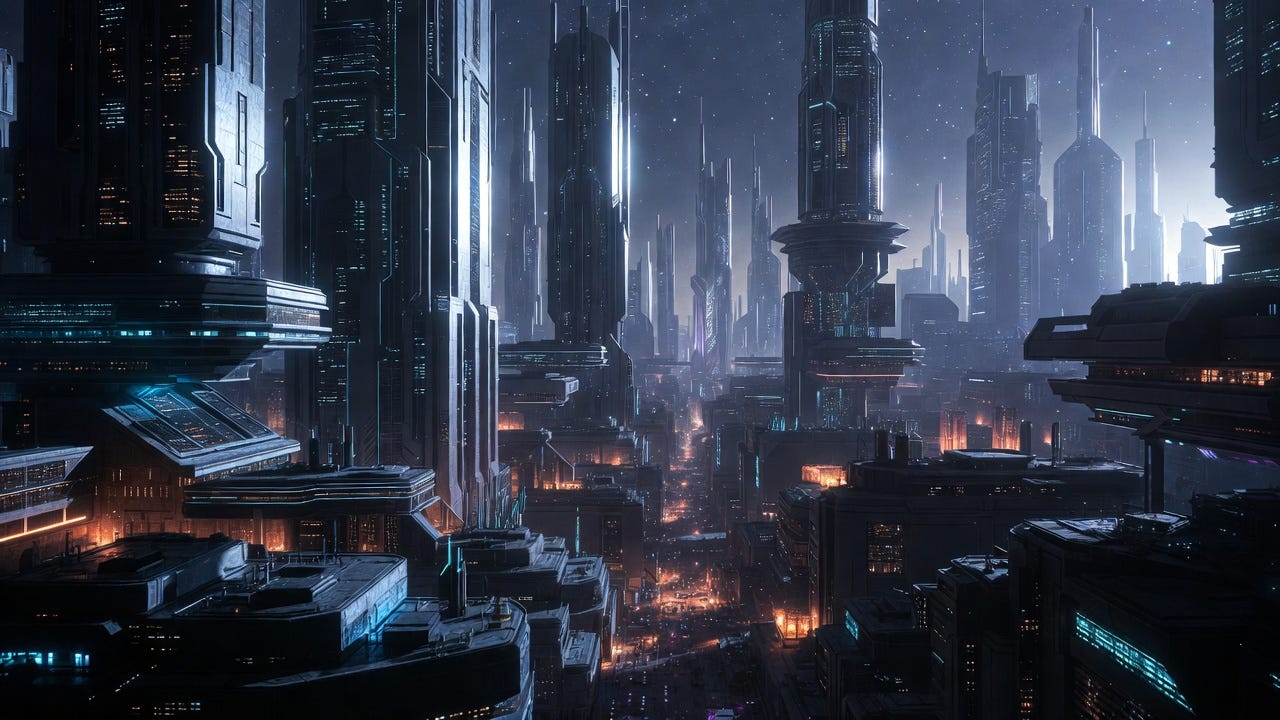
Best AI 3D Video Generators: Turn Text Prompts into Cinematic 3D Videos
AI video generation is evolving quickly, and one of the most interesting developments is the rise of AI 3D video generators. These tools can transform simple text prompts or static images into videos that simulate depth, lighting, and motion — without requiring complex 3D software.
Traditionally, creating 3D videos required tools like Blender, Maya, or Unreal Engine, along with significant technical knowledge. Today, AI-powered platforms make it possible for creators, marketers, and designers to produce 3D-style videos in minutes.
In this guide, we’ll explore how AI 3D video generators work and review some of the best tools currently available.
What Is an AI 3D Video Generator?
An AI 3D video generator is a tool that uses deep learning models to generate videos with three-dimensional visual effects.
These tools typically rely on technologies such as:
- Diffusion models
- Neural Radiance Fields (NeRF)
- Depth estimation algorithms
By analyzing image structures, lighting, and motion patterns, the AI can simulate depth and camera movement to produce videos that appear to be rendered in a 3D environment.
It’s also important to distinguish between two different outputs:
True 3D Assets
Some platforms generate 3D models such as .obj or .glb files used in game engines or animation pipelines.
3D-Style Video
Other tools generate standard video files (like .mp4) where scenes look like 3D renders but are already pre-rendered as video.
Most AI video generators today focus on 3D-style videos, which are widely used for marketing, social media content, and creative storytelling.
Common Features of AI 3D Video Generators
Most modern AI 3D video tools include several core capabilities.
Text-to-Video Generation
Users can generate a video simply by describing a scene in natural language.
Example prompt:
“Futuristic cyberpunk city, neon lights reflecting on wet streets, cinematic camera movement, 3D render.”
The AI interprets the prompt and produces a short animated video clip.
Image-to-Video Animation
Some tools allow users to upload a static image and apply depth mapping to create camera motion, such as zooming, panning, or rotation.
This feature is particularly useful for:
- product marketing visuals
- concept videos
- social media content
Style Control
Many AI video generators support different visual styles, including:
- photorealistic rendering
- cartoon or Pixar-style animation
- low-poly 3D graphics
- surreal artistic effects
These styles make it easier to adapt the generated content for different platforms and audiences.
Editor’s Pick: HitPaw Online AI Video Generator
Among the tools currently available, HitPaw Online AI Video Generator stands out as a simple and accessible option for creators who want to generate 3D-style videos without complex setup.
Unlike professional tools that require powerful GPUs or software installation, HitPaw runs entirely in the browser, making it easy for beginners to start generating AI videos quickly.
Key Features
Text-to-Video Creation
Users can generate cinematic videos directly from descriptive prompts, making it easy to visualize ideas or concepts.
Image-to-Video Animation
Static images can be transformed into dynamic videos with simulated depth and camera movement.
Built-in Video Templates
Templates help users create structured videos quickly without starting from scratch.
Multiple AI Styles
The generator supports different visual styles such as:
- 3D cartoon
- surreal visual effects
- realistic cinematic render
Browser-Based Workflow
Since everything runs online, there is no need to install software or worry about hardware requirements.
Social Media Optimization
Videos can be exported in formats suitable for platforms like TikTok, Instagram, or YouTube Shorts.
How to Create AI 3D Videos with HitPaw
The process is straightforward and only takes a few steps.
Step 1: Open the HitPaw Online AI Video Generator and choose either Text to Video or Image to Video.
Step 2: Enter a detailed prompt describing the scene, or upload an image you want to animate.
Step 3: Select a visual style and adjust parameters such as motion intensity or video length.
Step 4: Generate the video and download the final result.
Most clips are generated within a minute depending on server load and complexity.
Other Popular AI 3D Video Generators
While HitPaw provides a beginner-friendly solution, several other tools are also worth exploring.
Runway Gen-2
Runway is widely used by filmmakers and digital artists. It offers advanced control over camera movement, style, and scene composition.
Pros
- high-quality video generation
- professional creative tools
Cons
- learning curve for beginners
- credit-based pricing can become expensive
Luma Dream Machine
Luma’s Dream Machine is known for generating videos with realistic lighting and motion physics.
Pros
- impressive realism
- fast generation speeds
Cons
- limited post-editing tools
- occasional wait times due to high demand
Pika
Pika is popular among creators making stylized animations, including anime or Pixar-style videos.
Pros
- great for animated styles
- strong community ecosystem
Cons
- shorter clip duration
- limited production control
Kaiber
Kaiber focuses on artistic and music-driven video generation.
Pros
- unique visual styles
- strong audio-reactive features
Cons
- less suitable for photorealistic scenes
How to Choose the Best AI 3D Video Generator
The best tool depends largely on your workflow and creative goals.
For Beginners
Look for tools with simple interfaces and ready-to-use templates.
Browser-based platforms like HitPaw are ideal because they remove hardware and software barriers.
For Professional Creators
Advanced tools such as Runway or Luma offer more precise control over camera movement and scene design.
For Marketing Content
Focus on tools that support quick generation and social media formats.
AI-generated 3D videos often perform well on platforms like TikTok or Instagram because they stand out visually.
Final Thoughts
AI 3D video generators are rapidly changing the way videos are created. What once required advanced 3D modeling skills can now be achieved with a simple text prompt.
For creators looking for a straightforward way to produce 3D-style videos, HitPaw Online AI Video Generator offers a convenient browser-based solution with both text-to-video and image-to-video capabilities.
As the technology continues to improve, AI-generated video will likely become an essential tool for content creators, marketers, and designers looking to produce engaging visuals quickly.
메타데이터
- post_id
- a0539bb53e60
- slug
- best-ai-3d-video-generators-turn-text-prompts-into-cinematic-3d-videos-a0539bb53e60
- url
- https://medium.com/@liushiyi/best-ai-3d-video-generators-turn-text-prompts-into-cinematic-3d-videos-a0539bb53e60
- canonical_url
- https://medium.com/@liushiyi/best-ai-3d-video-generators-turn-text-prompts-into-cinematic-3d-videos-a0539bb53e60
- author_url
- https://medium.com/@liushiyi
- status
- ok
- fetched_at
- 2026-06-22 17:31:34