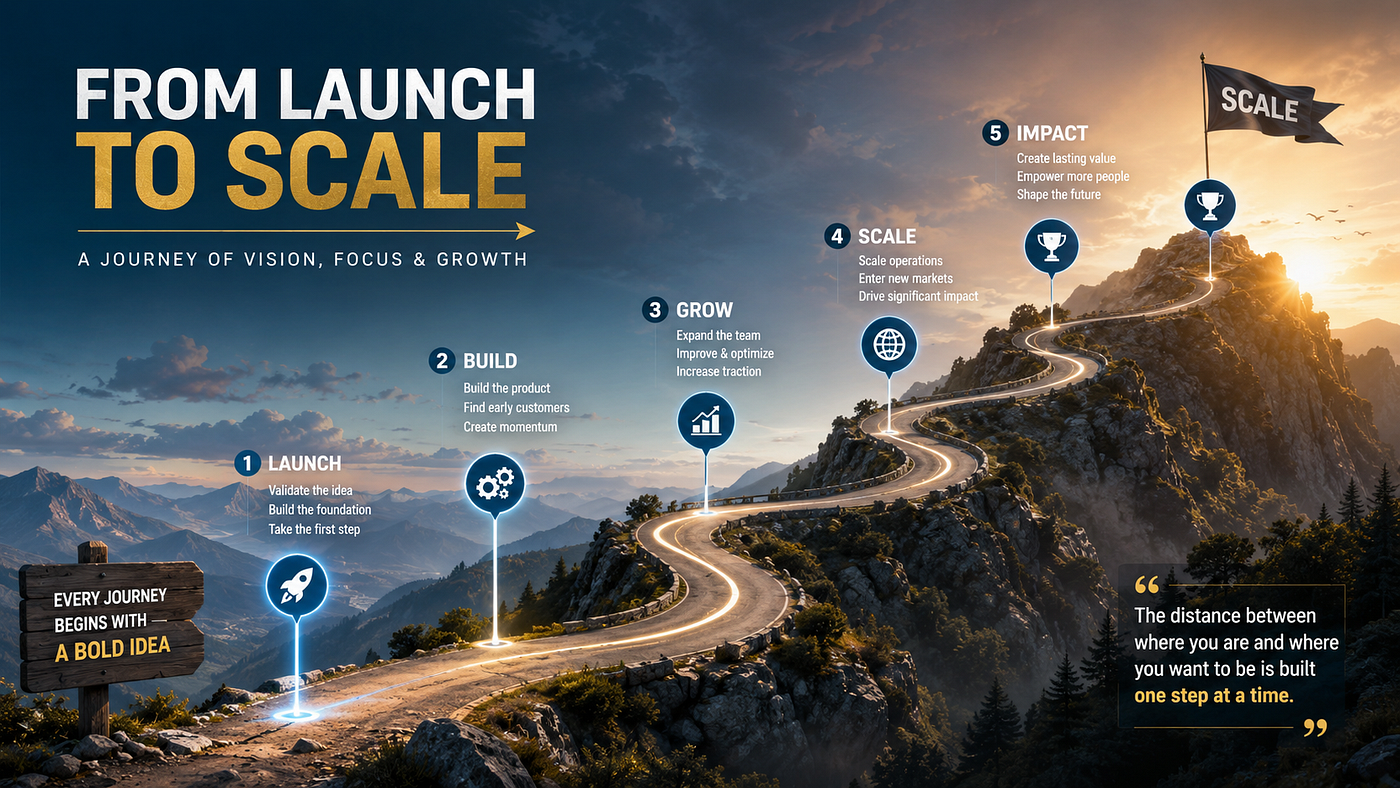
How to Use Muse Spark 1.1 for Facebook Ads: A Step-by-Step Guide
How to Use Muse Spark 1.1 for Facebook Ads: A Step-by-Step Guide
How to Use Muse Spark 1.1 for Facebook Ads: A Step-by-Step Guide
How to Use Muse Spark 1.1 for Facebook Ads: A Step-by-Step Guide
Jul 18, 2026
Learn how to use Muse Spark 1.1 for Facebook Ads, from connecting your product catalog to Advantage+ Catalog Ads and the Meta Model API, plus compliance checks agencies need before launch.

Meta quietly rebuilt the machinery behind every Facebook ad campaign, and most advertisers haven’t caught up yet. With the July 2026 release of Muse Spark 1.1, Meta’s agentic AI model now sits underneath Advantage+ Catalog Ads, generating creative, assembling copy from your product catalog, and making targeting decisions that used to require a media buyer’s judgment call.
If you’re running Facebook or Instagram ads and still treating Muse Spark as “just another chatbot,” you’re leaving performance on the table. This guide breaks down exactly how to use Muse Spark 1.1 for Facebook Ads, from catalog setup to compliance safeguards, so you can put Meta’s AI stack to work without losing control of your brand.
What Muse Spark 1.1 Actually Does Inside Meta Ads
Muse Spark 1.1 is Meta’s multimodal, agentic reasoning model, built to operate tools, manage multi-step workflows, and hold context across a 1-million-token window. We covered its core architecture and API access in our complete guide to Muse Spark’s features and benefits, but inside the ads ecosystem specifically, it plays three roles:
- Creative generation — Muse Image, Meta’s companion image model, now powers Advantage+ image variations, generating and editing product visuals automatically at the point of ad delivery.
- Copy assembly — Your product catalog data (titles, descriptions, prices, availability) is pulled directly and assembled into ad copy by the model, without a human writing or reviewing it first.
- Targeting and ranking — Decisions run through Meta’s Andromeda ranking engine, which evaluates ad-to-user combinations at roughly 10,000 times the scale of its predecessor, using the creative itself as the primary targeting signal rather than demographic filters.
This is a meaningful shift from the older workflow, where advertisers manually built audiences and briefed a creative team. If you’re comparing Muse Spark against other generative tools in your stack, see our breakdown of the best AI tools for video and image editing.

Step 1: Connect a Clean Product Catalog
Since Muse Spark pulls titles, descriptions, images, and prices straight from your catalog to build ad copy, catalog hygiene is no longer a back-office task, it’s your creative brief. Audit every field as if a copywriter were reading it verbatim, because the model will use it that way.
Step 2: Launch Through Advantage+ Catalog Ads
Meta has removed the “Audience Types” selection from Advantage+ catalog campaigns using the sales objective, extending full AI-driven targeting to all advertisers globally. When you set up a campaign now, you’re handing audience selection, placement, and timing to Muse Spark and Andromeda rather than configuring them yourself.
Step 3: Let Muse Image Generate Creative Variations
Enable automatic image generation so Muse Image can produce and test visual variations of your product creative within the ad delivery flow. This works best when your source images are high-resolution and your catalog already reflects your current brand style, since the model edits from what it’s given.
Step 4: Access Deeper Control Through the Meta Model API
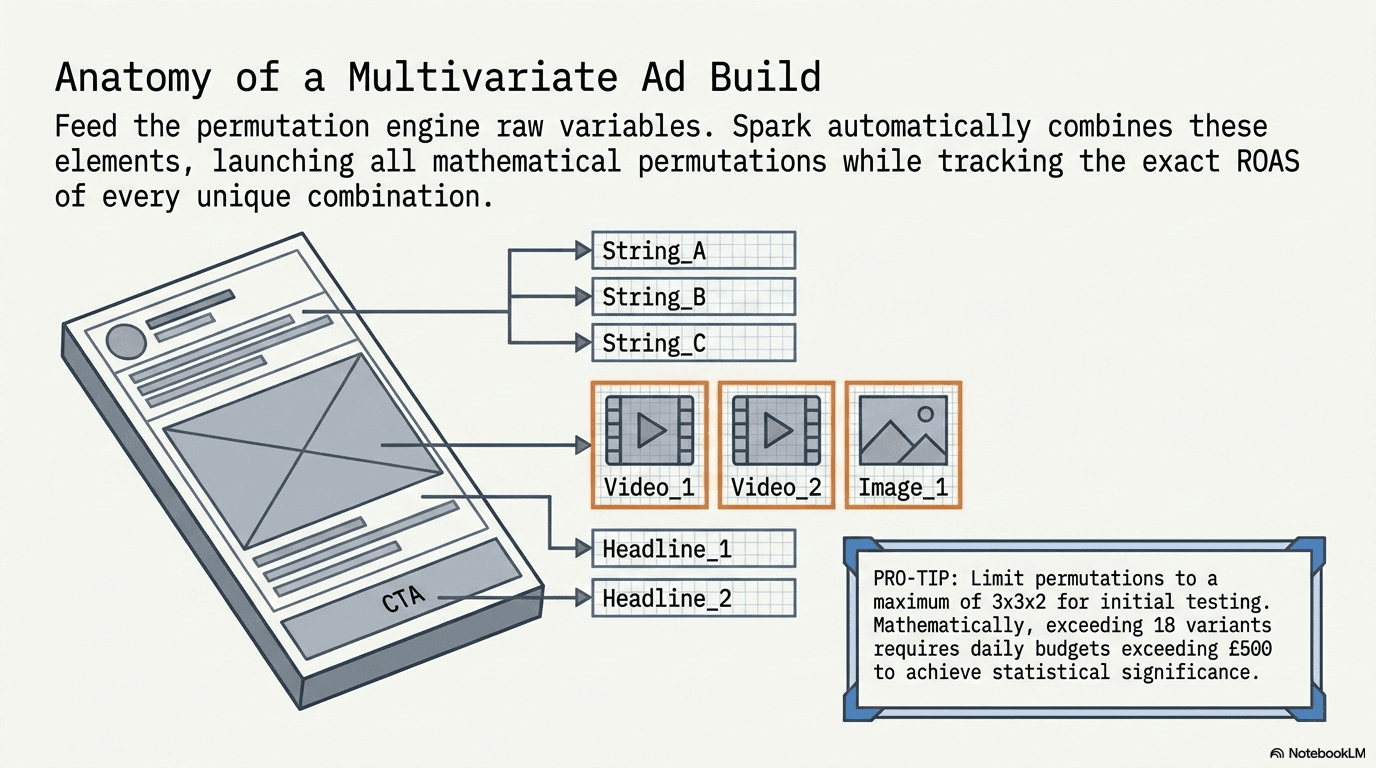
For agencies that want programmatic control rather than relying solely on Ads Manager defaults, Muse Spark 1.1 is available through the new Meta Model API in public preview, priced at $1.25 per million input tokens and $4.25 per million output tokens. This lets you script custom workflows, such as batch-generating ad copy variants for A/B testing, on top of the same model powering Advantage+.
Step 5: Build a Compliance Checkpoint Before Launch
This is the step most teams skip, and it’s the one that matters most. Because product data is promoted automatically without human review at the point of execution, a stale price, an inventory-only title, or a claim that doesn’t comply with platform or consumer advertising law can go live at scale before anyone catches it. Set a pre-launch QA pass on catalog fields, not just on finished ads.
Treat your catalog as the campaign brief. Every product title and description should read like ad copy, because it will become ad copy without edits.
Feed the model consistent, on-brand source images. Muse Image edits and extends what exists in your catalog, so inconsistent product photography produces inconsistent ad creative.
Keep a human in the loop on pricing and claims. Automated promotion is fast, but it isn’t a substitute for a compliance review, especially in regulated categories or across markets with different advertising rules, such as the UK and UAE.
Test the Meta Model API for scale, not just Ads Manager defaults. Agencies managing multiple accounts get more consistent creative testing by scripting variant generation directly against the API.
Limitations to Know Before You Hand Over Control
Muse Spark 1.1 still trails competitor models on the hardest coding and abstract-reasoning benchmarks, though that matters less for ad workflows than for development work. The bigger limitation for advertisers is oversight: with “Audience Types” removed from Advantage+ catalog campaigns, you lose granular manual targeting control in exchange for scale and automation. That trade-off works well for high-volume catalog advertisers and poorly for niche, judgment-heavy campaigns.
Why This Matters for Your Ad Strategy
Meta’s advertising business generated $55 billion in a single quarter in early 2026, with impressions up 19% and price-per-ad up 12%, and that growth is being funded by exactly this kind of AI infrastructure. Advertisers who adapt their catalog and creative workflows to how Muse Spark 1.1 actually operates, rather than fighting it, will see more consistent testing velocity and lower production overhead. Advertisers who ignore it will find their ad copy and creative decided for them, whether they planned for it or not.
If you want a deeper technical walkthrough of the model itself before you brief your team, start with our guide on how to use the Muse Spark 1.1 model or the original Muse Spark AI model overview.
At MotionLabs, we build catalog and creative workflows specifically to work with this new AI-driven ad stack, not around it. If you’d rather have a team handle the setup, testing, and compliance checkpoints for you, get in touch with **Sourse By MotionLabs.**
메타데이터
- post_id
- a09b397b2bda
- slug
- how-to-use-muse-spark-1-1-for-facebook-ads-a-step-by-step-guide-a09b397b2bda
- url
- https://medium.com/@motionlabs26/how-to-use-muse-spark-1-1-for-facebook-ads-a-step-by-step-guide-a09b397b2bda
- canonical_url
- https://medium.com/@motionlabs26/how-to-use-muse-spark-1-1-for-facebook-ads-a-step-by-step-guide-a09b397b2bda
- author_url
- https://medium.com/@motionlabs26
- status
- ok
- fetched_at
- 2026-08-20 10:48:30