What to Learn After HTML, CSS, and JavaScript: The Ultimate Guide to Choosing the Right Library or…
Just finished HTML, CSS, and JavaScript? Wondering what to learn next? Discover which framework or library fits your goals best — React…
What to Learn After HTML, CSS, and JavaScript: The Ultimate Guide to Choosing the Right Library or Framework
Just finished HTML, CSS, and JavaScript? Wondering what to learn next? Discover which framework or library fits your goals best — React, Vue, Angular, or Svelte — with this complete beginner-friendly guide.
Introduction
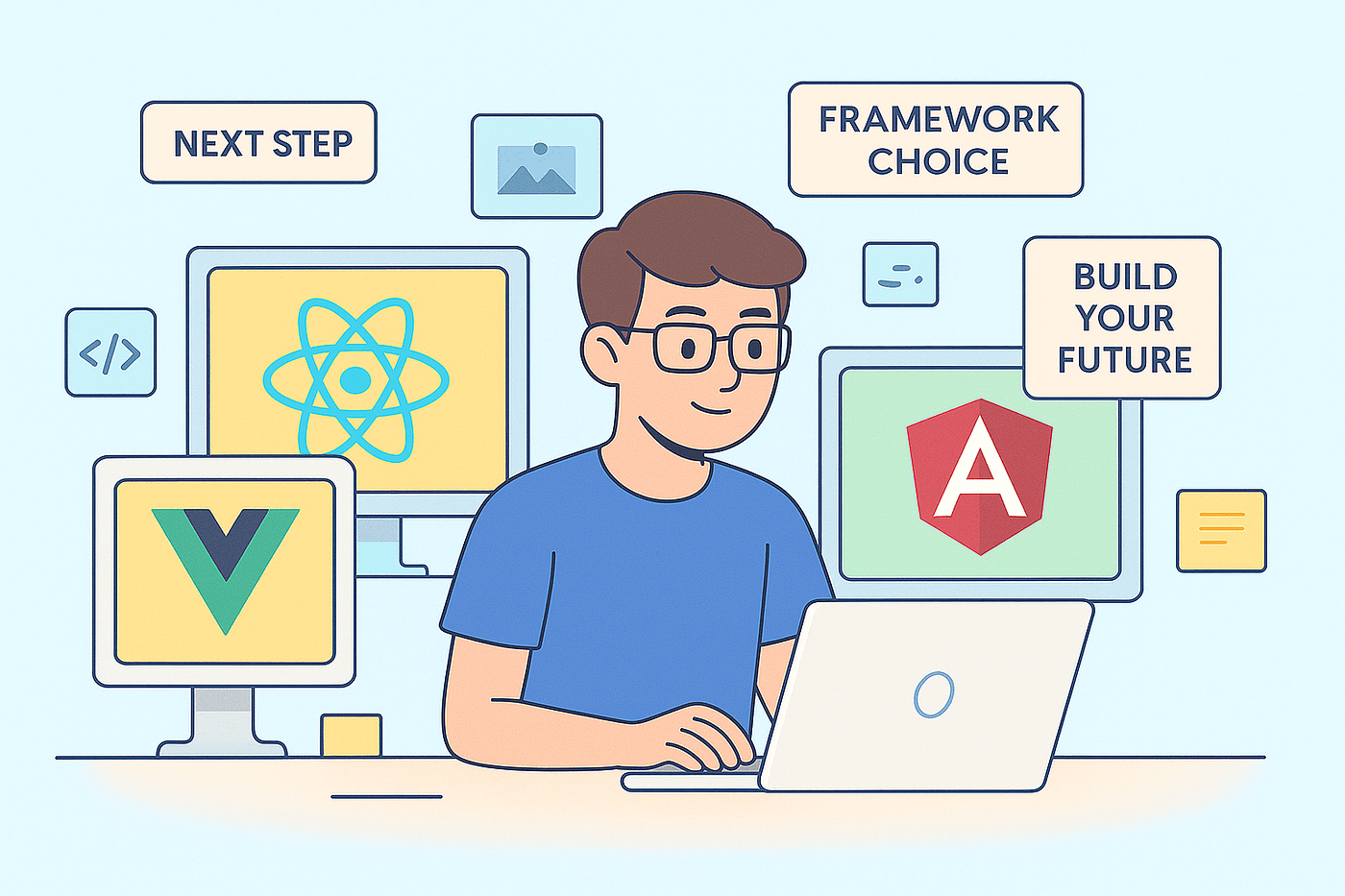
You’ve learned HTML, CSS, and JavaScript — the core building blocks of the web. Now the big question arises: what should you learn next? Should you dive into React, Vue, Angular, or maybe Svelte? What about CSS libraries like Tailwind or Bootstrap?
Choosing the right next step can be confusing, but this guide will help you make a smart, goal-oriented decision. Whether you want to build your portfolio, land a job, or create full-fledged web apps, you’ll know exactly where to go next.
6 Questions to Ask Before Choosing a Framework
- What type of projects do you want to build? (Portfolio, SaaS, e-commerce, etc.)
- Do you want to specialize in front-end or go full-stack?
- What are employers or clients around you asking for?
- Will your projects need scalability and structure?
- Is SEO or performance a top priority?
- Do you want to get a job fast or build creative side projects?
Answering these questions will help you filter down your best-fit technology.
Top Front-End Frameworks and Libraries
1. React
Best for: Beginners to advanced developers who want job opportunities and flexibility. Why learn it: React dominates the job market and has a massive ecosystem. Pros: Huge community, reusable components, supports mobile apps (React Native). Cons: Slightly steep learning curve for beginners (JSX, hooks, state management). Next steps: Learn Next.js (SSR/SSG), React Router, Redux or Zustand, and testing with Jest.
2. Vue.js
Best for: Solo developers and small teams. Why learn it: Simple syntax, easy learning curve, and great documentation. Pros: Reactive system, built-in router and state management (Pinia). Cons: Slightly smaller job market compared to React. Next steps: Learn Nuxt.js (for SSR), Pinia for state management.
3. Angular
Best for: Enterprise-level apps or large teams. Why learn it: Full-featured framework with everything built-in (routing, forms, dependency injection). Pros: TypeScript-first, strong structure, excellent scalability. Cons: Heavier and harder to learn for beginners. Next steps: Explore RxJS, NgRx (state), and Angular Universal (SSR).
4. Svelte / SvelteKit
Best for: Developers who want speed and simplicity. Why learn it: Smaller bundle sizes, amazing performance, and intuitive syntax. Pros: Super-fast rendering, minimal boilerplate, beginner-friendly. Cons: Smaller ecosystem, fewer tutorials (but growing fast). Next steps: Learn SvelteKit for SSR and static site generation.
CSS Frameworks and Styling Tools
Tailwind CSS
Why learn it: Utility-first CSS that lets you build custom designs faster. Pros: Highly customizable, responsive by default. Cons: Long class lists in HTML can feel messy at first.
Bootstrap
Why learn it: Easiest way to build responsive layouts quickly. Pros: Prebuilt components, great for prototypes. Cons: Harder to customize; many sites look similar.
Styled Components / Emotion
Why learn it: Perfect for React projects when you want styles scoped to components. Cons: Slight performance overhead in large apps.
Backend Choices (If You Want to Go Full-Stack)
- Node.js + Express: Great for JavaScript developers; fast and flexible.
- Django (Python): Batteries-included framework for rapid development.
- Laravel (PHP): Easy to learn, ideal for REST APIs.
- Firebase / Supabase: Serverless solutions with built-in auth and database.
Mobile & Cross-Platform Options
- React Native: Build mobile apps using React.
- Flutter: Beautiful UI and high performance (uses Dart).
- Ionic: Create hybrid apps using web tech (HTML, CSS, JS).
Simple Roadmap After HTML, CSS, and JS
Month 1–2: Pick one framework (React / Vue / Svelte). Learn components, props, and state. Month 3: Learn routing and state management. Month 4: Learn Tailwind CSS and Vite or Webpack basics. Month 5: Learn SSR with Next.js / Nuxt / SvelteKit. Optimize for SEO. Month 6: Learn deployment (Vercel, Netlify), testing, and build your portfolio.
Practice Projects to Build
- Portfolio website (with SSR)
- Task manager app (CRUD + Auth)
- Blog platform (Markdown support)
- Mini e-commerce app (cart + checkout)
- Real-time chat app (WebSocket + Node.js)
Final Decision Checklist
- Want fast job placement? React (Next.js)
- Want simplicity and fast setup? Vue or Svelte
- Want structured, enterprise-level projects? Angular + TypeScript
- Want rapid, custom UI design? Tailwind CSS
- Want a full-stack JavaScript experience? React + Node.js
Conclusion
Mastering HTML, CSS, and JavaScript is a huge milestone — you’ve built the foundation every great developer stands on. The next step isn’t about following trends, it’s about choosing the right tool for your journey.
Take your time exploring frameworks like React, Vue, Angular, or Svelte — build small projects, experiment, and find what feels right for you. Every line of code you write brings you closer to mastery.
If this post helped you, don’t forget to share it with other learners who are asking the same question: “What should I learn after HTML, CSS, and JS?” 💡
Keep learning. Keep building. Your developer story has just begun. 💻✨
WebDevelopment #FrontendDevelopment #JavaScript #HTML #CSS #React #VueJS
-
Angular
-
Svelte
-
LearnToCode
메타데이터
- post_id
- a0a4b46d3cf2
- slug
- what-to-learn-after-html-css-and-javascript-the-ultimate-guide-to-choosing-the-right-library-or-a0a4b46d3cf2
- url
- https://medium.com/@projoywebsolutions/what-to-learn-after-html-css-and-javascript-the-ultimate-guide-to-choosing-the-right-library-or-a0a4b46d3cf2
- canonical_url
- https://medium.com/@projoywebsolutions/what-to-learn-after-html-css-and-javascript-the-ultimate-guide-to-choosing-the-right-library-or-a0a4b46d3cf2
- author_url
- https://medium.com/@projoywebsolutions
- status
- ok
- fetched_at
- 2026-08-01 14:11:17