How to Use Temp Mail to Sign Up for AI Tools Without Spam (2026)
You signed up for one free AI tool. Now your inbox gets 15 emails a day. Sound familiar?
How to Use Temp Mail to Sign Up for AI Tools Without Spam (2026)
You signed up for one free AI tool. Now your inbox gets 15 emails a day. Sound familiar?

Use Temp Mail to Sign Up for AI Tools
Every week, there’s a new AI tool promising to change your life. ChatGPT, Perplexity, Claude, Copilot, DeepSeek — the list never ends. And every single one of them wants your email address before you can try anything.
So you hand it over. Because what’s the worst that could happen, right?
Three days later, your inbox looks like a dumpster fire. Welcome emails. “You haven’t tried this feature yet” emails. Weekly newsletters you never asked for. Promotional offers. Re-engagement campaigns. All from tools you used exactly once.
Here’s the thing — it doesn’t have to be this way.
The problem nobody talks about
Most people think spam is just annoying. It is. But it’s also a privacy issue that quietly gets worse over time.
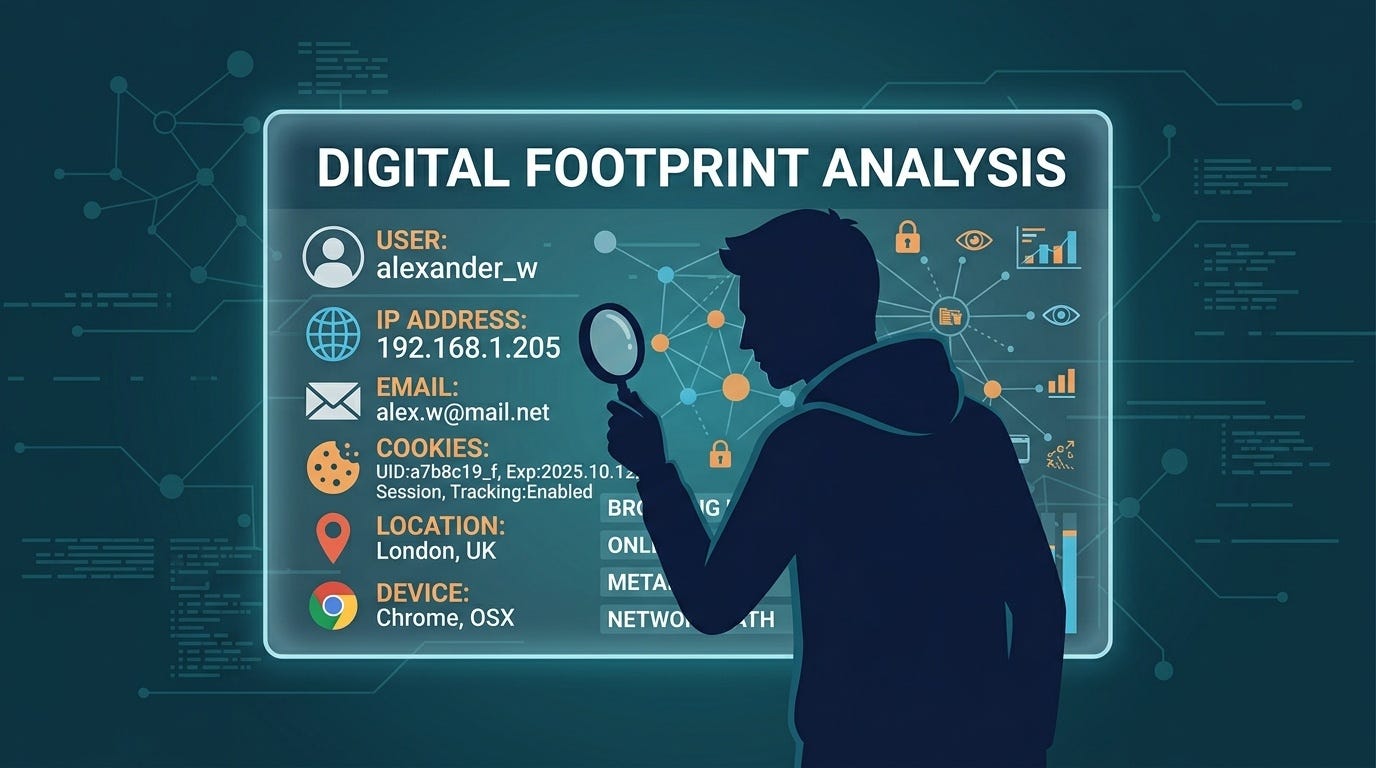
When you give your real email to every AI tool you try, you’re essentially handing over a piece of your digital identity. Companies sell email lists. Data brokers aggregate them. One breach on a platform you barely remember signing up for — and suddenly your email is circulating in places you never intended.
The average American receives over 120 emails per day. A significant chunk of that is promotional content from services they signed up for once and forgot about. That’s not just clutter. That’s time, attention, and mental energy being drained every single day.
What is temp mail — and why does it work perfectly here?
Temp mail — short for temporary email — is a disposable email address that you can use instead of your real one. You generate it instantly, use it for signup and verification, and when you’re done, it disappears. No trace. No follow-up emails. No spam. Ever.
It sounds almost too simple. But that’s exactly what makes it so effective.
You’re not blocking emails. You’re not unsubscribing from lists. You’re simply never getting on those lists in the first place.
Think of it like a burner phone — but for your inbox.

How to use TM-Mail for AI tool signups
This is where it gets practical. TM-Mail is a free temp mail service that requires zero registration, zero payment, and zero setup. You visit the site and your disposable email address is already waiting for you.
Here’s exactly how to use it:

Step 1 — Get your temp mail address
Go to TM-Mail.com. The moment the page loads, you have a unique disposable email address. No forms to fill. No passwords to create. It’s just there.
Step 2 — Copy and use it
Hit the copy button. Go to whatever AI tool you want to try — Perplexity, DeepSeek, Microsoft Copilot, Claude — and paste it into the email field during signup.
Step 3 — Verify your account
Come back to TM-Mail. The verification email will be sitting in your inbox, usually within seconds. Click the confirmation link. Done. You now have a fully working account on that AI tool.
Step 4 — Delete and move on
When you’re finished, close the TM-Mail tab. The email address is gone. The verification email is gone. Your real inbox never knew any of this happened.
Which AI tools work with temp mail in 2026?
Most of the popular ones do. Here are the ones that work smoothly:
Perplexity AI — One of the most useful AI research tools available right now. Signup with a temp mail works perfectly. Verification email arrives in seconds.
Microsoft Copilot — Free access to GPT-4 level AI. No phone number required. Temp mail handles the entire signup process without issues.
Claude AI — Anthropic’s powerful AI assistant. Email-based signup works with temp mail. Clean and straightforward.
DeepSeek — One of the most capable free AI tools of 2026. Temp mail signup works without any friction.
The super trick most people miss
Here’s something that makes temp mail even more powerful for AI tools specifically.
Most AI tools offer a certain number of free queries or generations per account. Once you hit that limit, the free experience either degrades significantly or disappears entirely.
With temp mail, you can create a fresh account whenever you need to. New email. New account. Same tool. This isn’t exploiting anything — it’s just using publicly available free tiers the way they were designed to be used.
The difference is that you’re doing it without polluting your real inbox every single time.
What about ChatGPT and Gemini?
These two are worth mentioning separately because they work a little differently.
ChatGPT sometimes requires phone verification in addition to email — in which case temp mail handles the email part, but you’ll still need your real phone number for that step.
Gemini requires a Google account to sign in, so temp mail doesn’t apply directly there.
For everything else — and there’s a lot of everything else in 2026 — temp mail is your best friend.
A cleaner digital life starts with one small habit
The internet in 2026 runs on email addresses. Nearly every service, tool, platform, and community wants yours before they’ll let you in. That’s not going to change.
But you don’t have to hand over your real one every time.
Using TM-Mail for AI tool signups takes about ten extra seconds. In exchange, you get a cleaner inbox, better privacy, and the freedom to try new tools without any long-term commitment.
It’s a small habit that adds up fast.
Your real email address is valuable. Treat it like one.
Try TM-Mail free at tm-mail.com — no registration, no cost, no catch.
메타데이터
- post_id
- a0ea03786ce0
- slug
- how-to-use-temp-mail-to-sign-up-for-ai-tools-without-spam-2026-a0ea03786ce0
- url
- https://medium.com/@tmmail/how-to-use-temp-mail-to-sign-up-for-ai-tools-without-spam-2026-a0ea03786ce0
- canonical_url
- https://medium.com/@tmmail/how-to-use-temp-mail-to-sign-up-for-ai-tools-without-spam-2026-a0ea03786ce0
- author_url
- https://medium.com/@tmmail
- status
- ok
- fetched_at
- 2026-06-21 15:33:18