My experience with the new Thinkpad T480 and Linux
I’am a web developer and currently involved in a frontend project for the hybris ecommerce suit. This requires to run a local version of…
My experience with the new Thinkpad T480 and Linux
I’am a web developer and currently involved in a frontend project for the hybris ecommerce suit. This requires to run a local version of the entire system, which needs to be updated and reinitialized frequently.
After working on the project for about a week i decided that my 5th gen X1C is not going to cut it since it runs very hot and built/update processes took way too long. This is where the new T480 came into play. After some research I decided that it was worth a shot, even though its a fairly new machine and those tend to to make some trouble along the way ( i was right … :) ).
Iam running Solus OS | Budgie Desktop on all my work and private machines and until this day it has served me very well not only out of the box but also in the support it provides through the founders and the more than active and helpful community. If you haven’t tried it yet or are looking for a solid and well maintained and updated Linux Distribution, that is not some sort of Ubuntu-Fork, look no further and give it a go.
So i bought the T480 with the I7–8550 16GB (now 32) of RAM and the Nvidia MX150 dGPU. Installation and everything worked pretty solid out of the box, keep in mind though not to use Crucial RAM since it will (at least in my case) attempt to fry your system (It was drawing way too much power and even heated up in suspend). I’am using Kingston DDR4 valueRAM 2400 and it is working just fine. I’am not going into specifics about the installation and required drivers since those tend to be somewhat different on every distribution.
The only thing to be pretty strange was the fact that the dGPU was drawing too much power even in idle and the brightness keys were not working properly. This could be solved with a kernelparameter nvidia-drm.modeset=1, however there are a few issues that made this option invalid (like artifacts and some weird dragging on the mouse cursor). After a while of trying different approaches i decided it was not worth it to use the dGPU as of now. At this point i just want to mention that all options i could find did not work (this could be due to my lack of knowledge), but they are too many to mention here. The only thing i would like to contribute here is that on all Nvidia drivers from 347+ most of the options will no longer work, in particular the RegistryDwords and Coolbits.
What did the trick was disabling the nvidia Card and blacklist the nouveau driver. Boy … what a relieve it was when it finally worked and the battery indicator said 20h (On the 72wh battery pack mind you).
This is what u need to do:
These are the only lines for the kernel cmdline that were required to disable the dGPU on my system.
rd.driver.blacklist=nouveau nouveau.modeset=0
Some of you might have read about the fact that the new T480/s and the X1C6 have some builtin throttling that maxes the TDP out at 23W. Many people have complained that this would not reflect the actual capabilities of the machines and was an unnecessary precaution. Fortunately there is a solution. I can not say something about the long-term influence this will have on your system but i can say that it works amazing and gives the machine some real computing power (44W TDP). Built times went down to 100s, which is amazing for a non workstation laptop in my opinion. It will also set the critical temp for the CPU to 85 deg which is still perfectly fine and allows it to keep the max turbo frequencies for a bit longer.
My undervolt config:
*[UNDERVOLT]
CPU core voltage offset (mV)
CORE: -85
Integrated GPU voltage offset (mV)
GPU: 0
CPU cache voltage offset (mV)
CACHE: -85
System Agent voltage offset (mV)
UNCORE: -85
Analog I/O voltage offset (mV)
ANALOGIO: 0*
Use at your own risk:
At this point i could not be happier with the laptop and linux. Everything is running super smooth and battery life is amazing. Took me quite some time to figure everything out and of course make the decision to ditch the dGPU at this point in time (until the drivers work better on Linux, at least for newer chipsets like the MX150).
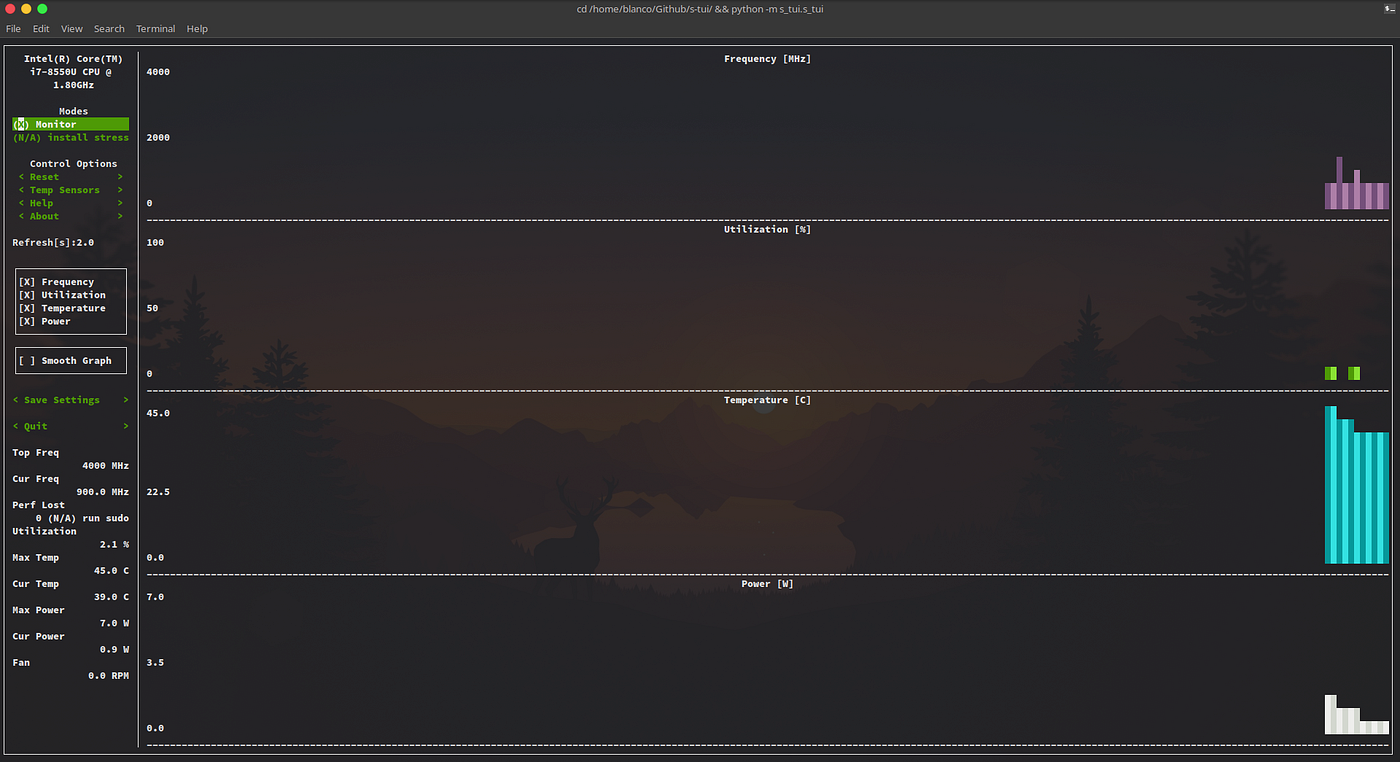
STUI Monitoring in Idle

Desktop of freshly installed and configured system
UPDATE:
So the system has been in use for quite some time now and i can give a little more insight on the battery life and my experience with it in general.
Battery life on the 72wh block goes around 10h of work use, so constant grunt tasking and running a hybris installation on my local machine. Git interaction pushing and pulling … you know the drill.
I have to say iam quite impressed with the performance of such a tiny notebook in perspective.
It has a quite hefty price-tag but for me it is money well spent.
메타데이터
- post_id
- a1a716518f3a
- slug
- my-experience-with-the-new-thinkpad-t480-and-linux-a1a716518f3a
- url
- https://medium.com/@blanconize/my-experience-with-the-new-thinkpad-t480-and-linux-a1a716518f3a
- canonical_url
- https://medium.com/@blanconize/my-experience-with-the-new-thinkpad-t480-and-linux-a1a716518f3a
- author_url
- https://medium.com/@blanconize
- status
- ok
- fetched_at
- 2026-07-30 02:06:40


