I Deleted Notion and Rebuilt My Whole Life Inside Apple’s Own Apps
The second brain was never something you had to install. It was sitting on your iPhone the whole time.
I Deleted Notion and Rebuilt My Whole Life Inside Apple’s Own Apps
The second brain was never something you had to install. It was sitting on your iPhone the whole time.
Notion is a wonderful piece of software. That is exactly why it became a problem for me.
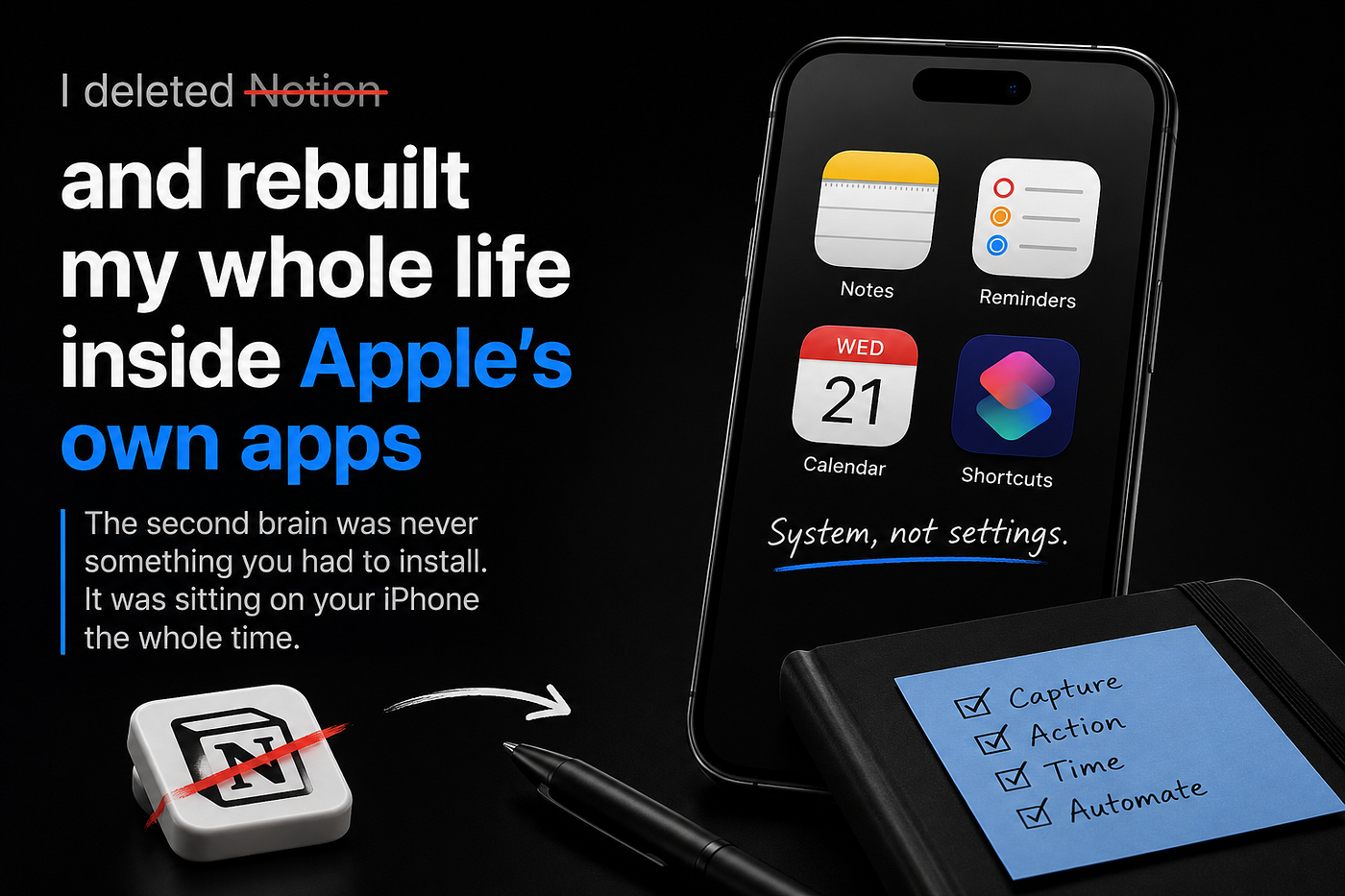
Source: Image created by me
For about two years, I ran my life inside it. Tasks, notes, projects, goals, a finance tracker, a reading list, the lot. It looked impressive. Every so often, someone would glance at my screen and ask how I kept it all so organised. The honest answer, which I never gave, was that keeping it organised had quietly become its own hobby.
The tool quietly became the second job
That is the hidden cost of a build-your-own-everything tool. You set out to organise your life, and you end up maintaining a piece of software instead. The database needs tidying. A relation breaks. A view stops showing what it used to. You open it to jot down a single thought, and forty seconds later, you are adjusting a filter. The system was meant to serve the life. Somewhere along the way the life started serving the system.
I deleted it and rebuilt from what I already owned
Eventually, I deleted it. Not in frustration, just with a clear head. Then I rebuilt the whole thing using apps that were already on my phone and had been the entire time: Notes, Reminders, Calendar, and Shortcuts.
Here is the part that surprised me. Nothing got worse. Most of it got noticeably better.
Four apps, four jobs
The idea is simple. Each native app does one job, and one job only.
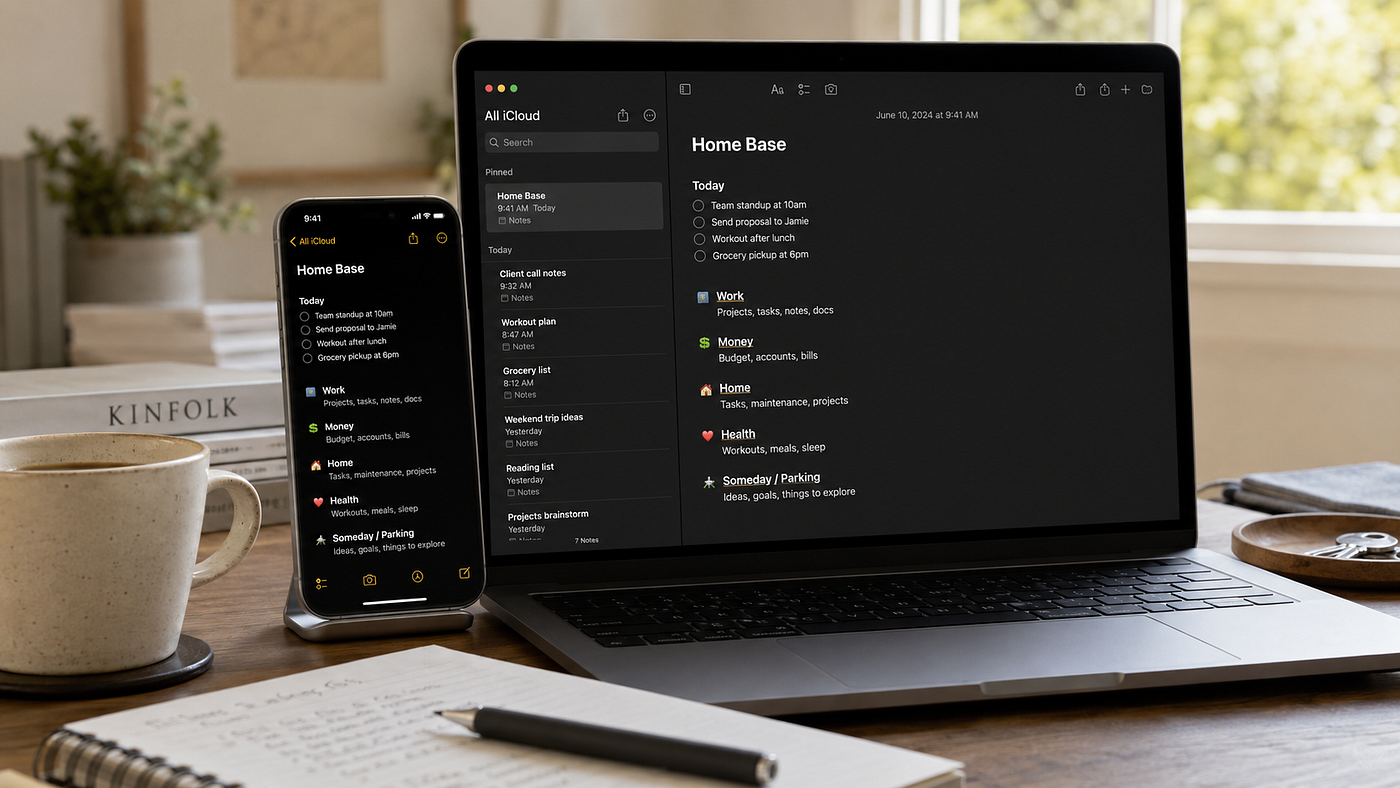
Notes is the capture layer. Anything that enters my head goes there first, with no decision about where it belongs yet. A single pinned note works as my home base, a plain page that links out to everything else. It opens the instant I tap it, with no loading wheel and no waiting for a workspace to wake up.
Reminders is the action layer. If a thought needs doing rather than keeping, it becomes a reminder with a date, and a location where that helps. This is the part Notion never handled well for me, because a task buried in a database is a task you have to go looking for. A reminder comes to find you.
Calendar is the time layer. It holds anything that lives at a fixed point, commitments and deadlines and the blocks I protect for real work. Nothing clever, just trustworthy.
Shortcuts is the automation layer, and it is where the whole thing stops feeling manual. One tap opens my home base and starts a focus session, with today’s handful of priorities already waiting. The setup that used to need a paid tool now runs on a button.
Less powerful, and better for it
The reason this works is not that Apple’s apps are more powerful than Notion. They are not, and I would not pretend otherwise. They win on the things that actually matter for running one person’s life. They are instant, and they are already synced across every device I own without me configuring anything. They do not break in the middle of a busy week, and they are free, with nothing to renew and nothing to lose access to. Best of all, they give me nothing to fiddle with. There is no perfect dashboard to chase, because there is no dashboard at all, only a few plain notes that do their job and then leave me alone.
Where Notion still belongs
I want to be fair to Notion, because the criticism here is a narrow one. For a team, for a shared wiki, for genuinely complex relational data, it is excellent, and I would still reach for it. The trouble is that almost nobody is using it for that. They are using a tool built for companies to run a single human life, and that mismatch is where all the friction lives. Power you do not need does not sit quietly in the background. It asks to be used.
The shift I was slow to see
This is the shift that took me far too long to see. A second brain was never something I had to install, subscribe to, or construct from a blank page. It was the four apps already sitting on my phone, waiting to be arranged into a system instead of left as a loose pile of features.
System, not settings. That has become the whole point for me. The goal is not the most capable app. It is the least possible friction between a thought and the place it belongs.
When I rebuilt mine, I wrote the entire thing down so I would never have to reconstruct it from memory, the structure, the home base, the templates for daily notes and weekly reviews, the way the four apps link into one another. I have since turned that into a guide called The Apple Life OS, the second brain you do not need Notion for. If you want the finished setup without building and rebuilding it a dozen times yourself, it is here for $24: **apple-life-os**
Whether you pick it up or build your own from this article, do one small thing first. Open Notes and make a single page called Home Base. Start there. The rest follows more easily than you would expect.
If this is your kind of thinking, I write more of it every week. You can follow along here:@anilkumarbakkashetti
메타데이터
- post_id
- a25dcee0e612
- slug
- i-deleted-notion-and-rebuilt-my-whole-life-inside-apples-own-apps-a25dcee0e612
- url
- https://medium.com/miles-metrics/i-deleted-notion-and-rebuilt-my-whole-life-inside-apples-own-apps-a25dcee0e612
- canonical_url
- https://medium.com/miles-metrics/i-deleted-notion-and-rebuilt-my-whole-life-inside-apples-own-apps-a25dcee0e612
- author_url
- https://medium.com/@Anilkumarbakkashetti
- status
- ok
- fetched_at
- 2026-06-27 07:40:21