Enhanced Measurement in GA4: What to Keep, What to Skip
If you’ve recently set up Google Analytics 4, you’ve probably seen the Enhanced Measurement feature. It’s pitched as an easy way to track…
Enhanced Measurement in GA4: What to Keep, What to Skip
If you’ve recently set up Google Analytics 4, you’ve probably seen the Enhanced Measurement feature. It’s pitched as an easy way to track common user interactions like page views, scrolls, and video plays without any coding.
Sounds helpful, right?
Well, yes and no.
Enhanced Measurement is useful for quickly collecting data, but some of its auto-tracked events can lead to misleading metrics or bloated reports.
In this article, we’ll walk you through which GA4 Enhanced Measurement events are worth keeping, which ones to skip, and when it’s smarter to use custom tracking.
What Is Enhanced Measurement in GA4?
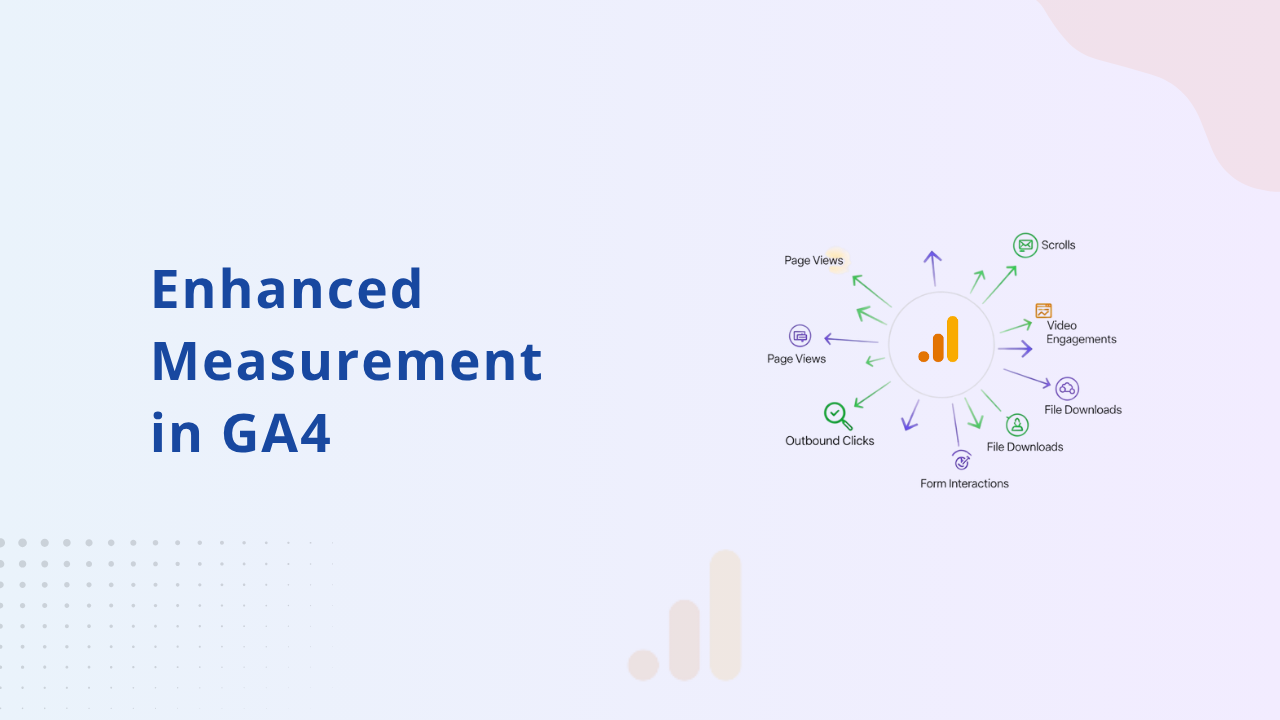
Enhanced Measurement is a default GA4 setting that automatically tracks the following seven events:
- Page views
- Scrolls
- Outbound link clicks
- Site search
- Video engagement
- File downloads
- Form interactions
You can enable or disable any of these within your GA4 Data Stream settings (Admin → Data Streams → Web → Enhanced Measurement).
It’s great for marketers who want to skip Google Tag Manager (GTM), but it’s not always perfect. Several of these events are either too broad, inaccurate, or simply not useful in many real-world setups.
Events You Should Keep Enabled
- Page Views
This is essential. It’s the foundation of any GA4 reporting and provides key metrics like bounce rate and session duration. Leave it on.
- Outbound Clicks
Enabling this helps you see when users are clicking links that take them off your site. It’s especially useful if you rely on affiliate marketing, external payment links, or third-party tools.
- File Downloads
If your website offers downloadable content (PDFs, brochures, eBooks), this event provides great insight. But if your site doesn’t include downloadable assets, feel free to disable it.
Events you might want to skip
- Scroll tracking
GA4 only tracks scrolls when someone reaches 90% of the page. It won’t fire at 25%, 50%, or 75% — which are often more useful for understanding engagement.
Tip: Use Google Tag Manager to set up scroll depth triggers that reflect more meaningful user behavior.
- Site search
This only works if your website uses query parameters like ?q=keyword in the URL. If your search function is powered by JavaScript or AJAX and doesn’t update the URL, this event won’t track anything.
Fix: Configure site search manually via GA4 or GTM for accurate results.
- Video engagement
Enhanced Measurement only tracks YouTube videos embedded using the iframe API. If you’re using Vimeo, Wistia, or self-hosted videos, this won’t work.
Workaround: Use GTM to track video plays, pauses, and completions for non-YouTube platforms.
- Form interactions
GA4 sometimes tracks form starts or submissions incorrectly — especially if your forms use JavaScript, modals, or AJAX.
Recommendation: Set up form tracking via GTM or server-side if your forms are key to your business goals.
Read Full Article Here: Enhanced Measurement in GA4: What to Keep, What to Skip
메타데이터
- post_id
- a260dcef1bb3
- slug
- enhanced-measurement-in-ga4-what-to-keep-what-to-skip-a260dcef1bb3
- url
- https://medium.com/@conversios/enhanced-measurement-in-ga4-what-to-keep-what-to-skip-a260dcef1bb3
- canonical_url
- https://medium.com/@conversios/enhanced-measurement-in-ga4-what-to-keep-what-to-skip-a260dcef1bb3
- author_url
- https://medium.com/@conversios
- status
- ok
- fetched_at
- 2026-07-20 09:01:03