Sending Push Notifications in Django REST Framework with OneSignal
In modern applications, push notifications are more than just alerts — they’re engagement tools. Whether you’re notifying users about…
Sending Push Notifications in Django REST Framework with OneSignal
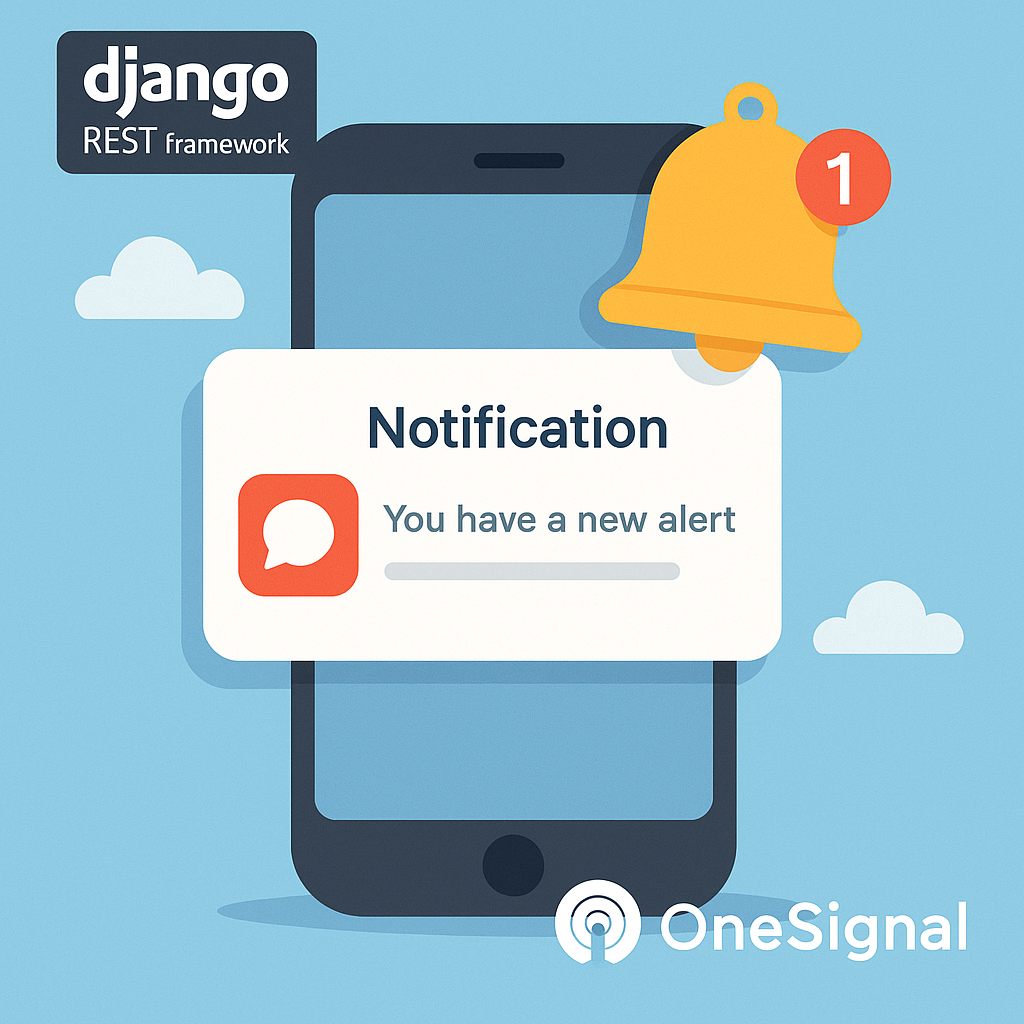
In modern applications, push notifications are more than just alerts — they’re engagement tools. Whether you’re notifying users about order updates, messages, or system alerts, integrating push notifications in your Django project is a powerful way to keep your users informed and active.
In this guide, we’ll walk through how to send push notifications using OneSignal in a Django REST Framework (DRF) API.
Why OneSignal?
OneSignal is a popular and scalable platform for mobile and web push notifications. It supports:
- iOS / Android / Web push
- In-app messaging
- Targeted and scheduled delivery
- Rich media (images, buttons, etc.)
It also provides a powerful REST API, making integration with Django easy.
Step 1: Create a OneSignal App
- Go to https://onesignal.com and create an account.
- Create a new App.
- Set up your platforms (e.g., Web Push, Android).
- Copy your App ID and REST API Key from the OneSignal dashboard.
Step 2: Store Configuration in Django
Add the OneSignal credentials in your settings:
# settings.py
ONESIGNAL_APP_ID = "your-onesignal-app-id"
ONESIGNAL_API_KEY = "your-rest-api-key"
ONESIGNAL_API_URL = "https://onesignal.com/api/v1/notifications"
Step 3: Create a Utility to Send Notifications
Create a Python utility to send requests to OneSignal’s API.
# notifications/utils.py

import requests
from django.conf import settings

def send_push_notification(title, message, user_ids=None, data=None):
    headers = {
        "Authorization": f"Basic {settings.ONESIGNAL_API_KEY}",
        "Content-Type": "application/json"
    }

    payload = {
        "app_id": settings.ONESIGNAL_APP_ID,
        "headings": {"en": title},
        "contents": {"en": message},
        "include_external_user_ids": user_ids or [],
        "data": data or {}
    }

    response = requests.post(settings.ONESIGNAL_API_URL, json=payload, headers=headers)

    if response.status_code == 200:
        return response.json()
    else:
        return {
            "error": response.status_code,
            "details": response.json()
        }
Step 4: Connect with Users
To send notifications to a specific user, OneSignal requires external_user_id, which should match your Django User.id or User.public_id.
You must ensure users register their OneSignal ID during login/registration:
# profiles/models.py

class UserProfile(models.Model):
    user = models.OneToOneField(User, on_delete=models.CASCADE)
    onesignal_player_id = models.CharField(max_length=255, blank=True, null=True)
Then, store the player ID from your frontend during login.
Step 5: Send Notifications from Your Views
# api/views.py

from rest_framework.views import APIView
from rest_framework.response import Response
from rest_framework.permissions import IsAuthenticated
from notifications.utils import send_push_notification

class NotifyUserView(APIView):
    permission_classes = [IsAuthenticated]

    def post(self, request):
        title = request.data.get("title", "Hello!")
        message = request.data.get("message", "You have a new alert.")
        user_ids = [str(request.user.id)]

        result = send_push_notification(title, message, user_ids)
        return Response(result)
Example Payload from Frontend
{
  "title": "Order Shipped",
  "message": "Your order #1234 has been shipped!"
}
Frontend SDKs like OneSignal JS or mobile SDKs can handle subscriptions and manage player IDs.
Best Practices
- Always log OneSignal responses for debugging.
- Use OneSignal Segments to group users.
- For performance, consider sending async via Celery.
- Provide users with notification preferences in their profile.
Conclusion
Integrating push notifications into a DRF backend with OneSignal gives your app a critical real-time edge. Whether it’s for user engagement or operational alerts, your users stay informed — and your platform stays reactive.
메타데이터
- post_id
- a27c1a970eb2
- slug
- sending-push-notifications-in-django-rest-framework-with-onesignal-a27c1a970eb2
- url
- https://medium.com/django-unleashed/sending-push-notifications-in-django-rest-framework-with-onesignal-a27c1a970eb2
- canonical_url
- https://medium.com/django-unleashed/sending-push-notifications-in-django-rest-framework-with-onesignal-a27c1a970eb2
- author_url
- https://medium.com/@osirusdjodji
- status
- ok
- fetched_at
- 2026-08-12 04:57:44