Why You Can Finish 100 Python Tutorials and Still Freeze on a Blank File
The gap between understanding code and writing it is bigger than anyone tells you. Here’s the framework, and the exercises that close it.
Why You Can Finish 100 Python Tutorials and Still Freeze on a Blank File
The gap between understanding code and writing it is bigger than anyone tells you. Here’s the framework, and the exercises that close it.
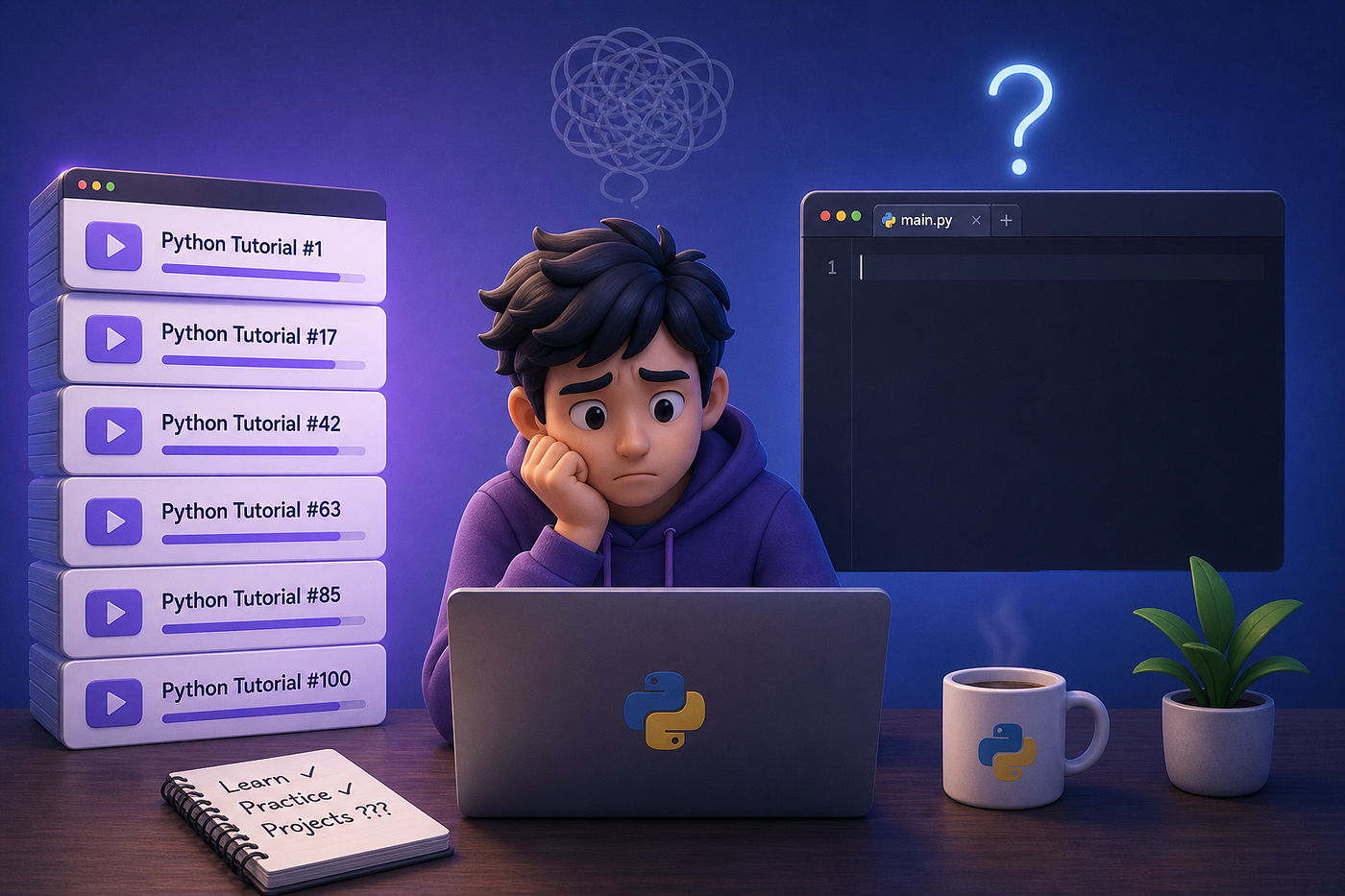
You finish a tutorial. Everything made sense. The instructor walked through a problem, you nodded along, the code ran, and you felt the small click of understanding.
Then you open a blank file the next day, try to write something on your own, and freeze.
You know loops exist. You’ve seen them work twenty times. But you can’t quite remember whether to use range(len(list)) or just iterate directly, what the difference is between enumerate and zip, or why your for loop suddenly throws an error when you try to modify the list while looping over it.
You’re not bad at Python. You’ve just discovered something most courses don’t tell you upfront: understanding code and being able to write code are two different skills, and the second one is built almost entirely through a specific kind of practice.
The frustrating part is that “practice more” isn’t the answer either. We’ve watched tens of thousands of people learn Python over the past decade, and the pattern is consistent: some people grind through hundreds of exercises and still feel stuck. Others practice half as much and become fluent. The difference isn’t volume. It’s what kind of practice they’re doing, and when.
Here’s what we’ve found actually works, and the specific exercises and projects that fit each stage.
The Recognition vs. Recall Gap
Before the framework, it’s worth being precise about what’s actually happening when you freeze on a blank file.
When you watch a tutorial, your brain is in recognition mode. The instructor writes:
result = [x**2 for x in numbers if x > 0]and you think yes, that makes sense, I follow it. That feeling is real. You do follow it.
But recognition isn’t recall. When you sit down to write that line yourself, with no scaffolding, your brain has to:
- Decide that a list comprehension is the right tool for what you’re trying to do
- Remember the syntax order (expression first, then
for, thenif) - Recall whether the condition goes before or after the
forclause - Know what shape the output will be so you can use it in the next step
Each of those is a separate cognitive operation. Tutorials train (1) and partly train (2). They barely touch (3) and (4). And (3) and (4) are exactly what real coding demands.
This is why your first real script feels like hitting a wall. You’re not missing knowledge. You’re missing retrieval fluency — the ability to summon the right tool, with the right syntax, in the right sequence, without prompts.
That’s a different skill, and it’s built through a specific kind of practice.
Practice Has Three Modes, and Most People Only Use One
Effective practice has three distinct modes. They feel similar from the outside, but they build different skills, and using the wrong one at the wrong time is the main reason people plateau.
Mode 1: Targeted Exercises
This is where you start. You drill one concept at a time. Loops one day. Functions the next. List comprehensions the day after that. Each exercise hits the same skill from a slightly different angle until reaching for the syntax stops feeling effortful and starts feeling automatic.
The goal here isn’t to learn new things. It’s to make the things you already sort-of-know automatic. There’s a real difference between:
# "I think this should work..."
for i in range(len(my_list)):
    print(my_list[i])
and:
# "I write loops without thinking."
for item in my_list:
    print(item)
Both are correct Python. Both produce the same output. But the first version is what someone writes when they’re translating from memory. The second is what someone writes when they actually think in Python. Multiply that by every operation you’ll ever code, and you have the difference between someone who can build things and someone who can only follow along.
Most people skip this stage too quickly because it feels boring. That’s a mistake. Boring is the point. Boredom means your brain is no longer working hard to recall the syntax — which is exactly the state you need to reach before moving on.
If you want a starting point for this kind of practice, here are the four sets we’d recommend running through first, in order. They’re free, they run in the browser with no setup, and together they cover the foundations most other code stands on:
- **Programming in Python** — the absolute basics. Print statements, operators, simple calculations. Eleven exercises that exist to make you comfortable with the editor and the rhythm of writing-then-running code.
- **Lists and For Loops** — twenty exercises on the single most important pattern in Python. If you want one set to over-invest in early on, it’s this one.
- **Dictionaries and Frequency Tables** — eleven exercises on counting, grouping, and looking things up. Frequency tables are everywhere in real code, and this is where the pattern starts feeling natural.
- **Pandas Series** — twenty-three exercises that bridge from pure Python into data work. Worth doing even if data isn’t your end goal, because the indexing patterns transfer.
Run through those four sets in the order listed and you’ll have done close to seventy targeted exercises across the most important early concepts. That’s enough volume to start feeling the shift from recognition to recall.
Mode 2: Coding Challenges
Once your fundamentals feel automatic, the bottleneck shifts. Now your problem isn’t recalling syntax — it’s combining concepts to solve something you haven’t seen before.
This is where coding challenges come in. LeetCode, HackerRank, and Exercism give you problems that require pulling together loops, conditionals, data structures, and edge-case thinking all at once. You can’t get through them by reciting syntax. You have to plan. Exercism is particularly good if you want code review — the community will critique your solutions, which is something neither targeted exercises nor LeetCode really offer.
This mode also forces a skill that targeted exercises don’t: thinking out loud while you code. That sounds trivial until you sit in your first technical interview and realize the interviewer cares less about your final answer than about how you reasoned your way there.
Mode 3: Projects
Then there’s the mode where things actually click into place.
Writing a function that passes a unit test is one skill. Building something that has to handle real users’ messy input requires reading documentation you don’t fully understand and making design decisions with no obvious right answer — that’s a different skill entirely.
Projects are uncomfortable in a way exercises never are. Nobody hands you a problem statement. You have to define the problem yourself, decide what “done” means, and figure out what to build when the tutorial runs out. That discomfort is the work. It’s where exercises stop being enough and real fluency starts.
You don’t need to wait until you feel “ready” for projects. If you can write functions, work with lists and dictionaries, and handle basic file I/O, you have enough. Most people hit that point around week six or eight of consistent practice — much sooner than they expect.
If you don’t already have a project in mind, three free guided ones are worth starting with:
- **Interactive Word Game** — a word-guessing game built with loops, conditionals, and string operations. The logic is small enough to finish in a sitting, and the result is something you can actually play. Great for the first hit of “I built this.”
- **App Market Analysis** — your first real data analysis on real data. You’re working with App Store and Google Play datasets to figure out which app categories actually attract users. The first time exercises feel pointed at something real.
- **Exploring Hacker News Posts** — use Python loops, string cleaning, and date handling to dig into Hacker News post data and uncover what kinds of posts get the most engagement. A natural bridge from targeted exercises to real-world messiness, on a dataset Medium readers will already recognize.
Pick one based on what sounds most fun to you, not which one is “best.” Motivation is the limiting factor in projects, and you’ll learn more from the one you actually finish.
A Week-by-Week Plan That Holds Up
The learners who actually make it aren’t the ones who practice the longest. They’re the ones who practice consistently. Twenty focused minutes every day will take you further than a three-hour cram session on Sunday. The Sunday session feels heroic. The daily twenty minutes is what actually rewires your brain.
Here’s a structure that holds up:
Weeks 1–4: Pure targeted practice. Work through the four exercise sets above, one per week. Aim for 3–5 exercises per session, 20–30 minutes a day. The goal is automatic recall, not breadth.
Weeks 4–8: Mix in challenges. Spend half your time pushing into new topics — string manipulation, file I/O, error handling, working with classes. Spend the other half on LeetCode or HackerRank problems that force you to combine what you already know. This is when things start feeling fluid instead of frustrating.
Weeks 8 and beyond: Start a project. Pick one of the three above, or something of your own. Keep doing 2–3 challenge problems per week alongside it. The project gives you something real to care about. The challenges keep your problem-solving sharp.
That’s it. That’s the plan. The reason it works isn’t because it’s clever. It’s because it matches the three modes to the stage where each one delivers the most.
What About AI Coding Tools?
Worth addressing directly, because everyone asks: yes, tools like Copilot, ChatGPT, and Claude change the picture. But probably not the way you think.
They’re genuinely useful for learning when used well. Explaining a confusing error message. Reviewing the code you just wrote and pointing out that you’re using a clunky pattern where there’s a cleaner one. Generating fresh practice problems when you’ve exhausted the obvious ones.
They stop being useful the moment you use them to skip the problem-solving itself. The struggle of working through a bug you don’t immediately know how to fix — that is the learning. Outsourcing that part is like watching someone else lift weights and expecting to get stronger.
The developers who’ll thrive in the AI era aren’t the ones who let AI write code for them. They’re the ones who understand Python deeply enough to spot when AI is wrong, judge when a generated solution is brittle or inefficient, and know what to ask for in the first place. The fundamentals are what give you that judgment. AI tools amplify it; they don’t replace it.
The Real Takeaway
If there’s one thing worth taking from this, it’s this:
Stop trying to learn Python. Start trying to use Python.
Watching code, reading about code, nodding along to code — those are the warm-up. The actual learning happens when you sit with a blank file, write something that doesn’t work, and figure out why. Every developer you admire has done this thousands of times. There’s no shortcut, but there’s also nothing magical about it. It’s just a matter of showing up, choosing the right kind of practice for where you are, and not quitting when it gets uncomfortable.
The people who freeze at the blank file aren’t bad at Python. They just haven’t done enough of the work that makes the blank file feel familiar.
You can start today. Twenty minutes is enough.
If you want to keep going past the four sets above, the full Dataquest practice library has 130+ free exercises across thirty topics — loops, dictionaries, NumPy, pandas, algorithms — all runnable in the browser with no setup.
And we’d love to hear from you: what’s the one Python concept that finally clicked for you, and what made it click? Tell us in the comments.
메타데이터
- post_id
- a35da030e12f
- slug
- why-you-can-finish-100-python-tutorials-and-still-freeze-on-a-blank-file-a35da030e12f
- url
- https://medium.com/@dataquestio/why-you-can-finish-100-python-tutorials-and-still-freeze-on-a-blank-file-a35da030e12f
- canonical_url
- https://medium.com/@dataquestio/why-you-can-finish-100-python-tutorials-and-still-freeze-on-a-blank-file-a35da030e12f
- author_url
- https://medium.com/@dataquestio
- status
- ok
- fetched_at
- 2026-07-12 02:25:03